
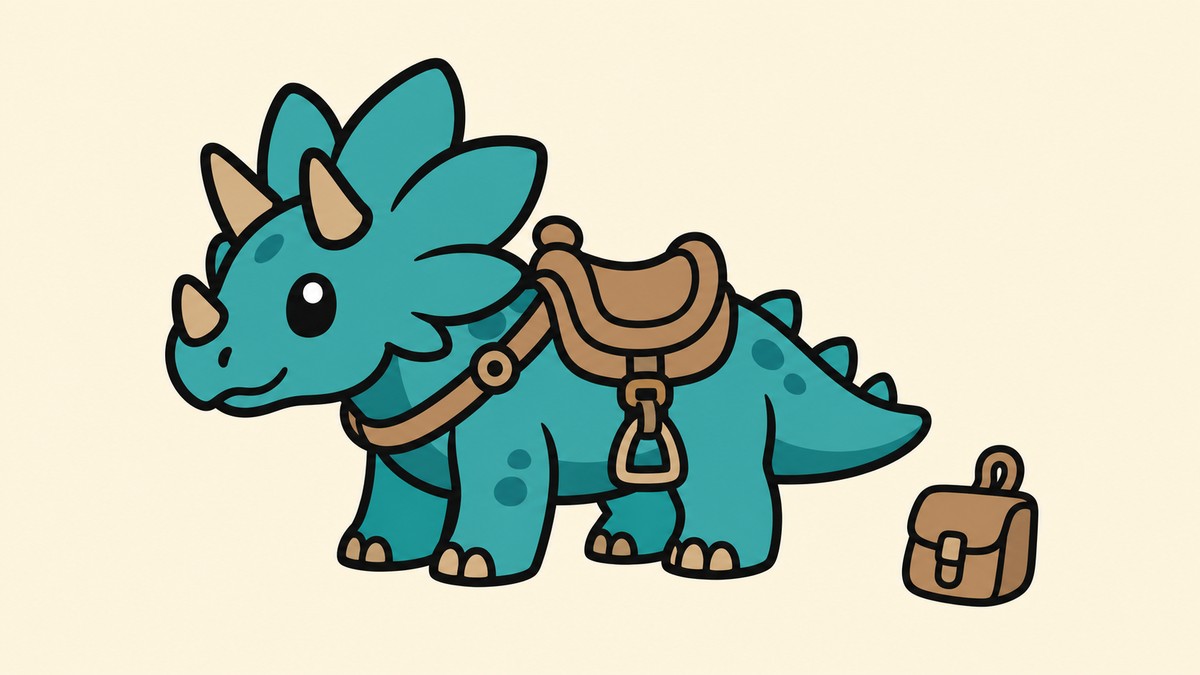
No, in standard Palworld 1.0 you cannot mount rideable Pals until you have crafted that Pal’s specific saddle or Pal Gear and picked it up into your Key Items.
The confusing part is that a Pal can have a rideable Partner Skill and still refuse to show Ride. Palworld treats mounts as a Pal Gear chain, so the mount prompt only appears after the matching item exists in the right place.
No-saddle riding in normal saves
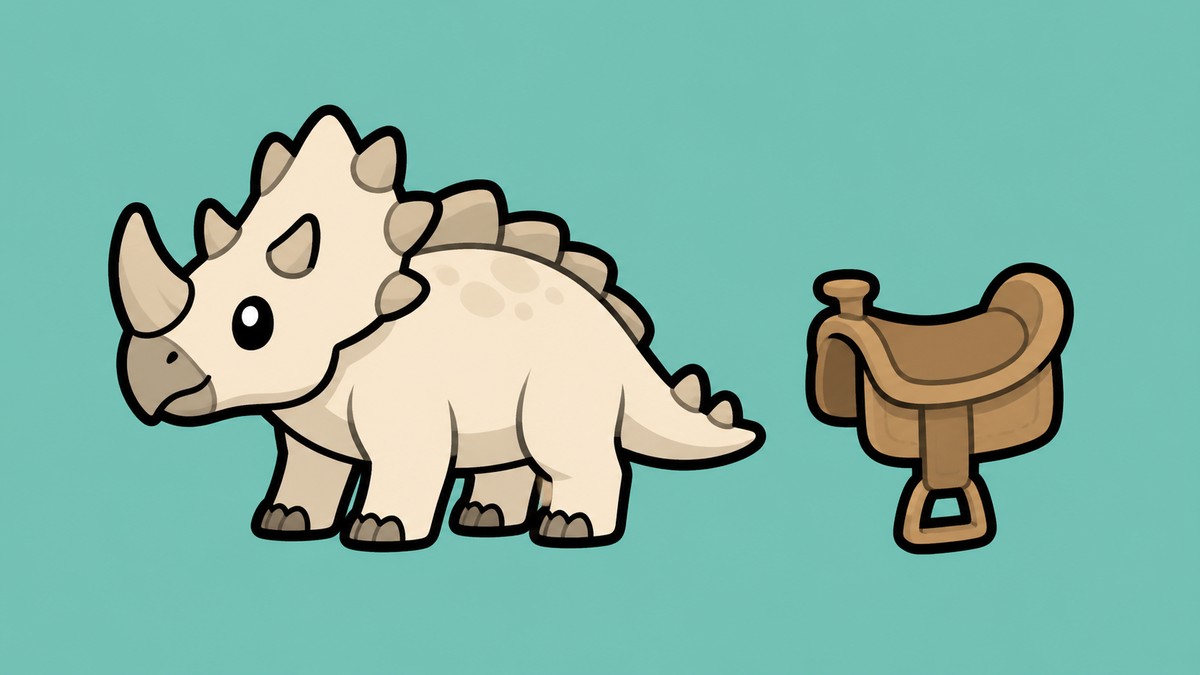
For regular Palworld 1.0 play, rideable does not mean immediately rideable. The Pal needs its own matching saddle, harness, or other Pal Gear before its mount skill becomes usable.
That applies across ground, flying, and water mounts. A Direhowl, Nitewing, or any other mountable Pal still needs the correct gear made for that exact species.
There are community claims tied to randomized Pal spawn settings, but those belong outside the normal-save answer. Treat them as a custom-world edge case, not as the baseline rule for Palworld 1.0.
What Palworld checks before Ride appears
| Requirement | What |
|---|---|
| Capture the Pal | Catch the rideable species so its gear blueprint can appear in Technology. |
| Unlock the recipe | Reach the required player level and spend the needed Technology Points. |
| Use the right workstation | Craft the saddle or Pal Gear at a Pal Gear Workbench. |
| Collect the finished gear | Pick up the crafted item so it moves into Key Items. |
| Bring the matching Pal | Place that Pal in your active party. |
| Summon the Pal | Call it out in the field and use the Ride prompt when it appears. |
KEY!The mount prompt is the end of a short chain: catch the Pal, unlock its gear, craft it, collect it, then summon that same Pal from your party. Missing any one link leaves the Partner Skill unavailable even if the Pal itself is rideable.
Pal saddles sit under Pal Gear, not normal equipment. Once the item is in Key Items, you do not equip it like armor or hold it in a hotbar; the game simply uses it to enable that Pal’s Partner Skill.
How to unlock and ride your first mount
Catch a rideable Pal

Pick a species you actually want to ride, such as Direhowl for an early ground mount or Nitewing for an early flying mount.
Open Technology
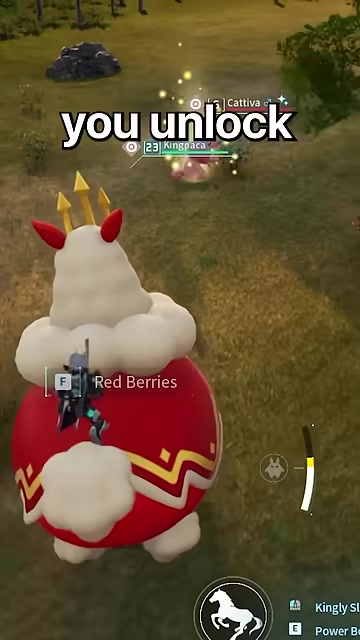
Find that Pal’s specific saddle or Pal Gear recipe after the blueprint becomes available.
Unlock the gear

Spend the required Technology Points once your player level is high enough for the recipe.
Craft it at the Pal Gear Workbench

Use the listed materials at the Pal Gear Workbench; the exact materials depend on the Pal.
Pick up the finished item

Make sure the completed saddle or gear lands in Key Items, not left sitting at the bench.
Add the Pal to your party
Put the same species in your active party, then summon it outside.
Use Ride
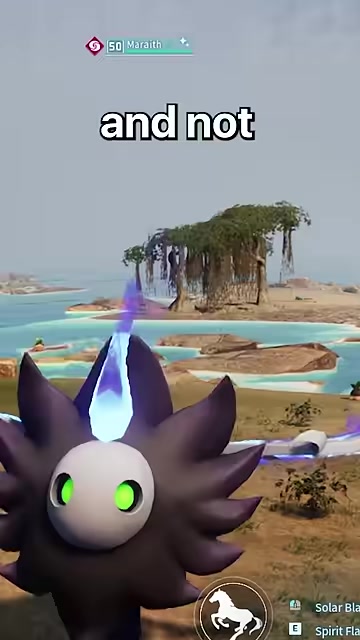
When the Pal is out and the gear check passes, use the on-screen Ride prompt to mount.
After crafting a saddle, collect it from the Pal Gear Workbench before testing Ride; leaving the item on the bench is one of the easiest ways to think the mount is bugged.
Why a rideable Pal still will not mount
| Problem | Fix |
|---|---|
| You crafted gear for a different Pal | Craft the saddle or Pal Gear that matches the exact species you are trying to ride. |
| The recipe is not in Technology yet | Capture that Pal first, then check Technology after reaching the required level. |
| The gear was made but Ride is missing | Return to the Pal Gear Workbench and pick up the completed item. |
| The Pal is in storage or at base | Move it into your active party. |
| The Pal is not currently out | Summon it in the field before looking for Ride. |
| The Partner Skill says it can be ridden | Create that Pal’s required gear first; the skill text alone does not enable mounting. |
If the Pal is rideable but the prompt is missing, assume the gear chain is incomplete before blaming the Pal. Most failures come from using the wrong species, unlocking the wrong recipe, or forgetting that Partner Skills stay inactive until their gear exists.
Early mount examples follow the same rule. Direhowl’s Saddle is an early ground-mount target, while Nitewing’s Saddle is a common early flying-mount goal, but neither bypasses the Pal Gear requirement.
Randomized Pal settings and saddle claims
Some players say randomized Pal spawn settings can make saddles available from the start. That is not advice to follow for a regular Palworld 1.0 save, where the standard saddle and Pal Gear chain still applies.
If you are playing with custom randomization, test the behavior inside that world rather than applying it to every save. For normal progression, plan on capturing the Pal, unlocking its recipe, crafting its gear, and collecting it into Key Items.
Frequently Asked Questions
Can any Pal be ridden without Pal Gear in a normal 1.0 save?
No. In a normal Palworld 1.0 save, mountable Pals need their matching Pal Gear, usually a saddle or harness, before you can ride them.
Why does a rideable Partner Skill not show the Ride prompt?
The Partner Skill can describe a mount function before you have enabled it. The Ride prompt appears only after the game sees the matching gear in your Key Items and the Pal is summoned from your party.
Do saddles have to stay in the inventory after crafting?
Saddles and similar Pal Gear are stored as Key Items. You do not need to manage them like normal bag items once they have been collected.
Does randomized Pal spawning unlock saddles automatically?
Randomized worlds may behave differently depending on the settings used, but that is separate from standard Palworld 1.0 progression. Check your own world rules if you enabled randomization.
What is the easiest early mount to aim for?
Direhowl is a strong early ground-mount target, and Nitewing is a common early flying-mount target. Pick the one that fits what you need first: faster land travel or flight.
Video help



Leave a Reply