
The Fishing Pond is a base structure that lets a Handiwork Pal spend bait to automatically catch Pals and loot, but you must claim the caught Pal and open the side box before the pond can continue or be changed.
Think of the Fishing Pond as a base job for fishing, not a better fishing rod. It is useful when you want background Pal copies, random extra materials, and less time spent on the fishing minigame while your base keeps working.
- What the Fishing Pond does in Palworld
- Fishing Pond and Large Fishing Pond differences
- How to use the Fishing Pond and collect caught Pals in Palworld
- Correct bait for each fish size
- Fix the caught Pal message
- Best reasons to build a Fishing Pond
- Loot and Pals from ponds
- When manual fishing is still better
- Common Fishing Pond mistakes
- Frequently Asked Questions
What the Fishing Pond does in Palworld

The Fishing Pond lets you automate fishing at your base by loading bait into the structure and assigning a Pal with Handiwork. Once the worker finishes, the pond produces a caught Pal and extra loot that you collect from the pond area.
Its main value is convenience: farming small, medium, or large Pal pools in the background, building up duplicates for breeding or condensation, and getting random fishing rewards while you do other jobs. It is not a full replacement for manual high-value fishing routes, especially when you are chasing very specific endgame results.
Fishing Pond and Large Fishing Pond differences
| Pond | Use |
|---|---|
| Fishing Pond | Standard automated fishing structure. In 1.0-era data, it unlocks at Technology Level 31 and uses Wooden Board x15, Cement x30, and Cryogenic Coolant x3. |
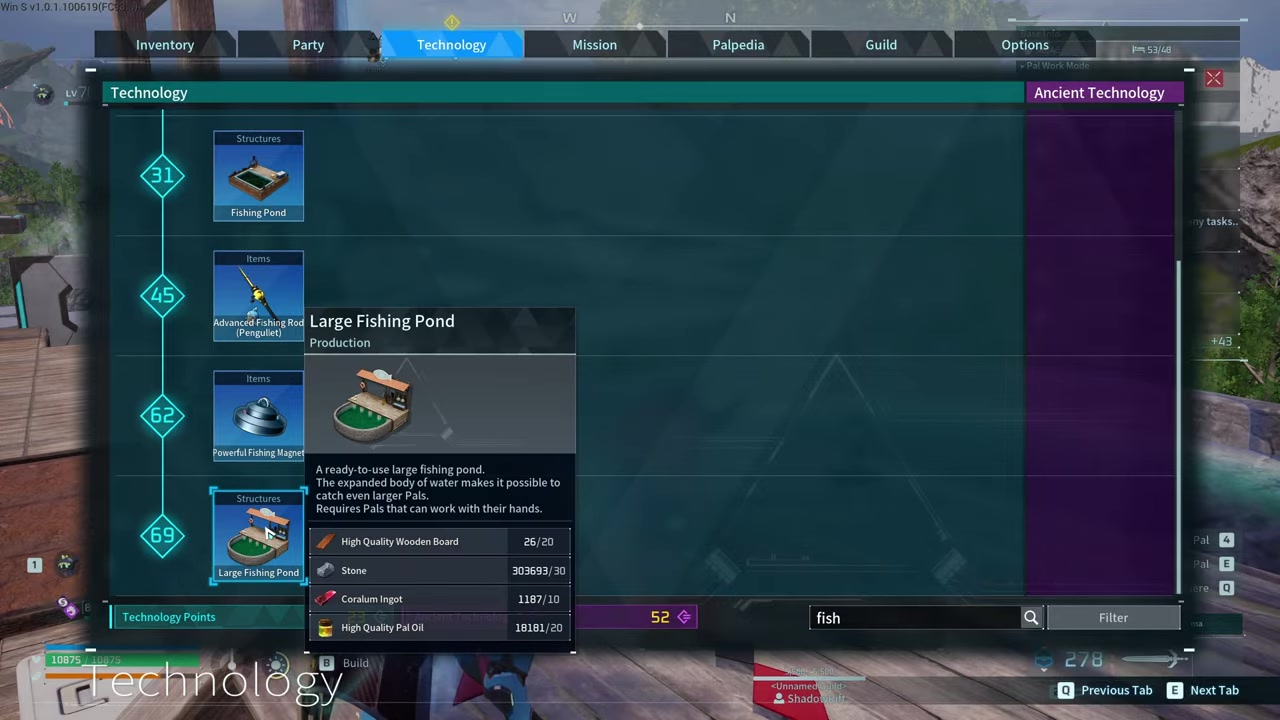
| Large Fishing Pond | Automated fishing for bigger silhouettes. In 1.0-era data, it unlocks at Technology Level 69 and uses High Quality Wooden Board x20, Stone x30, Coralum Ingot x10, and High Quality Pal Oil x20. |
There are two pond structures in the Technology tree: the regular Fishing Pond and the Large Fishing Pond. Both need open base space, but the large version takes up noticeably more room and is the one used when you want larger silhouettes.
Some older listings still place the Large Fishing Pond at Technology Level 55, but 1.0-era guide data points to Level 69. If your Technology tree differs, follow the in-game tree for your current build.
How to use the Fishing Pond and collect caught Pals in Palworld
Use the pond from its interaction menu, load the bait that matches the fish size, then clear both the Pal result and loot box when the job finishes.
STEP 1/10
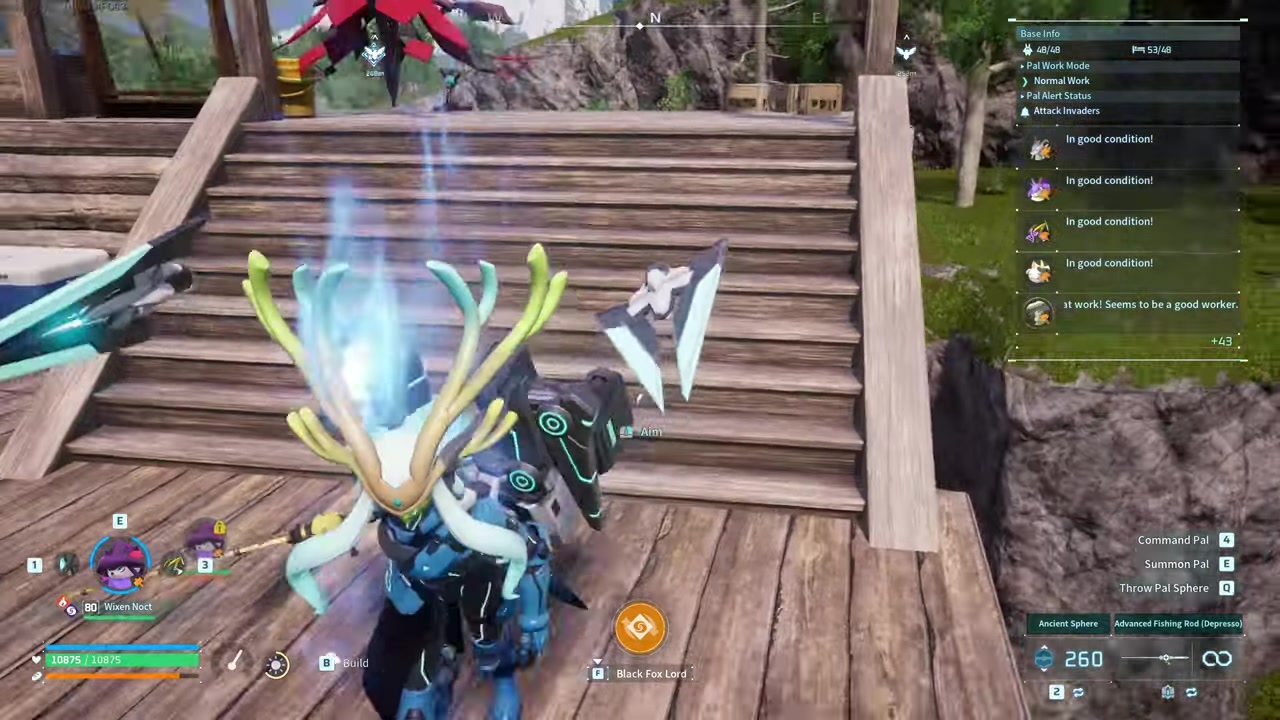
Interact with the pond
Stand beside the Fishing Pond or Large Fishing Pond and press F to open its menu.
STEP 2/10
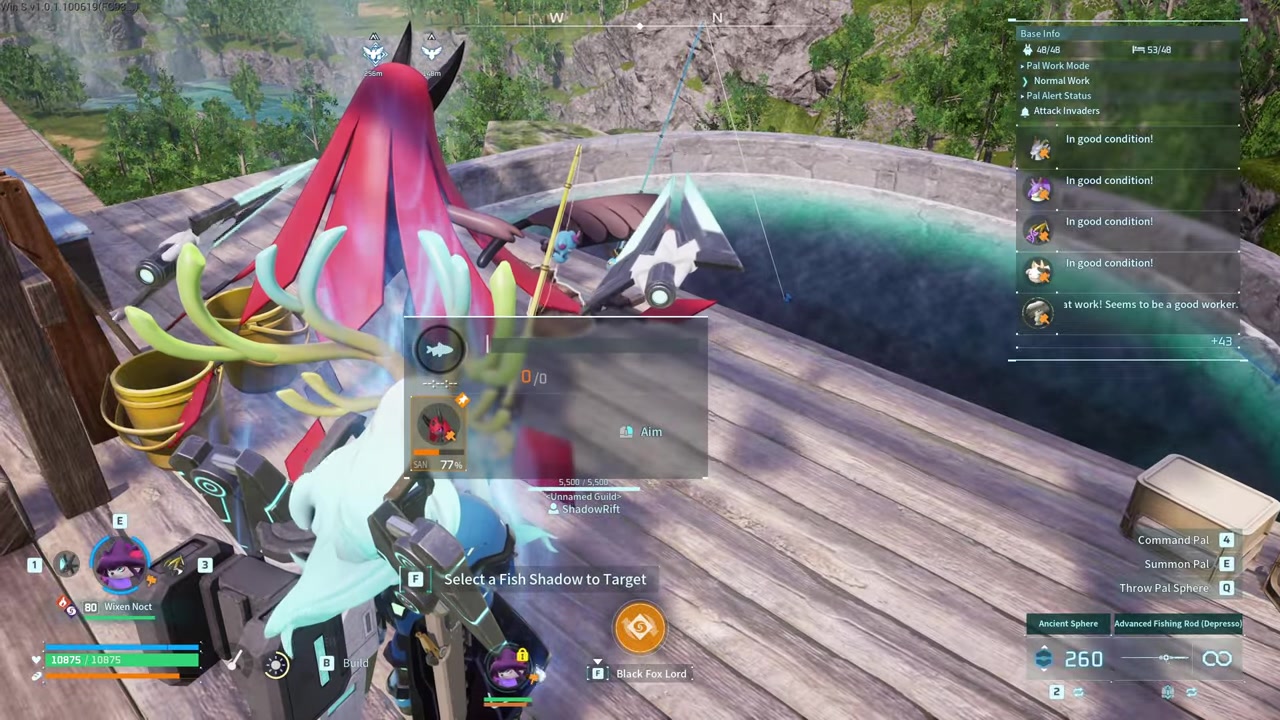
Pick a fish silhouette
Choose the small, medium, or large silhouette based on the catch pool you want.
STEP 3/10
Load matching bait
Add the bait required for that silhouette so the pond can begin automatic fishing.
STEP 4/10
Assign a Handiwork Pal
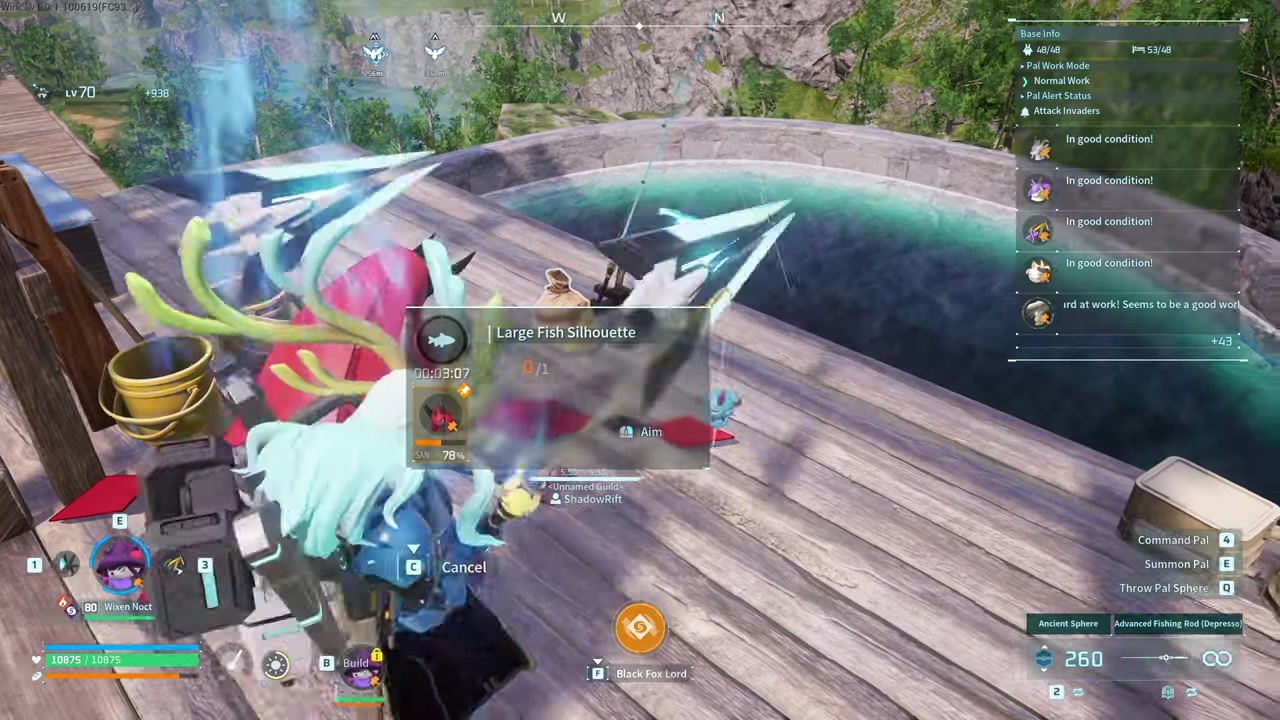
Put a working Pal on the job; the Large Fishing Pond shown only required Handiwork level 1, while higher Handiwork should finish faster.
STEP 5/10
Check the collection prompt

If the pond says You must collect the Pal you caught, the current catch is waiting and the pond will not move on normally.
STEP 6/10
Open the side box
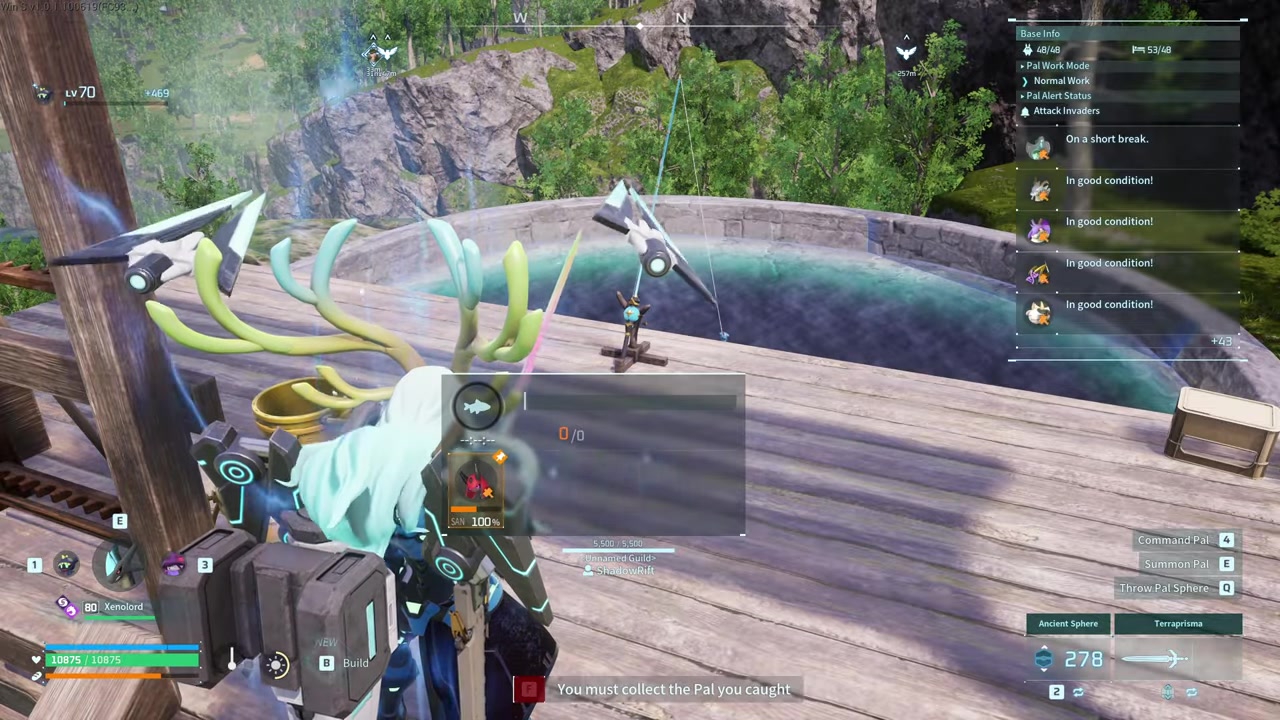
Go to the container beside the pond and collect the stored loot from the finished catch.
STEP 7/10
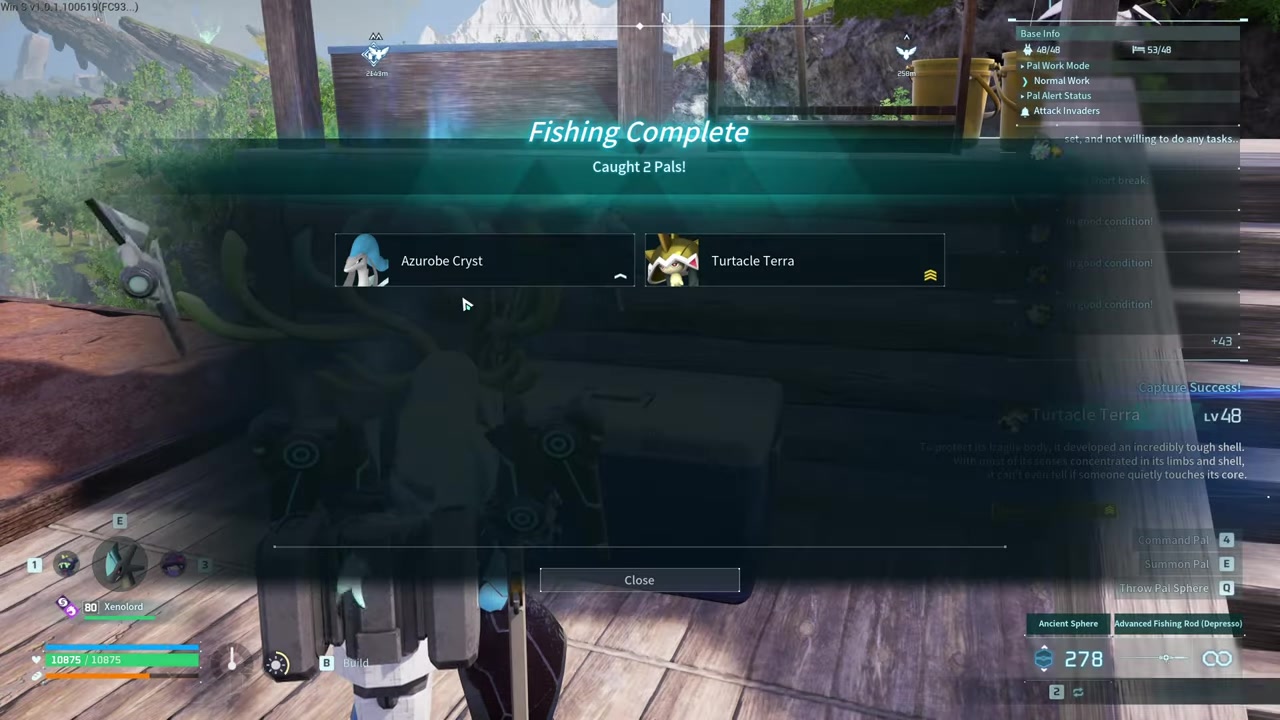
Claim caught Pals
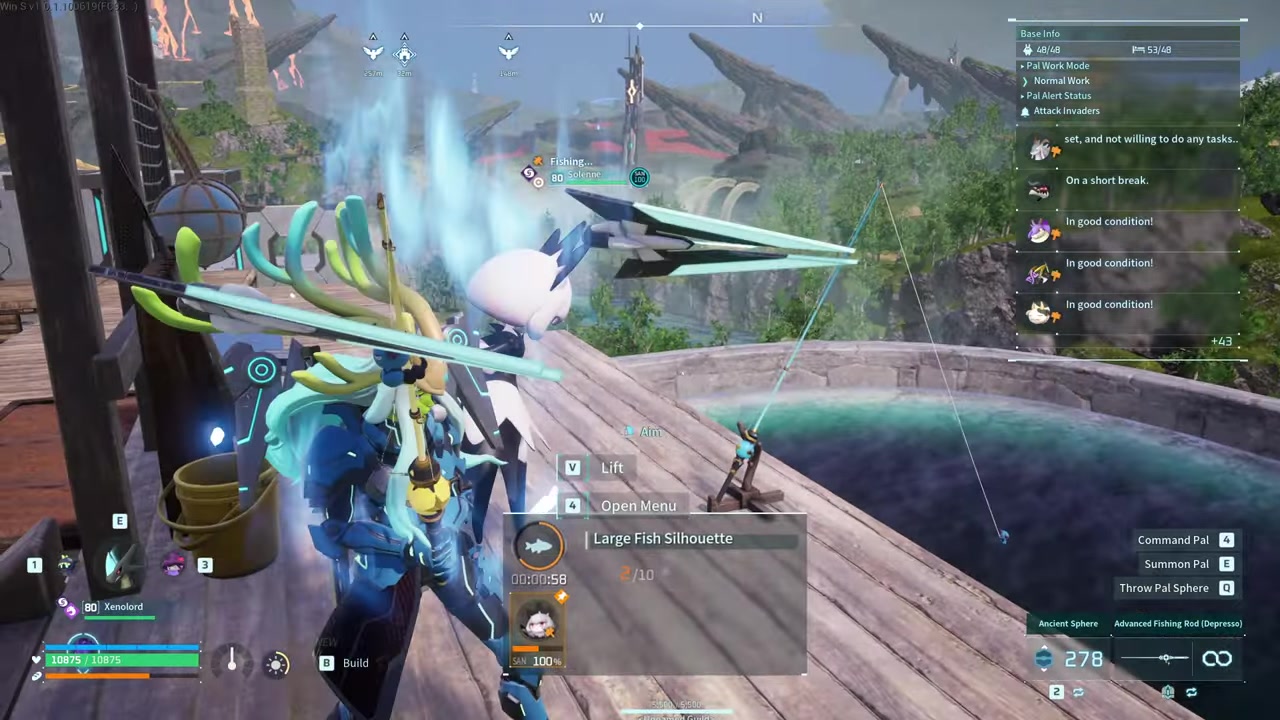
Take the caught Pals from the pond result, then clear any remaining items before changing bait or queueing more fishing.
STEP 8/10
Craft more bait
Make bait at a workbench when you run low; each craft shown produced 10 bait units.
STEP 9/10
Cancel if you picked wrong
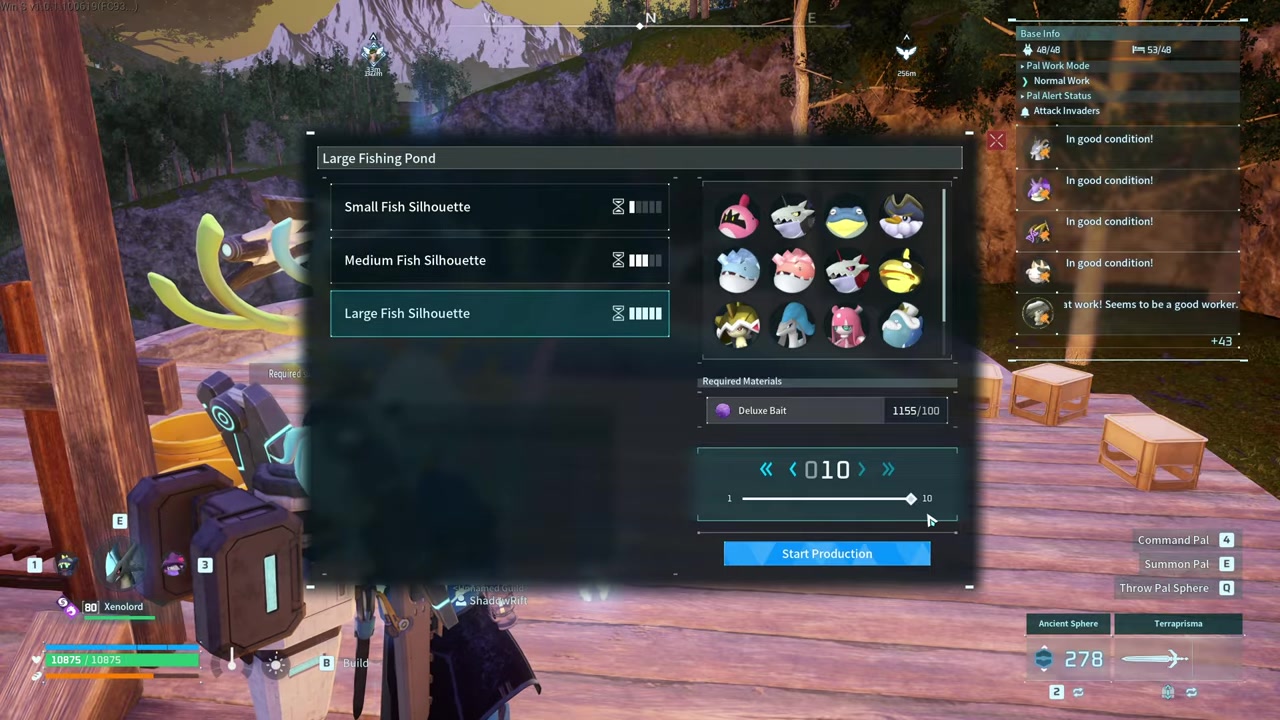
Use cancel if you chose the wrong setup, then collect pending Pals or items before selecting another bait size.
STEP 10/10
Assign from the monitor
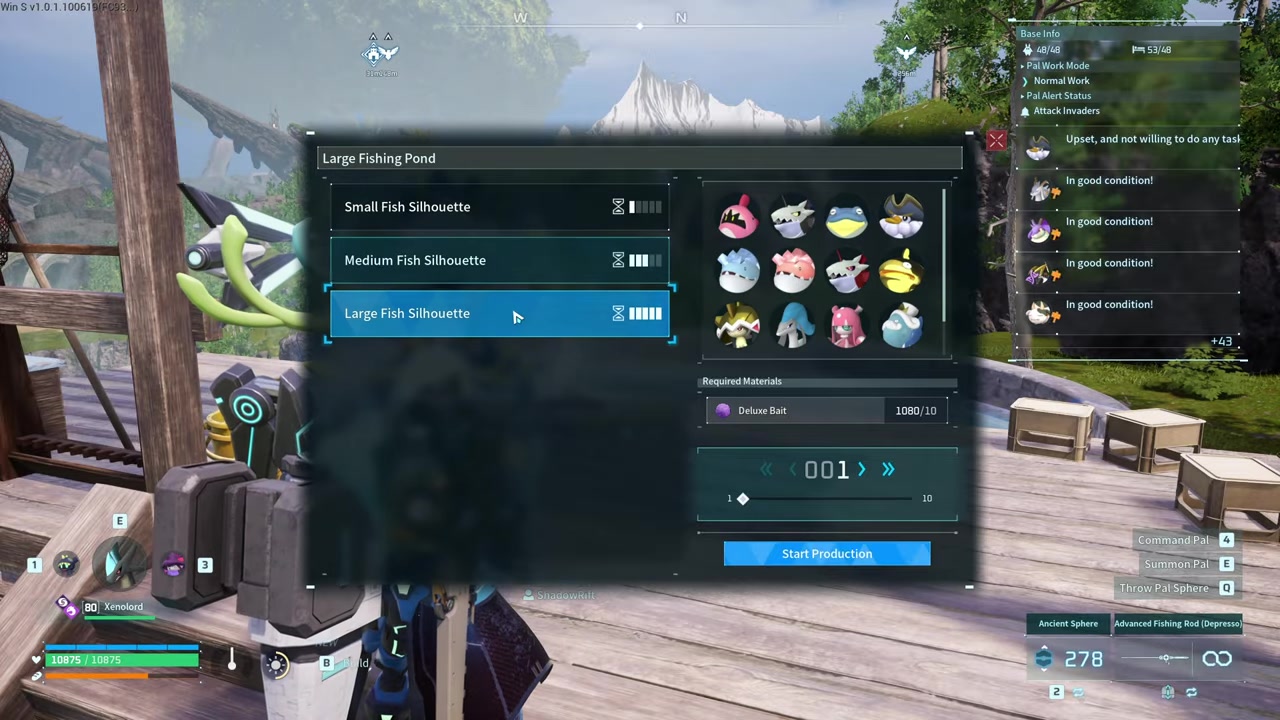
Use the monitoring setup if you want to choose a specific Handiwork Pal for the pond job.
Video help
Correct bait for each fish size
| Fish size | Bait |
|---|---|
| Small | Simple Bait |
| Medium | High Quality Bait |
| Large | Deluxe Bait |
For the Large Fishing Pond, do not confuse Alluring Bait with the bait needed for large silhouettes. If you are trying to catch large fish through the pond, craft Deluxe Bait at a workbench and stock the pond with that instead.
Fix the caught Pal message
The message You must collect the Pal you caught means the pond has finished a catch and is waiting for you to empty the result. Interact with the pond area and collect the caught Pal first.
After that, check the box beside the pond for the extra materials and resources produced with the catch. If the pond still will not let you change bait or start another job, clear any remaining Pal or item result from the pond setup before trying again.
Clear the caught Pal and the side box together whenever the pond stalls, because one unclaimed result can block bait changes and more automatic fishing.
Best reasons to build a Fishing Pond
| Use | Benefit |
|---|---|
| Passive Skill farming | Builds up random catches from a selected size pool without manual fishing. |
| Breeding and condensation copies | Adds duplicate Pals you can use for breeding chains, condensation, or dismantling fodder. |
| Alpha chances | Can produce random alpha Pals as part of the pond’s catch rolls. |
| Fishing-exclusive Pals | Gives another route toward Pals tied to fishing instead of land roaming. |
| Background loot | Turns spare bait into extra materials, currency, medicine, spheres, manuals, and other rewards. |
The pond is strongest when you treat it as a background farm. It lets your base spend bait while you are breeding, fighting, farming, or doing anything else away from the water.
KEY!This is why multiple ponds can be useful once your base has the room and bait supply. You are not picking one exact Pal, but you are creating steady chances at useful catches while your attention is elsewhere.
Loot and Pals from ponds

Ponds roll from a catch pool, so the result can be a random Pal plus a spread of extra rewards. Examples include Pal Souls, Coralum Ore, gold keys, spheres, medicine, training manuals, diamonds, High Quality Pal Oil, gold, and ammunition.
Large-pond targets include outcomes such as Whalaska and Whalaska Ignis, alongside random large-pool catches and rare-item rolls. These are chance-based pond results, so use the structure as a repeat farm rather than a way to force one exact Pal or material.
When manual fishing is still better
Manual fishing still wins when you care about precision. High-level fishing spots, especially around the World Tree, are better for chasing rare materials, specific rare fish, shiny or green targets, and Pals with special passive skills.
The pond’s advantage is that it keeps working while you do something else. Use manual fishing when the target matters; use the pond when the steady background output matters more than controlling every catch.
Common Fishing Pond mistakes
| Mistake | Fix |
|---|---|
| Forgetting the Handiwork Pal | Assign a Pal with Handiwork to operate the pond. |
| Using the wrong bait | Match bait to the selected silhouette size. |
| Expecting bait to last forever | Restock the pond because bait is consumed as catches are queued. |
| Using Alluring Bait for large silhouettes | Use Deluxe Bait for large pond fishing. |
| Building without enough space | Leave enough base room, especially for the Large Fishing Pond. |
| Expecting guaranteed Coralum or Whalaska | Run the pond repeatedly and treat those as random outcomes. |
| Following old Large Fishing Pond unlock info | Check the current Technology tree if you see conflicting level numbers. |
Most pond problems come from treating it like a storage box instead of an active base job. It needs a worker, bait, space, and regular collection before it can keep cycling.
Frequently Asked Questions
What does the Fishing Pond do in Palworld?
It turns bait and a Handiwork worker into automatic fishing output at your base, giving you caught Pals and extra loot after each completed job.
How do you collect a Pal caught by the Fishing Pond?
Go back to the pond after the job finishes, claim the caught Pal from the pond result, then open the nearby side container for the matching loot.
Why does the pond say “You must collect the Pal you caught”?
The pond has a finished catch waiting. Until you remove that Pal result, the structure can block normal actions such as changing the setup or continuing the queue.
Which bait do small, medium, and large fish use?
Small uses Simple Bait, medium uses High Quality Bait, and large uses Deluxe Bait.
Does the Large Fishing Pond need Alluring Bait?
No. For large silhouettes at the Large Fishing Pond, use Deluxe Bait.
More questions⤵
Can the Fishing Pond target a specific Pal?
No. You choose a size silhouette, and the pond pulls from that pool instead of letting you name one exact Pal.
Can the Fishing Pond catch alpha or fishing-exclusive Pals?
Yes. Pond results can include alpha catches and Pals tied to fishing pools, which is one reason the structure is useful beyond basic loot.
Is the Fishing Pond better than manual fishing?
Only for convenience. Manual fishing is better for targeted rare catches and special passive-skill hunting, while the pond is better for background farming.
Can the Large Fishing Pond farm Coralum Ore or Whalaska?
Yes, the Large Fishing Pond can be used for random chances at Coralum Ore, Whalaska, and Whalaska Ignis, but it does not guarantee them on demand.






Leave a Reply