
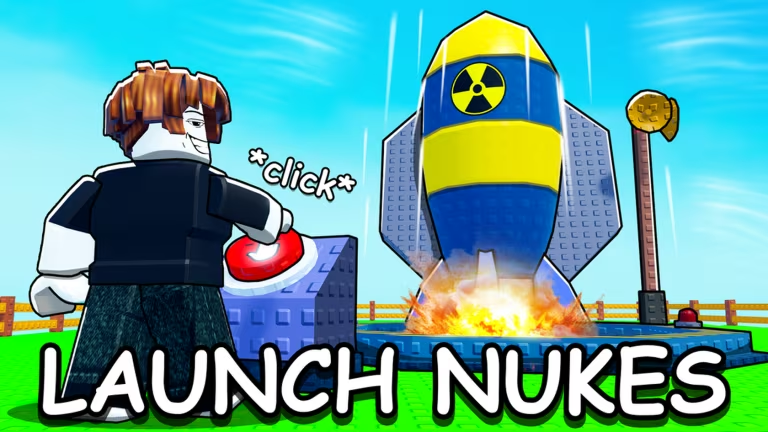
Nuke Your City is the Roblox experience where you build up a city just to watch it get leveled, and the developer hands out codes now and then to reward players with crates and Playtime Points you can spend on upgrades. Checking in on the codes takes a minute and can save you a fair bit of grinding.
Working Nuke Your City codes
Here’s the code that’s live right now. Punch it in before it expires, since Roblox codes like this one rarely stick around forever.
BOOM
A Crate and 100 Playtime Points
How to redeem codes in Nuke Your City
You’ll redeem codes through the Shop menu inside Nuke Your City, not through a dedicated codes button. Some servers also give you a shortcut icon that opens the same box.
You can also find the game directly through its Nuke Your City Roblox page if you need to launch it from outside the app.
How to get more Nuke Your City codes
New codes for Nuke Your City typically show up when the developer hits a milestone or pushes an update, and they’re usually shared through the game’s own social channels first. Joining the official Nuke Your City Discord server is the most reliable way to catch a fresh code as soon as it drops, since announcements tend to post there before anywhere else.
The Nuclear Fun Roblox community is worth following too, since group updates sometimes line up with new code releases. There’s no fixed schedule for when codes get added, so checking back periodically is your best bet.
Why didn’t my code work?
Double-check that you typed the code exactly as shown, since the entry field is case-sensitive and doesn’t tolerate extra spaces. If it still won’t go through, the code has most likely expired.
Redeeming BOOM only takes a few seconds through the Shop menu, so it’s worth doing before you jump into building your next city.






Leave a Reply