
No Limit Lifting Simulator 2 is a Roblox weightlifting game where you grow stronger, unlock heavier lifts, and collect pets to boost your progress. The developer hands out codes tied to visit milestones and updates, giving you free boosts, coins, and pets without extra grinding.
Working No Limit Lifting Simulator 2 Codes
These codes are redeemable right now, so grab the boosts and pet before you head into a lifting session.
100KVISITS
10 minutes of x10 Damage, 10 minutes of x10 Health, 5 minutes of x20 Bloodline, and 10 minutes of Fast Lifter
New
200KVISITS
Pet Ice Fox and 1 Coin
UPDATE
Pet Ice Fox and 1 Coin
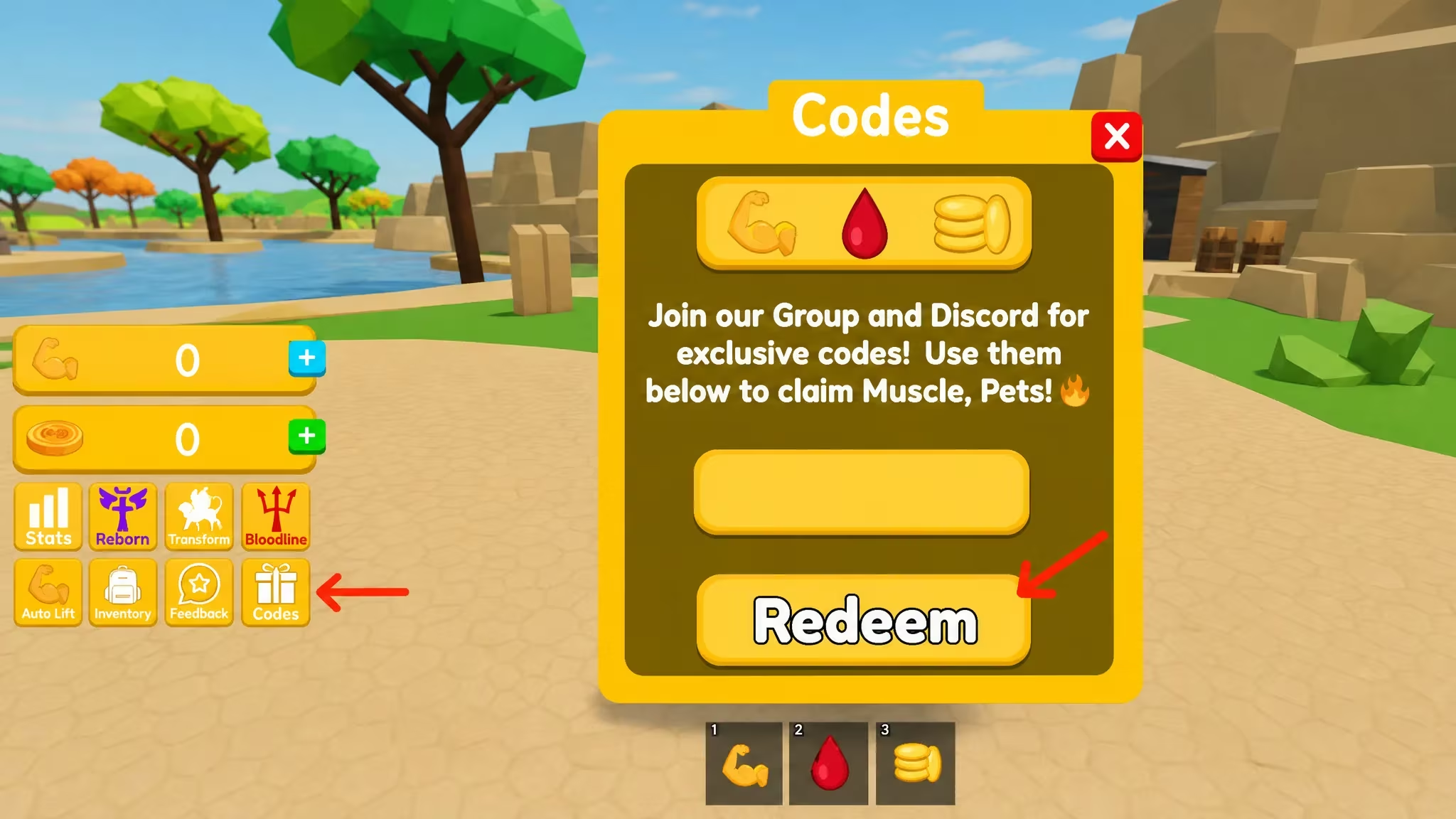
How to redeem codes in No Limit Lifting Simulator 2
Redeeming a code only takes a few taps once you’re in the game. Follow these steps in order.
Expired No Limit Lifting Simulator 2 codes
These codes have stopped working, so don’t waste a redemption attempt on them.
UNLOCKGAME
50KVISITS
NEWGAME
SECRETCODE2
CODE2
CODE1
How to get more No Limit Lifting Simulator 2 codes
New codes tend to arrive alongside visit milestones and major updates, so keep an eye on your progress toward the next round-number visit count. The developer’s official Discord server is the most reliable place to catch new codes as soon as they’re announced, and you can join it at discord.com/invite/wnHTYW4Q2r. Checking back after any in-game update also helps, since update-tied codes like UPDATE tend to show up right when a patch drops.
Why didn’t my code work?
The most common reason is a typo. Codes are case-sensitive, so double-check the exact spelling and capitalization before you press Redeem. If the code has expired, no amount of retyping will make it work.
Bookmark this page and check back whenever you hit a new visit milestone or spot an update, since that’s when the developer usually drops fresh codes.






Leave a Reply