
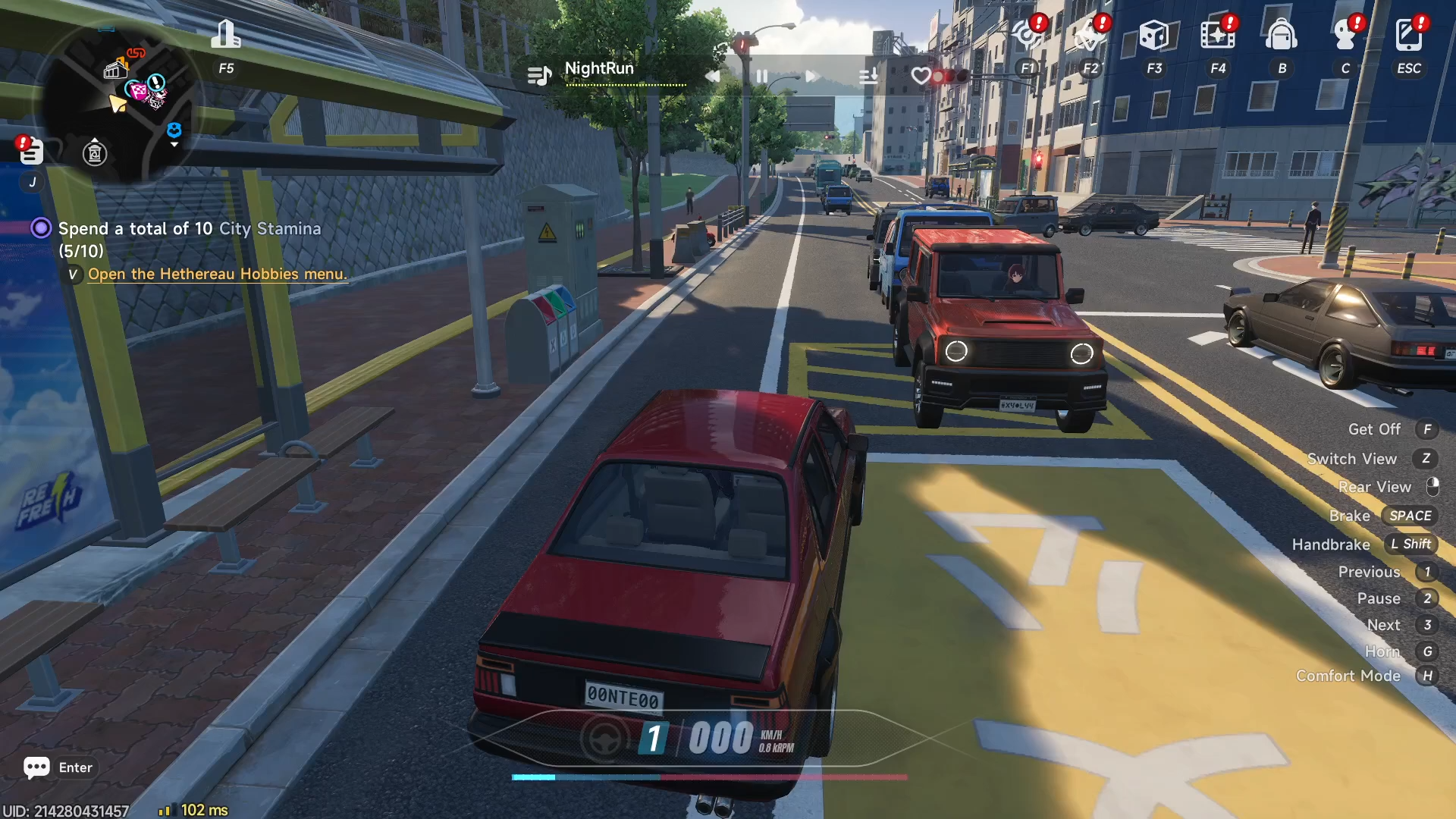
What to know
- Head to the Tycoon area first to access the races section and pick your event.
- Travel to the specific race location shown on the map after selecting a race.
- Interact with the NPC at the site, choose an available event, and join it.
- Select your preferred vehicle and hit start to begin competing.
Races in Neverness to Everness provide a straightforward way to engage in competitive driving challenges right after entering your game world.
| Aspect | Details |
|---|---|
| Starting Point | Tycoon area races menu |
| Selection Process | Choose race type, press go |
| Location Access | Map-guided travel to race spot |
| Activation | Talk to NPC, select event, join |
| Vehicle Choice | Pick any available ride |
| Completion | Finish race for rewards and progress |
How to access races from Tycoon
Begin by navigating to the Tycoon section in the game.
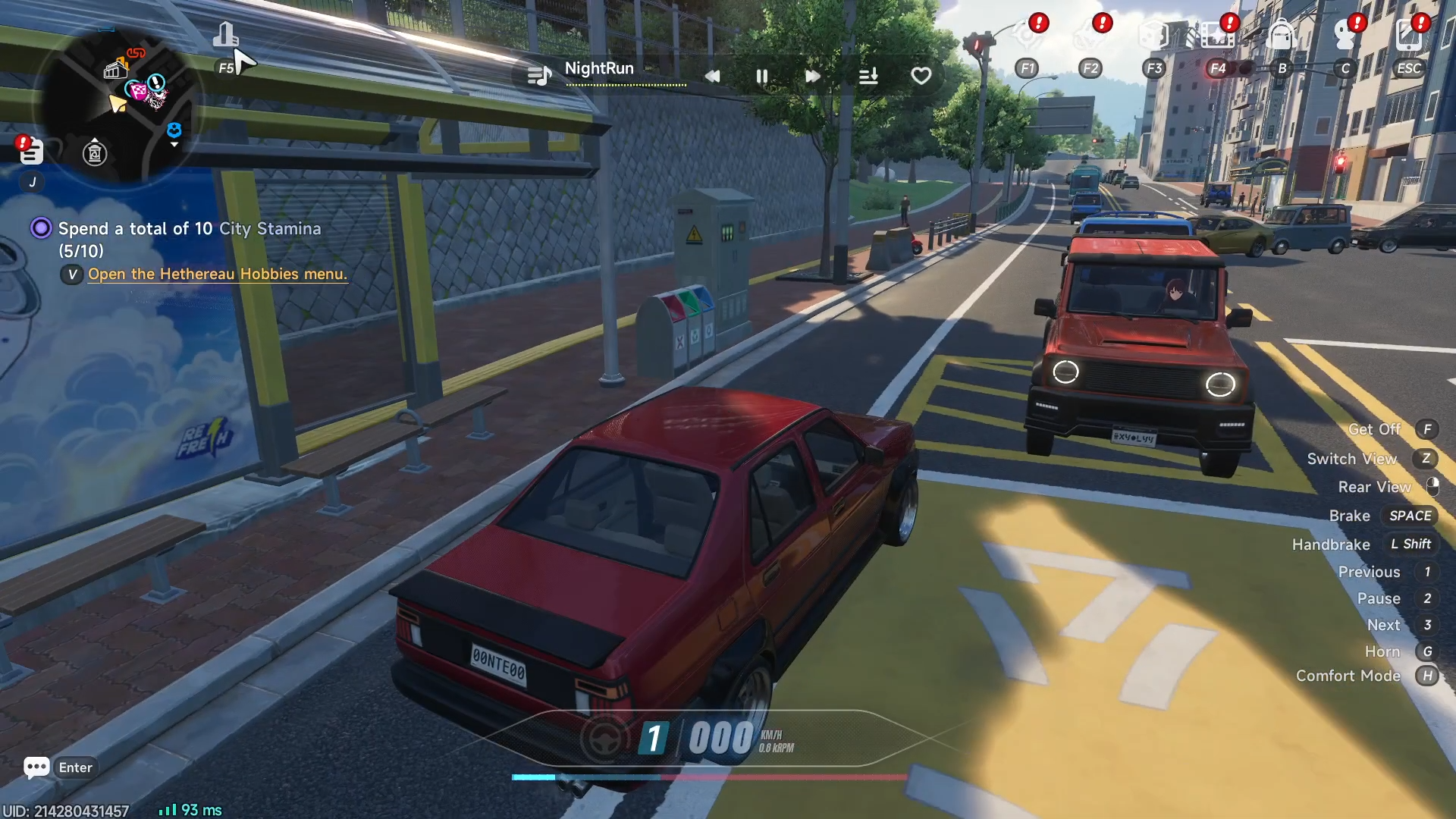
Once there, locate the races option within the menu.
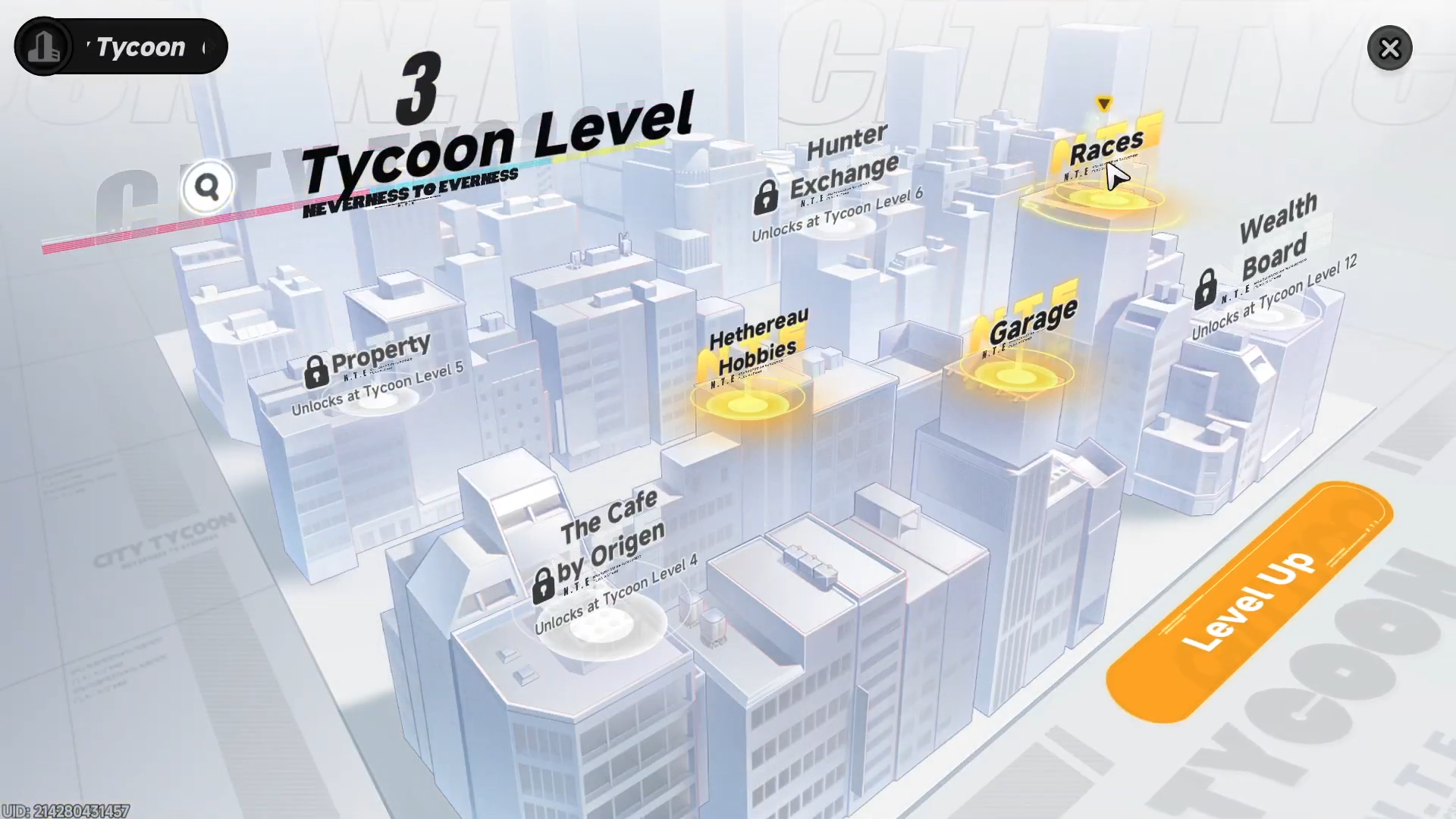
Select the specific race you want.
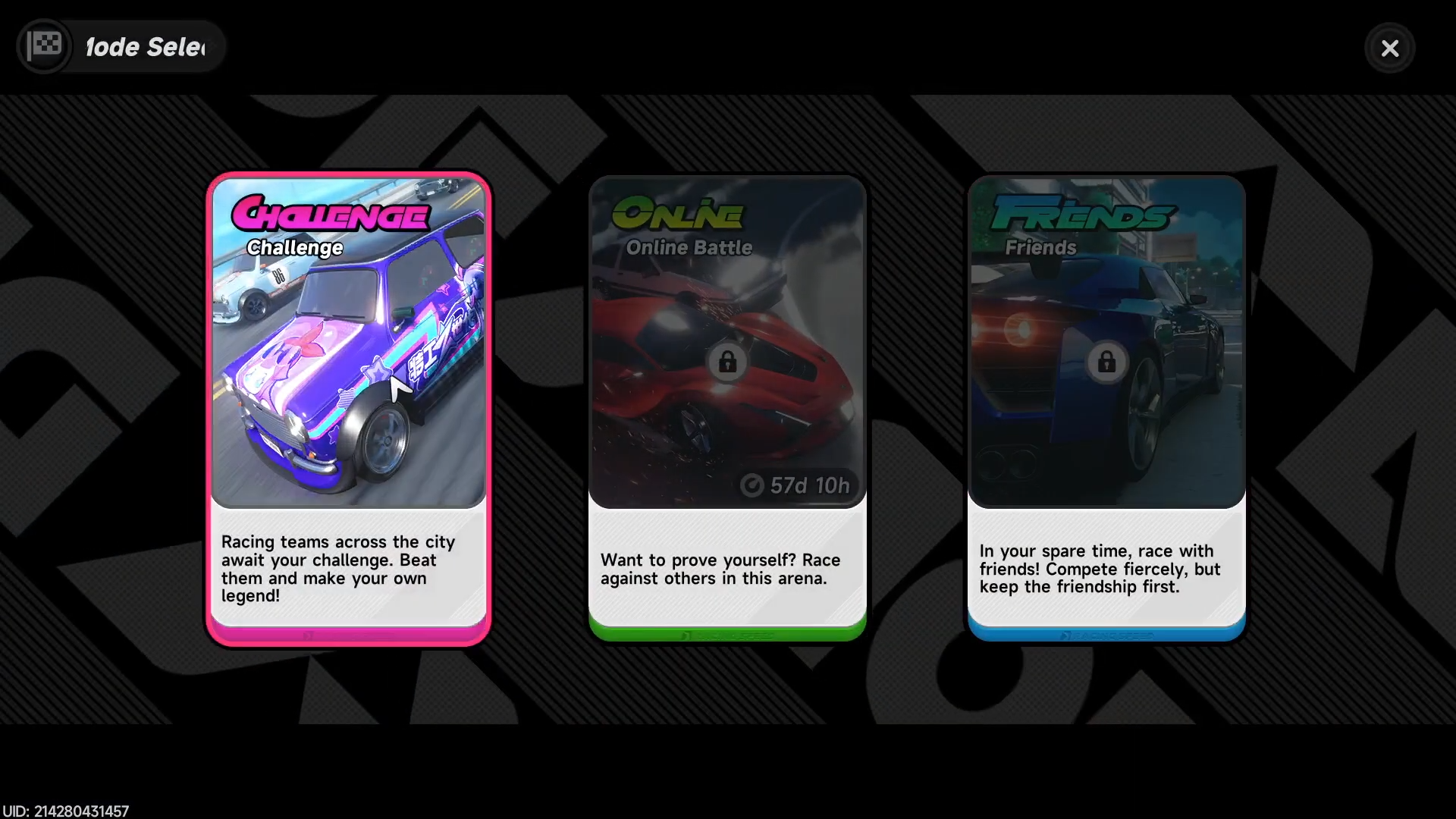
Then press the go button to proceed toward the location.
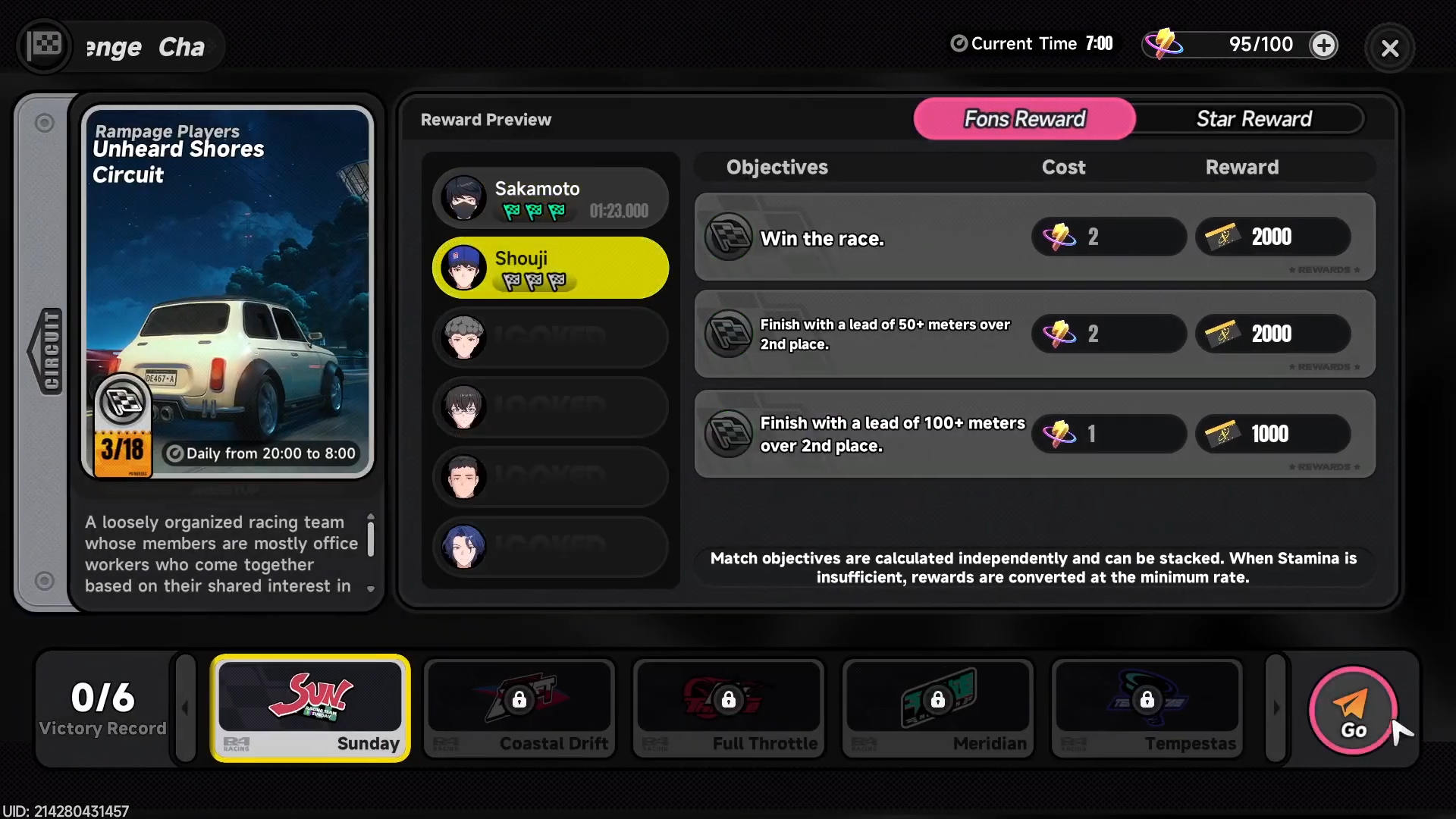
Guide to starting a race
Follow this detailed sequence to launch any race event reliably.
Step 1
Travel directly to the designated race location as indicated after selecting from Tycoon (follow the blue road markers).
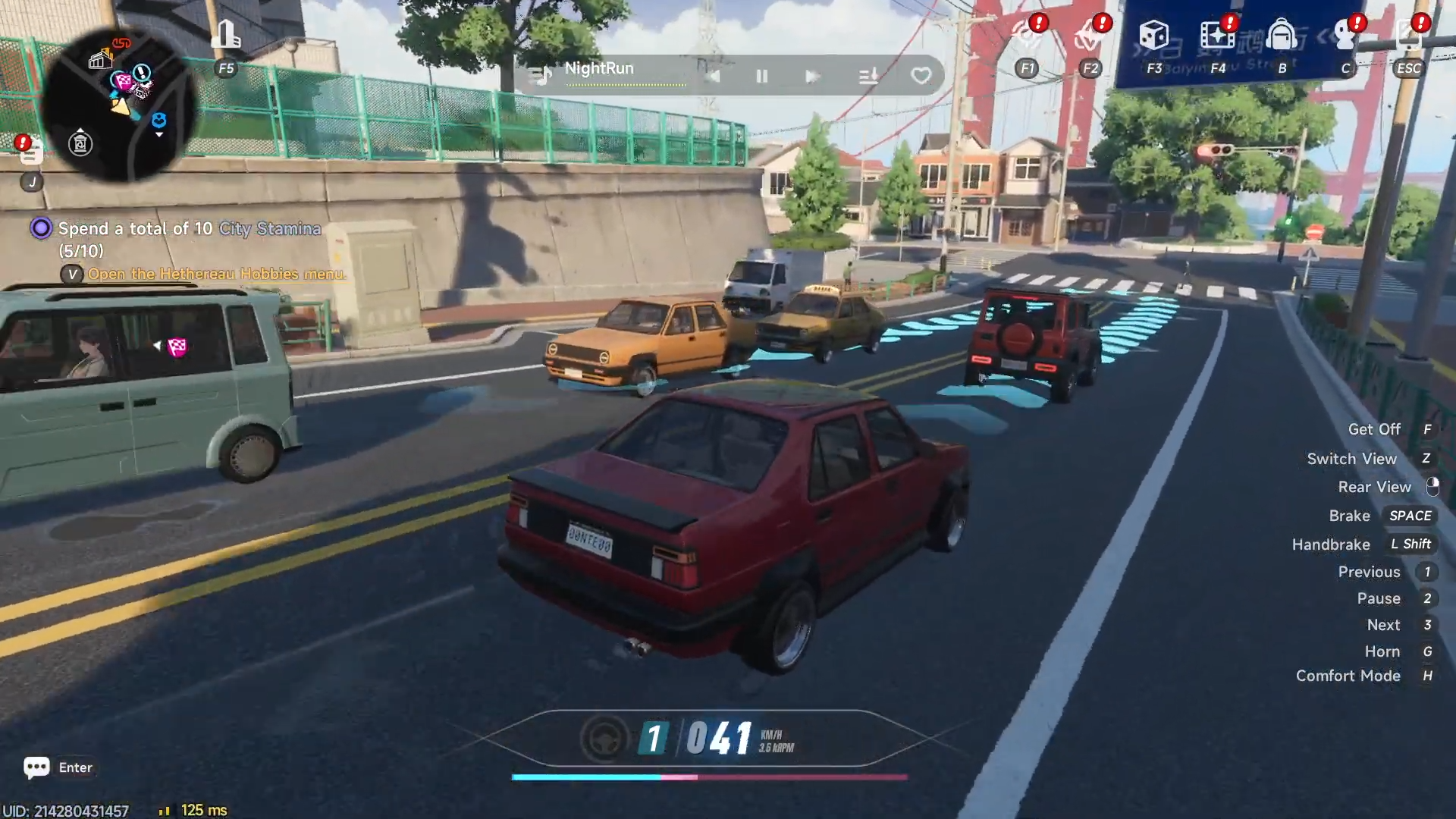
Step 2
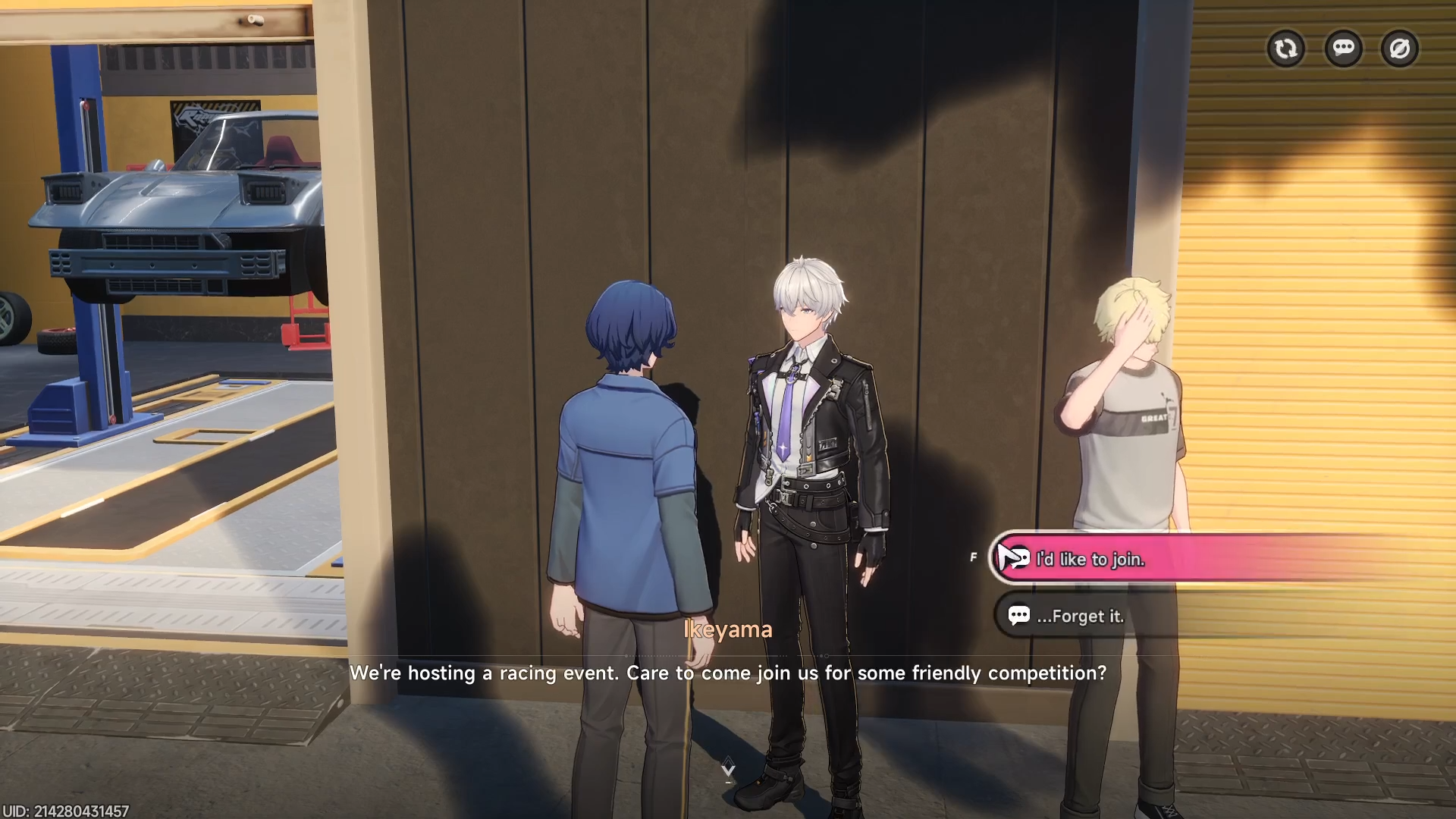
Approach and interact with the NPC standing at the race site.
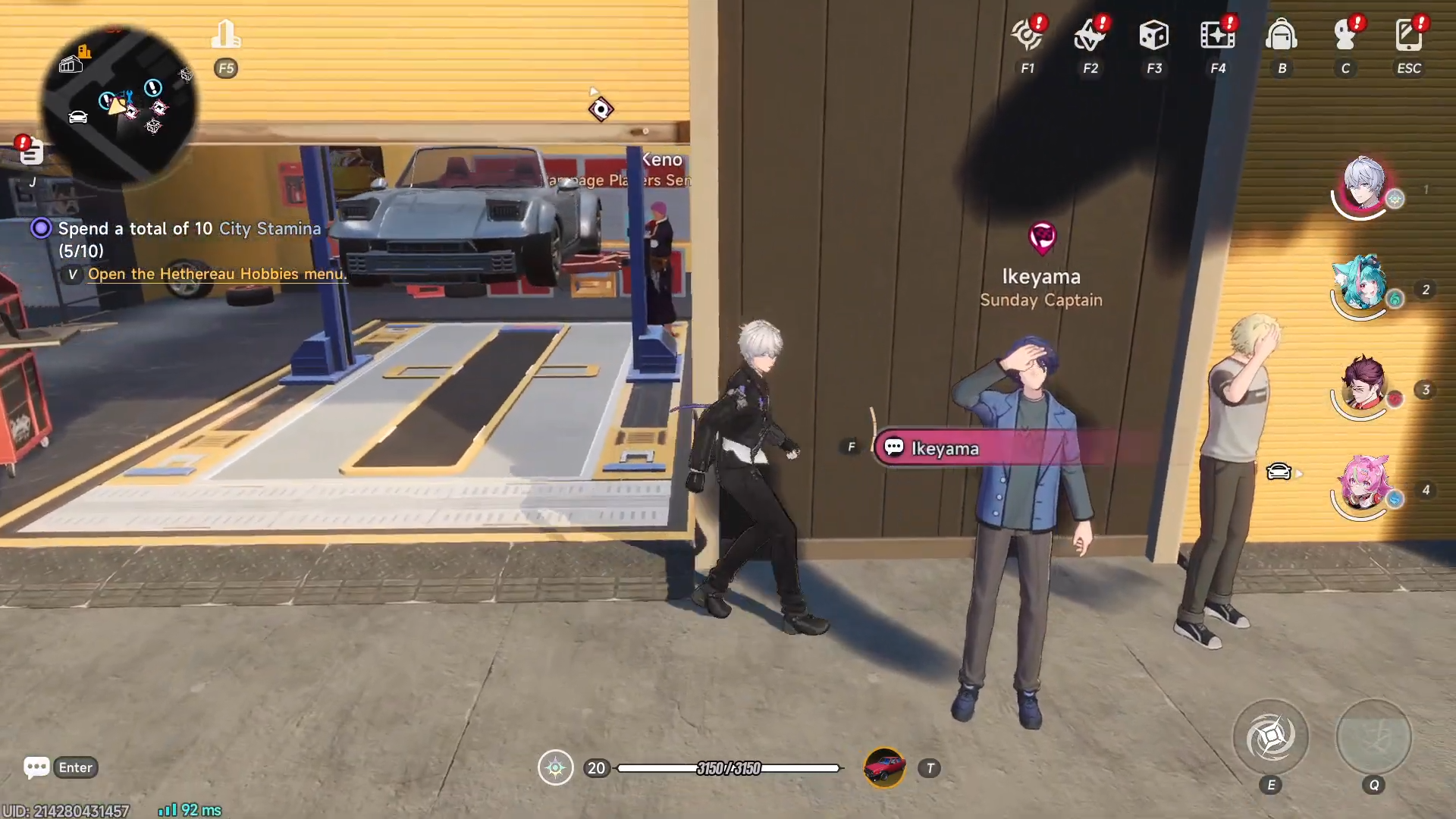
Step 3
From the NPC dialogue, choose any available event option.
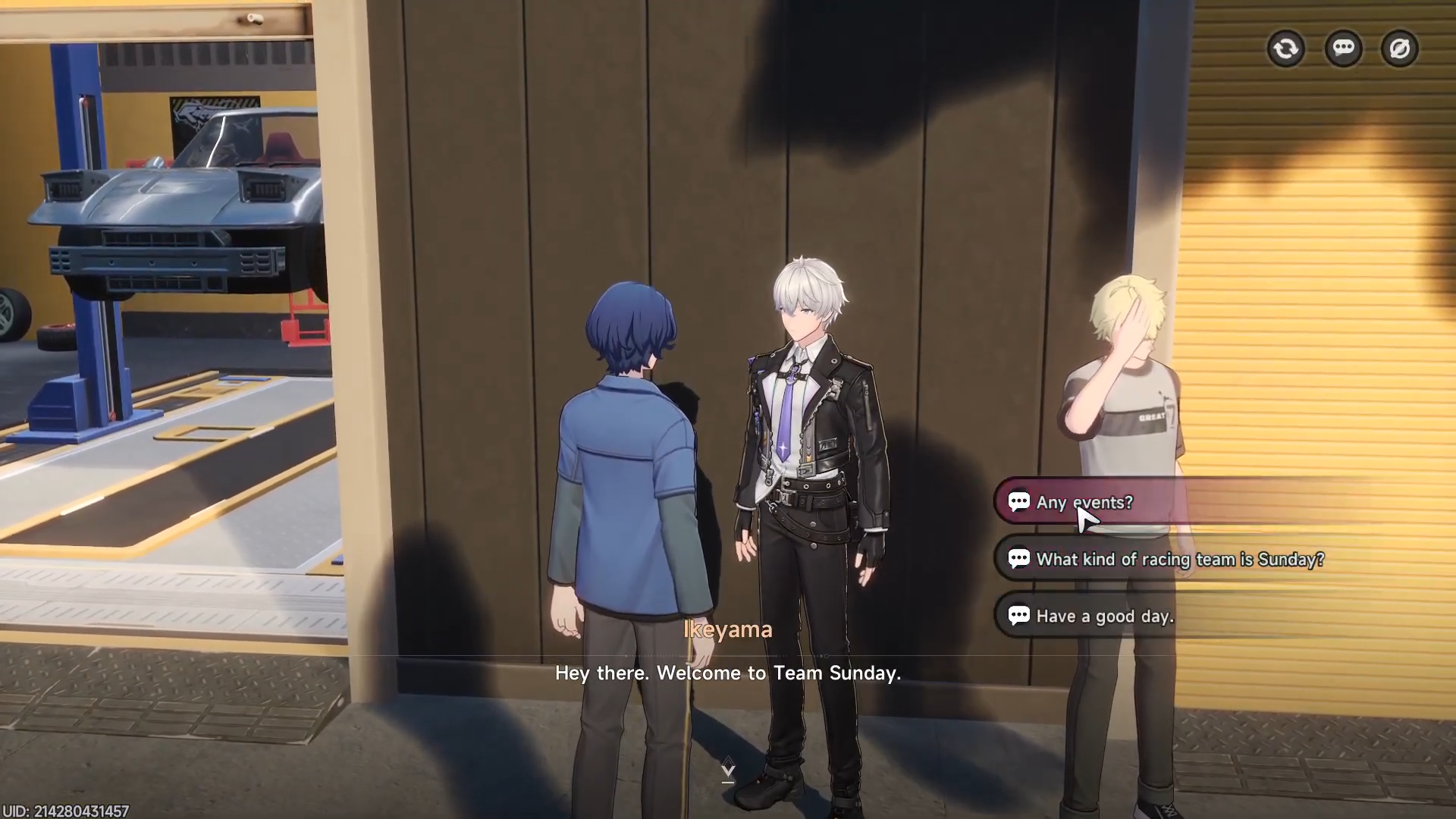
Step 4
In the event menu, select the option stating “I would like to join” for the race.
Step 5
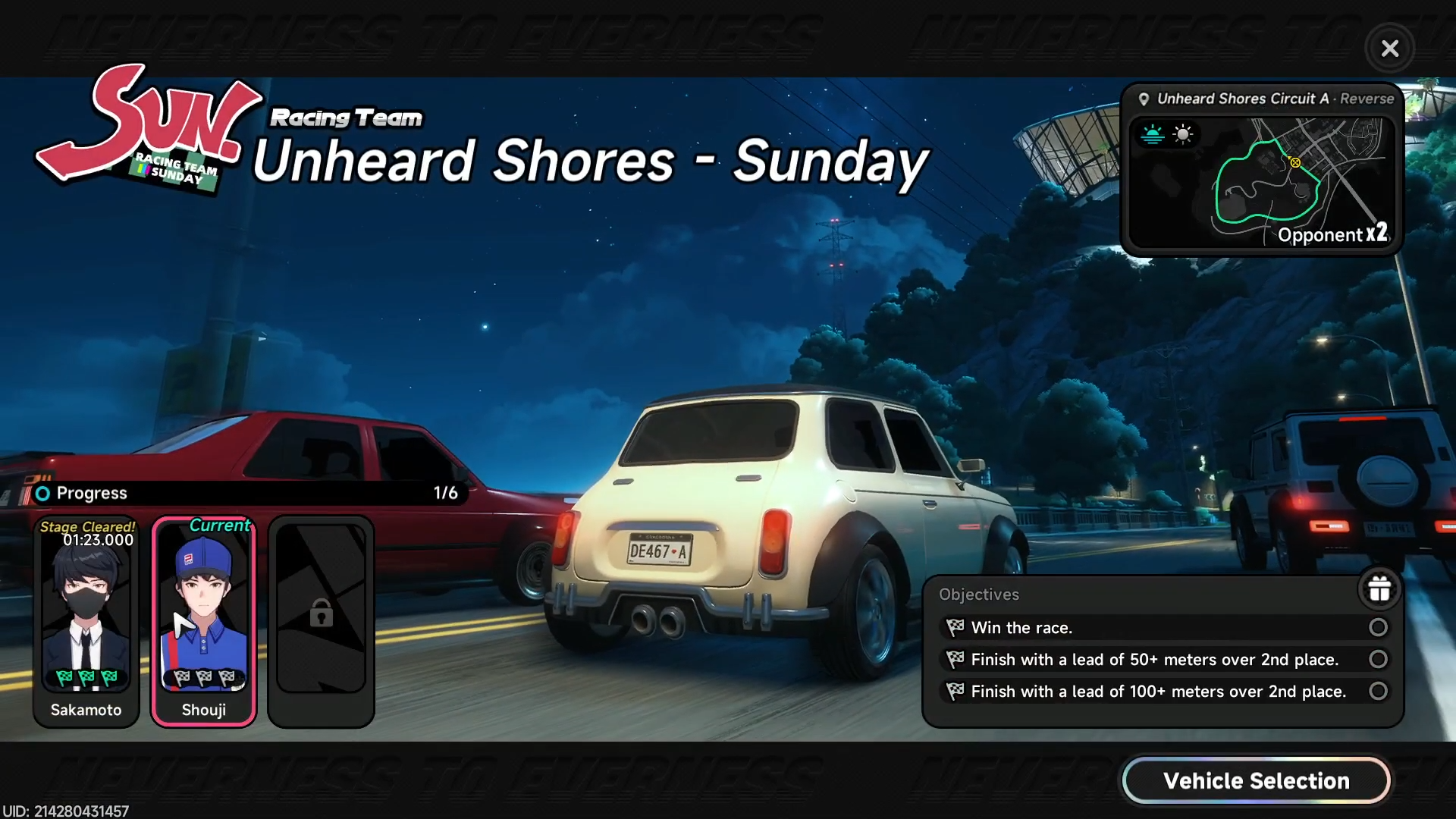
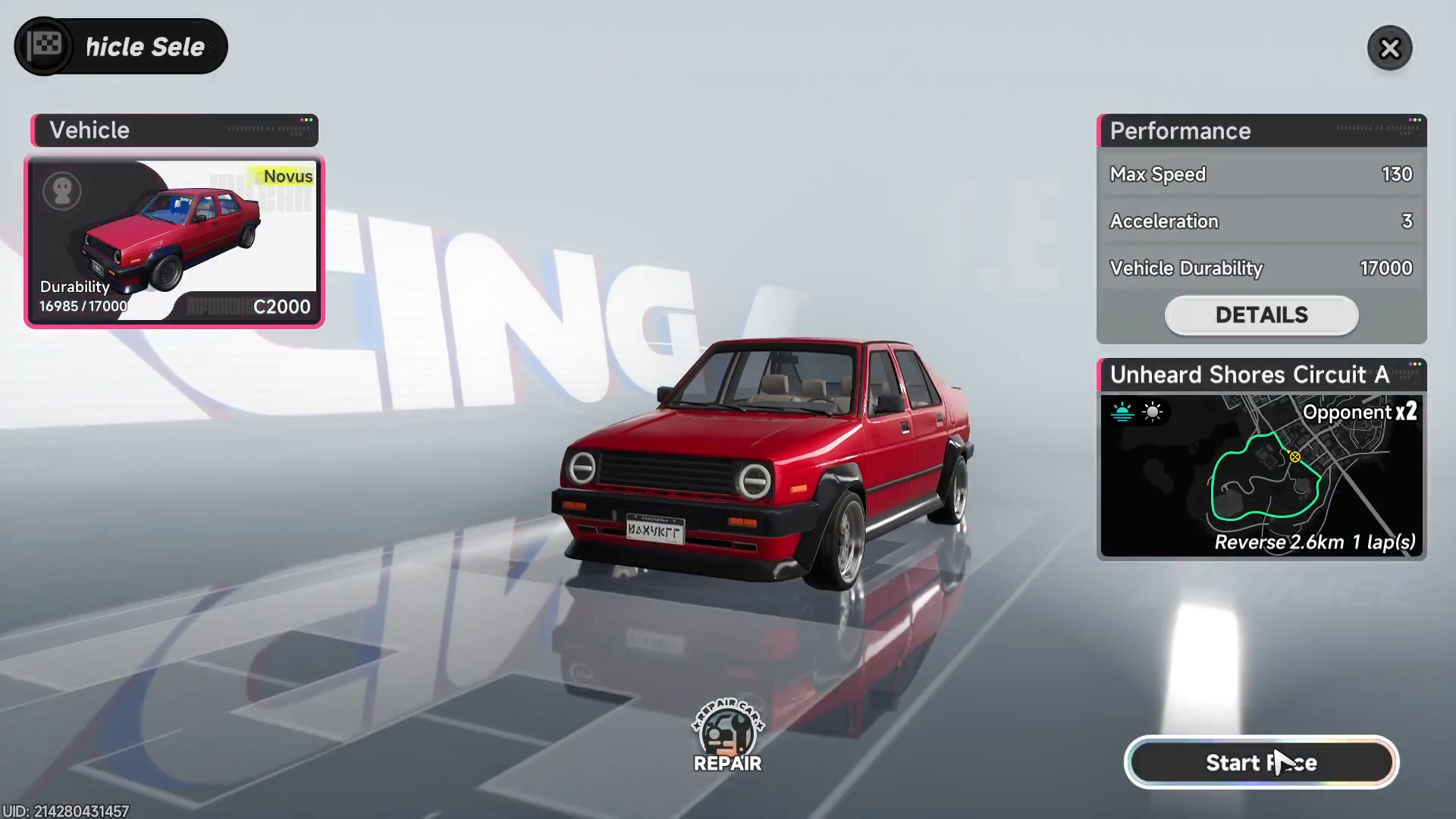
Choose your vehicle from the available options you own or have access to.
Step 6
Press the start race button to officially begin the competition.
Race rewards
Completing races grants rewards and contributes to your ranking progress, though specific items vary by event and performance.
| Reward Type | Benefit |
|---|---|
| Currency | Earn in-game resources |
| Ranking | Improves personal standings |
| Progression | Unlocks further challenges |
| Items | Potential vehicle or gear boosts |
Key race locations
Races primarily occur at spots accessed via the Tycoon races menu and map markers, with a central NPC hub at each event site where players gather to join and select vehicles before driving.
Tips for smooth race participation
- Always verify you’re at the correct location before interacting with the NPC to avoid delays.
- Prepare multiple vehicles in advance for flexibility during selection.
- Join events promptly when available to maximize participation opportunities.
Practice these steps repeatedly to build speed and familiarity with vehicle handling during races.



Leave a Reply