
You equip the 6-7 emote by pausing, opening MyPLAYER → Animations → Showoff Animations, dropping it into a City Emote slot, then triggering it in The City, Rec, or Pro-Am.
The “6-7” emote is the celebration tied to the viral six-seven trend, and it is now in NBA 2K27. It rides in the same Showoff Animations menu as every other City celebration, so once you own it the equip flow is short. Below is the exact flow, plus the one distinction worth knowing before you go looking for it by name.
What the 6-7 emote actually is

The 6-7 emote is a cosmetic celebration — a Showoff/City emote you slot onto your emote wheel and fire off after a play. It is not a build, an attribute boost, or a gameplay unlock; like every celebration in the series, it only changes what your MyPLAYER does on screen, never your stats.
One distinction: “6-7” is community shorthand — the celebration is named for the viral six-seven trend, so that is the label to look for in the Showoff menu. It does not change how you equip it — the Showoff Animations flow is the same whatever the slot reads — so follow the procedure below.
Where to get the 6-7 emote
Emotes in the series come from one of two places: some celebrations are owned by default on a fresh MyPLAYER, and the rest are bought from the in-game Animation Store using VC. Before you try to equip anything, check that you own it — an emote you have not unlocked simply will not appear as an option when you open the category in the Showoff menu.
The fastest ownership check is the equip menu itself: open Showoff Animations, switch to the celebration category, and see whether the 6-7 emote is selectable. If it is greyed out or missing, it is a store item you need to buy first. Check the store entry in-game for the exact VC price.
How to equip the 6-7 emote in NBA 2K27
| Platform | Category-switch button |
|---|---|
| Xbox | RT |
| PlayStation | R2 |
| Nintendo Switch | ZR |
Pause the game
Hit pause while in The City to bring up your player options.
Open the MyPLAYER tab
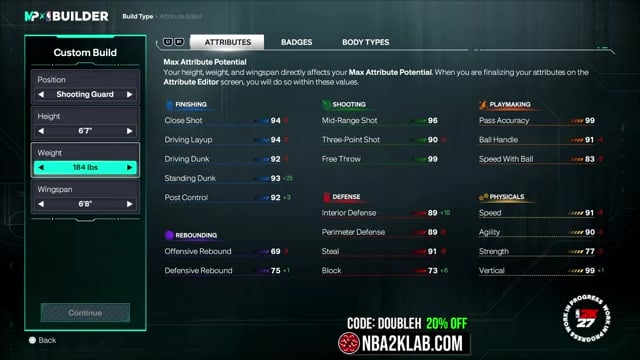
Select MyPLAYER, then choose Animations.
Go to Showoff Animations
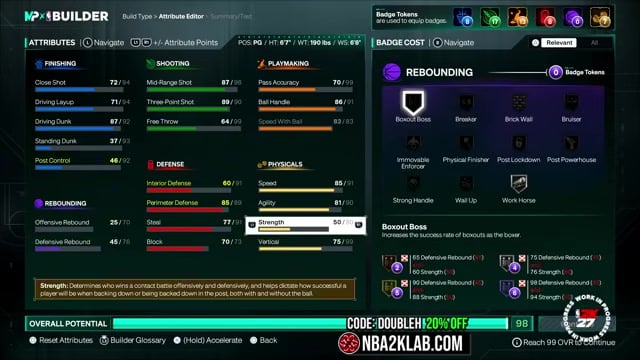
This section holds your City emotes, teammotes, and celebrations.
Pick an empty City Emote slot
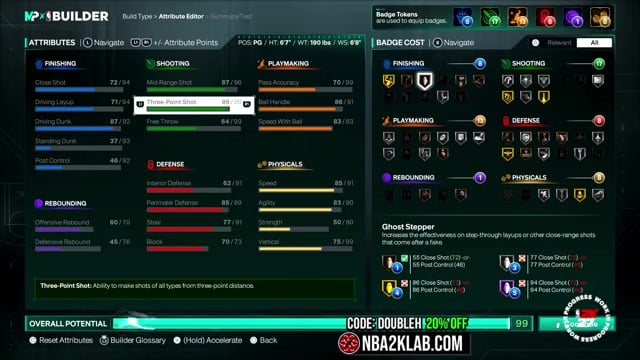
Highlight a free slot on the emote wheel so you have room to drop the celebration in.
Switch the emote category
Press your platform’s category-switch button to flip the slot away from Moving Emote and into the emote/celebration list (see the table below).
Assign the 6-7 emote
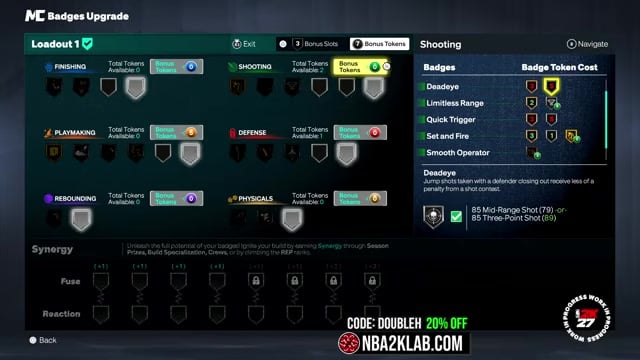
Highlight it and confirm to lock it into that slot on your wheel.
If your slot looks empty, press your platform’s category-switch button — City Emote slots open on Moving Emote and hide the celebration list until you flip the category.
Firing the emote in The City, Rec, and Pro-Am
Once the 6-7 emote is slotted, it fires from your emote wheel in the social side of the game. Make sure you are in the main The City area rather than tucked inside a park or building, since emotes will not play in those interior spaces. From there the wheel works the same in Rec and Pro-Am — pop it open and pick the slot you assigned.
Key Pre-game intros and post-play celebrations sit in a related but separate spot. If you want the emote to play during introductions or the Rec intro/outro, equip it to the Park and Rec Intro/Outro slot in the same Showoff Animations menu rather than a standard City Emote slot. Keeping the two straight is the difference between an emote you can spam in the City and one that only shows up when you walk out for tip-off.
Frequently Asked Questions
Is the 6-7 emote free, or does it cost VC to unlock?
It depends on whether it is a default-owned celebration or an Animation Store item. If it is a store purchase, it follows the usual pattern for City celebrations, which run in the low hundreds of VC. Check the store entry in-game for the current price before you buy.
Why can’t I find a “6-7 emote” — is it the same thing as a 6’7″ build?
No — those are two different things that share a number. The 6’7″ you keep seeing is a MyPLAYER height for popular guard builds, not a celebration, so a 6’7″ build video will not help you equip anything. The emote lives entirely inside Showoff Animations, and if it is not showing there, you either have not switched the category or you do not own it yet.
Video help






Leave a Reply