
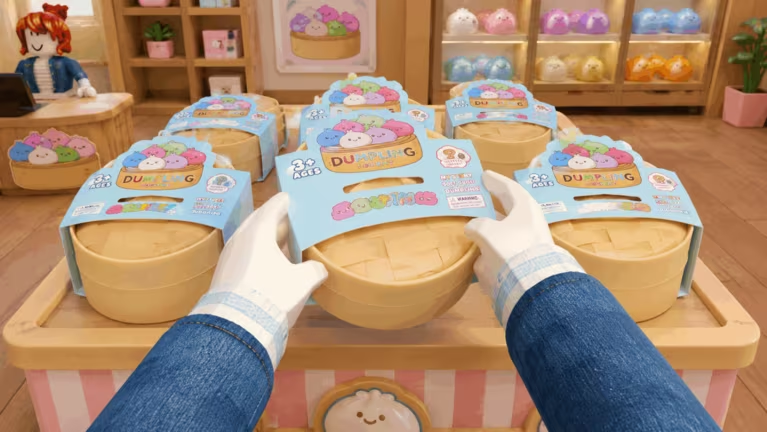
My Squishy Box Store puts you in charge of running your own squishy toy shop on Roblox, and the fastest way to grow your setup is free Cash from codes. Developers drop these codes now and then as a thank-you to players, and redeeming them takes less than a minute once you know where to look.
Working My Squishy Box Store codes
Here’s every code that’s currently redeemable, along with what it hands you.
NewFloor
500 Cash
New
Update3
500 Cash
New
Dumpling
1000 Cash
WELCOME
500 Cash
Type each code carefully. A missing letter or an extra space is the most common reason a code gets rejected, even when it’s still active.
How to redeem codes in My Squishy Box Store
Before you try any of the codes above, make sure you’ve cleared the game’s opening tutorial. The code menu stays locked until you finish it, so if nothing happens when you press the shortcut key, that’s likely why.
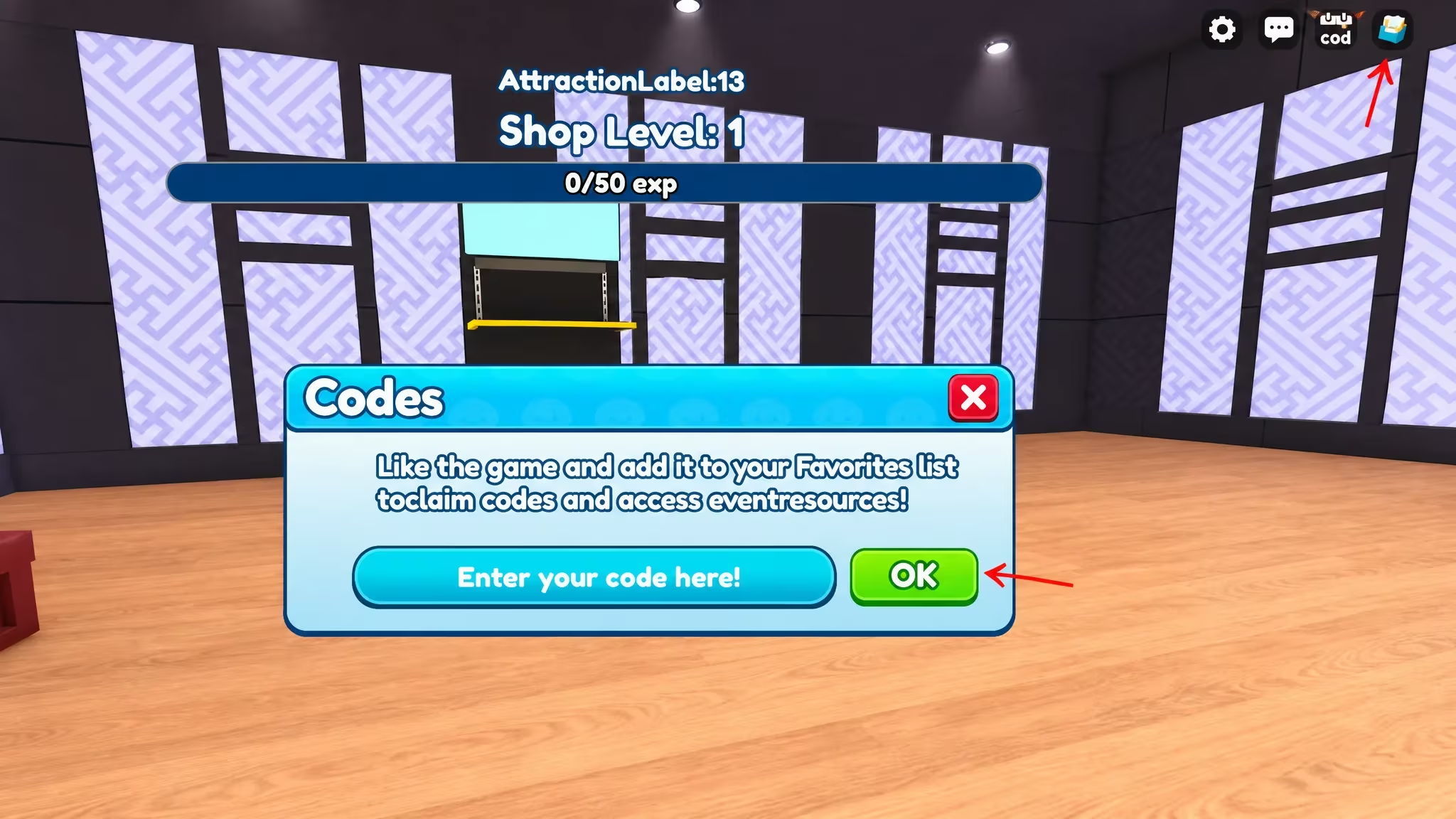
J key to pull up the code window instantly.How to get more My Squishy Box Store codes
New codes for My Squishy Box Store tend to show up around game updates, like the recent floor and shop changes tied to the NewFloor and Update3 codes. The safest place to catch them as soon as they drop is the game’s own community hub, where the developers post announcements directly. You can also jump into the My Squishy Box Store experience page itself and check the game’s community group, Dumpling Market, for update posts that sometimes include fresh codes.
Check back on this page too. As soon as a new code goes live or an old one stops working, the lists above get refreshed so you’re never redeeming something that’s already expired.
Why didn’t my code work?
Double-check the spelling and capitalization first, since the redemption box is case-sensitive. If the code menu won’t even open, go back and finish the tutorial, as that’s a requirement before the system unlocks.
Grab your Cash while these codes are still live, since developers can deactivate them at any time without warning.






Leave a Reply