
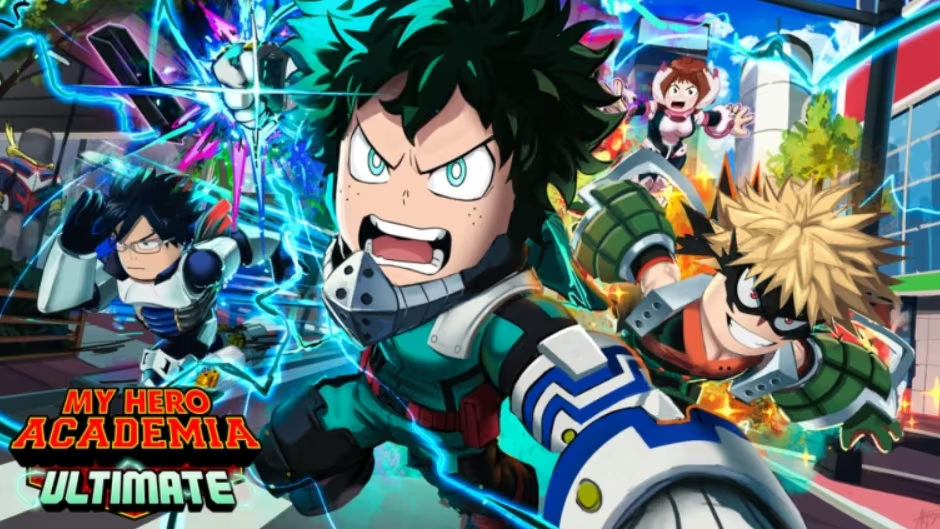
My Hero Academia Ultimate is the Roblox experience where you train your hero, unlock quirks, and battle your way through the world of My Hero Academia. Codes here hand you free crates and coins that would otherwise take hours of grinding to earn.
Working My Hero Academia Ultimate codes
These codes are redeemable right now, so punch them in before you do anything else.
UALEGEND
1 Epic Crate
ONEMILLION
2,500 coins
HEROSTARTERPACK
5 Common Crates
How to redeem codes in My Hero Academia Ultimate
One thing to know before you jump in: you can’t actually redeem anything until you’ve cleared the opening tutorial. If you’re brand new, get through that first, because the reward screen simply won’t open otherwise.
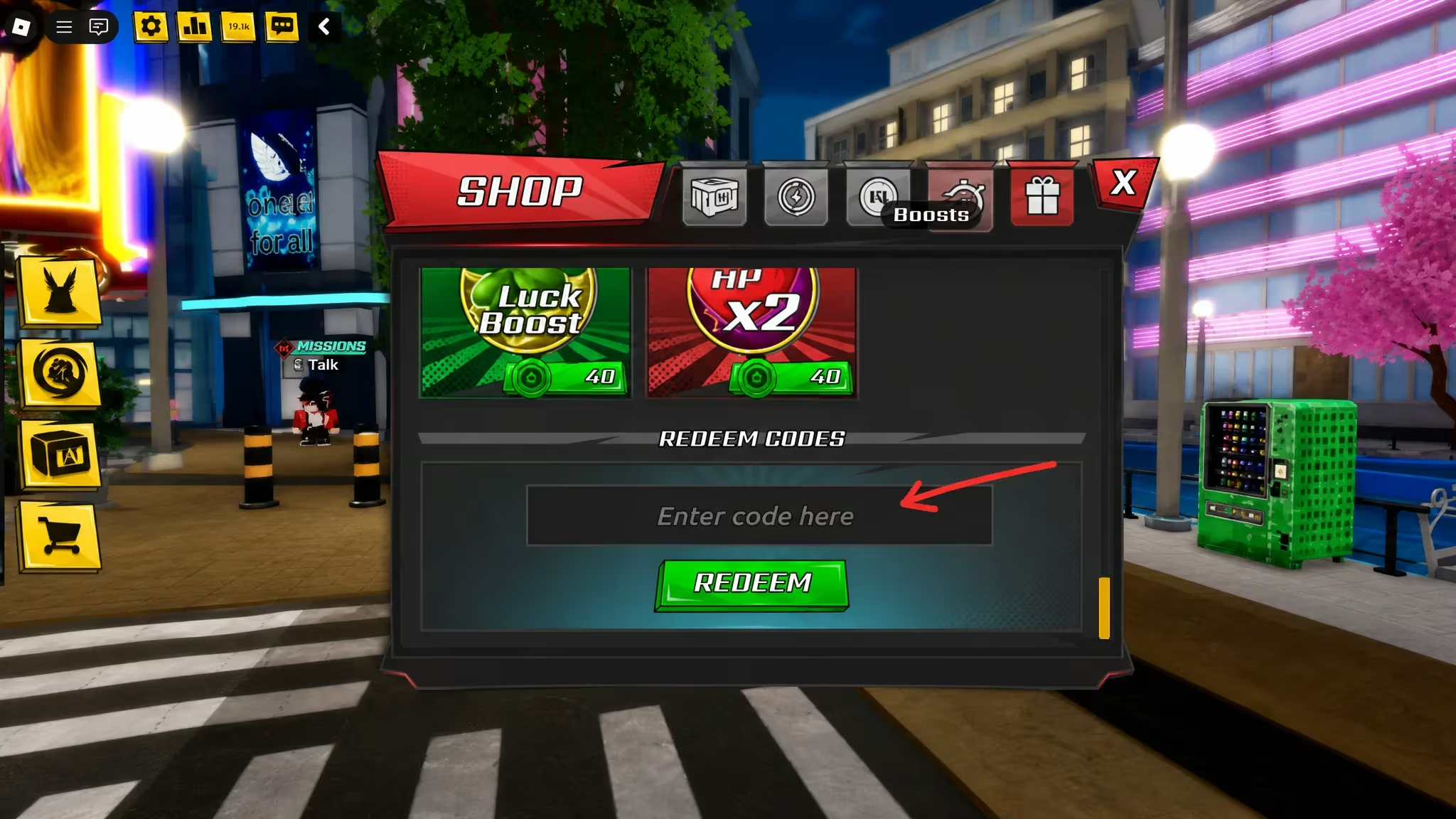
Note: codes are case-sensitive and typos are the most common reason a redemption fails, so copy them straight from this list rather than typing from memory.
Expired My Hero Academia Ultimate codes
This one no longer works, so don’t waste a redemption attempt on it.
RAREQUIRK
Previously gave 1 Rare Skill Crate
How to get more My Hero Academia Ultimate codes
New codes usually go out around milestones like big updates, subscriber goals, or in-game events, so there’s no fixed schedule to bank on. Your best bet is joining the game’s own Discord server, where announcements tend to post first. The Roblox community page is also worth following for the same reason, and you can jump straight into the game itself through the My Hero Academia Ultimate experience page on Roblox.
Why didn’t my code work?
The most likely reason is that the code has expired, since developers deactivate them without much warning. Double-check spelling and capitalization too, and make sure you’ve cleared the tutorial before trying to redeem anything.
Bookmark this page and swing back whenever you’re low on crates or coins. Codes get pulled without notice, so redeeming the working ones above sooner rather than later is always the safer move.


Leave a Reply