
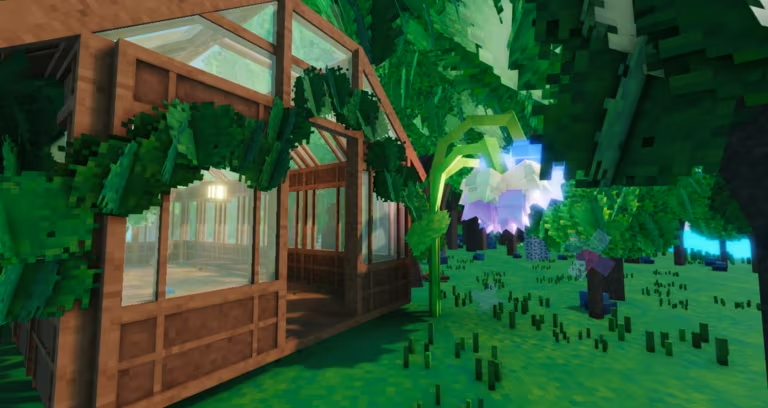
My Greenhouse is a Roblox gardening experience where codes hand you free Cash, seeds, and Stardust to speed up growing and decorating your plot. Here’s what you can redeem right now.
Working My Greenhouse Codes
Only one code is confirmed active right now, so grab it before it expires.
ILOVEPOTATOES
700 Cash, one Potato Seed, and 25 Stardust
New
How to redeem codes in My Greenhouse
Redeeming a code takes seconds once you’re inside your greenhouse plot.
How to get more My Greenhouse codes
New codes for My Greenhouse tend to show up around updates, milestones, and community events. Your best bet is to join the game’s official Discord server, where the developers post new codes directly. You can also check in on the My Greenhouse Roblox page for announcements tied to updates.
We checked for new codes and found just the one active drop above. We’ll add more here as soon as new ones surface.
Why didn’t my code work?
Double-check your spelling and capitalization first, since a single mistyped letter will stop the code from redeeming. If it still fails, the code may have expired, in which case it will no longer appear in the working list above.
Keep this page bookmarked and swing by whenever you’re low on Cash or Stardust. A quick code check before you plant your next batch of seeds can save you a fair bit of grinding.






Leave a Reply