
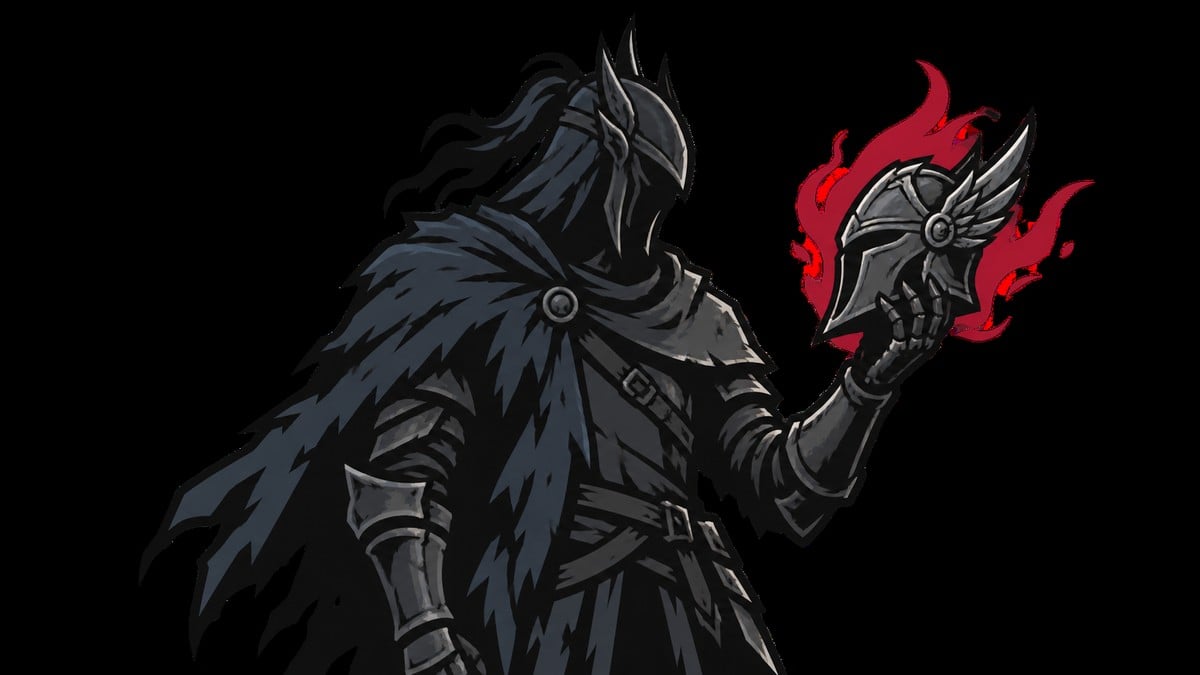
Preorder and Devout Edition skins in Mortal Shell 2 are equipped as Shades at a Beacon after you finish the tutorial and reach Marrow Keep, with Devout Obsidian Shell skins only usable after unlocking the matching Shell.
The rewards cover two different cosmetic targets: the Harbinger you control outside a Shell and the playable Shells you collect. Both use the Beacon menu, but they have different eligibility and progression requirements.
- Preorder Harbinger and Devout Edition Obsidian Shell
- How to equip preorder and Devout Edition Shades in Mortal Shell 2
- Harbinger Shades and Obsidian Shell Shades use different characters
- Why preorder or Devout Edition Shades do not appear
- Flayed Harbinger and base-game chest Shades
- Frequently Asked Questions
Preorder Harbinger and Devout Edition Obsidian Shell
| Skin or reward | How to use it |
|---|---|
| Skeletal Harbinger | Select this preorder Shade for the Harbinger at a Beacon. |
| Obsidian Harbinger | Select this preorder Shade for the Harbinger at a Beacon. |
| Devout Edition Obsidian Shell skin set | Apply the Obsidian variant to each of the eight playable Shells after unlocking it. |
Mortal Shell 2 calls its alternate appearances Shades. These rewards are purely cosmetic and do not change your stats or progression.
A Devout Edition preorder combines the two Harbinger rewards with the Obsidian Shell set. A qualifying Standard Edition preorder includes the Harbinger pair but not the Shell set.
How to equip preorder and Devout Edition Shades in Mortal Shell 2
Use a qualifying edition

Preorder an eligible edition for the Harbinger Shades, or own the Devout Edition for the Obsidian Shell set.
Start the full launch build
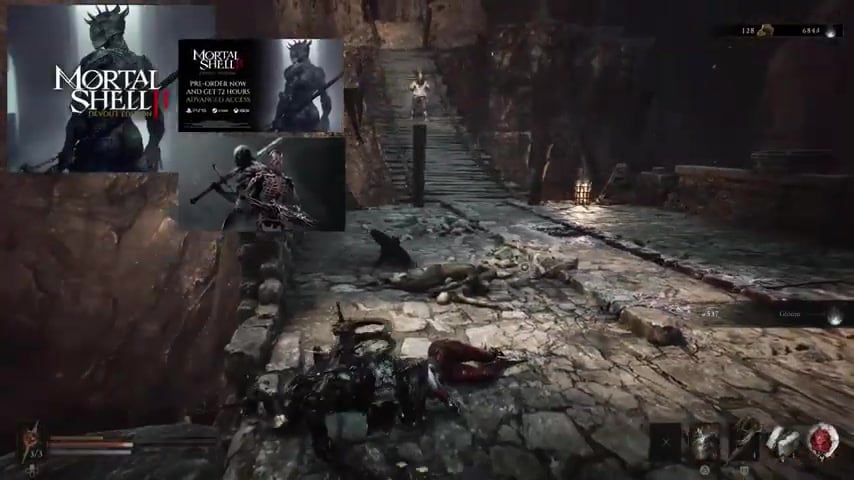
Run the full game on the platform and account tied to the qualifying purchase or preorder.
Finish the tutorial
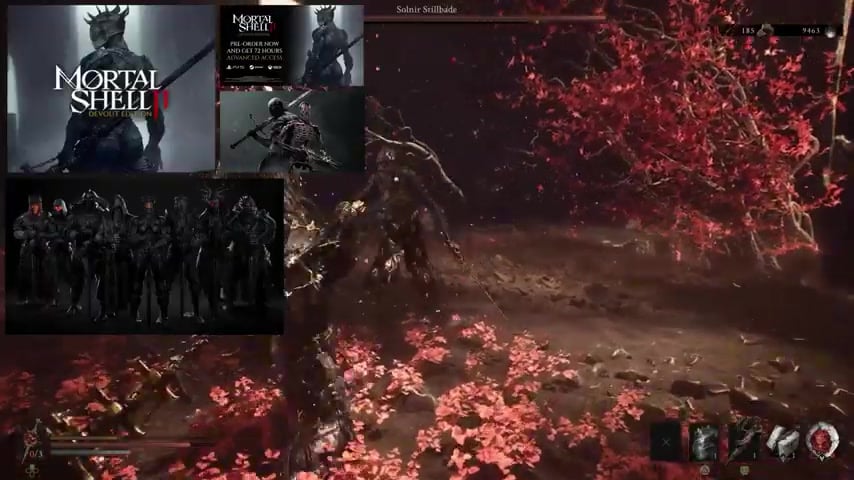
Fight the Tar Golem and continue until the tutorial ends.
Reach Marrow Keep
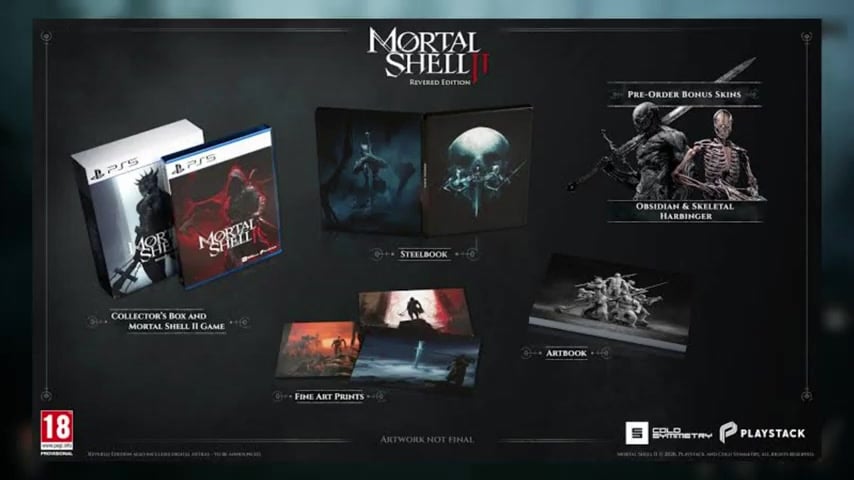
Enter Marrow Keep to gain access to the Shade-changing flow.
Interact with a Beacon
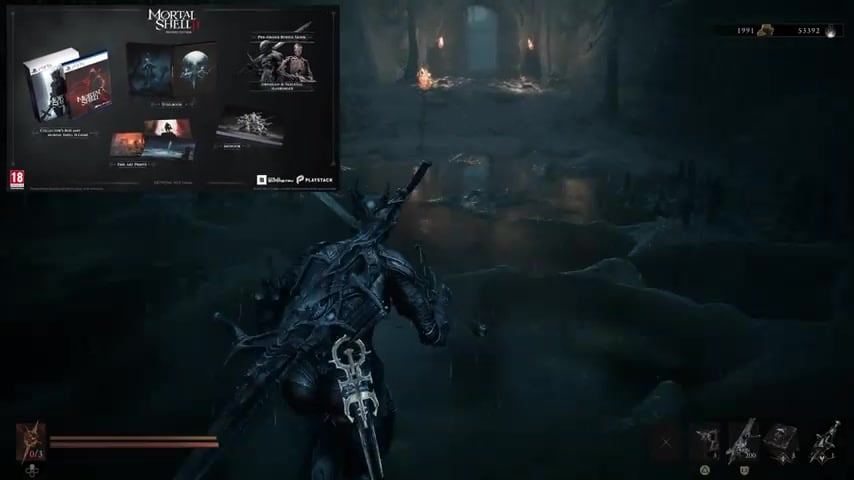
Use the Beacon in Marrow Keep or any other available Beacon.
Choose Change Shades
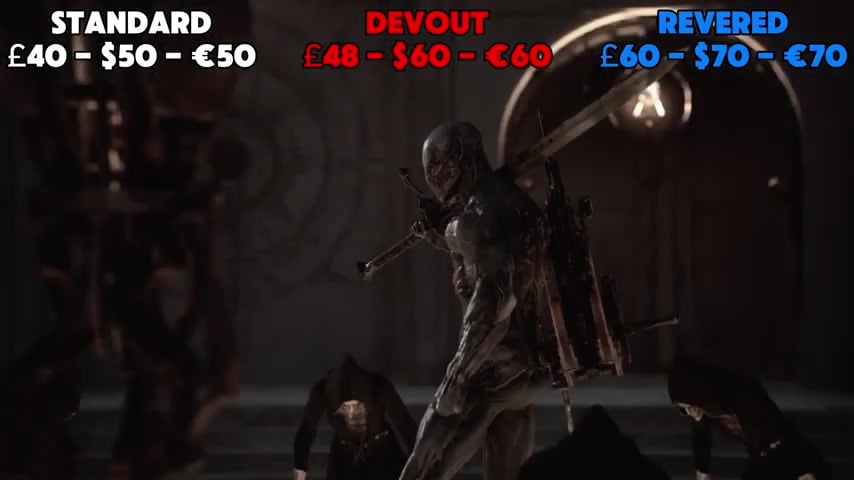
Open Change Shades to see the cosmetics currently eligible for your character.
Select the eligible Shade
Pick Skeletal Harbinger or Obsidian Harbinger, or choose the Obsidian Shell for your active unlocked Shell.
Harbinger Shades and Obsidian Shell Shades use different characters
The Harbinger is your default player character whenever you are not wearing a Shell. Skeletal Harbinger and Obsidian Harbinger alter that form rather than the appearance of a playable Shell.
Key Devout Edition Obsidian Shell are character-specific variants for the Shells. Owning the set does not unlock those Shells: you must first find the corresponding Shell, such as Genessa, unlock it, and make it active before applying its Obsidian appearance.
Equip the unlocked Shell you want to recolor before opening Change Shades, then select that Shell’s Obsidian variant.
Why preorder or Devout Edition Shades do not appear
| Problem | What to check |
|---|---|
| Change Shades is unavailable | Finish the tutorial, reach Marrow Keep, and interact with a Beacon. |
| You are checking another menu | Use the Beacon’s Change Shades option rather than a regular equipment menu. |
| A Devout Obsidian Shell Shade is absent | Unlock the corresponding Shell and set it as your active Shell first. |
| No DLC Shades appear on the launch build | Check that the game is running on the account, platform, and edition tied to the reward. |
| You expected the open-beta reward | Beta eligibility is separate and must be associated with the account used for the full game. |
A missing Shade usually means that the Beacon flow, character requirement, or store entitlement has not been satisfied. Check the point where your setup differs from the expected path.
Platform labels for Skeletal Harbinger and Obsidian Harbinger differ between listings, so check the preorder contents on your platform’s official store before treating either Shade as platform-exclusive.
Flayed Harbinger and base-game chest Shades
Flayed Harbinger is a blood-soaked red Harbinger Shade associated with playing the open beta for roughly 30 minutes on the account used at launch.
The base game also has Shell Shades earned from cosmetic chests near the Marrow Keep elevator. These chests use the Blackmarrow Key and belong to the game’s normal cosmetic progression rather than its edition rewards.
Related Mortal Shell 2 guides
Frequently Asked Questions
Can you buy or use the Devout Edition Obsidian Shell skins after launch?
Yes. The Obsidian Shell set belongs to the Devout Edition itself, so it remains available when that edition is purchased after release. The advanced-access window is the time-limited part of the package.
Do preorder or Devout Edition skins give any gameplay advantage?
No. They only alter appearance and provide no additional damage, defense, or survivability.
Is the Flayed Harbinger beta skin the same as the preorder skins?
No. Flayed Harbinger is tied to open-beta participation, while Skeletal Harbinger and Obsidian Harbinger are preorder rewards. Flayed uses the Harbinger cosmetic category and does not include any Devout Obsidian Shell variants.
Video help




Leave a Reply