
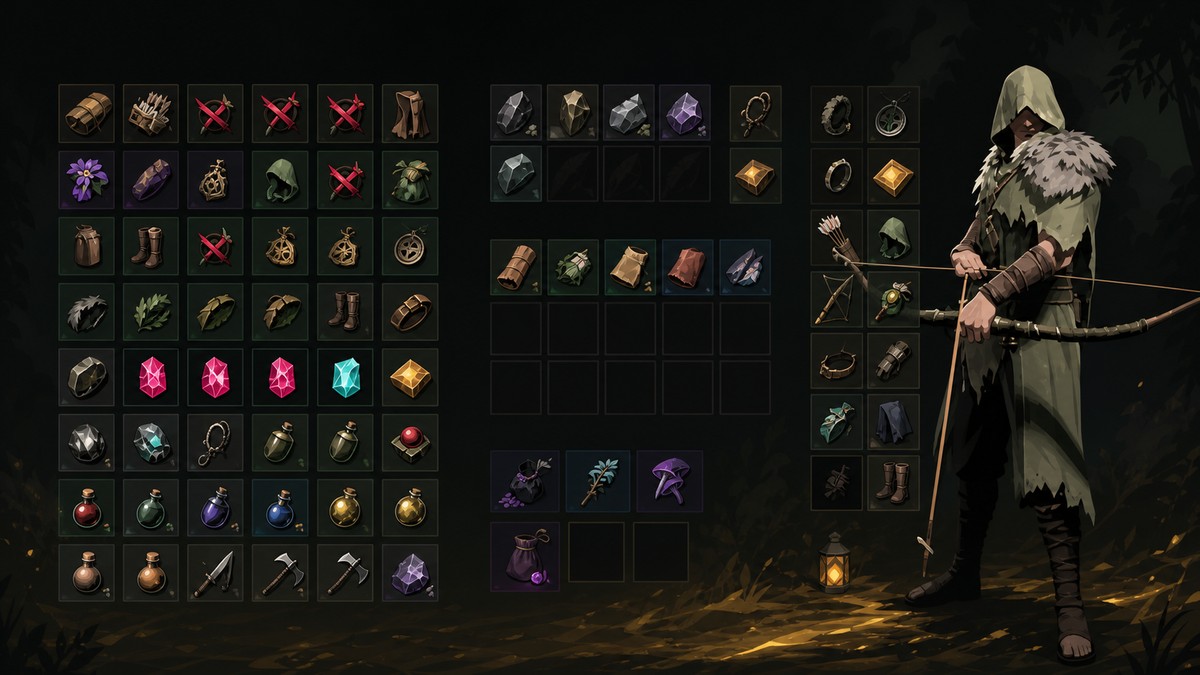
You can get free Load Out Kits in Mistfall Hunter by farming Combat Bags through Twig’s Scavenger Squad expeditions, then managing and equipping those bags from the Warehouse’s Combat Bag tab.
Combat Bags are Mistfall Hunter’s free preset Load Out Kits: each one gives you a ready-made gear setup without spending your own stash gear first. The main repeatable route is to send Twig’s Scavenger Squad on expeditions that can return Combat Bags, then use the Warehouse to pick the preset you want before entering a map.
The important catch is that these are preset kits, not editable custom Loadouts. If you extract successfully, you keep the equipment from the bag; if you die before extraction, that equipment is lost like normal gear.
What Combat Bags give you
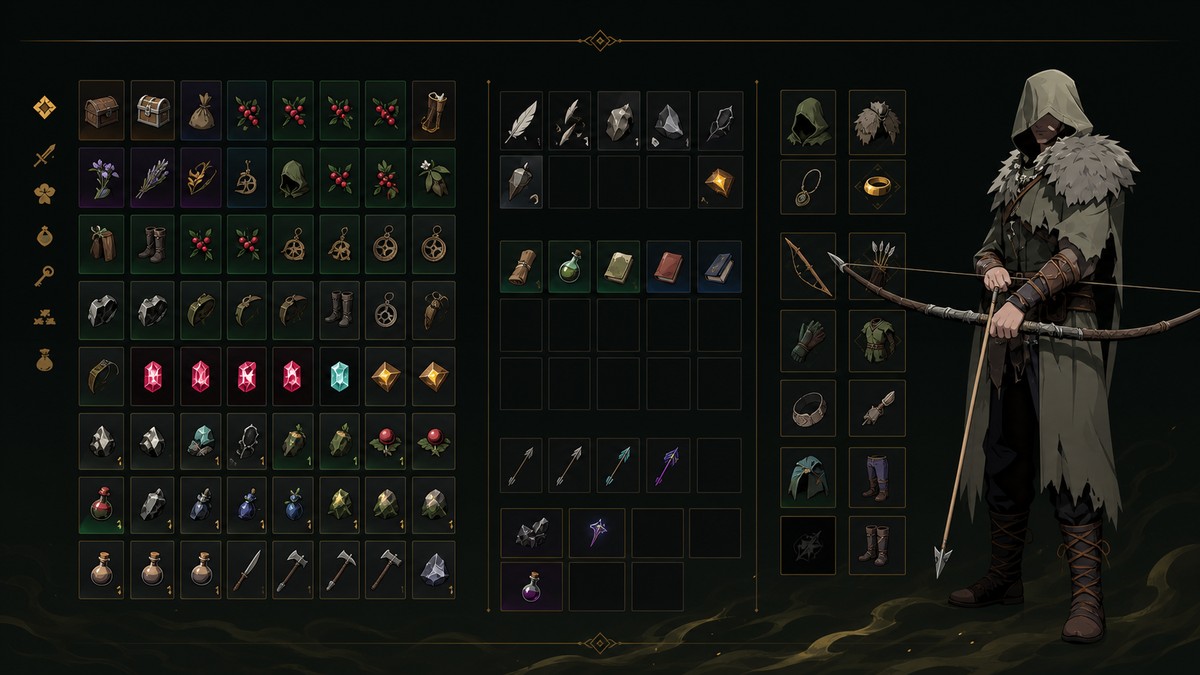
A Combat Bag instantly outfits your hunter with a full preset loadout, including the gear package tied to that bag tier. They are useful when you want to queue quickly, test a higher-risk run, or avoid draining your main stash after a bad streak.
KEY!
You do not tune each piece inside the bag before using it. Treat the bag as a locked kit: pick the preset that fits your next run, equip it, and only commit it once you are ready to enter the map.
Farm Combat Bags from Twig’s Scavenger Squad
Before using this method, unlock the Scavenger Squad building at camp. Expedition areas are tied to camp upgrades, so improving camp access gives you more places to send the squad.
How to farm free Load Out Kits in Mistfall Hunter
Use the Combat Bag screen to check what you need, then send Twig’s Scavenger Squad on Battlefield Cleanup expeditions that show Combat Bags in the reward preview.
STEP 1/8
Open Combat Bag
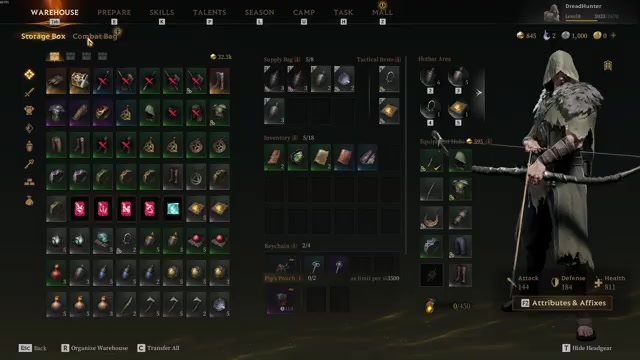
Go to the Warehouse’s Combat Bag tab to see the available bag presets.
STEP 2/8
Check the standard tiers
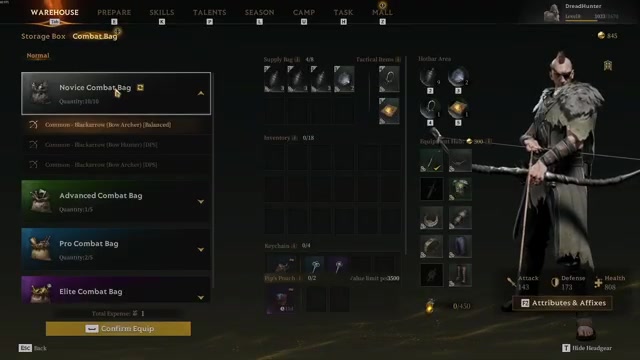
Review Novice, Advanced, Pro, and Elite Combat Bags before deciding what to farm.
STEP 3/8
Use refresh on selected bags
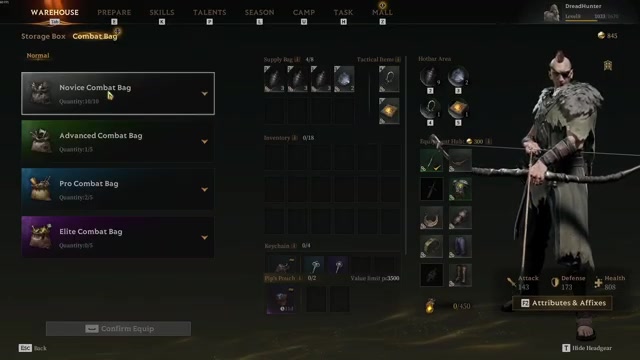
Hit the refresh button to reroll the selected Combat Bag options so you can pick a preset you prefer.
STEP 4/8
Talk to Twig
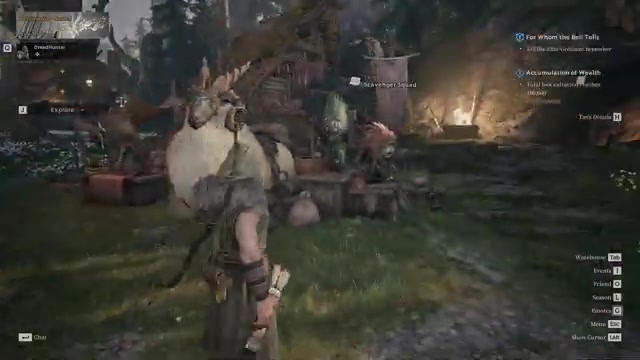
Go to Twig and open the Scavenger Squad menu.
STEP 5/8
Choose Normal Battlefield Cleanup

Select Normal, then look through Battlefield Cleanup jobs.
STEP 6/8
Look for Combat Bag rewards

Pick expeditions that show a Combat Bag in the likely reward preview, though the exact bag is not chosen directly.
STEP 7/8
Fill the required item cost
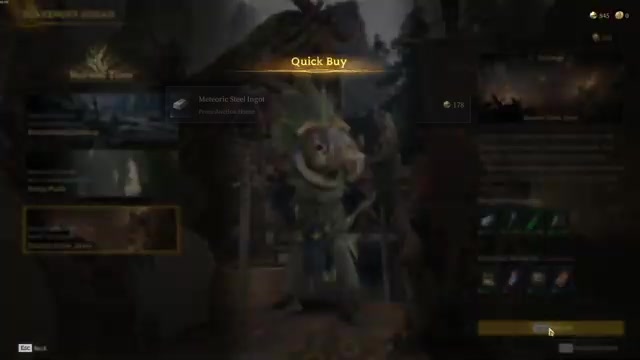
Add the required expedition materials or market-bought items when the job asks for them.
STEP 8/8
Confirm the dispatch
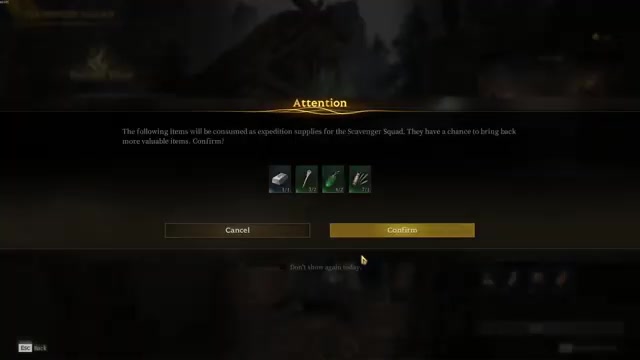
Confirm the expedition and send the squad out to bring back rewards.
Scavenger Squad expeditions can only be launched on a timer, with the current cadence roughly around once per hour. Longer dispatches may take several hours, so send the squad before logging off if you are mainly farming bags for future runs.
Video help
Choose and equip Combat Bags from the Warehouse
Once you have bags, return to the Warehouse and open the Combat Bag tab. The screen lets you browse the core bag tiers, reroll selected options with refresh, and choose the preset that fits your next map.
Equip the bag only when you are actually preparing to enter. The bag is consumed when you enter a map, but if you unequip it before entry, the bag returns instead of being spent.
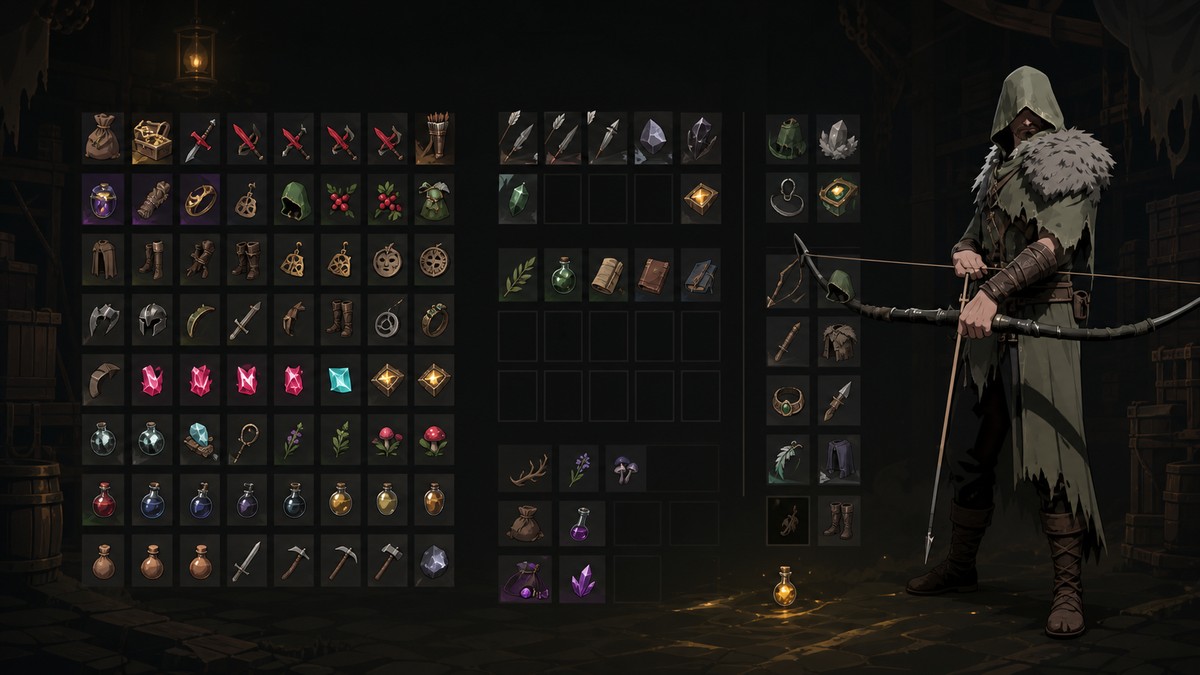
Spend or equip stored Combat Bags before farming more, because storage caps can leave new Scavenger Squad rewards stuck in your backlog instead of cleanly entering your inventory.
Combat Bag tiers and storage limits
| Combat Bag tier | Storage limit |
|---|---|
| Novice | Up to 10 |
| Advanced | Up to 5 |
| Pro | Up to 5 |
| Elite | Up to 5 |
Mistfall Hunter currently uses four standard Combat Bag tiers: Novice, Advanced, Pro, and Elite. Limited and Custom variants also exist, but the normal farming loop centers on the standard tiers shown in the Combat Bag screen.
Higher-tier bags are the better targets once your Scavenger Squad options can support them, but avoid relying on older gear-value numbers because balance details changed after the August 8, 2026 patch.
Other free Combat Bag sources to check
| Source | What to check |
|---|---|
| Scavenger Squad | Battlefield Cleanup expeditions that preview Combat Bag rewards. |
| Season Store and Echo of Fate | Repeatable Season quests that grant Echo of Fate, which can be spent on Pro and Advanced Combat Bags. |
| Path of Glory | Current progression rewards, since older Season 1 tier requirements may have changed. |
| In-game mail | Only currently visible time-limited reward mail in your mailbox; available results do not support the specific August 7, 2026 mail reward with one Pro Combat Bag and one Advanced Combat Bag as a current claimable source. |
Scavenger Squad farming is the repeatable route, but it is not the only place to look. Check the seasonal and message systems whenever you log in, especially during launch-window reward campaigns.
For the Season Store, avoid planning around old Echo of Fate prices or older reward thresholds. Check the current store page directly after each patch, then spend Echo on the bag tier that best matches the maps you are running.
Combat Bag mistakes to avoid
The easiest mistake is hoarding bags past the useful point. Novice caps at 10, while the other standard tiers cap at 5 each, so a full inventory can turn farming into a backlog problem instead of a clean upgrade loop.
Watch expiration timers on overflow rewards. If you keep sending the squad out while your Combat Bag storage is full, rewards can pile up with countdowns attached, and you may lose value by waiting too long to spend them.
Also remember the timing of consumption: equipping a bag is reversible before map entry, but entering the map commits it. Before dispatching the Scavenger Squad again, check whether better reward previews are available so you are not repeatedly farming low-value bags while stronger expeditions are sitting unused.
Related Mistfall Hunter guides
Frequently Asked Questions
Can Combat Bags be edited like normal Loadouts?
No. Combat Bags are locked presets, so you choose between the available preset options instead of editing each weapon, armor piece, gem, affix, skill, or talent inside the kit.
When is a Combat Bag consumed?
A Combat Bag is consumed when you enter a map with it equipped. If you equip one and change your mind before entering, unequip it to restore the bag.
Can old mail rewards be claimed after the deadline?
No. Mail campaigns are time-limited, so once the claim window passes, those Combat Bag rewards should be treated as unavailable unless a new campaign sends them again.






Leave a Reply