

“Megaphone codes” in Grow a Garden 2 aren’t redeem codes — they’re Roblox Sound IDs you paste into the Megaphone, a Rare gear item bought from George at the Gear Shop, to play music or meme audio across your server.
If you searched “megaphone codes” expecting a list of strings that hand you free seeds or Sheckles, that’s the misunderstanding worth clearing up first. The Megaphone is a piece of gear, and the “codes” people share for it are ordinary Roblox Sound IDs — the same numeric audio asset IDs used across Roblox. Paste one in, and the Megaphone blasts that track to everyone on your server. This guide covers what the item is, how to actually play a sound through it, a copy-paste list of working IDs, and where the real redeem codes live.
What megaphone codes actually are
| Attribute | Detail |
|---|---|
| Name | Megaphone |
| Type | Gear, Rare |
| Source | George, at the Gear Shop |
| Function | Plays a Roblox Sound ID server-wide |
| Price | Reportedly 8,000 Sheckles (one source says 7,000; 49 Robux claimed as an alternative — unverified) |
| Effect on farming | None — purely novelty/social |
The Megaphone itself is a Rare-tier gear item you buy from George at the Gear Shop, and it’s a one-time, permanent purchase. It has no effect on farming whatsoever — it won’t speed harvests, buff pets, or help your defenses. Price is the one genuinely contested detail: most reports put it at 8,000 Sheckles, though one listing says 7,000, and a popular tutorial claims an alternative of 49 Robux when it’s in stock. Treat the exact figure as unconfirmed, since it may shift with shop rotations or patches.
How to play a Sound ID through the Megaphone
Equip it at George
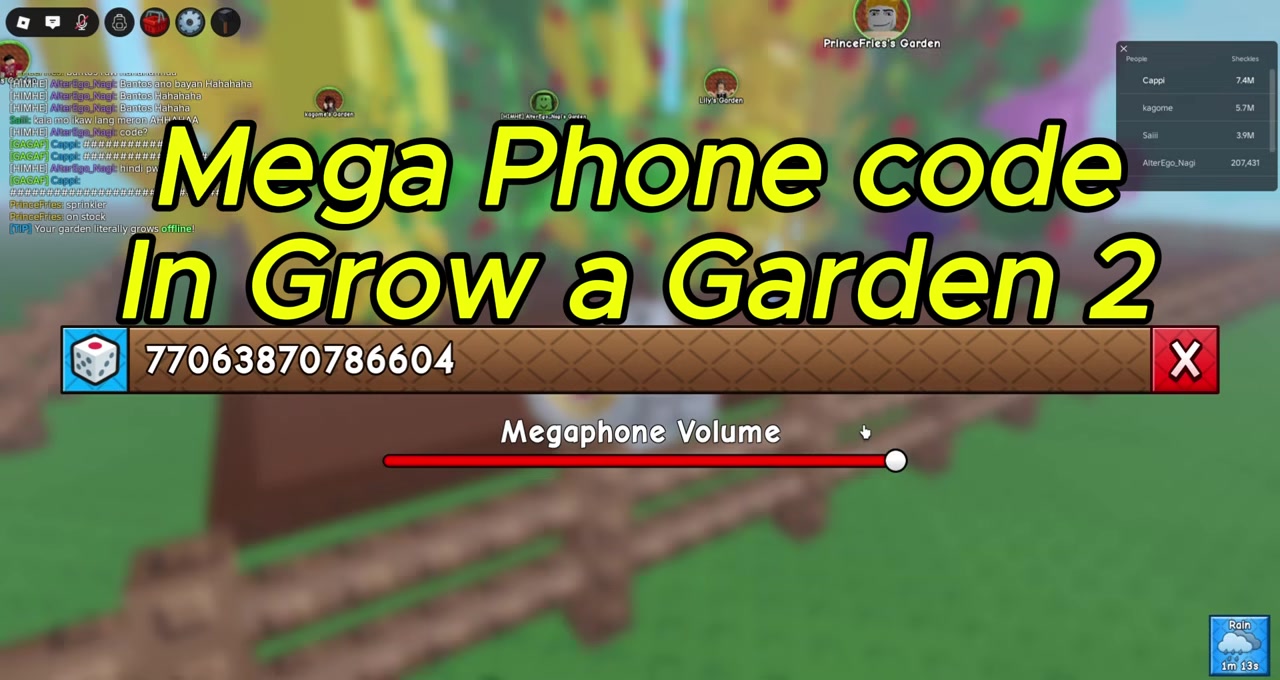
After buying, revisit George and equip the Megaphone so it appears in your gear inventory and hotbar.
Hold the Megaphone
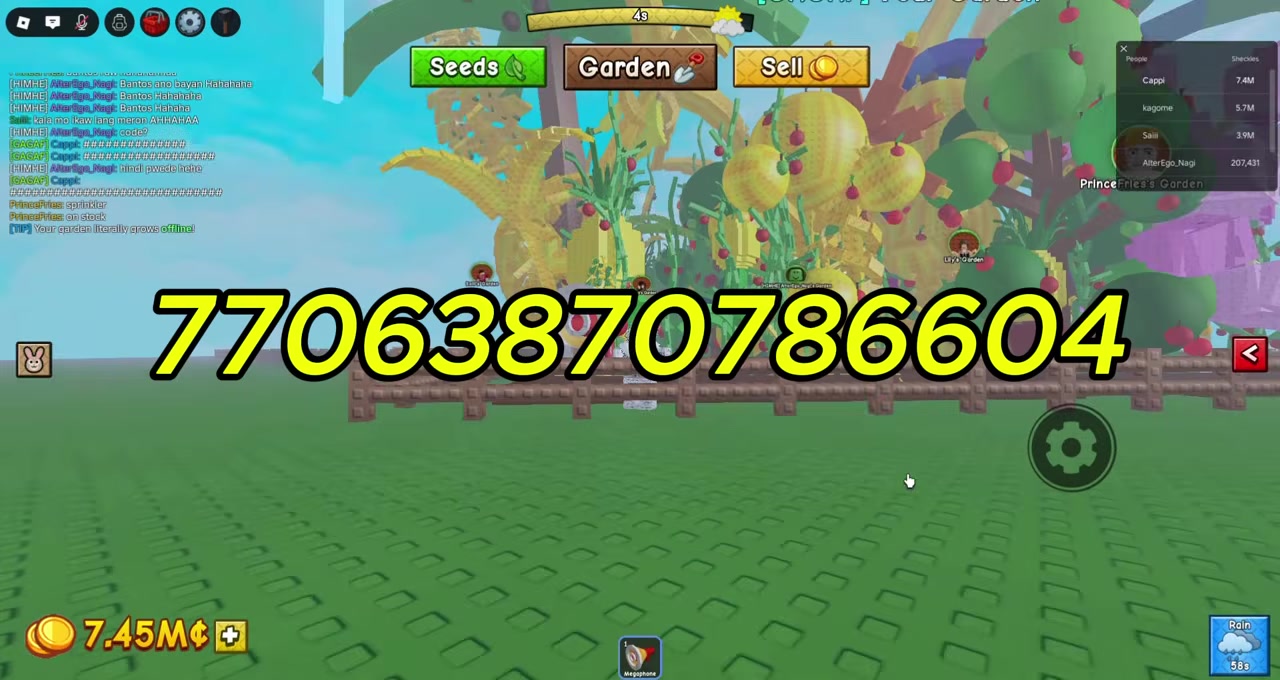
Click its hotbar slot so your avatar is holding it, and a small gear/settings icon appears on screen.
Open the settings icon
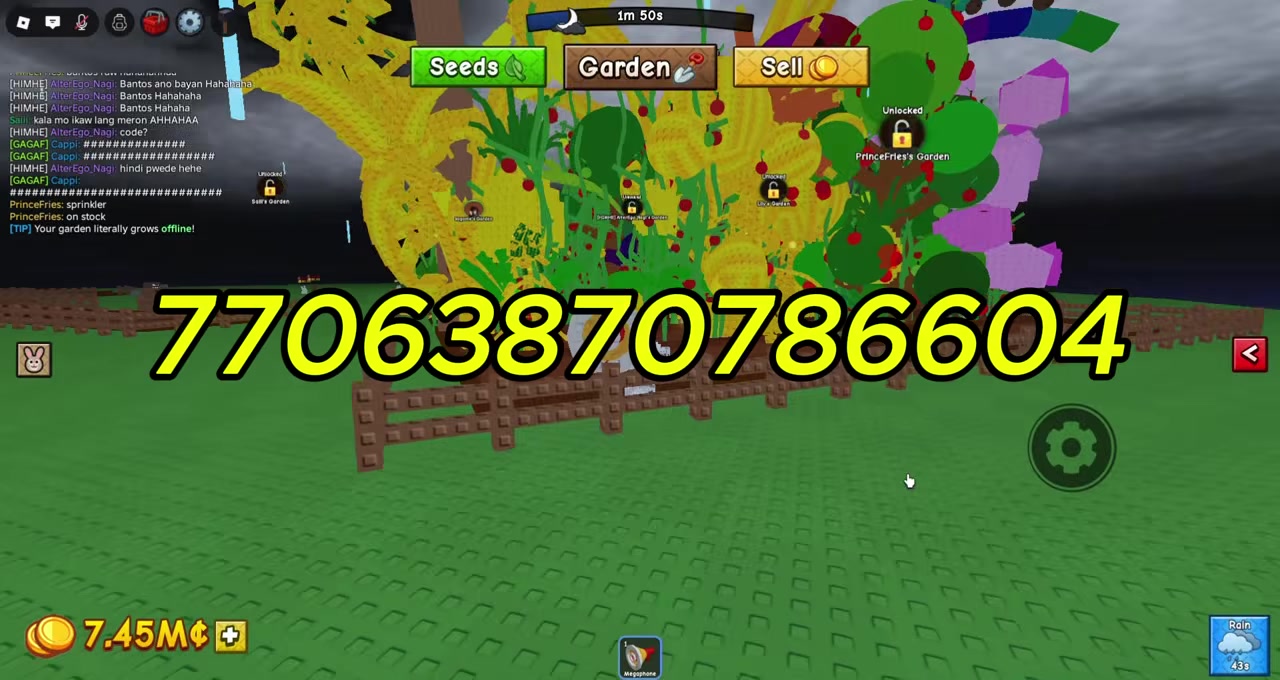
Click that gear icon to bring up the Megaphone configuration window.
Paste a Sound ID
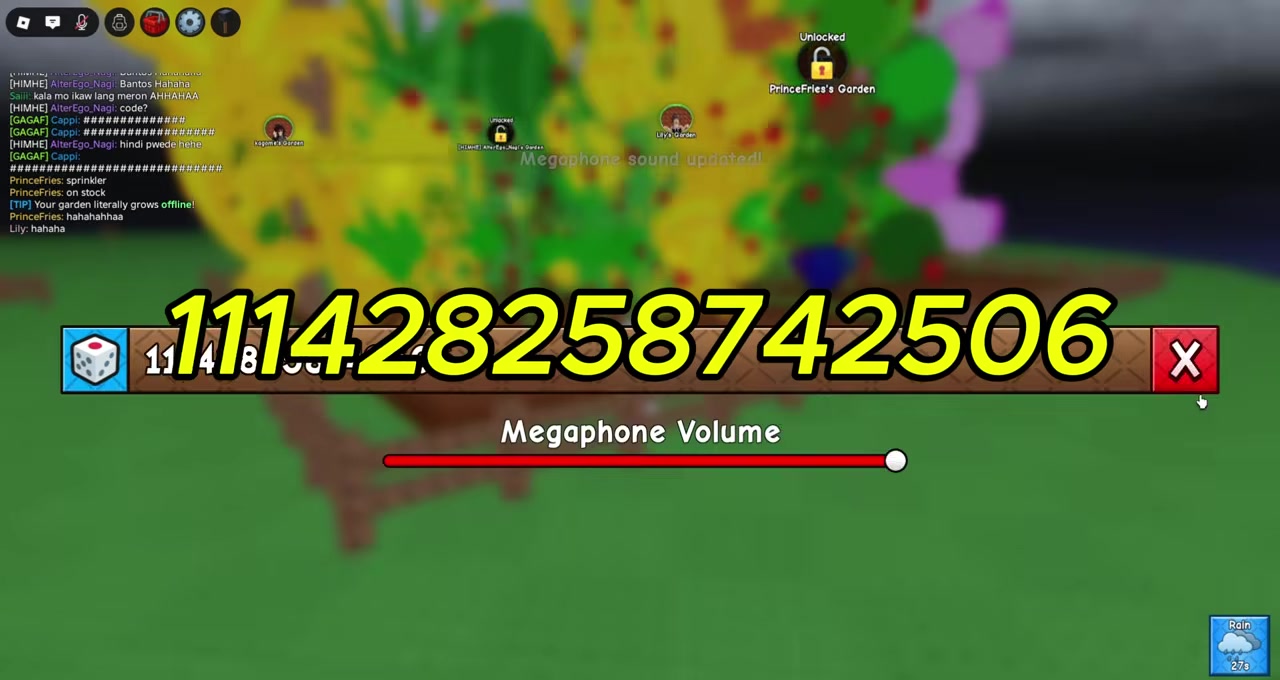
In the Song ID / Sound ID field, paste a Roblox Sound ID and press Enter.
Set the volume
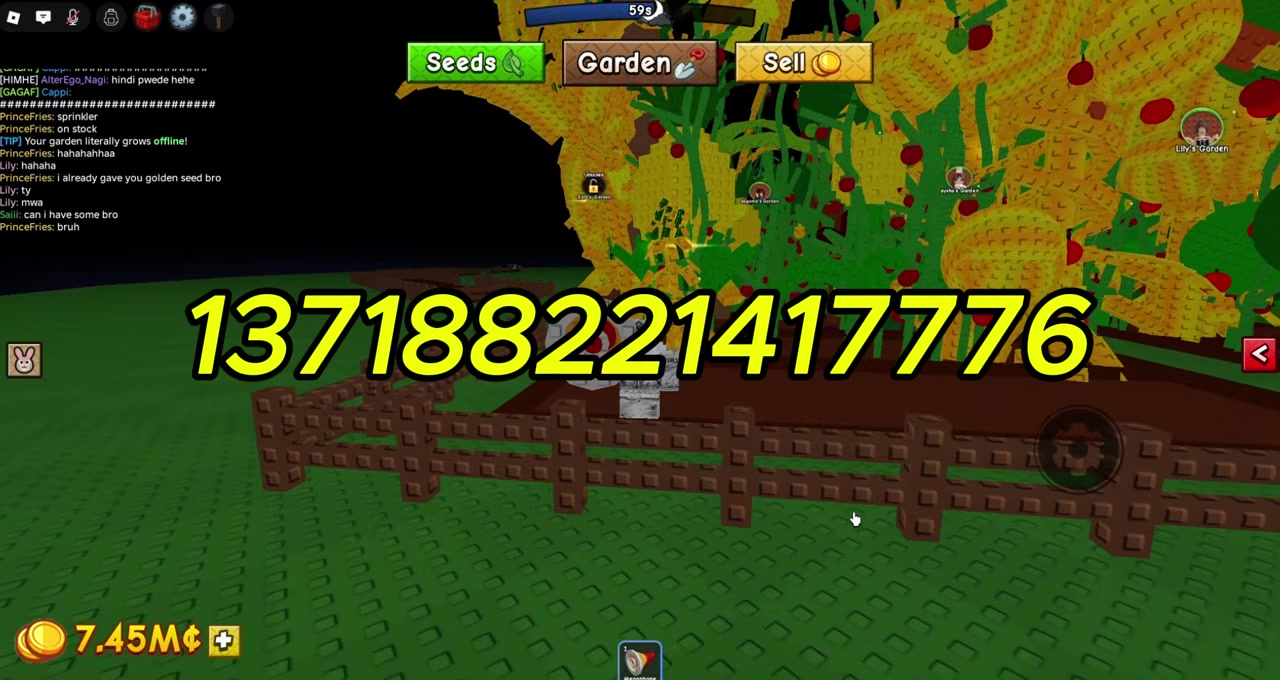
Adjust the volume slider in this menu (or in main settings) so you’re not blasting the server.
Click to play
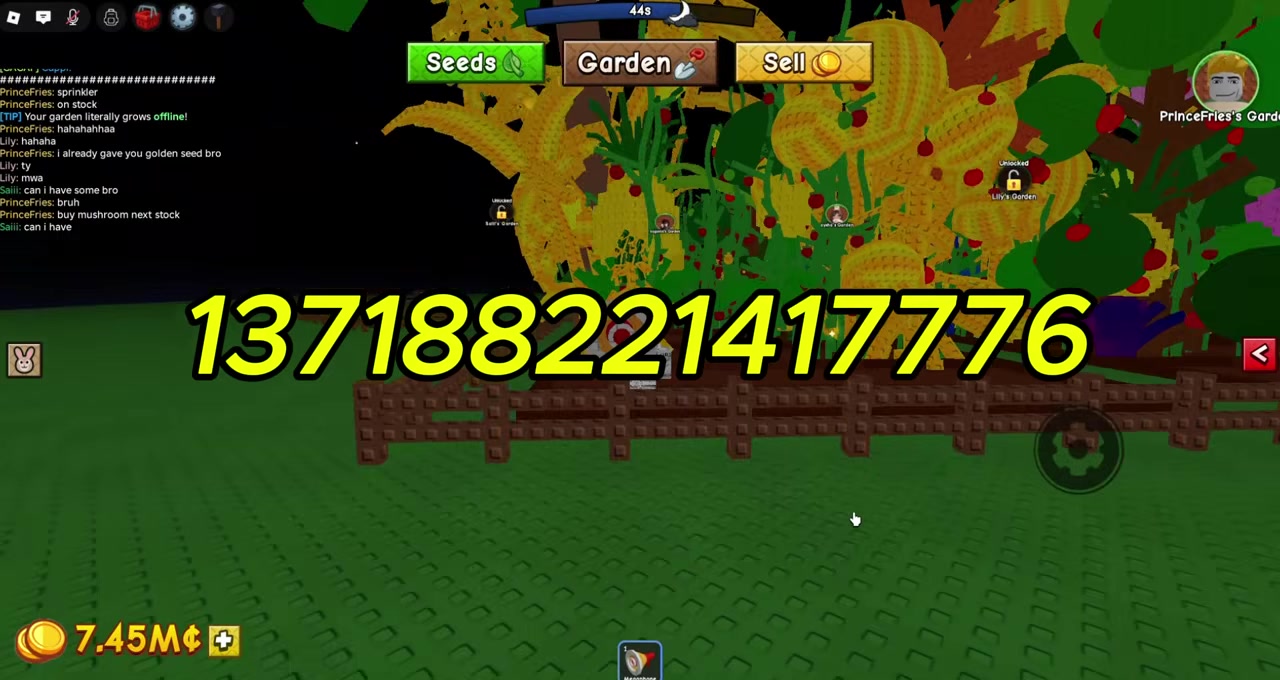
With the Megaphone in hand, click it to play the chosen sound across the whole server.
Some versions of the interface reportedly include a dice icon next to the text box that rolls a random Sound ID for you. That detail only shows up in one place and isn’t confirmed across guides, so treat it as a possible feature rather than a guaranteed button.
Copy-paste every Sound ID — never type it. A single wrong digit makes the sound silently fail, and these IDs are long, so retyping them by hand is the most common reason a “working” code does nothing.
Video help
Working Megaphone Sound ID codes
| Sound / Track | Roblox Sound ID |
|---|---|
| Crab Rave (Noisestorm) | 5410086218 |
| Raining Tacos | 142376088 |
| Tokyo Drift | 1837015626 |
| Spooky Scary Skeletons | 515669032 |
| You’ve Been Rick Rolled | 7363412529 |
| Windows XP Theme | 1626996526 |
| Elevator Music | 9119119619 |
| Whatcha Say | 168208965 |
| Stadium Rave | 1846368080 |
| Better Call Saul Theme | 9106904975 |
| Frog Laughing | 140055886382926 |
| California Love | 95002349594321 |
Any valid Roblox audio ID will work here — the list above is just a tested starting point that mixes music and meme picks. Curated collections of 100+ Sound IDs (Brainrot tracks and other meme audio included) circulate for exactly this purpose, so if you want something specific, grab its Roblox audio ID and paste it the same way. One caveat: these aren’t permanent. If Roblox moderates or removes the underlying audio, an ID that worked yesterday can simply stop playing.
Mistakes players make with megaphone codes

The biggest one is treating these IDs as boost codes — they aren’t. They play sound and nothing else, so don’t expect free seeds, cash, or farm buffs from any of them. The second most common error is buying the Megaphone and never going back to George to equip it, which is why it “never appears” for a lot of people.
Real Grow a Garden 2 redeem codes and other gear
If what you actually wanted was free stuff, the genuine Grow a Garden 2 redeem codes exist separately. The active one being reported is TEAMGREENBEAN, which grants 3 Green Bean Seeds. You redeem these through Settings → Enter code here → Claim!, not through the Megaphone — the two systems have nothing to do with each other.
While you’re in the Gear Shop, the Megaphone sits alongside other Update 1 gear worth a look, including the Player Magnet and the Pet Server Teleporter, both of which actually affect how you play rather than just how your server sounds.
Related Grow a Garden 2 guides
Frequently Asked Questions
Are megaphone codes the same as Grow a Garden 2 redeem codes?
No. Megaphone codes are Roblox Sound IDs that play audio through the Megaphone gear item. Redeem codes like TEAMGREENBEAN are separate strings you enter in Settings for in-game rewards. They use different menus and do completely different things.
How much does the Megaphone cost, and can I buy it with Robux?
Most reports list it at 8,000 Sheckles from George, though one source says 7,000, and a tutorial claims a 49 Robux alternative. The exact price and the Robux option aren’t confirmed and may change with shop rotations or patches.
Do megaphone codes give free seeds or cash?
No. A Sound ID only plays audio server-wide. It grants no seeds, no Sheckles, and no boosts of any kind — the Megaphone is purely novelty and social.
Where do I find more Roblox Sound IDs to use?
Any valid Roblox audio ID works, so you’re not limited to a short list. Longer curated collections of music and meme Sound IDs — well over 100 of them — exist for use with the Megaphone; copy whichever ID you want and paste it into the Sound ID field.
Why isn’t my Megaphone showing up after I bought it?
You most likely didn’t equip it. Head back to George after purchasing and equip the Megaphone there so it lands in your gear inventory and hotbar — it won’t appear on its own just from buying it.






Leave a Reply