
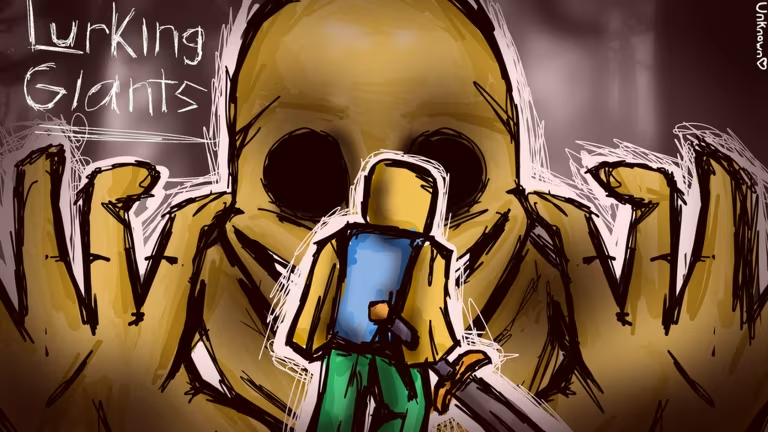
Lurking Giants throws you into a Roblox horror experience where survival gear and shop upgrades matter, and codes are the quickest way to stock up on credits without grinding for them. You just need the right codes and to know where the redemption box actually lives in the lobby.
Working Lurking Giants Codes
These codes are confirmed to redeem successfully right now, each one handing you a batch of credits you can spend in the shop.
SORRYFORDELAYAGAIN
200 credits
25MILVISITS
750 credits
BACKROOMS
500 credits
How to redeem codes in Lurking Giants
You won’t find a separate codes website for this one. Everything happens right inside the game once you’re in the lobby, so keep the app open while you type.
You’ll know a code went through when your credit total updates right there in the Shop menu. If the number doesn’t budge, check for a stray space or a typo before you try submitting it again.
Expired Lurking Giants codes
Don’t waste time typing these into the Shop box, they’ve stopped granting credits.
10MILVISITS
REDIESFAULT
SORRYFORDELAY
IMSOGULLIBLE
How to get more Lurking Giants codes
New codes for Lurking Giants tend to show up around milestones, like visit counts or apology codes tied to delays, so keeping an eye on the developer’s own channels is your best bet. The official Discord server is where announcements typically land first, and you can also check the game’s Roblox experience page for any updates posted there.
Are these codes free?
Yes, every code listed above is free and only costs you the few seconds it takes to type it into the Shop menu.
Why didn’t my code work?
A code that won’t redeem is almost always either expired or mistyped. Double-check for extra spaces or swapped characters, and if it’s on the expired list above, it simply won’t work anymore.
Redeem the working codes soon since credits only help while they’re still active, and check back in on the Shop menu whenever you hear about a fresh one.






Leave a Reply