
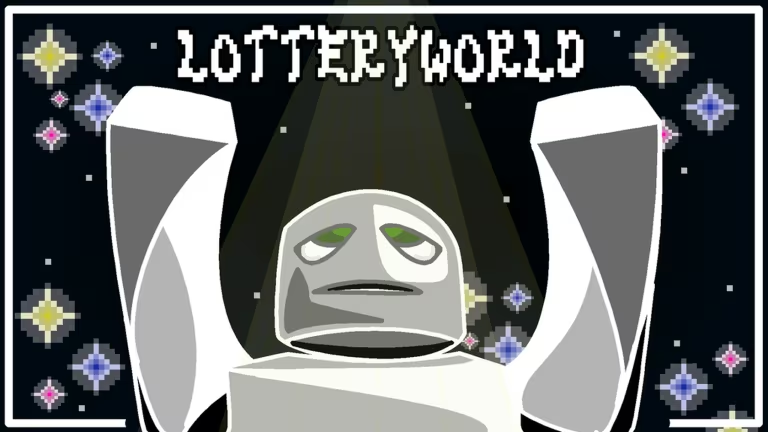
LOTTERYWORLD is a Roblox experience built around obbies and enchant mechanics, and its codes hand out Chips, the currency you use to progress through the game. Redeeming them takes seconds once you know where the code box lives.
Working LOTTERYWORLD Codes
Here’s every code that’s currently redeemable, along with what it hands you.
600COMMITS
Chips
New
SORRYFORBROKENOBBYSYSTEM
Chips
BLACKMARKET3OBBIES6ENCHANTS
25 Chips
How to redeem codes in LOTTERYWORLD
You don’t need to dig through settings menus to redeem a code here. LOTTERYWORLD keeps the code entry box right on the main screen, so you can claim your Chips in a few taps.
If your Chips count doesn’t move after submitting, double-check the spelling and capitalization against the list above, since a single mismatched character will stop it from registering.
How to get more LOTTERYWORLD codes
New codes for LOTTERYWORLD typically come from the developer’s own channels rather than in-game announcements. Joining the official Discord server is the most reliable way to catch new codes as soon as they’re posted, since that’s where the team shares updates directly. The game’s Roblox community page is also worth a follow for the same reason.
If you haven’t played yet, you can jump into the experience itself through the official LOTTERYWORLD page on Roblox.
Tip: Redeem codes as soon as you spot them. Codes in Roblox experiences like this one can be swapped out or deactivated without warning, so waiting a few days can mean missing out on the Chips entirely.
Why didn’t my code work?
The most common cause is a typo, since codes are case-sensitive and need to match exactly what’s listed. If you’ve copied the code correctly and it still won’t redeem, it’s likely been deactivated.
These codes cost nothing to use beyond a Roblox account and a few seconds of your time, so it’s worth running through the working list above and claiming everything you haven’t redeemed yet.





Leave a Reply