


Update 5.0 adds Sky City, Steam Age, and four training areas to Loot to Forge, with free rewards available through Update Logs.
The update expands the game’s levels and the training activities around its main lobby. This guide covers reward claiming, Season 2 menus, training requirements, pet draws, expeditions, and character upgrades.
- How to explore the update and claim rewards in Loot to Forge
- What changes does Update 5.0 bring?
- What rebirth requirements do the new training areas have in Loot to Forge?
- What rewards and menus does Season 2 offer?
- Which pets are on the Pet Luck banner, and what are their odds?
- What do pet expeditions earn, and how do their controls work?
- What character upgrades can you buy with coins?
How to explore the update and claim rewards in Loot to Forge
Start with the update package, browse the season menus, then visit the training platforms, pet expeditions, and courtyard upgrades.
Open Update Logs
Read the update entries
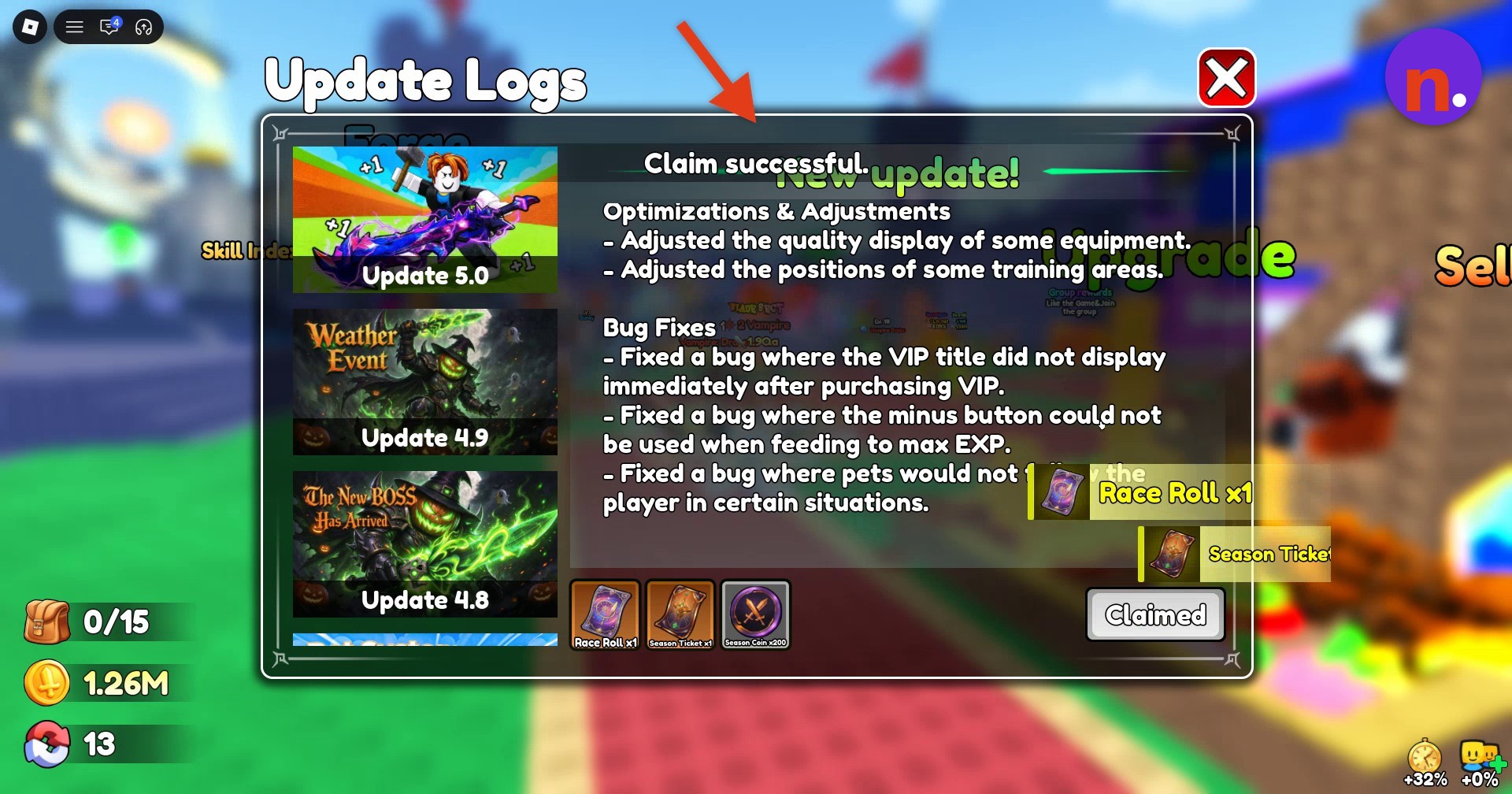
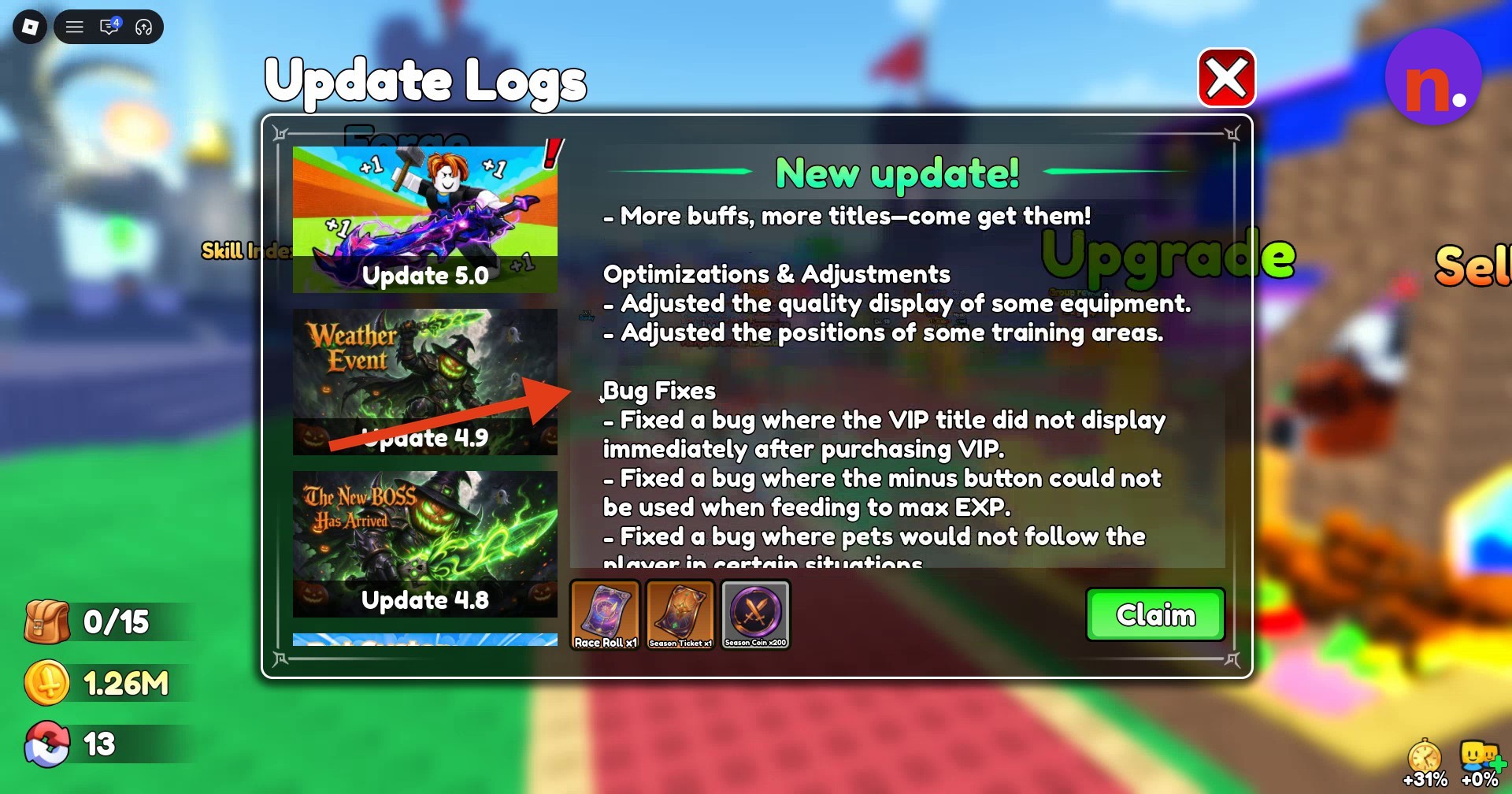
Scroll through the notes for the new levels, weapons and equipment, and training areas, continuing down to Bug Fixes.
Claim the update package
Click the green Claim button in the lower-right corner to collect Race Roll x1, Season Ticket x1, and Season Coin x200 for free. The message Claim successful. confirms collection, and the button changes to Claimed.
Check your Season 2 progress
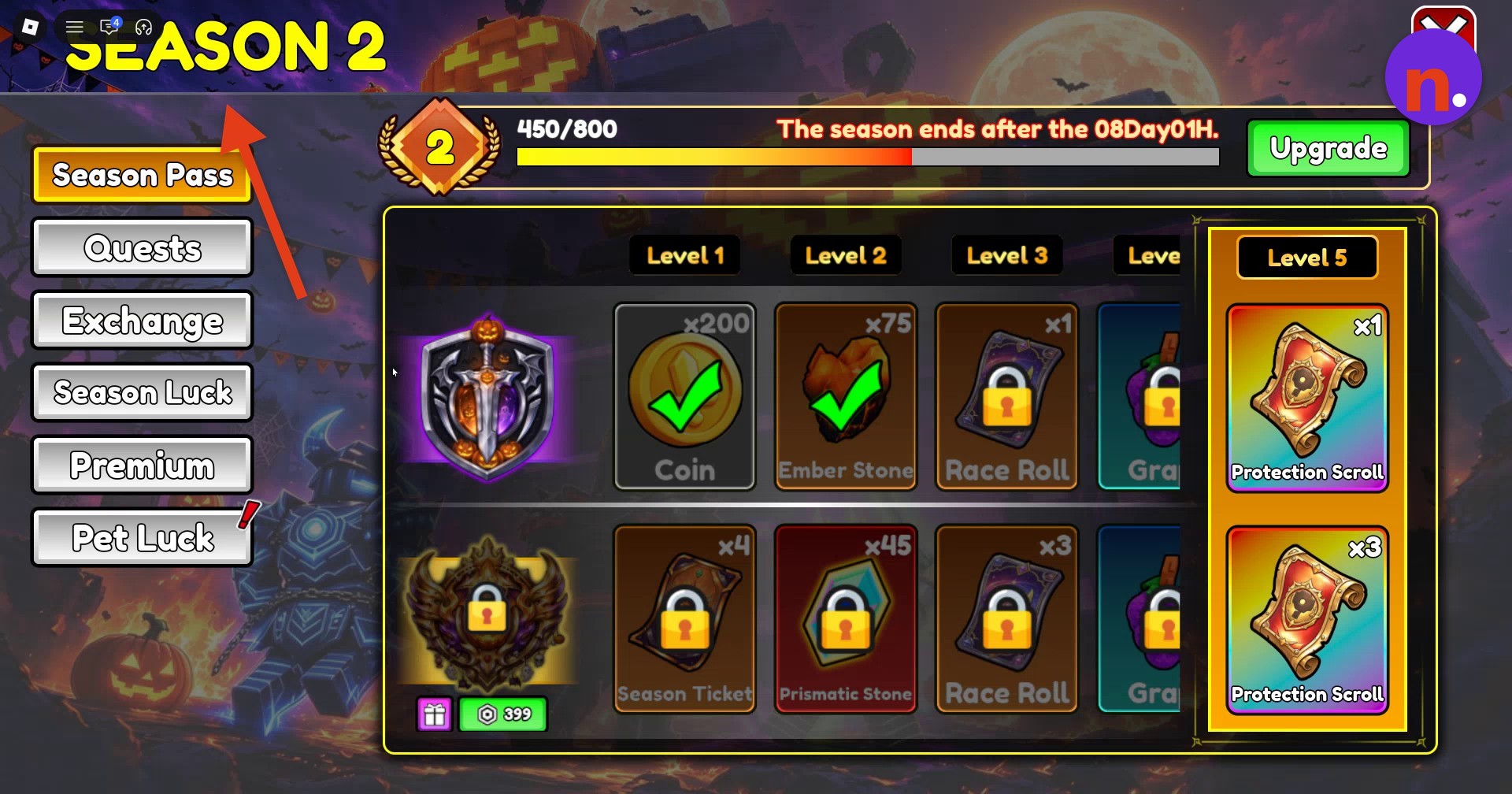
Open SEASON 2 on the left side of the screen to review your pass progress, unlocked rewards, reward tiers, and remaining season time.
Explore Pet Luck
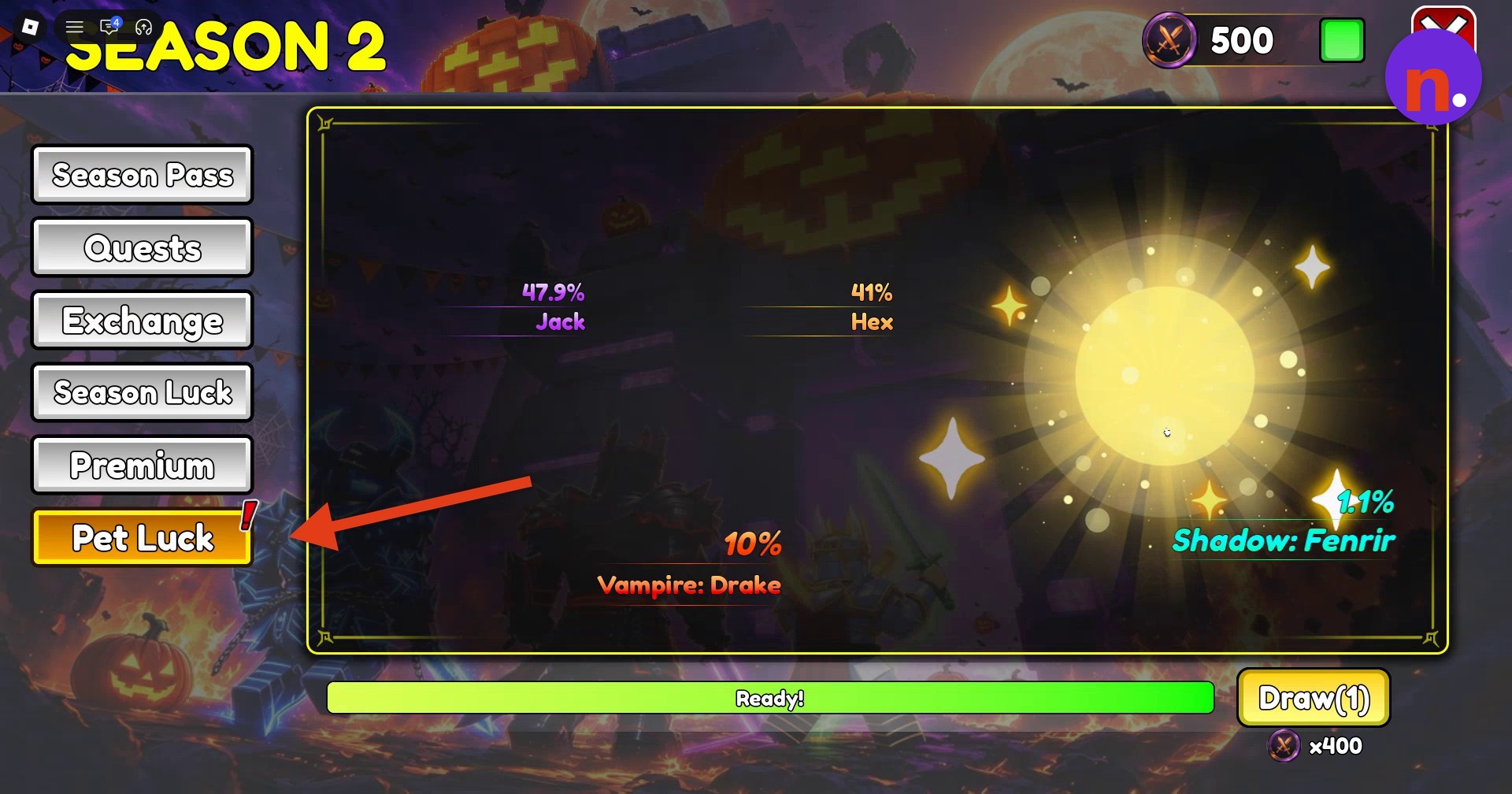
Select Pet Luck to view the draw banner, read the pet odds, and examine pet stats.
Find the added training platforms
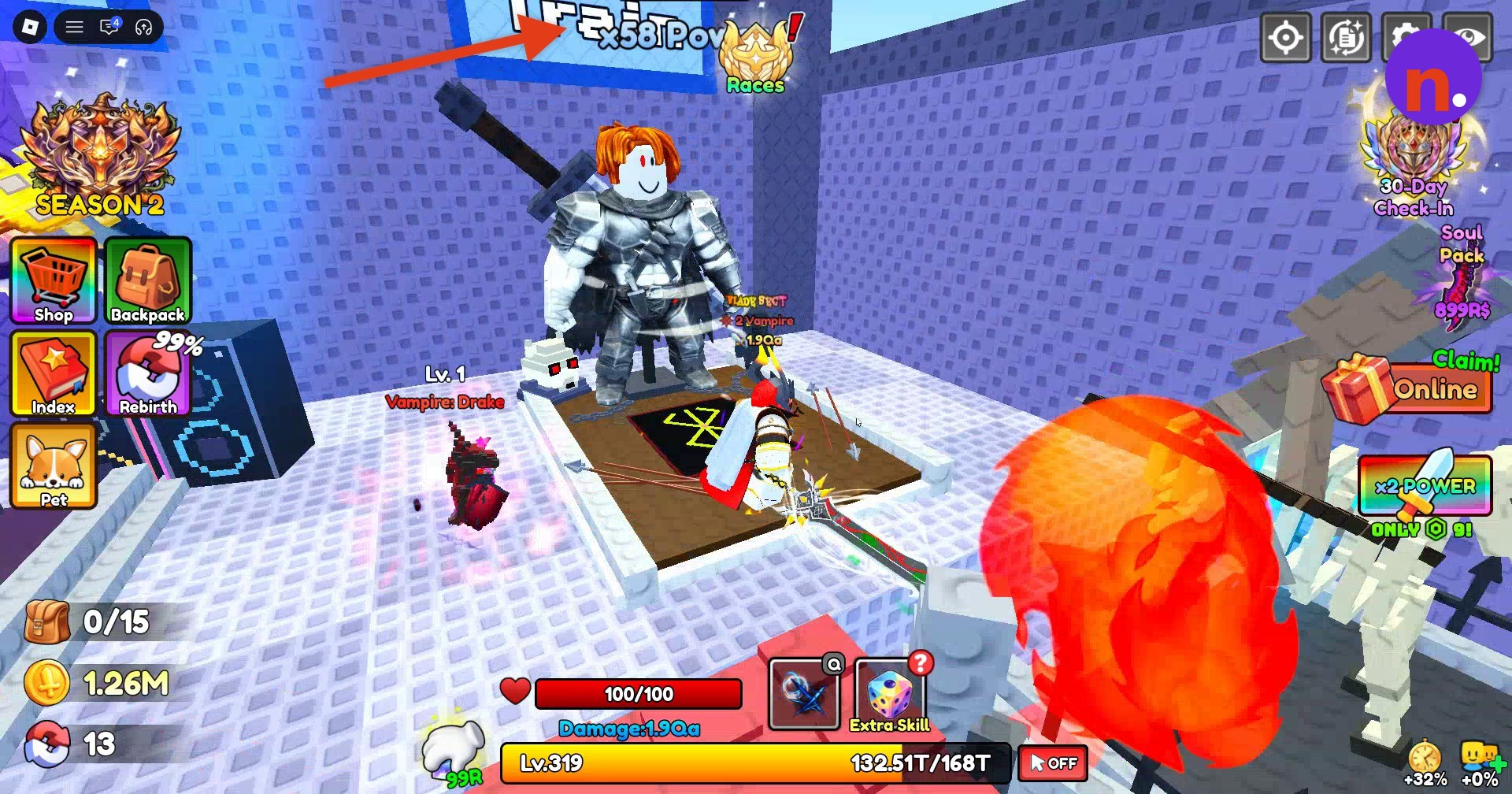
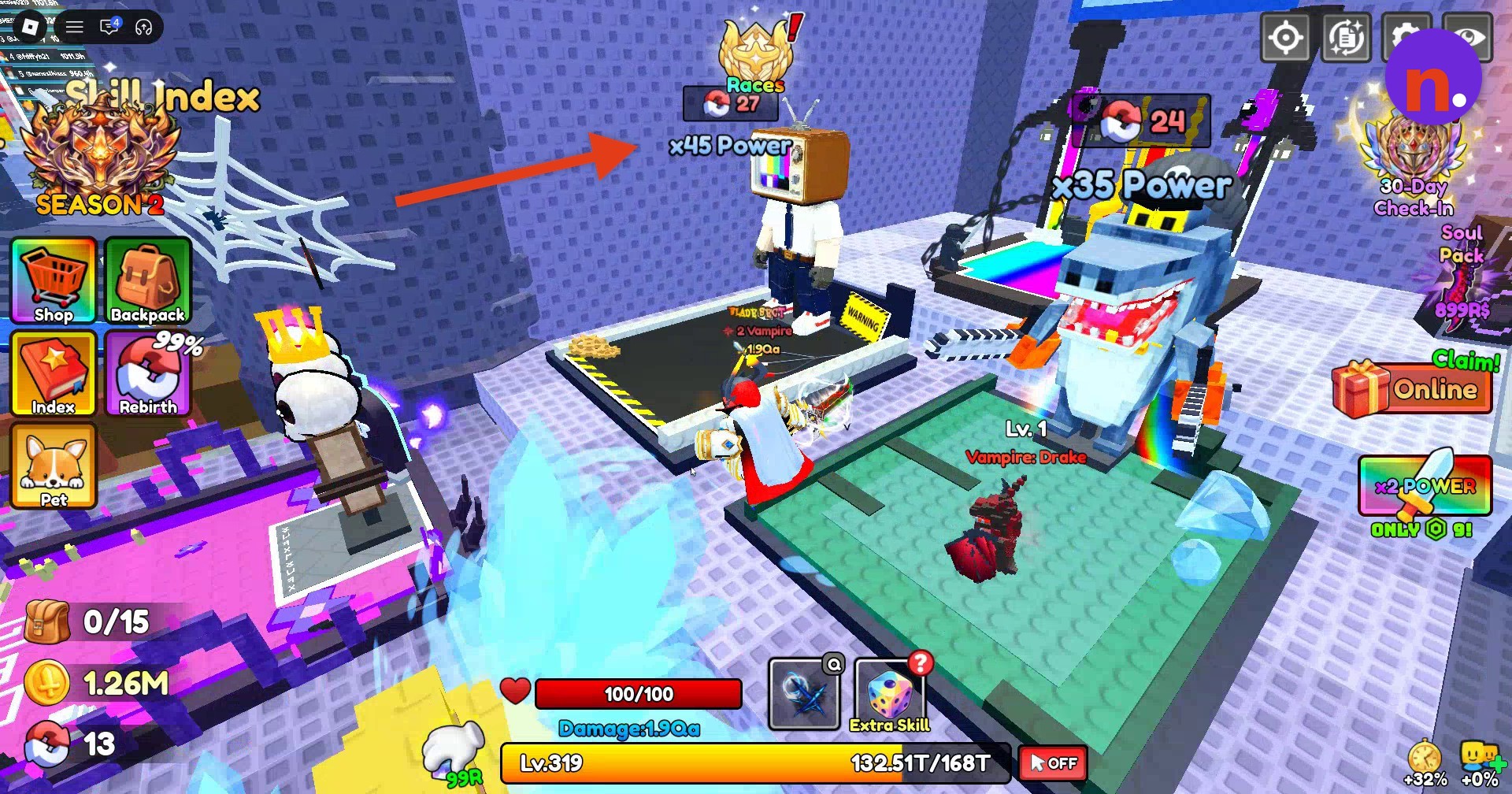
Close the pet window and return to the training-area entry in Update Logs, then head to the stepped training platforms in the main lobby. Look for the Berserk pad, which requires Rebirth 30. A large swordsman stands in the training area.
Dispatch idle pets
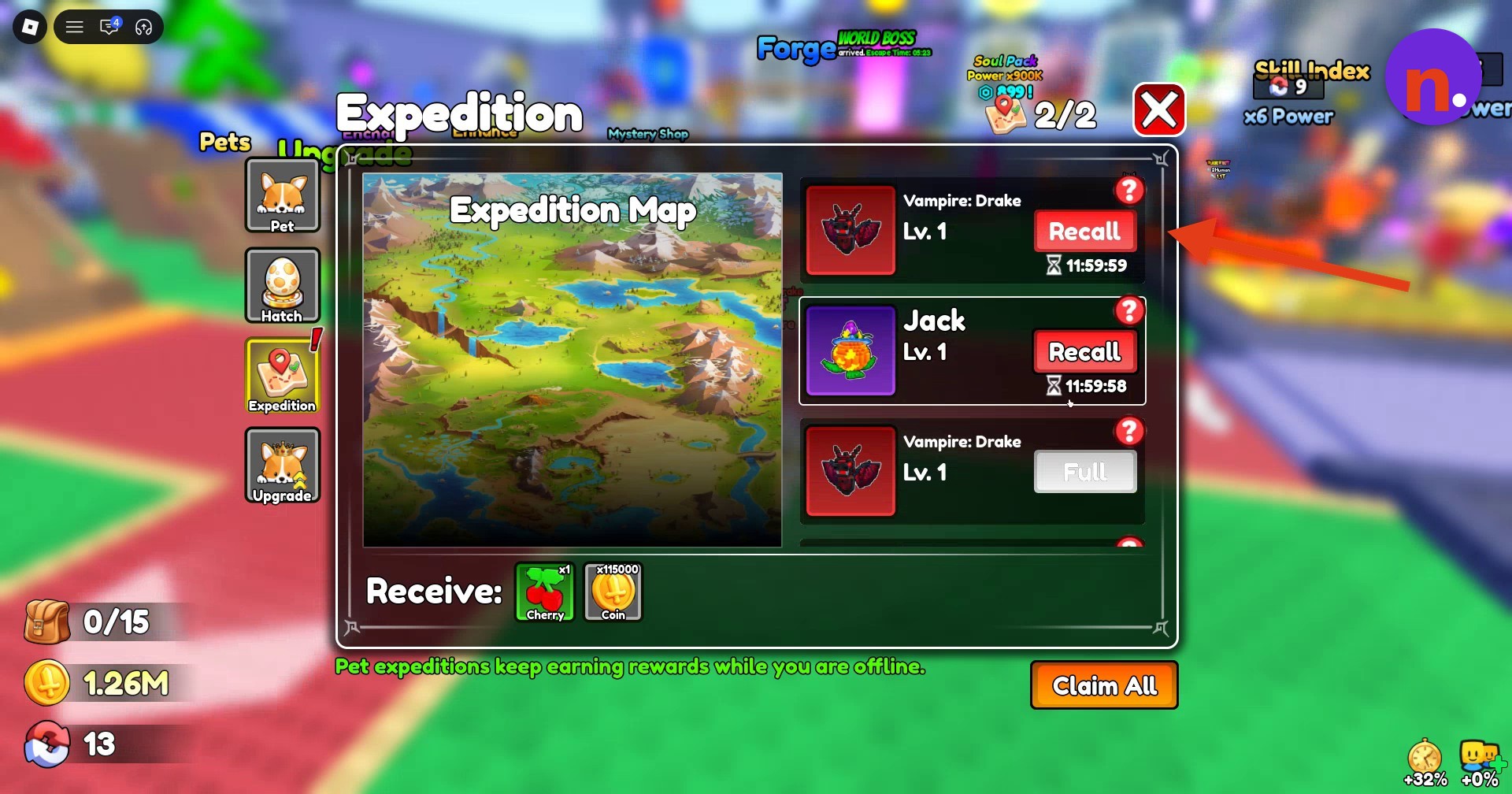
Open Pet, select Expedition, and send your idle pets out.
Review character upgrades
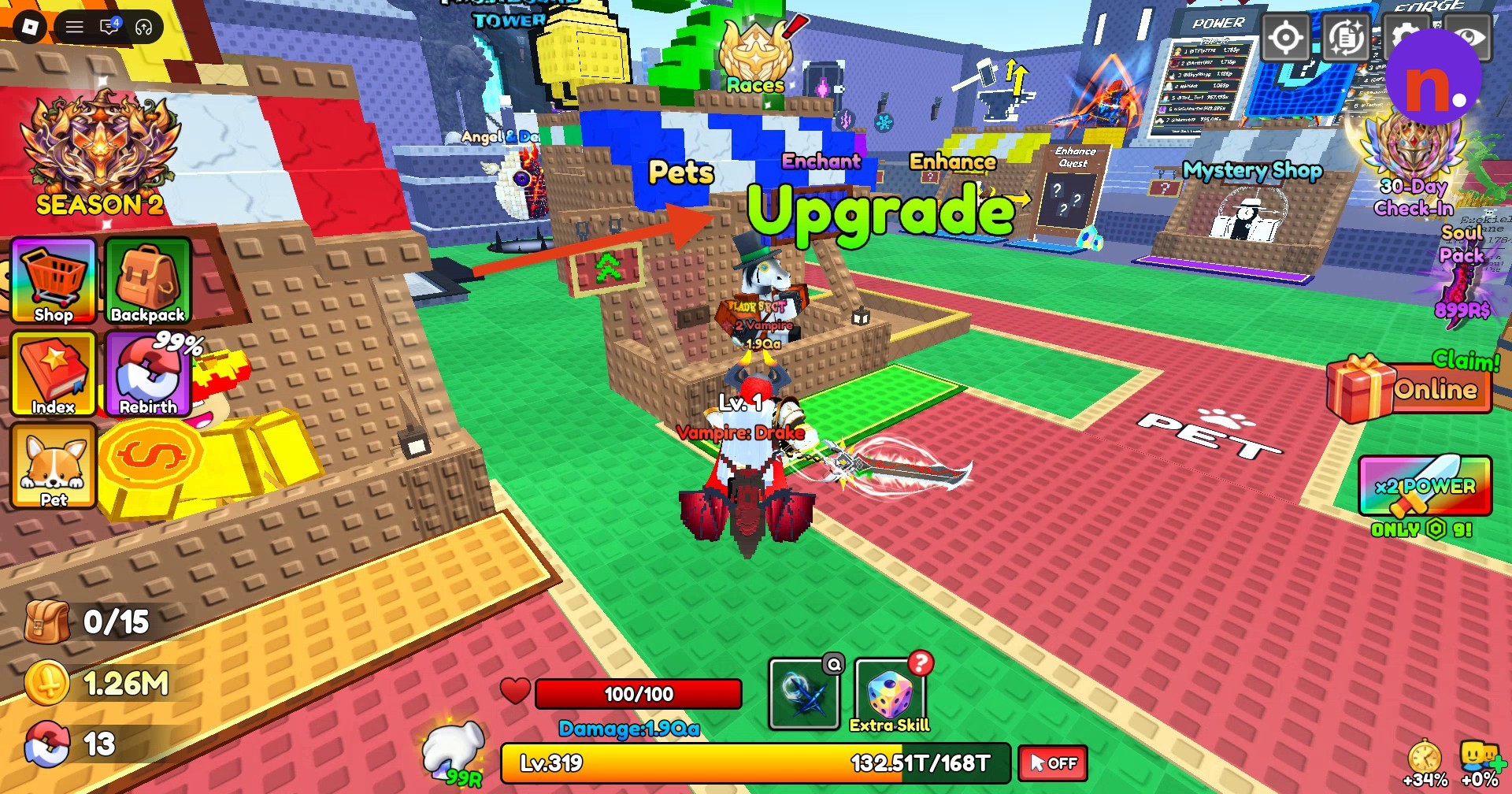
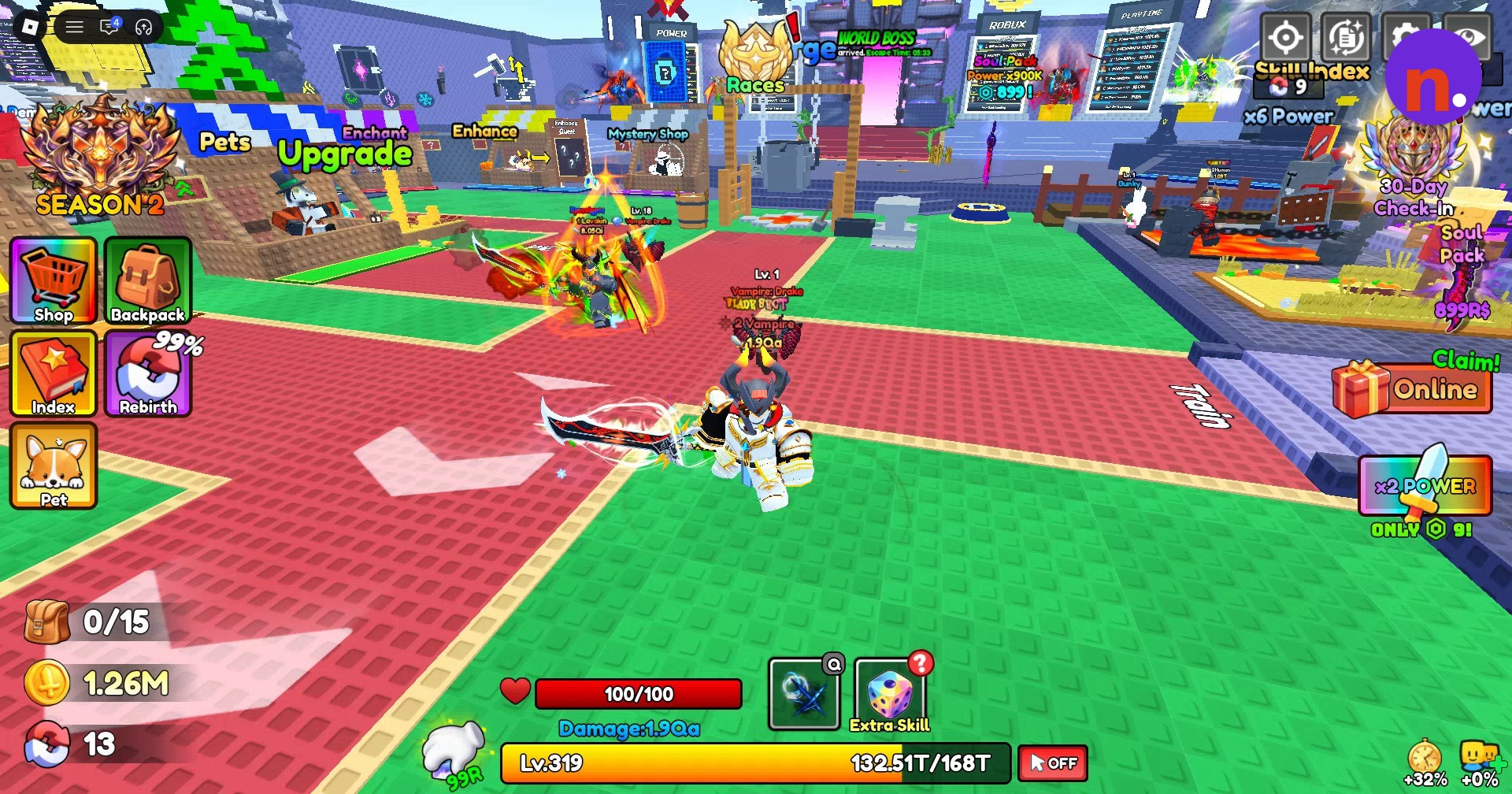
Approach the courtyard stall labeled Upgrade and open its character-upgrade menu. The hub also has a stall labeled Pets; after leaving Upgrade, look across the central courtyard toward the Dungeon portal.
What changes does Update 5.0 bring?
Sky City and Steam Age join the level lineup, bringing the total to 37 levels. The patch notes also announce enemies with higher HP and stronger attacks, alongside higher-value ore drops for forging improved equipment.
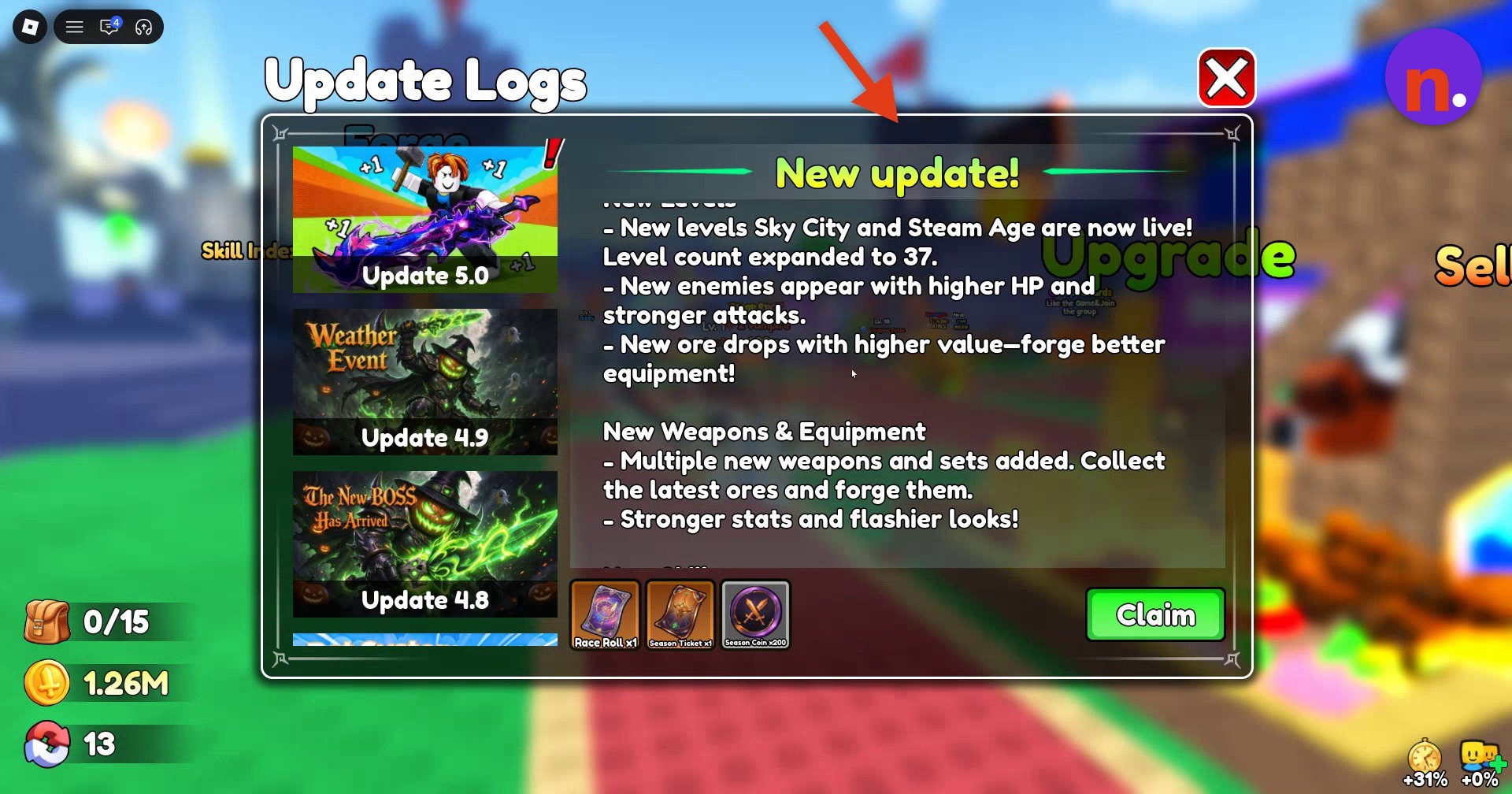
The equipment additions include new weapons and sets forged from the latest ores, with stronger stats and showier appearances. More buffs and titles are also part of the update.
Under adjustments, the notes describe revised quality displays for some equipment and changes to the positions of some training areas. The listed bug fixes address VIP titles appearing late after purchase, an unusable minus button when feeding to maximum EXP, and pets failing to follow you in certain situations.
What rebirth requirements do the new training areas have in Loot to Forge?
| Rebirth requirement | Power multiplier |
|---|---|
| 21 | x25 |
| 24 | x35 |
| 27 | x45 |
| 30 | x58 |
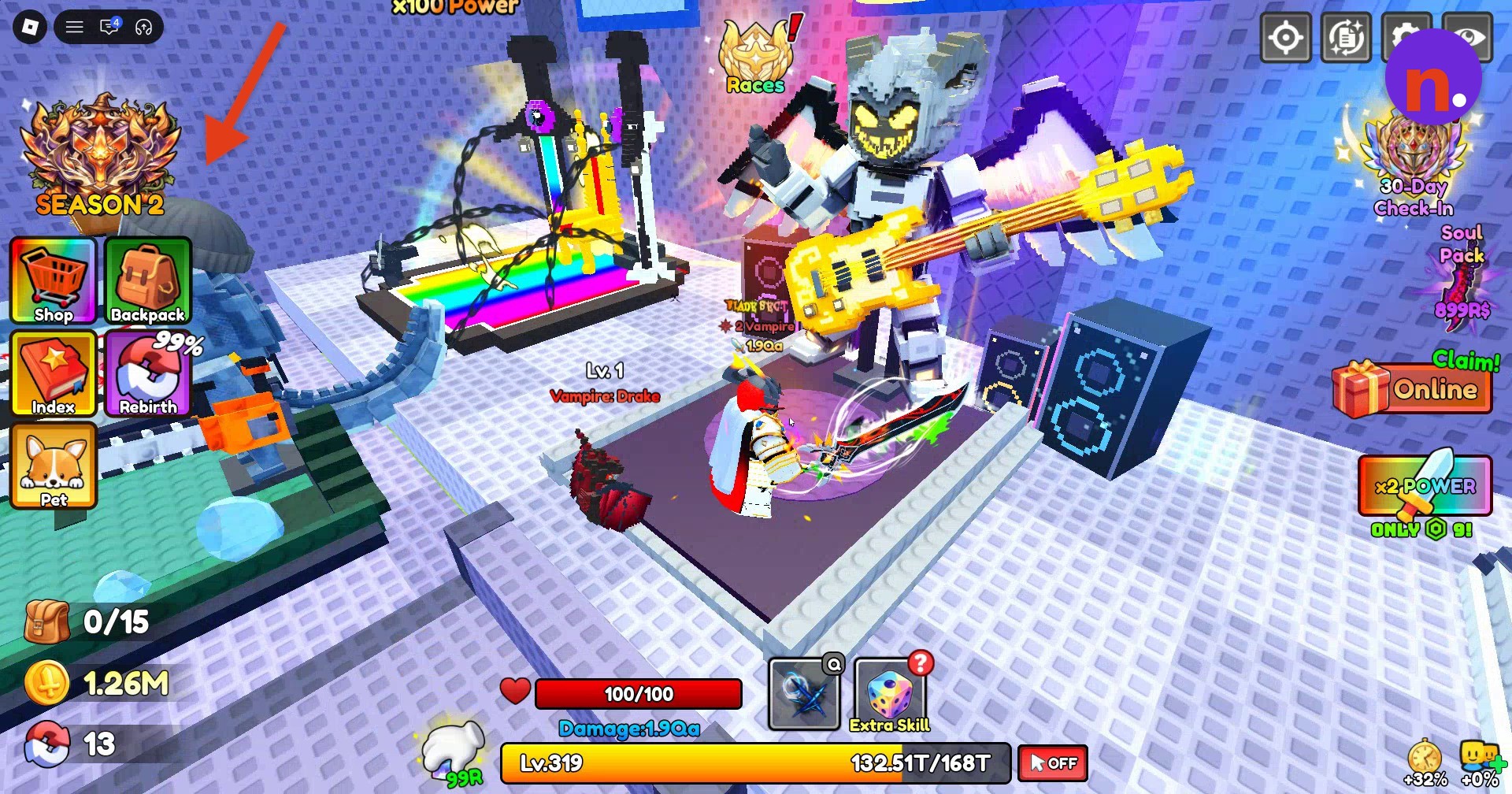
The update adds four training areas with higher rebirth requirements.
An additional training display reads x100 Power.
| Reward | Quantity |
|---|---|
| Coin | x200 |
| Ember Stone | x75 |
| Race Roll | x1 |
| Protection Scroll | x1 |
| Season Ticket | x4 |
| Prismatic Stone | x45 |
| Race Roll | x3 |
| Protection Scroll | x3 |
The SEASON 2 interface groups together Season Pass, Quests, Exchange, Season Luck, Premium, and Pet Luck.
The visible portion of the reward track includes Level 1, Level 2, Level 3, and Level 5. Its season countdown showed 08Day01H remaining at that point in the season.
| Pet | Draw chance |
|---|---|
| Jack | 47.9% |
| Hex | 41% |
| Vampire: Drake | 10% |
| Shadow: Fenrir | 1.1% |
The displayed Pet Luck banner offers four pets with these draw chances:
The draw control is labeled Draw(1), with an adjacent x400 display. The banner also shows a Ready! status.
What do pet expeditions earn, and how do their controls work?
| Preview reward | Quantity |
|---|---|
| Cherry | x1 |
| Coin | x115000 |
Pet expeditions passively gather coins and berries. The pet inventory displays your owned pets and pet slots, while its tabs include Pet, Hatch, Expedition, and Upgrade. The expedition interface also includes Expedition Map.
Dispatched pet entries have a Recall control, and the interface includes Claim All. An entry can display Full; a displayed countdown reads 11:59:59.
The expedition reward preview contains:
Put your offline time to use: pet expeditions keep earning rewards while you’re logged out.
What character upgrades can you buy with coins?
| Upgrade option | Purchase currency |
|---|---|
| Max Ore Count | Coins |
| Luck Boost | Coins |
| Train Boost | Coins |
At the Upgrade stall, you can buy backpack capacity and boost upgrades with coins.
Related Loot to Forge guides



Leave a Reply