

Lexington and Concord is a Roblox battle experience where you can redeem codes from the developer for free in-game Notes, the currency you use to pick up gear and other upgrades. Punching in a fresh code takes seconds and gives you a head start without spending real money.
Working Lexington and Concord Codes
Both codes below are confirmed to work right now, so redeem them before they get pulled.
REVOLT
350 free Notes
New
REVOLUTION
200 free Notes
New
Note: Codes are case-sensitive, so type them out exactly as shown above, or copy and paste them straight into the redeem box to avoid typos.
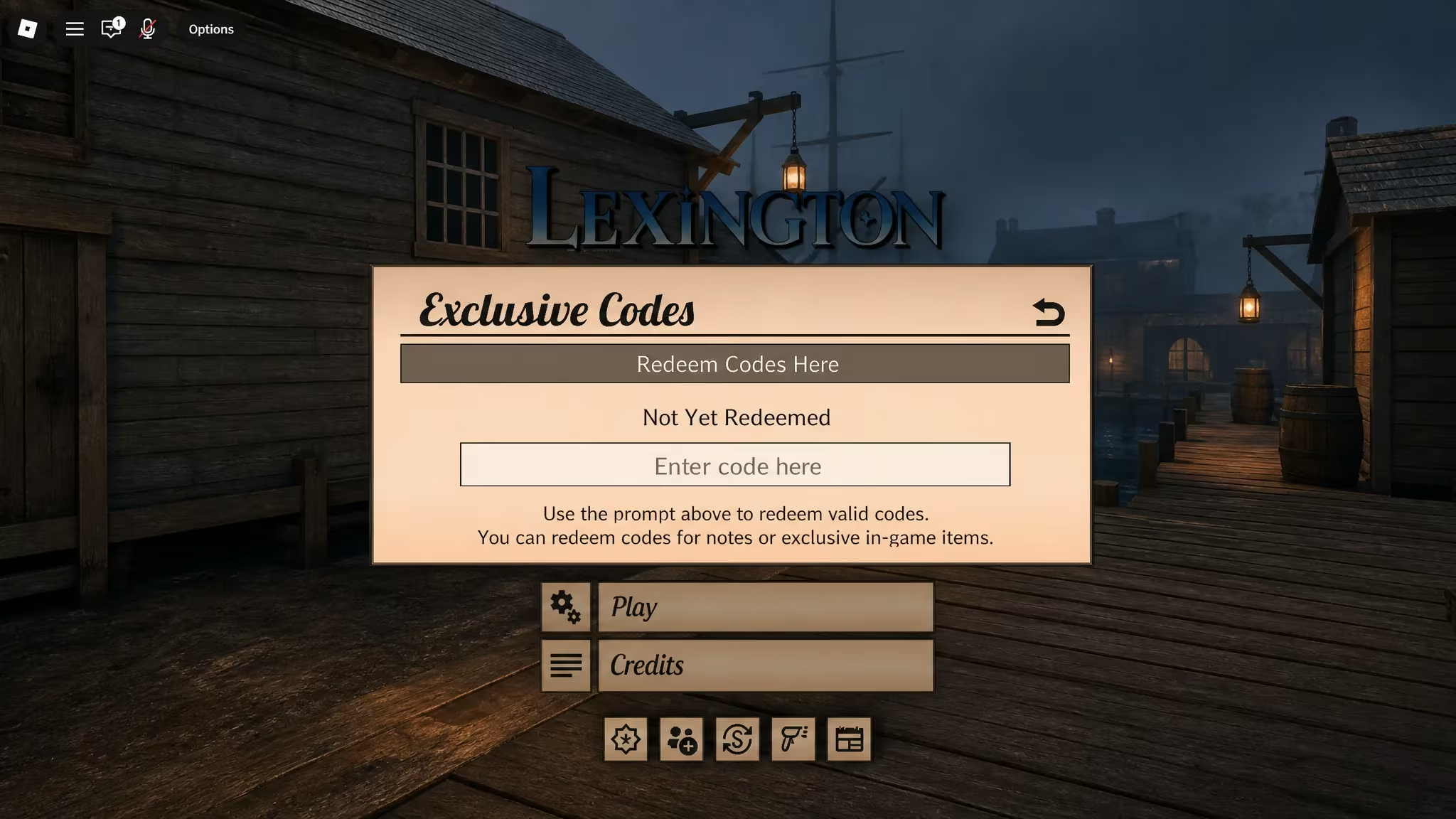
How to redeem codes in Lexington and Concord
Redeeming codes only takes a moment once you know where the button is hiding. Follow these steps in order.
How to get more Lexington and Concord codes
New codes for Lexington and Concord typically show up around game updates, milestones, or special events tied to the developer’s own announcements. Keep an eye on the official in-game menus, since new codes often get added there directly, and check the developer’s official social channels for the latest drops. There’s no fixed schedule for new codes, so checking back periodically after major updates is your best bet.
Why didn’t my code work?
If a code won’t redeem, double-check that you typed it exactly as shown, since a single wrong letter or extra space will cause it to fail. If the spelling checks out and it still doesn’t work, the code has likely expired and been removed from circulation.
Keep this page handy and swing back whenever you’re low on Notes, since fresh codes tend to appear without much warning.






Leave a Reply