
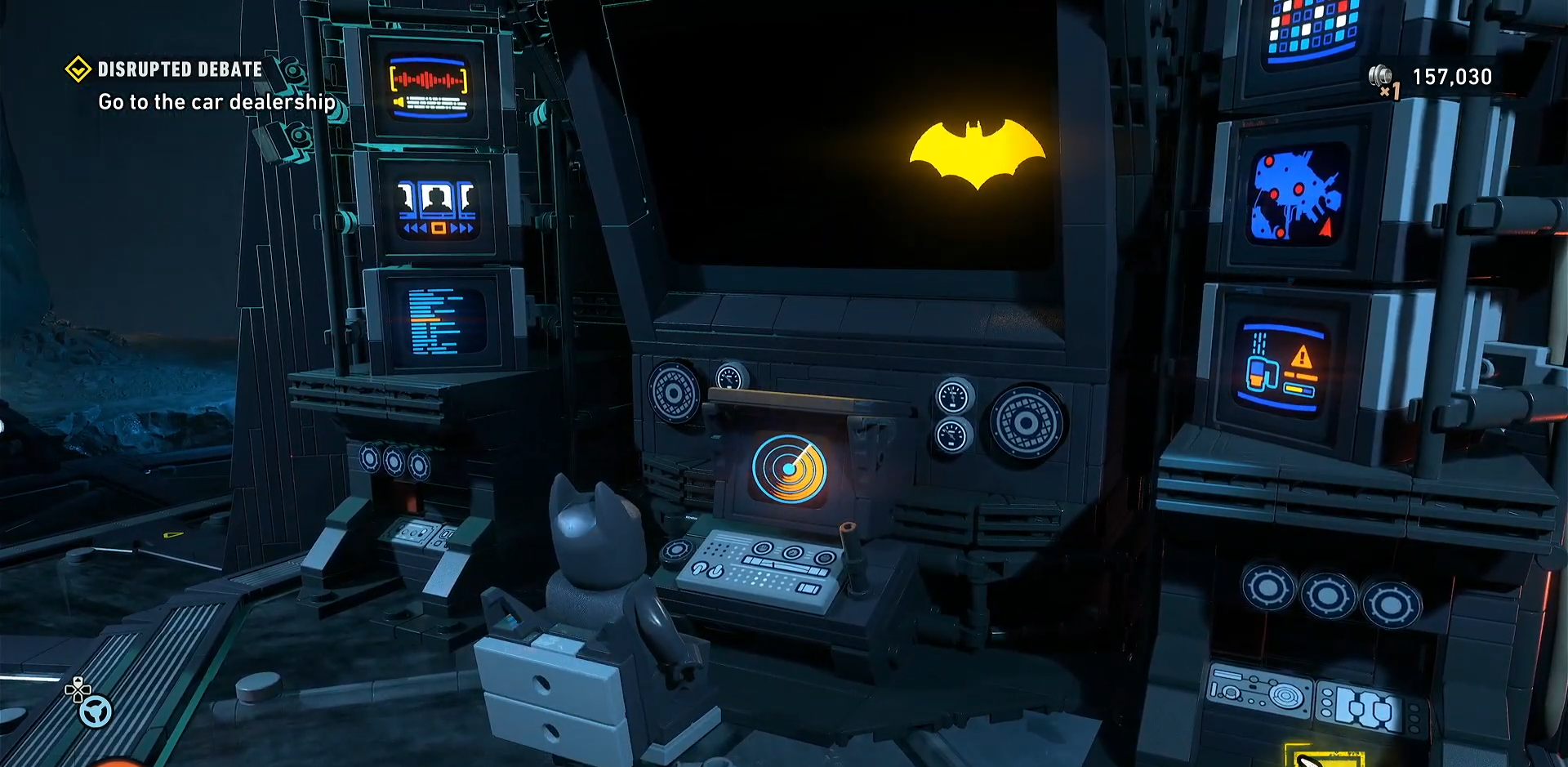
What to know
-
You do not get the Batcomputer at the very start; it becomes available after the Batcave is established during story progress.
-
The Batcomputer is the central terminal in the Batcave for case files, progress data, collectibles, and mission replay.
-
To use it, return to the Batcave and interact with the Batcomputer panel in the main room.
-
It is especially useful if you missed collectibles, Red Bricks, or WayneTech items in earlier missions.
LEGO Batman Legacy of the Dark Knight uses the Batcomputer as a story-backed control center. That means the main requirement is simply advancing the campaign until the Batcave is open and the computer is operational.
How the Batcomputer works
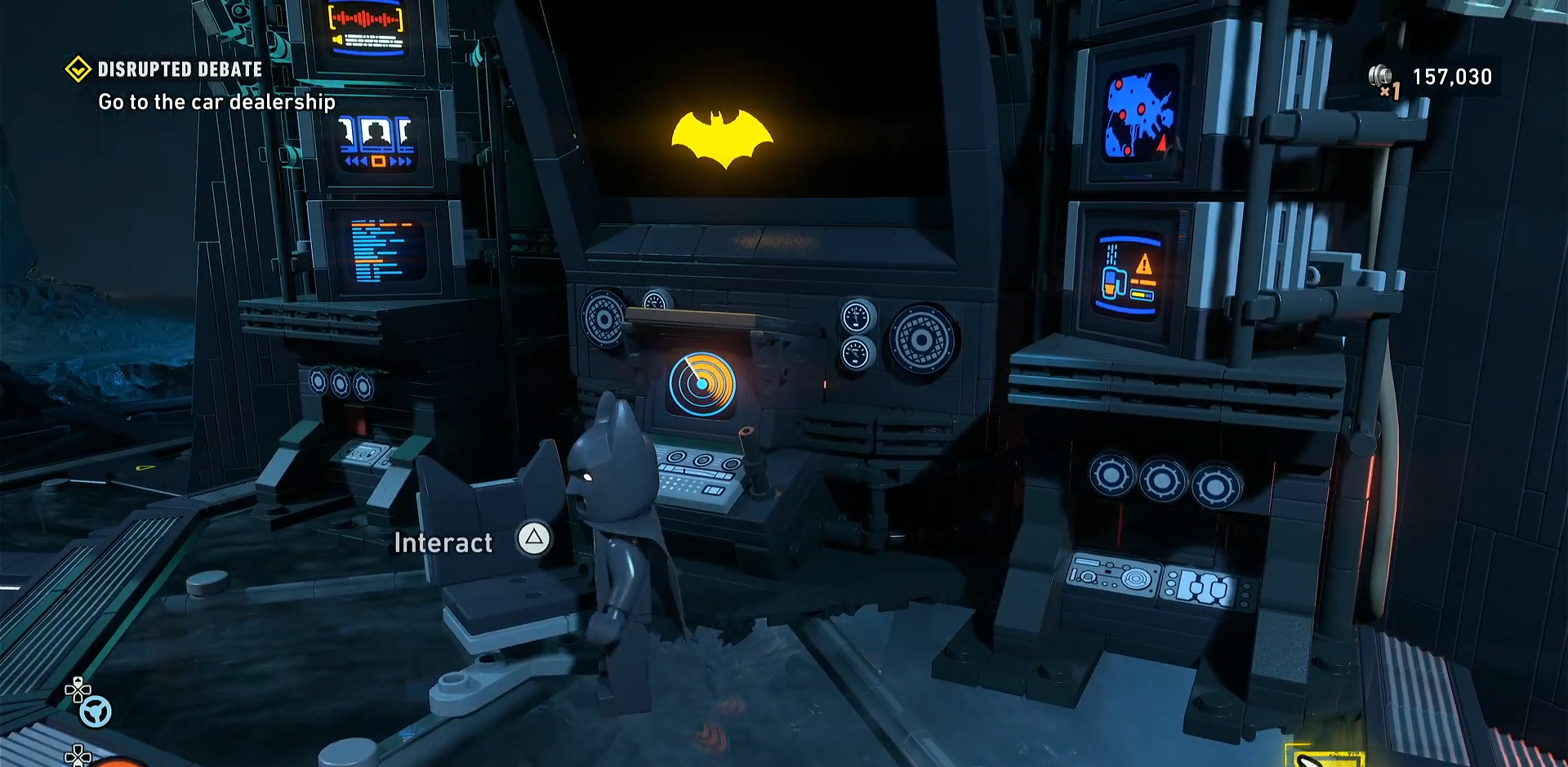
The Batcomputer acts like Batman’s mission archive and control desk inside the Batcave. Once unlocked, it lets you revisit completed content instead of forcing you to wait for a separate free-play mode, which the game does not appear to include for mission replay. This makes it the main tool for players who want to clean up missed pickups or revisit earlier stages.
How to unlock the Batcomputer
Step 1
Advance through the main story until the Batcave becomes available as an operational base.
Step 2
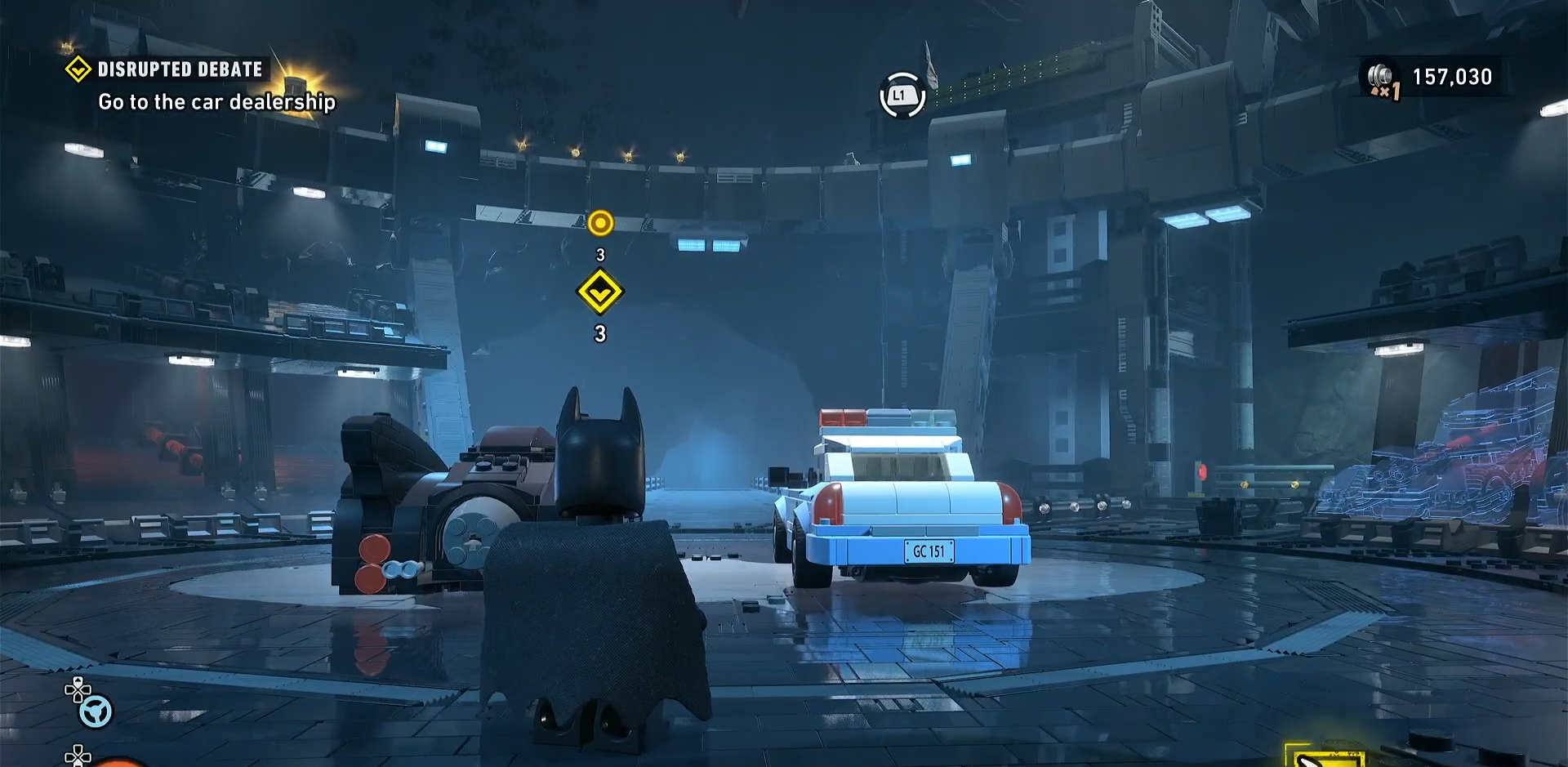
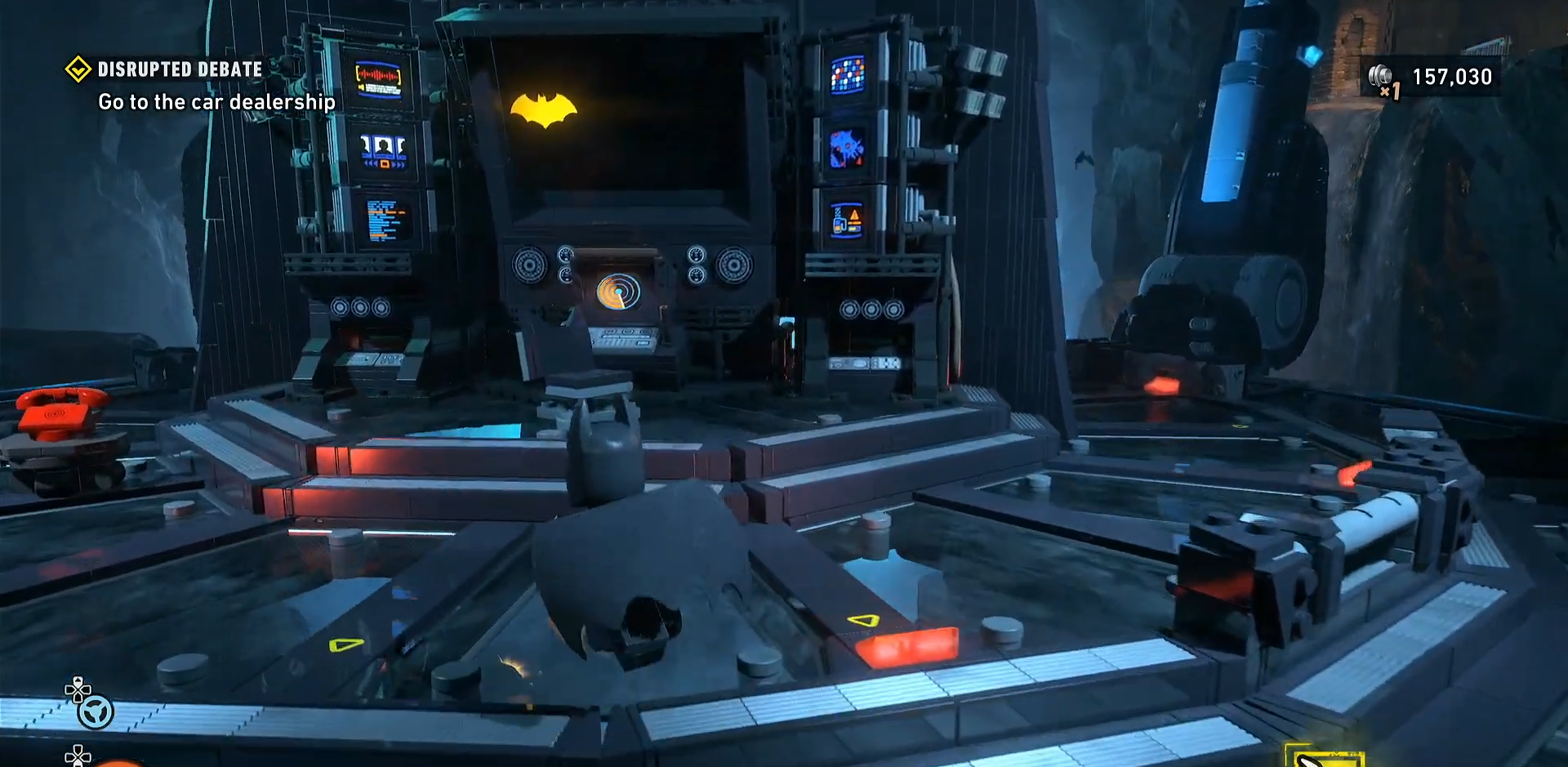
Return to the Batcave after Chapter 1 story quest and head to the main room.
Step 3
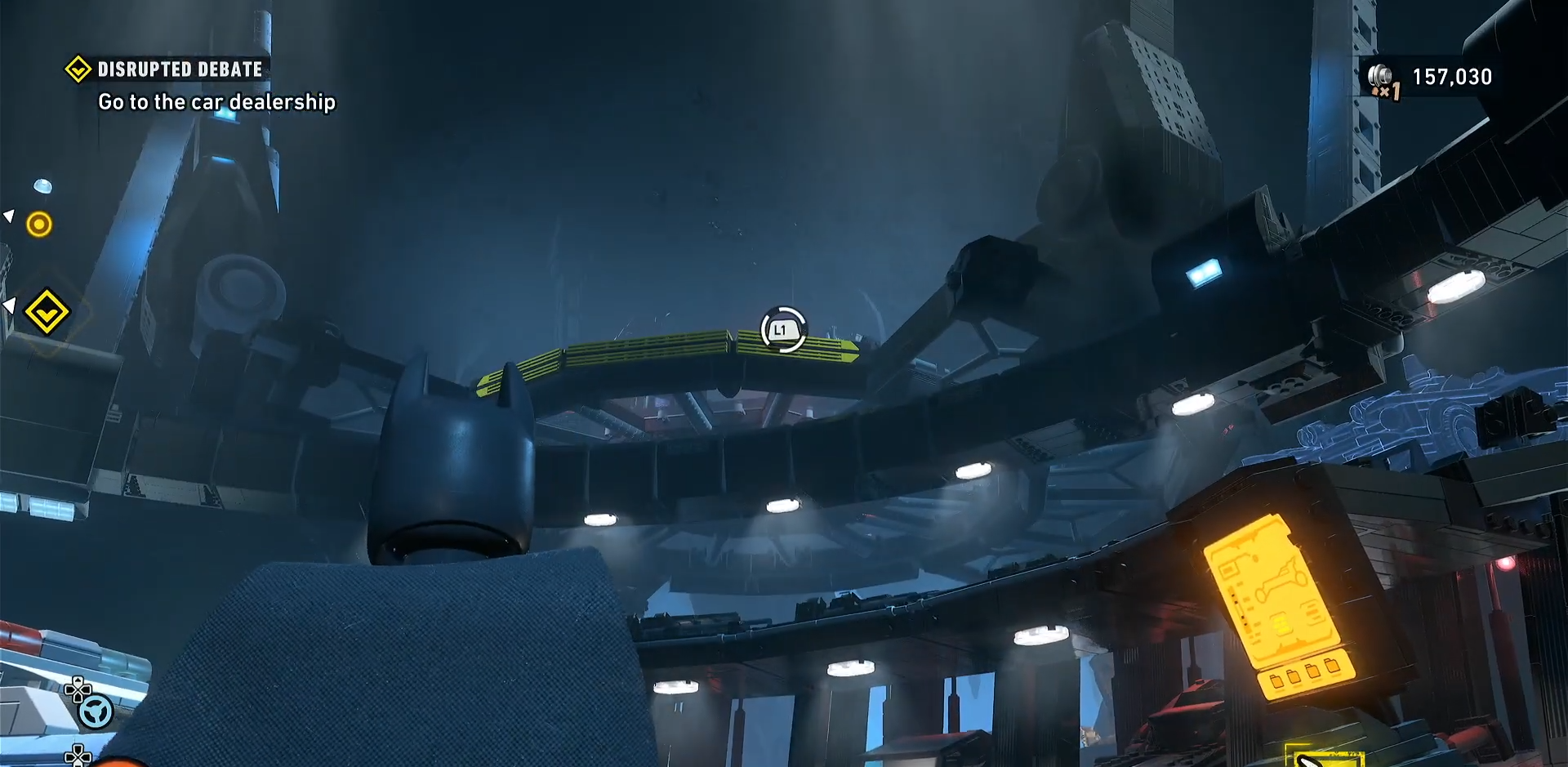
Find the Batcomputer terminal and interact with it to open the case file and level select interface.
Step 4
Choose a completed mission from the archive if you want to replay it and collect anything you missed.
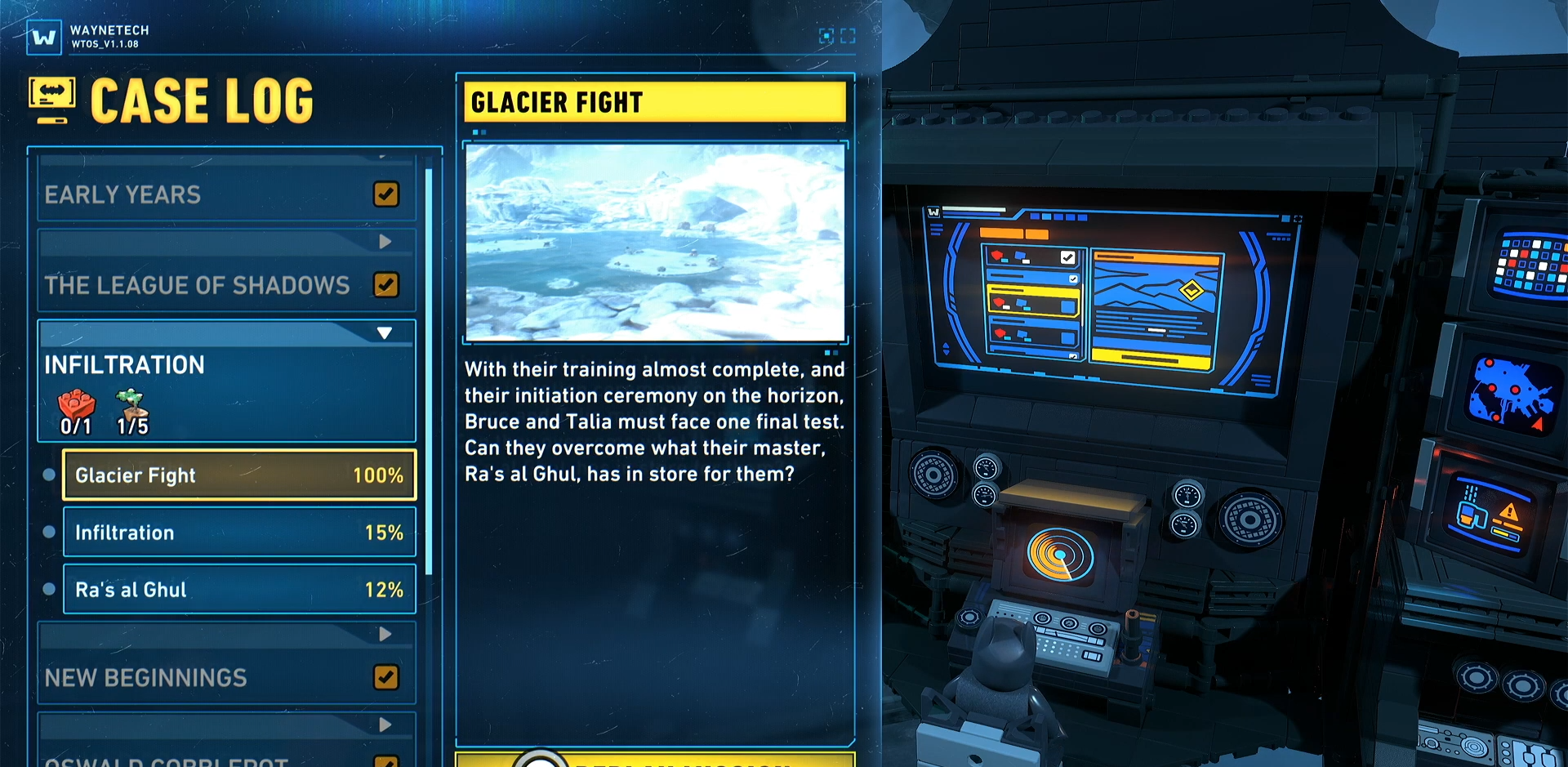
The biggest reason to unlock the Batcomputer is mission replay. If you missed Red Bricks, WayneTech pieces, or other collectibles, the Batcomputer gives you a direct path back to those missions without restarting the whole game. It also helps keep track of overall progress, which is useful in a game built around exploration and completion.
Batcave location details
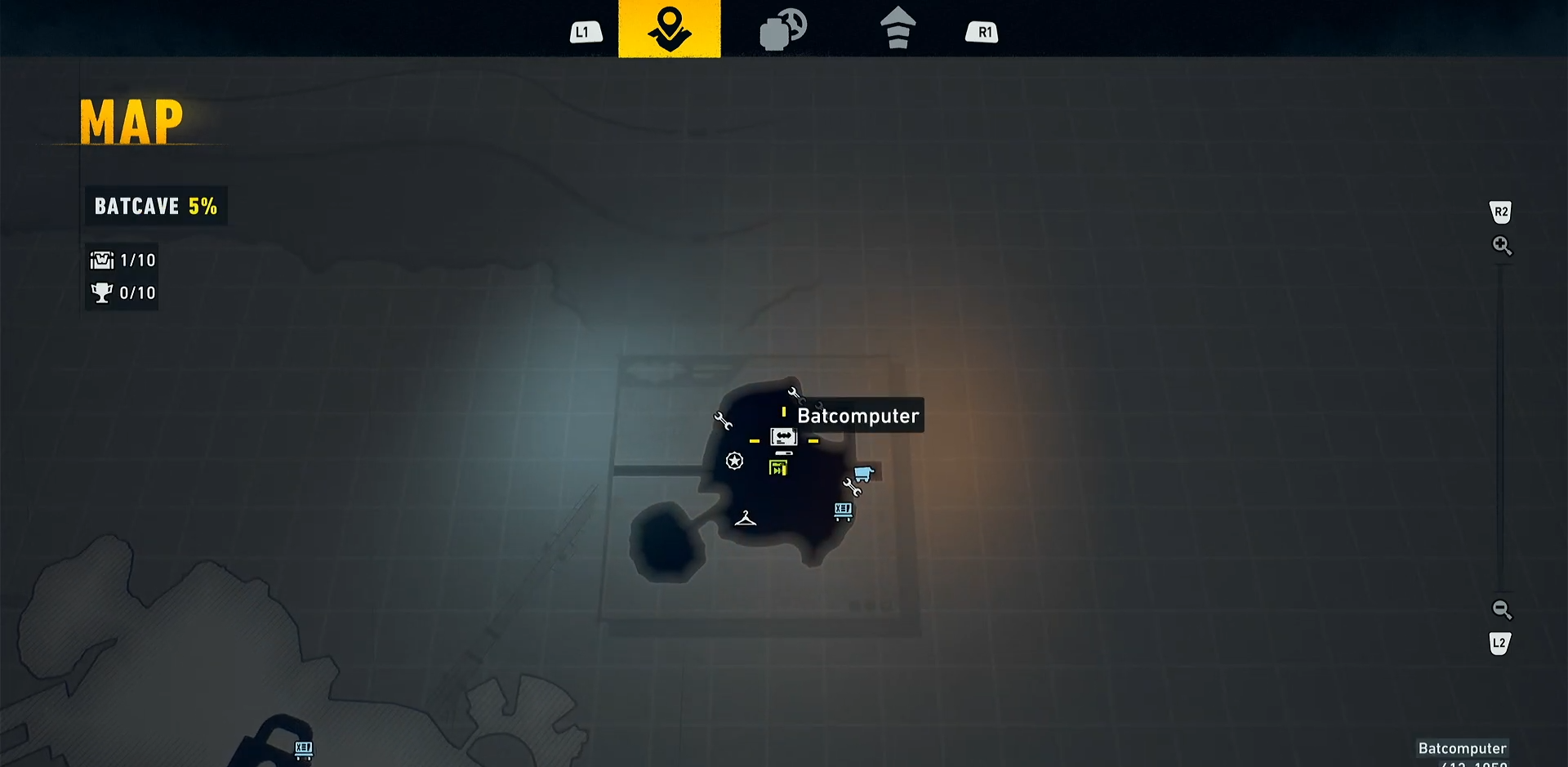
The Batcomputer is located inside the Batcave, which serves as the game’s main headquarters and grows as the story unfolds. The Batcave also houses gadget upgrades, trophies, vehicle displays, and customizable LEGO furnishings, so it is more than just a mission menu. As Batman’s journey progresses, the Batcave expands into a fuller base of operations rather than staying a simple starting room.
Mission replay use
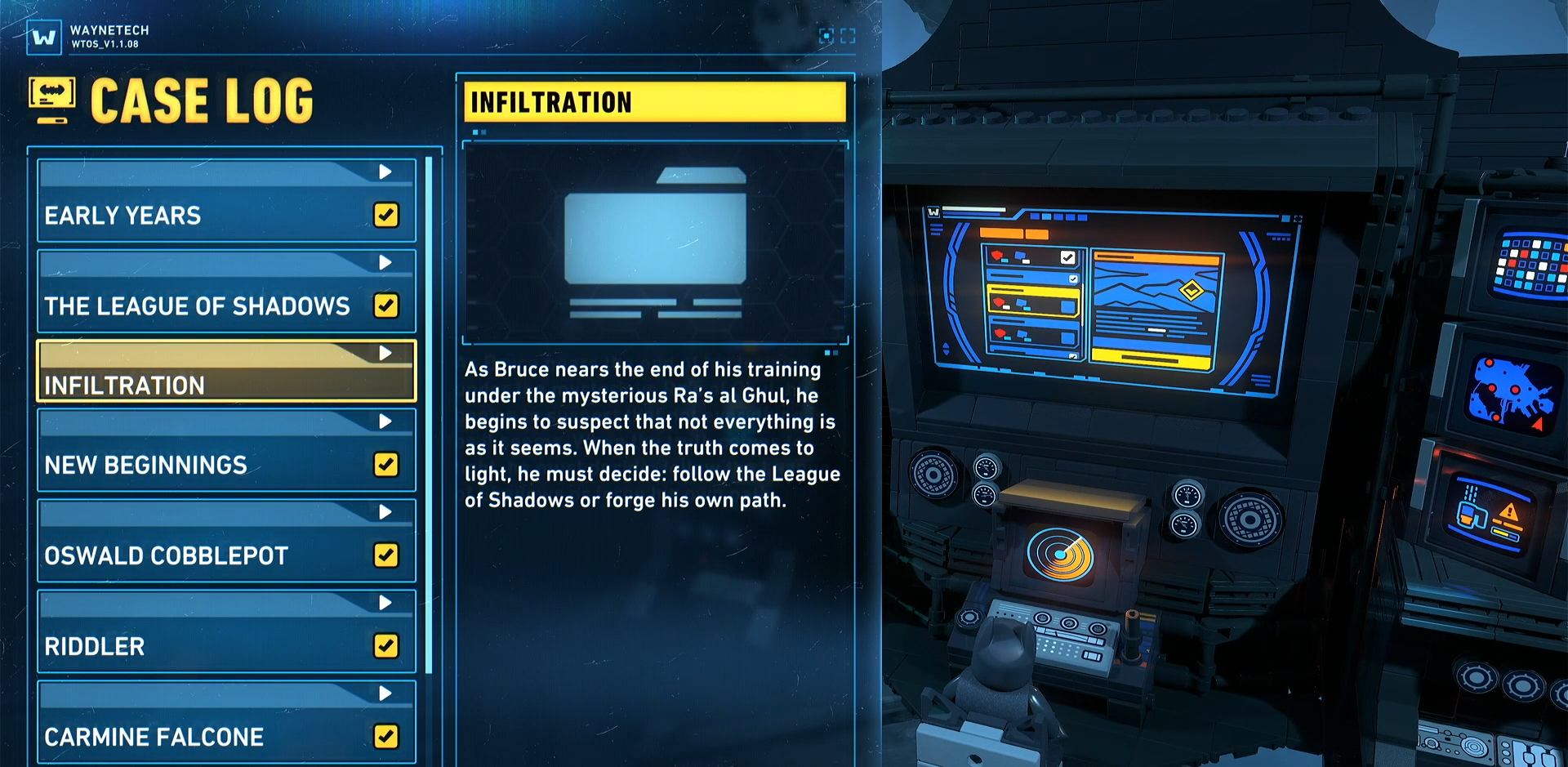
Once the Batcomputer is unlocked, mission replay becomes straightforward: return to the Batcave, open the computer, and choose a finished mission from the archive. This is the cleanest way to revisit levels after the campaign has moved you forward. If your goal is completion, the Batcomputer is one of the most important systems in the game.
Practical tips
-
Use the Batcomputer after every major story chunk if you are hunting collectibles.
-
Replay missions once you have better gadgets or a clearer route through the level.
-
Treat the Batcave as your cleanup hub, since it also contains upgrades and progress tracking.
-
If you only want the unlock itself, the real task is story progression, not a side quest.
To unlock the Batcomputer in LEGO Batman Legacy of the Dark Knight, keep playing until the Batcave opens, then use the terminal in the Batcave’s main room. After that, it becomes your main tool for replaying missions and checking progress, making it essential for completion-focused play.



Leave a Reply