
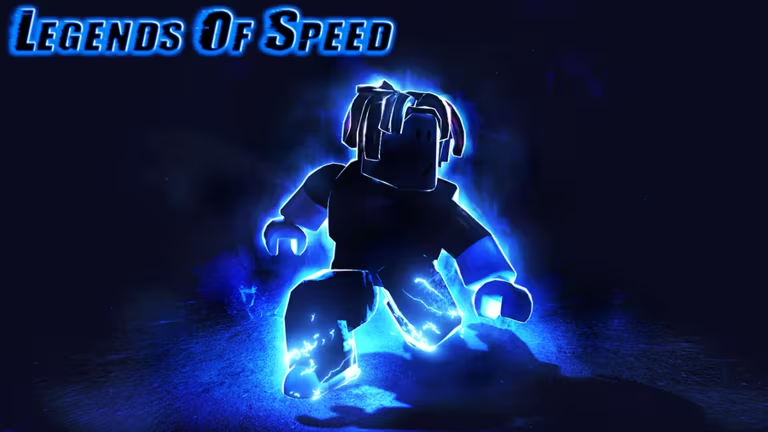
Legends of Speed is a Roblox running game where you sprint, jump, and upgrade your character to move faster across increasingly tricky courses. Codes from the developer hand you free Gems and Steps, the two currencies you’d otherwise grind for, so you can afford upgrades sooner.
Working Legends of Speed codes
Every code below is active right now. Enter them exactly as shown, since Legends of Speed treats codes as case-sensitive.
speedchampion000
5,000 Gems
swiftjungle1000
1,000 Gems
legends500
500 Gems
sparkles300
300 Gems
racer300
300 Steps
launch200
200 Gems
SPRINT250
250 Steps
hyper250
250 Steps
speedchampion000 is the biggest reward on the list right now, worth 5,000 Gems on its own, so redeem it first if you’re prioritizing upgrades.
How to redeem codes in Legends of Speed
Redeeming a code takes seconds once you know where the button lives. Follow these steps inside the experience.
Type Code Here, keeping the capitalization exactly as it’s written above.Tip: If nothing happens after you press enter, check for a stray space or a mismatched letter case before trying the code again.
How to get more Legends of Speed codes
New codes usually go out when the developer hits a milestone, such as a big player count or a fresh content update. Keep an eye on the game’s own Roblox community page, where the studio behind Legends of Speed shares announcements, alongside the Legends of Speed experience page itself for any in-game notices.
Are Legends of Speed codes free?
Yes. Every code listed above is free to redeem and simply adds Gems or Steps to your account once you enter it correctly.
Why didn’t my code work?
The most common cause is a typo or a capitalization mismatch, since Legends of Speed reads codes exactly as they’re written. Retype the code carefully and make sure there’s no extra space before or after it.
Codes stack quickly if you redeem the full batch in one sitting, giving your character an early boost in Gems and Steps before you head into the next run.





Leave a Reply