
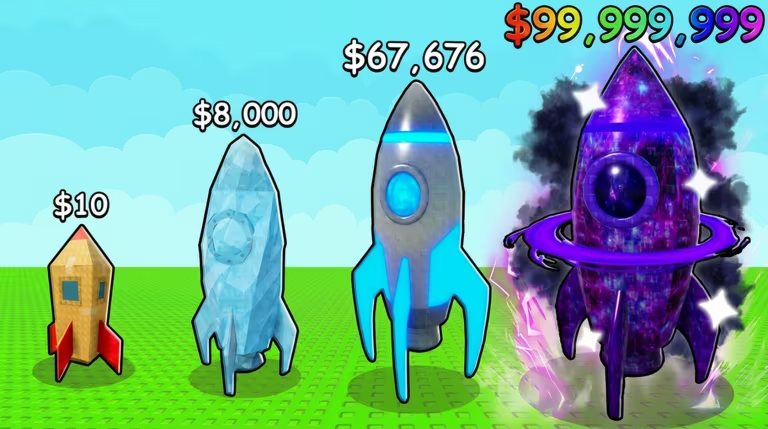
Launch Your Rocket is a Roblox merge and tycoon game where you build up a rocket empire, and codes are one of the easiest ways to speed that up. Redeeming them gets you free Wheel spins, PP, merge luck boosts, and timed money multipliers without any extra grinding.
Working Launch Your Rocket Codes
Type these into your base exactly as shown below, since capitalization and punctuation matter for every one of them.
TowerMerge
+10% Merge Luck
New
NoMoreBugs
3 Daily Wheel spins
New
MoreSpins
5 Daily Wheel spins
New
trading+
5 Wheel spins
New
newmoon
3 Wheel spins
New
amazingrockets
250 PP
New
SORRYFORBUGS
Free rewards bundle
STARDUST
Free rewards bundle
CrazyRockes
250 PP
MoonUpgrades!
2x money for 15 minutes
HereWeGo
3 Wheel spins
NewUpdateArrived
5 Wheel spins
SorryForShutdown
5 Wheel spins
MoreBoosts!
15 minutes of 2x money plus 15 minutes of Lucky Crates
SorryForDelays
1 Chickhead
EasterlsHere!
15 minutes of 2x Chocolate
EasterIsHere!
Double chocolate for 15 minutes
TowerMerge!
10% Merge Luck
Note: TowerMerge and TowerMerge! are two separate entries and both currently work, so if one doesn’t go through, try the other.
How to redeem codes in Launch Your Rocket
You won’t find a codes button tucked into a side menu here. Instead, the developers built the redemption spot right into your base, so you’ll need to walk over to it.
MoonUpgrades! start counting down the second you claim them.You’ll know a code worked because the reward shows up instantly, whether that’s extra spins on your Wheel, a PP total that ticks up, or an active boost timer on your screen. If you get a message saying the code doesn’t exist, you’ve likely mistyped something, so check your capitalization and symbols against the list above and try again.
How to get more Launch Your Rocket codes
New codes tend to show up around updates, bug fixes, or milestone celebrations, so keeping an eye on the game’s own channels is your best bet for catching them early. The developers share codes through the official Launch Your Rocket Discord server, where announcements usually post before word spreads elsewhere.
You can also bookmark the Launch Your Rocket experience page on Roblox itself, since the description and any pinned updates there sometimes mention active codes too. Checking back after a patch or event is usually the quickest way to know if fresh codes have gone live.
Why didn’t my code work?
The most common reason is a typo, since these codes mix capital letters, exclamation points, and symbols like the plus sign in trading+. Copy and paste directly from the list above whenever possible to avoid entering the wrong case or missing a character.
Redeeming a handful of these codes together can set you up with extra Wheel spins, a chunk of PP, and a couple of timed boosts running at once, so it’s worth working through the full list in one sitting.






Leave a Reply