
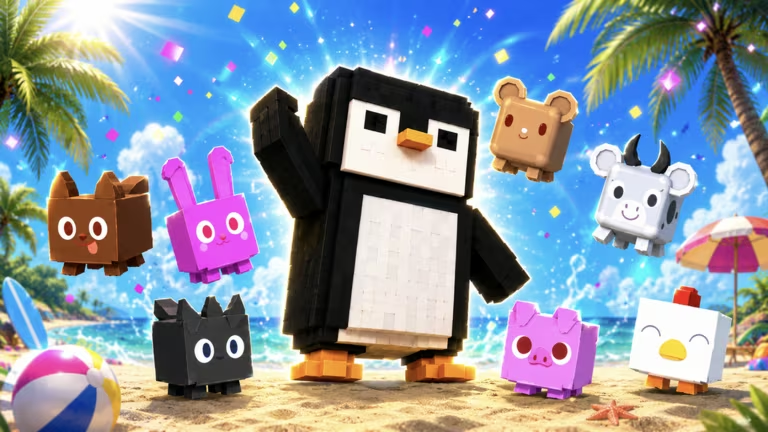
Launch a Penguin is a Roblox launching game where you fling your penguin as far as possible and use boosts to stretch your distance. The developer hands out codes every so often that give you free boosts, daily spins, and other items that speed up your progress without spending Robux.
Working Launch a Penguin codes
Type these codes exactly as shown below, since the redemption box is case sensitive. Grab them soon, as codes for this game tend to expire without much warning.
QOLFIXES
Super Boost and a Daily Spin
New
HAPPY4THOFJULY
Super Boost and a Daily Spin
SUMMERISHERE
Free Boost
WORLDCUP2026
Football Egg
FreeBoost
Three Super Boosts
How to redeem codes in Launch a Penguin
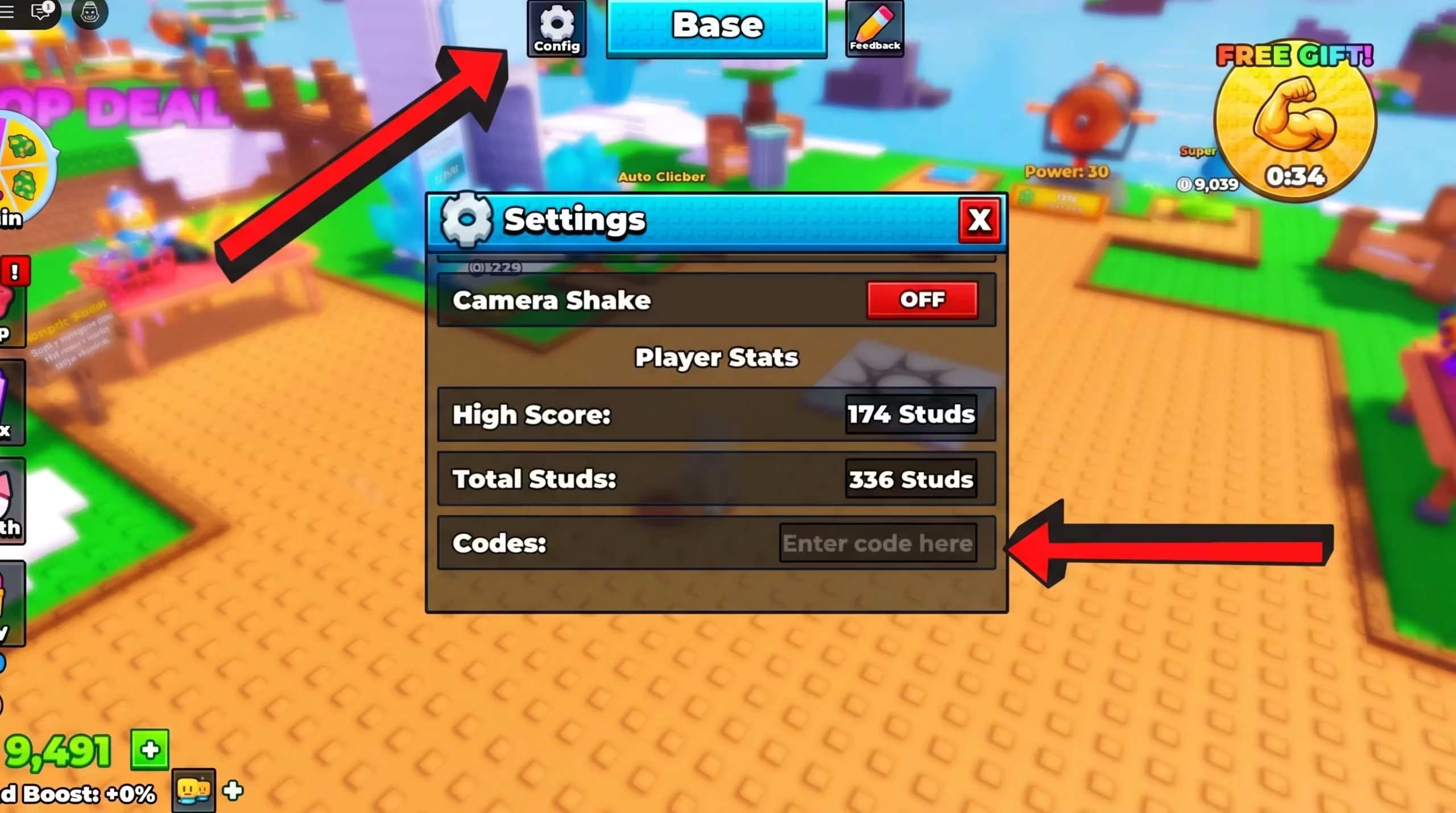
You will know a code worked if you see a confirmation message on screen and your boosts, spins, or the Football Egg show up in your inventory right away. If nothing changes after you submit a code, double check the spelling before trying again.
How to get more Launch a Penguin codes
New codes for Launch a Penguin typically show up around updates, seasonal events, and milestones like player count goals. The developer posts them through the game’s official social channels and sometimes through in-game announcements, so keeping an eye on those is your best bet for catching a code before it expires. There’s no fixed schedule, so codes can arrive anywhere from every few weeks to around major holidays.
Are Launch a Penguin codes free to redeem?
Yes. Every code listed above is free and gives you boosts, spins, or event items at no cost, as long as you redeem it while it’s still active.
Why didn’t my code work?
A code usually fails to redeem because it has already expired or because it was typed with the wrong spacing or capitalization. Retyping the code carefully or copying it directly usually solves the problem.
Check back on this list regularly, since codes for Launch a Penguin get swapped out often and older ones stop working without notice.



Leave a Reply