
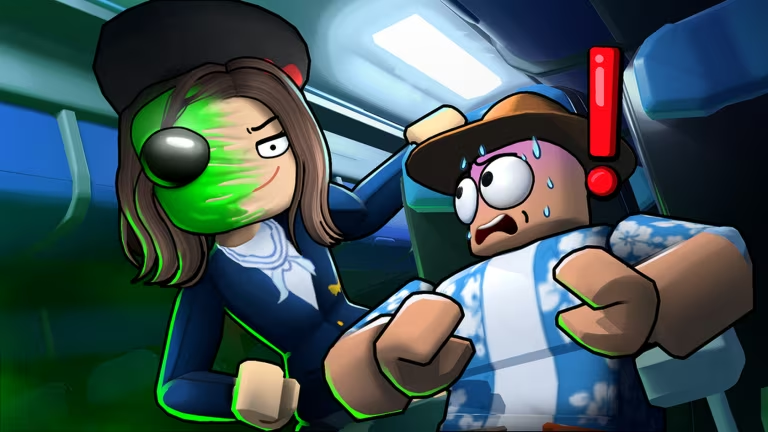
Land or Die drops you into a Roblox flight survival experience where Miles are the currency you spend on planes and cosmetics. The developer hands out codes every so often that add Miles straight to your total or unlock a skin, and redeeming them takes less than a minute once you know where to look.
Working Land or Die Codes
Type these in exactly as shown, since the redemption box is case sensitive.
TSUNAMI
Citrus plane skin
New
THANKS50M
1,500 Miles
THEYAREHERE
1,000 Miles
TheCrack
1,000 Miles
CARGO
750 Miles
MAYDAY
500 Miles
FirstOfficerFaiz
500 Miles
WELCOMEABOARD
350 Miles
SUPERNOVA
Free rewards
GOOSE
Free rewards
ENDLESS
Free rewards
AGENTBACON
Triggers an Access Denied message (no reward)
Note: AGENTBACON doesn’t hand out Miles or a cosmetic. It’s a joke code that just pops up an Access Denied message, so don’t worry if you don’t see anything added to your total after using it.
How to redeem codes in Land or Die
You redeem codes from inside the Store menu rather than a separate promo page, so pull up Land or Die on Roblox first.
You’ll know a code worked when your Miles total updates right there in the Store menu, or when a cosmetic like the Citrus plane skin shows up in your inventory. If you tap the checkmark and nothing changes, that code has already been used on your account or you typed it wrong.
How to get more Land or Die codes
New codes for Land or Die tend to show up around updates, milestones, and community events, so keeping an eye on the developer’s own channels is your best bet. The official Land or Die Discord server is where announcements usually land first, and it’s worth checking in there whenever you hear an update is rolling out. You can also jump straight into the game through its Roblox experience page to check the Codes tab yourself, since that’s the same place you’ll redeem anything new you find.
Are Land or Die codes free?
Yes, every code listed here is free to redeem and doesn’t cost Robux or in-game currency to claim.
Why didn’t my code work?
The two most common reasons are a typo in the code or the code already being redeemed on your account. Double-check the spelling and capitalization before trying again.
Check back on the Codes tab in the Store menu every so often, especially after you notice a new update, since that’s when fresh codes are most likely to appear.






Leave a Reply