
To join the Shindo Life Discord, open Discord, use the Join a Server option, enter the official RELL Games invite link, and press Join Server.
The Shindo Life community currently points players to the RELL Games Discord hub rather than a random server found through search. The join flow is quick, but the main thing is using the right invite and completing any entry prompts Discord shows after you land in the server.
Official Shindo Life Discord invite
Use the invite discord.gg/rellgames for the current RELL Games Discord hub. You can also enter the same invite as discord.com/invite/rellgames if Discord asks for the full invite format.
KEY!Older community posts may mention a separate shindolife invite code, but the current destination to use is the RELL Games hub. That is the better starting point for Shindo Life-related announcements, community activity, and server channels.
Join the Shindo Life Discord from the Discord app
Use Discord’s built-in server join menu and paste the RELL Games invite when prompted.
STEP 1/5
Open Discord
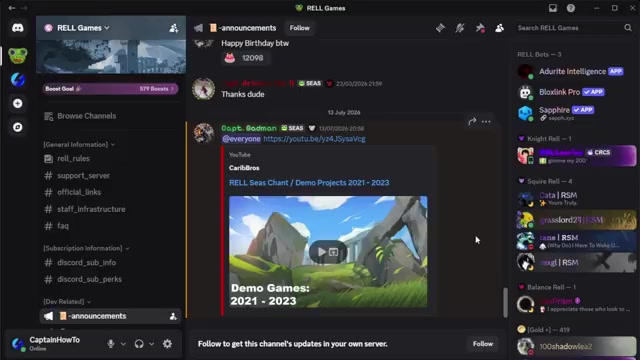
Open the Discord app on your device.
STEP 2/5
Select the plus icon
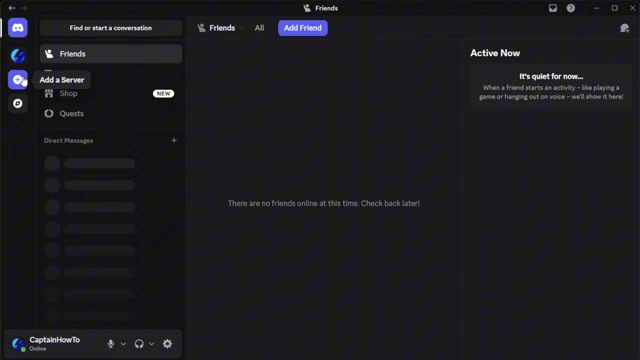
On the left side of Discord, press the + icon to add or join a server.
STEP 3/5
Choose Join a Server
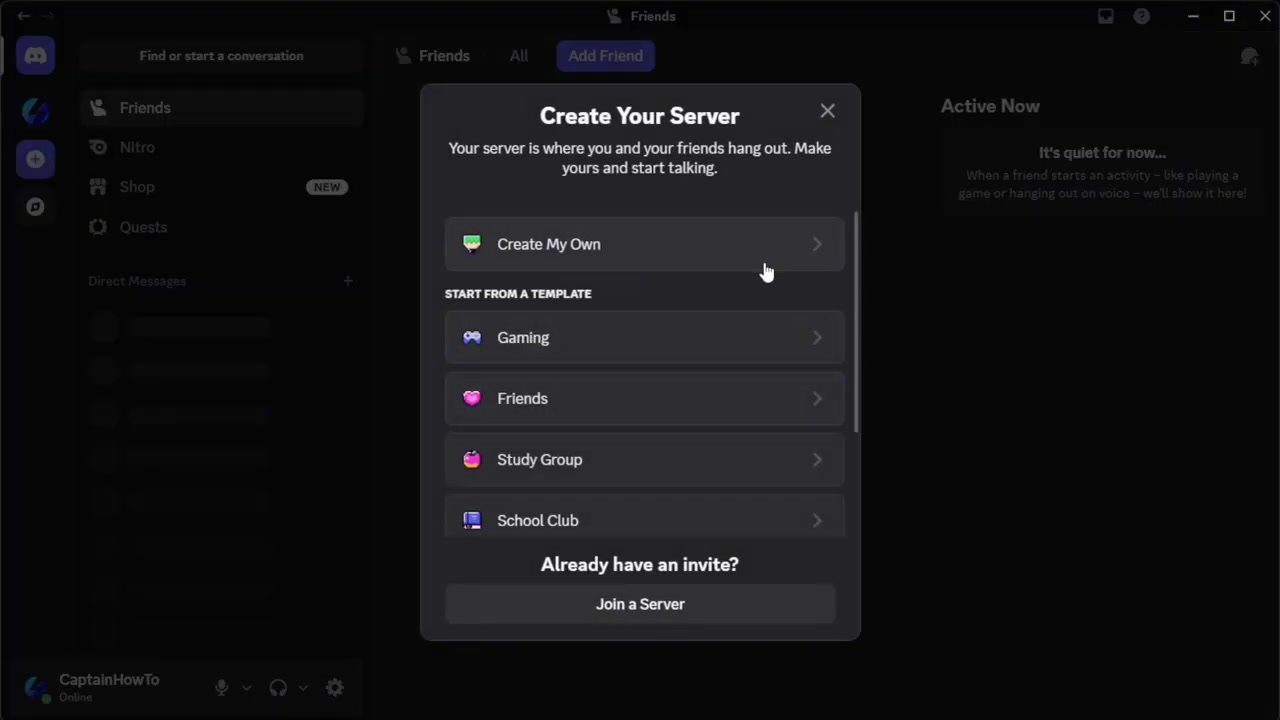
When the menu opens, go to the bottom and select Join a Server.
STEP 4/5
Paste the RELL Games invite
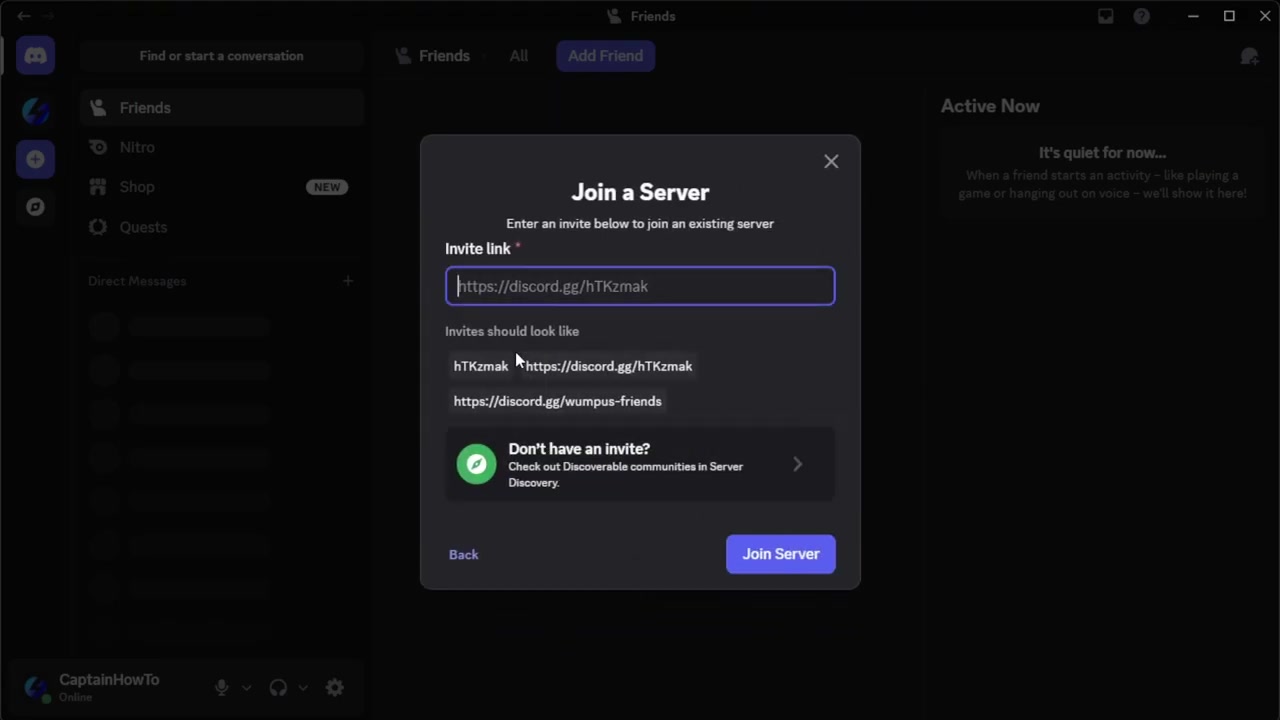
Enter <a href=”https://discord.gg/rellgames”>discord.gg/rellgames</a> in the invite box.
STEP 5/5
Press Join Server
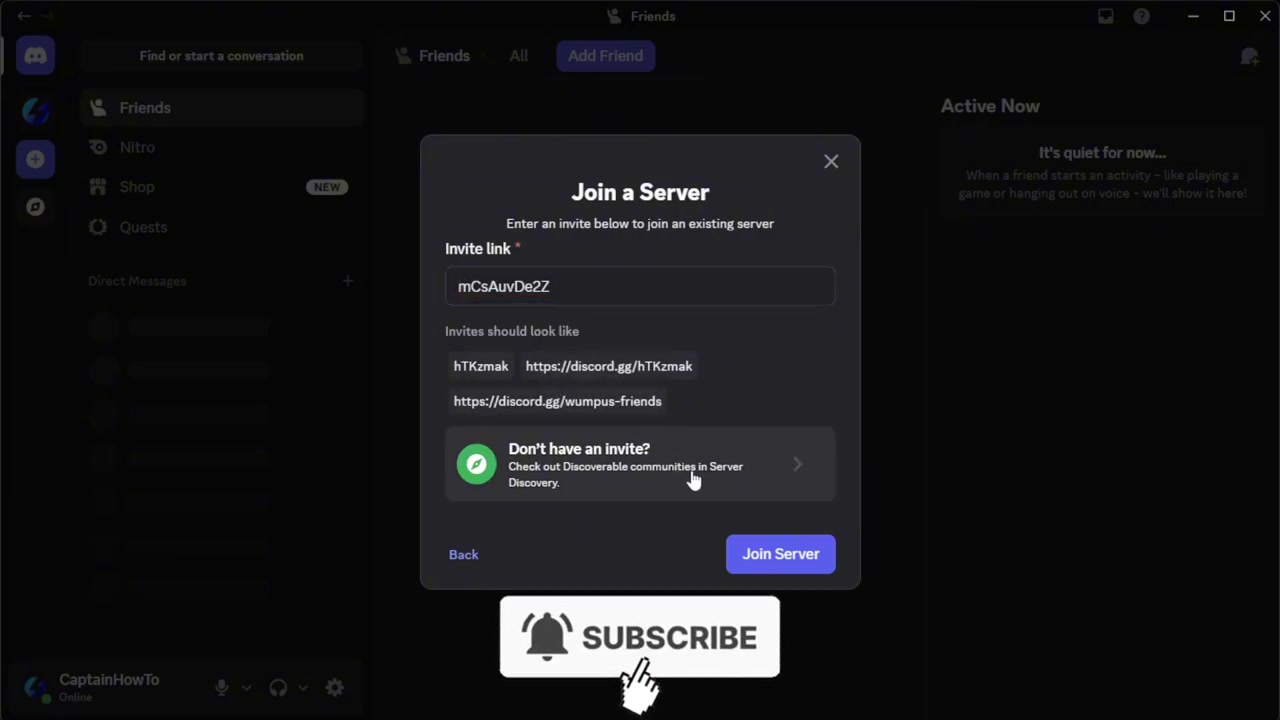
Click Join Server in the bottom-right corner to enter the server.
Video help
Locked channels after joining the Shindo Life Discord
If the server opens but you cannot type, the invite worked. Discord servers often limit chat access until new members clear the entry flow, so check the first channels Discord shows you before assuming something is broken.
Finish the rules, onboarding, and verification prompts before trying to post; some servers require an acknowledgment before chat unlocks.
The exact entry prompts can change inside Discord, so follow the server’s current screen rather than looking for one fixed channel name. Once the required prompts are done, the available channels should open normally.
Finding the right Shindo Life Discord server
| Server type | Use |
|---|---|
| Official RELL Games hub | Main destination for Shindo Life-related announcements and broad community activity. |
| Shinobi Life 2 Wiki Discord | Useful for wiki discussion and player help, but separate from the official RELL Games hub. |
| Fan, roleplay, trading, or grinding servers | Good for groups, private servers, PvP, events, farming, or roleplay. |
Search results and server directories can show several Shindo Life-related Discords. Some are useful for roleplay, trading, grinding, private server groups, or general help, but they are not the same as the RELL Games hub.
When you only want the official destination, use the rellgames invite instead of picking the first server with Shindo Life in the name. Treat third-party server lists as places to find extra communities after you have joined the main hub.
Why Shindo Life players join the Discord
Players join for updates, announcements, codes, and help from other Shindo Life players when a patch or event is active. It is also a fast place to follow community chatter around builds, bugs, boss runs, and event activity.
Outside the main hub, fan servers may help with private server links, scroll hunts, grinding parties, PvP groups, tournaments, or roleplay. Keep those separate from official announcements so you know what kind of server you are using.
Frequently Asked Questions
What is the official Shindo Life Discord invite?
Use discord.gg/rellgames, or the full format discord.com/invite/rellgames, to reach the RELL Games hub.
Why can’t I talk after joining the server?
Chat may stay locked until you finish the server’s entry requirements. Look for rules, onboarding, verification, or acknowledgment prompts near the top of the server.
Is a community reference Discord the official Shindo Life server?
No. A community reference server can be useful for discussion, but it is separate from the official RELL Games hub.
Are fan-made Shindo Life Discord servers safe to join?
They can be useful, but they are separate communities. Check the server’s rules and purpose, and do not treat fan-posted codes or announcements as official.
Where are Shindo Life codes usually posted?
Start with the RELL Games Discord’s announcement or code-related channels when available. Community servers and code-tracking communities may discuss or mirror codes around updates and events.






Leave a Reply