

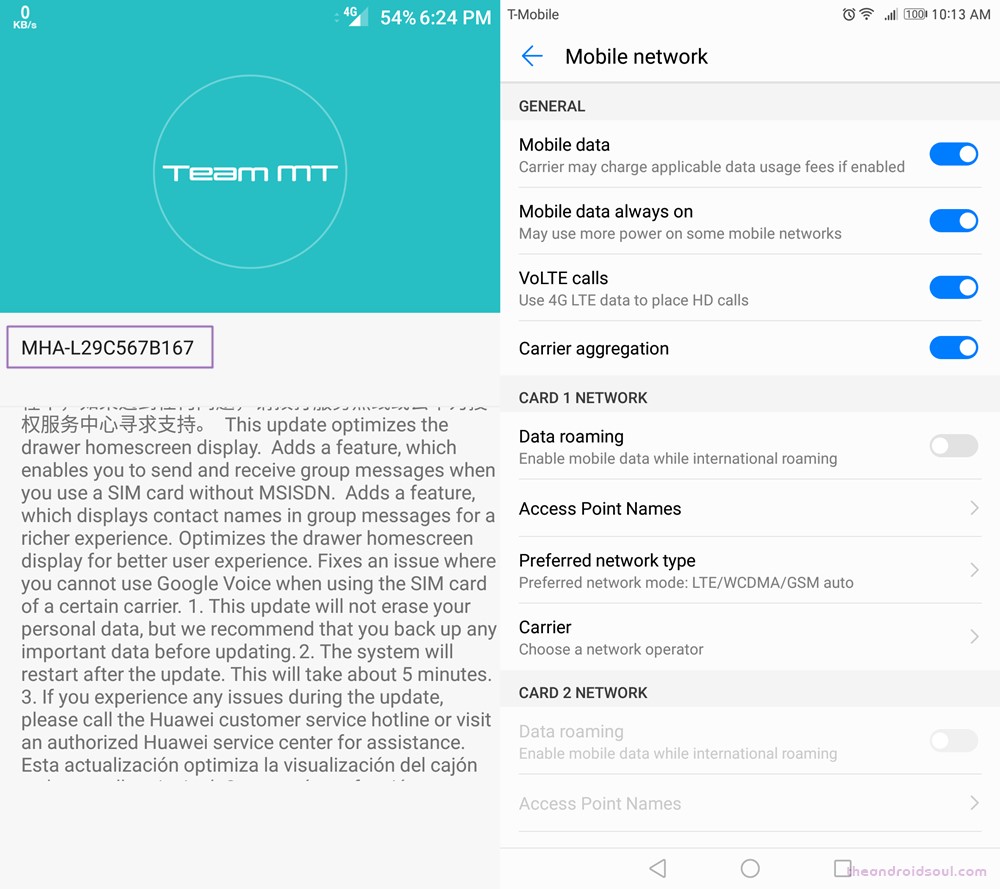
A new update, dubbed as B167 in short, is rolling out for the Huawei Mate 9 units in USA, which fixes the issue many user are facing with the Google Voice on the device.
The full build no. goes as MHA-L29C567B167, and is also available for download and manual installation in case OTA isn’t working our for you.
Download Huawei Mate 9 B167 update
How to Install
To install the B167 update yourself, download the three files from above, and save them to this locaiton on your Mate 9’s internal storage → Internal Storage > HWFF. Create the folder if need be. This is where your device stores update files. Once you out the files there, it should automatically detect them.
In case you need any help, sure let us know via comments section below.




6 responses to “Huawei Mate 9 update (B167) for USA fixes Google Voice and optimizes Home screen experience”
Question. I want to go back to stock recovery on my Mate 9 after flashing TWRP. How or where are you finding the link from Huawei to download the files? I need to download the B138 version and extract the recovery partition and flash it from Fastboot, but I cannot find the downloads from Huawei’s site. Thanks
Question. I want to go back to stock recovery on my Mate 9 after flashing TWRP. How or where are you finding the link from Huawei to download the files? I need to download the B138 version and extract the recovery partition and flash it from Fastboot, but I cannot find the downloads from Huawei’s site. Thanks
Will webrtc be supported in browser? At the actual version webrtc is not working for making a video chat in chrome browser. Only with apps like whatsup is video chat possible on Huawei Mate 9. Other smartphones like Pixel or Samsung support webrtc.
Will webrtc be supported in browser? At the actual version webrtc is not working for making a video chat in chrome browser. Only with apps like whatsup is video chat possible on Huawei Mate 9. Other smartphones like Pixel or Samsung support webrtc.
Mine didn’t work
Mine didn’t work