
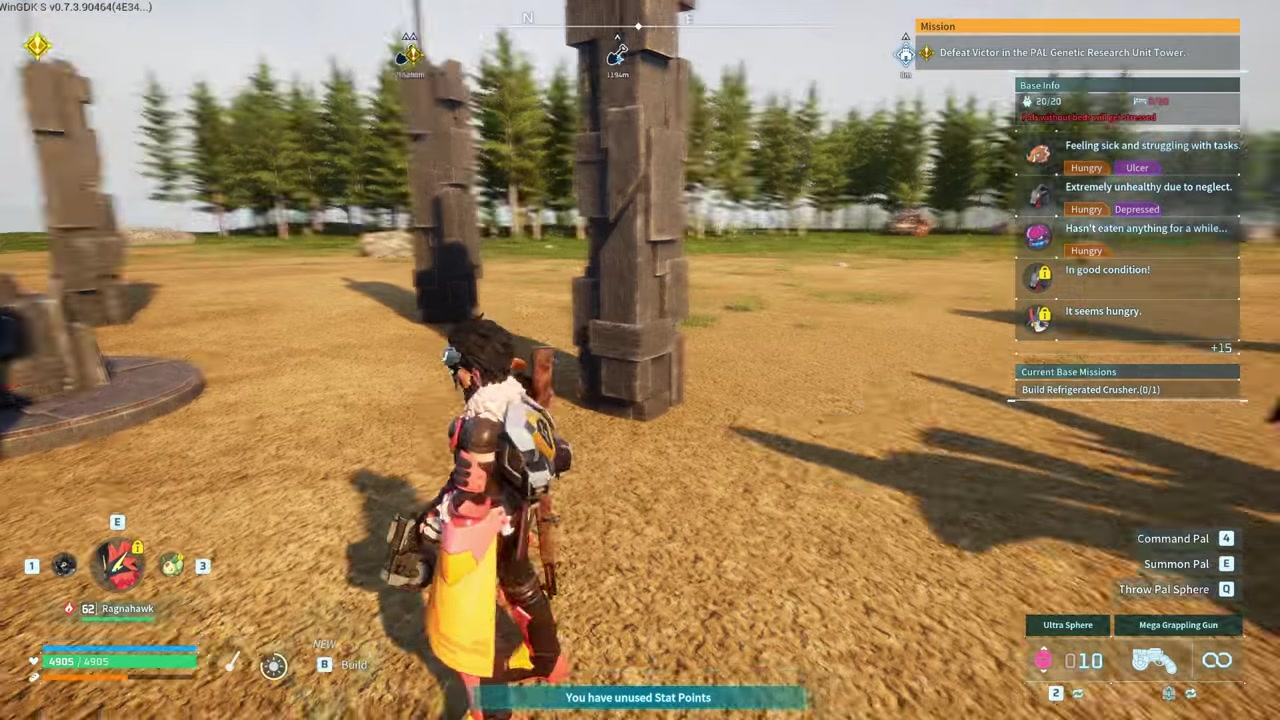
To use the Air Dash Boots, equip them in an accessory slot, jump into the air, and press your roll/dodge button (Left Ctrl on PC, B on Xbox) to perform a mid-air dash.
The Air Dash Boots are a movement accessory introduced in the Feybreak update in Palworld that grant your character a burst of speed while airborne. They fundamentally change how you traverse the world, letting you cross gaps and reposition in combat without relying on Pal. The core mechanic is straightforward once you understand that the air dash shares the exact same input as your ground roll.
- What the Air Dash Boots do and how to trigger them
- How to activate the Air Dash Boots in Palworld
- Equipping and executing the air dash
- Air Dash Boots tier comparison: base, Double, and Triple
- Common mistakes players make when trying to use the boots
- Advanced mobility combos and next steps
- Frequently Asked Questions
What the Air Dash Boots do and how to trigger them
When equipped, the Air Dash Boots grant the Aerial Dash +1 status, which means you can perform one mid-air dash per jump. The activation is not a separate keybind; it piggybacks on your existing roll input. You simply jump into the air and press the button you normally use to roll on the ground.
Because it uses the roll input, the dash functions as a quick, horizontal burst rather than a vertical boost. It is designed to push you forward, covering distance to help you reach platforms or dodge incoming attacks. The base boots only grant one dash per jump, so you have to make it count before you land.
How to activate the Air Dash Boots in Palworld
STEP 1/3
Equip the boots
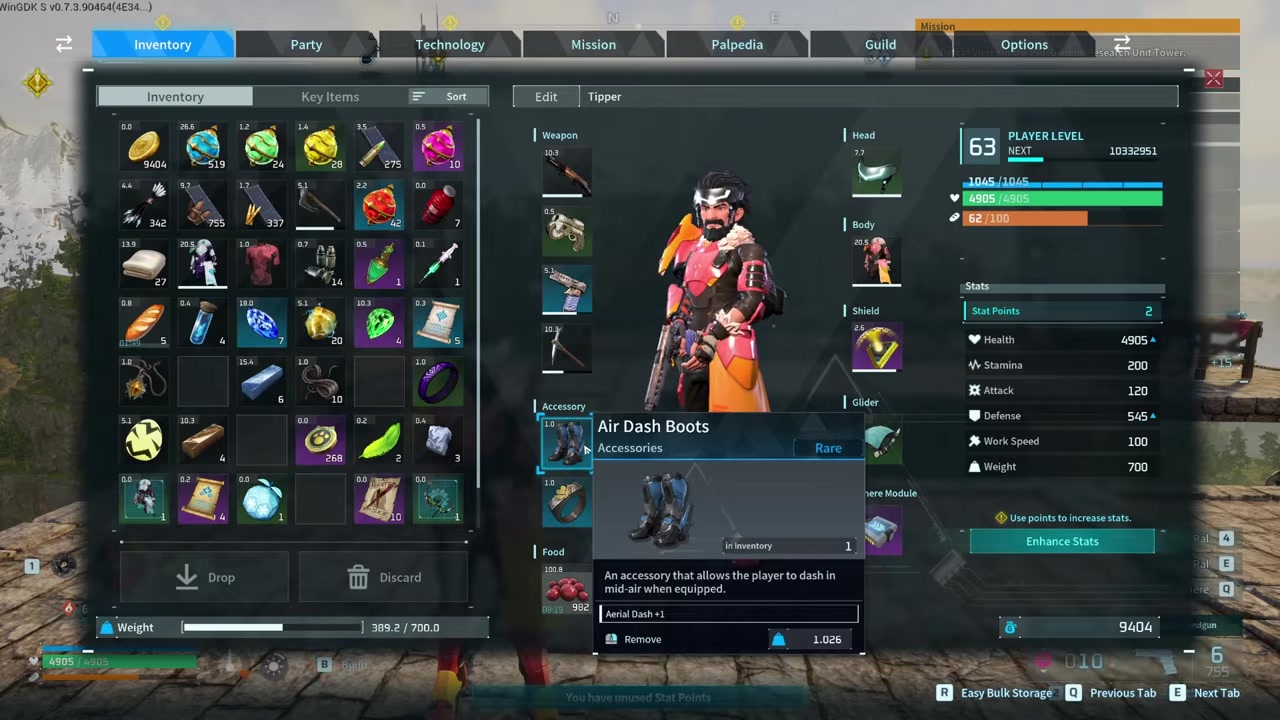
Open your character inventory and place the Air Dash Boots into an accessory slot, not just your standard inventory.
STEP 2/3
Jump into the air
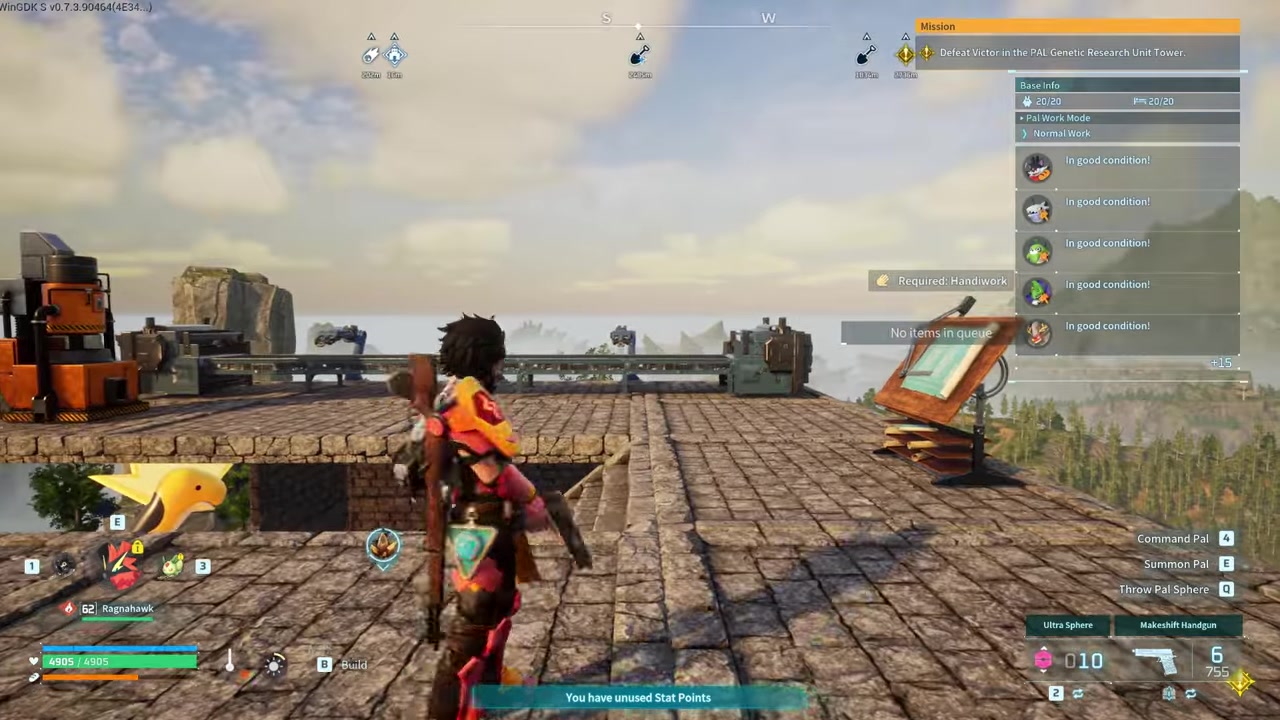
Press your jump button to leave the ground.
STEP 3/3
Press the roll button
While airborne, press your roll button (Left Ctrl on PC, B on Xbox) to execute the mid-air dash.
Video help
Equipping and executing the air dash
Before you can dash, you need to unlock the blueprint in the Ancient Technology tab using Ancient Technology Points, then craft the boots at a High Quality Workbench or Production Assembly Line. Once crafted, the most common stumbling block is leaving them in your standard inventory. The boots must be dragged into one of your character’s dedicated accessory slots to function.
It is worth noting that while the video shows a single press of the roll button activating the dash, some players report needing a double-tap of the sprint or B button. The single press of the roll button remains the confirmed base mechanic, but if a single tap does not register, check your custom keybindings in the controls menu.
Air Dash Boots tier comparison: base, Double, and Triple
| Tier | Dashes Grants | Rarity | Unlock Level | Key Materials |
|---|---|---|---|---|
| Air Dash Boots | Aerial Dash +1 | Rare | Lv. 34-36 (unverified) | Paldium Fragments, Refined Ingots, Nightstar Sand |
| Double Air Dash Boots | Aerial Dash +2 | Epic | Lv. 54 | Plasteel, Paldium Fragments, Nightstar Sand, Dark Fragments |
| Triple Air Dash Boots | Aerial Dash +3 | Legendary | Not confirmed | Coralum Ingots, Paldium Fragments, Nightstar Sand, Dark Fragments |
The upgrade path scales linearly, turning a single burst of mobility into a chain of mid-air dashes. The Double Air Dash Boots double your aerial options, while the Triple Air Dash Boots allow three consecutive dashes before you land. Exact material quantities are not consistently listed across sources, so treat any specific counts as unverified. However, every tier requires Nightstar Sand, making it a bottleneck material you will need to farm repeatedly as you climb the tech tree.
Common mistakes players make when trying to use the boots
The most frequent mistake is equipping the boots in your inventory but not placing them in an accessory slot, which prevents the dash from activating entirely. Players also often expect multiple dashes from the base Air Dash Boots, not realizing that only the Double and Triple variants allow chaining dashes in a single jump.
Another common misconception is assuming the dash grants vertical height. The air dash is primarily a horizontal burst, roughly comparable to the length of one foundation tile, though exact distance for the base boots is not consistently measured. Finally, confusion exists over the activation input itself. While the base mechanic uses a single press of the roll button, some players assume a double-tap of the sprint button is required, leading to missed inputs when trying to dash.
Advanced mobility combos and next steps
Once you master the air dash, you can start chaining it into other movement tools. Players frequently combo a mid-air dash directly into a glider, like the Hyper Glider, to maximize horizontal distance without expending stamina. Combining the Air Dash Boots with the Double Jump Boots and the Low Gravity Belt opens up complex traversal routes, though community reports of “unlimited jump” exploits using this combination are inconsistent and may have been patched.
If your air dash is not triggering, double-check that the boots are in an accessory slot and not just sitting in your inventory.
Frequently Asked Questions
Why aren’t my Air Dash Boots working even though I have them in my inventory?
Having the boots in your standard inventory is not enough. You must equip them in a dedicated accessory slot on your character screen for the Aerial Dash effect to activate.
Does the air dash give you extra height or only horizontal distance?
The air dash is primarily a horizontal burst that propels you forward. It does not grant extra vertical height, so it is best used for crossing gaps or dodging rather than reaching higher platforms.
Can you dash more than once per jump with the base Air Dash Boots?
No, the base Air Dash Boots grant Aerial Dash +1, which limits you to one dash per jump. You need the Double or Triple Air Dash Boots to perform multiple dashes in a single jump.
What button do I press to air dash on PC vs Xbox controller?
The air dash shares the same input as your ground roll. On PC, the default key is Left Ctrl. On an Xbox controller, you press the B button while airborne.
Do Air Dash Boots stack with Double Jump Boots?
Yes, players combine Air Dash Boots with Double Jump Boots and the Low Gravity Belt for advanced traversal. While this creates extended mobility routes, community reports of “unlimited jump” exploits are inconsistent and may have been patched.






Leave a Reply