
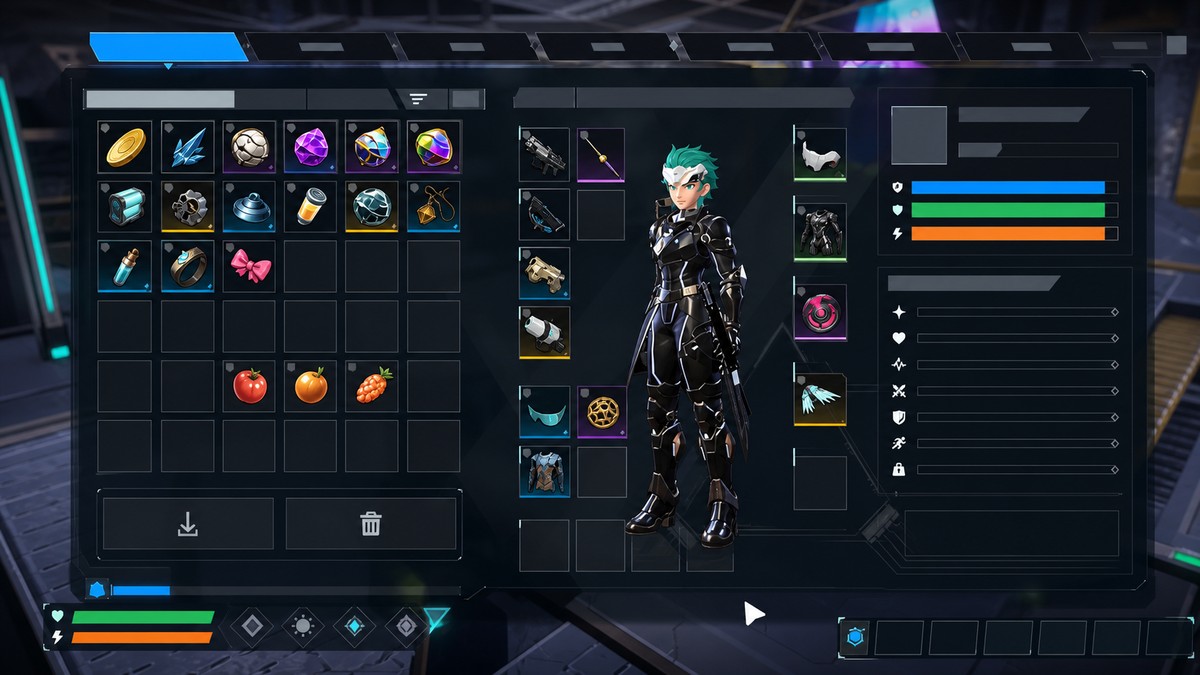
To unlock all 5 food slots in Palworld 1.0, unlock and craft the Feed Bag upgrades from the Technology menu until you reach the fifth tier, then claim the crafted bag and place food in the new Feed Bag slots.
Feed Bag food slots are not normal inventory slots. They are special food slots added by Feed Bags, which work as Key Items and let the game feed you and your Pals automatically when hunger kicks in.
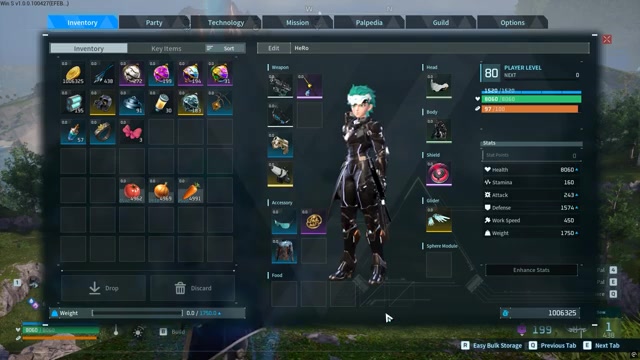
Once a slot is unlocked, drag food into the Feed Bag bar in your inventory. The more Feed Bag tiers you craft and claim, the more food slots you can use, up to 5 slots in Palworld 1.0.
Feed Bags add automatic food slots
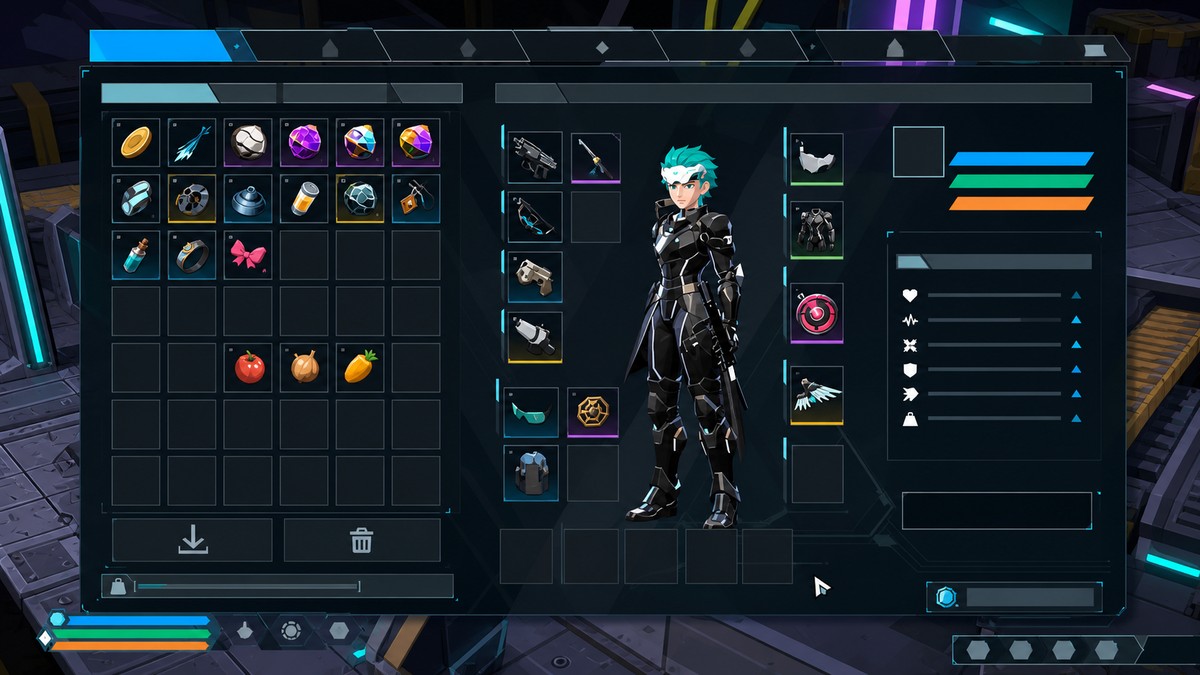
The Feed Bag system is for hunger management, not backpack space. Food placed in these slots stays available for automatic eating, so you do not have to keep opening your inventory to feed yourself or your active Pals manually.
KEY!Each higher Feed Bag tier adds another slot to the food bar. The important part is the tier: making random extra copies of a smaller bag is not how you reach five slots.
Feed Bag tiers for 1 to 5 food slots
| Feed Bag | Food slots | Unlock level |
|---|---|---|
| Small Feed Bag | 1 | Level 9 |
| Average Feed Bag | 2 | Level 14 |
| Large Feed Bag | 3 | Level 36 |
| Huge Feed Bag | 4 | Level 36 |
| Giant Feed Bag | 5 | Level 45 to 47 |
The Feed Bag line starts with the Small Feed Bag and runs up through the fifth-slot tier. The early tier levels have some inconsistent listings across current player-facing data, so use the table as the clean progression: unlock the next Feed Bag recipe as it appears in your Technology menu, then craft and claim it to add the next slot.
For the fifth slot, some data places Giant Feed Bag at Level 45, while a 1.0 showcase run shows the fifth recipe appearing at Level 47. If you do not see it yet, keep leveling and check the Technology menu again.
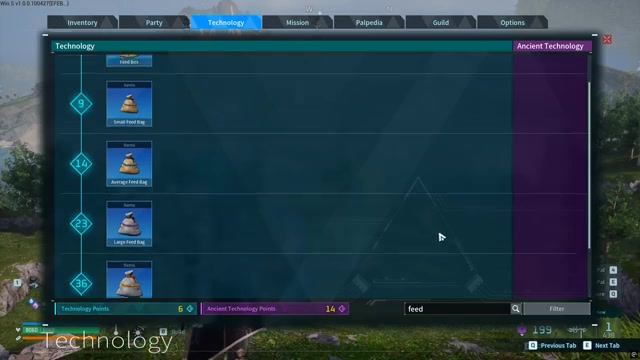
Search “Feed” in the Technology menu to pull up the Feed Bag recipes quickly instead of scrolling through the full tree.
How to unlock all five food slots in Palworld
This is the core loop: find the Feed Bag recipes, craft the next available tier, then claim it so the new food slot appears.
STEP 1/11
Open Technology
Open the Technology menu and use the search field to look for Feed.
STEP 2/11
Find the Feed Bag recipes
The Feed Bag line contains five recipes, with each crafted tier adding one food slot.
STEP 3/11
Craft the first Feed Bag
Crafting and claiming the first Feed Bag unlocks the first food slot.
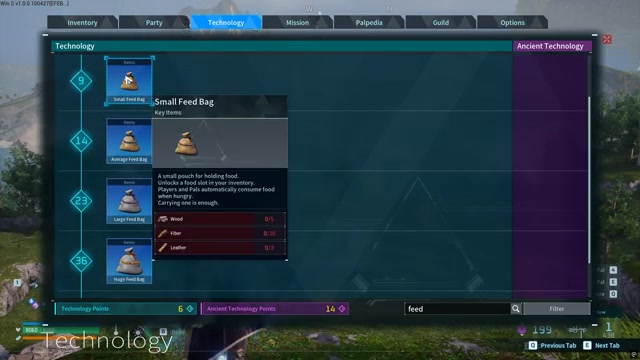
STEP 4/11
Craft the second Feed Bag
Craft and claim the second Feed Bag tier to add the second food slot.
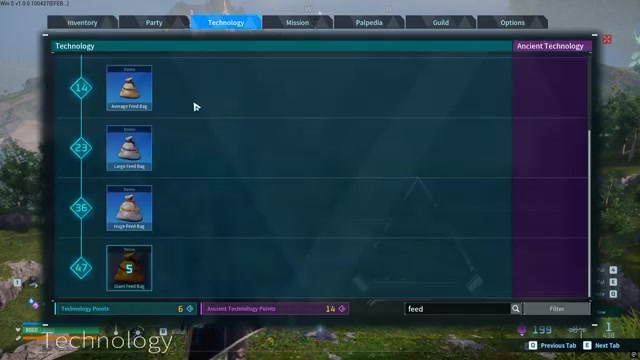
STEP 5/11
Continue through the middle tiers
Repeat the same process for the third tier, then unlock the fourth tier when it appears around the mid-30s.
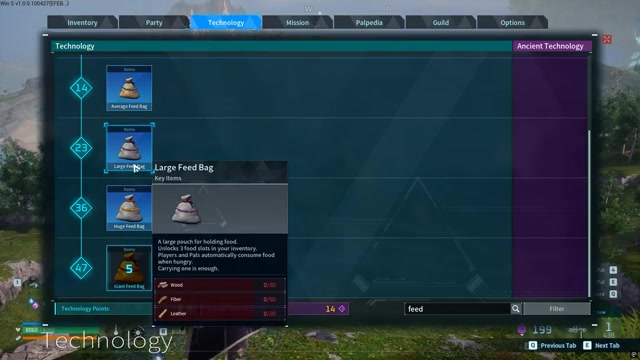
STEP 6/11
Craft the available pouches at a station
Use a crafting station to make the Feed Bag tiers you have unlocked.
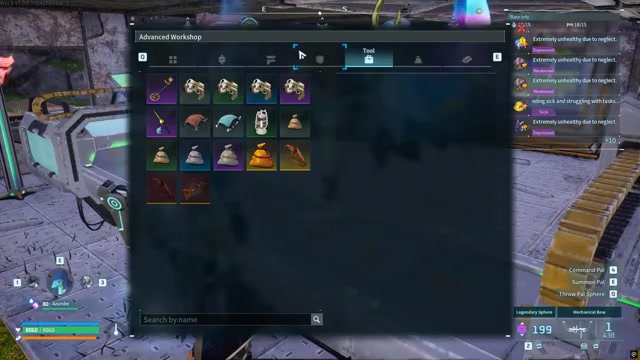
STEP 7/11
Check your slots before claiming
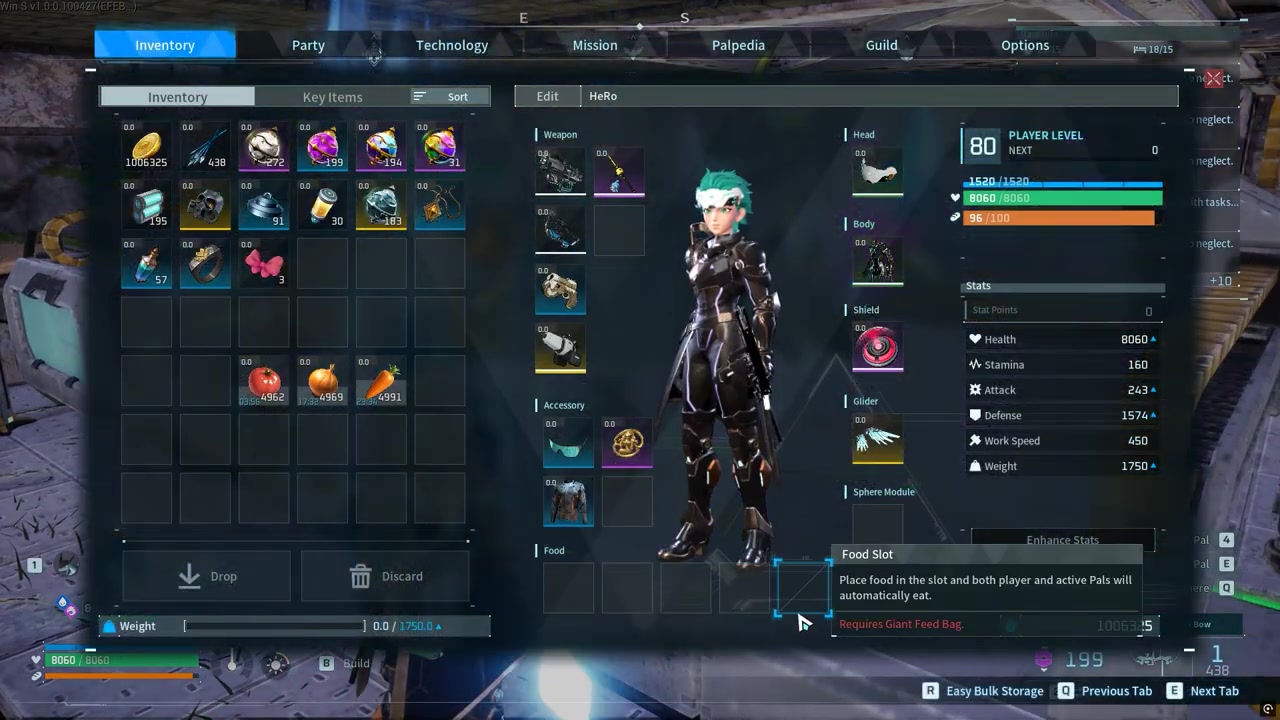
Before claiming a finished Feed Bag, your inventory bar shows only the slots you have already unlocked.

STEP 8/11
Claim the fourth tier
Claiming the fourth Feed Bag adds the fourth food slot.

STEP 9/11
Craft the last Feed Bag
Craft the final Feed Bag tier for the last food bar upgrade.
STEP 10/11
Claim the final tier
Claim the finished final Feed Bag to unlock 5 food slots.
STEP 11/11
Place food in the slots
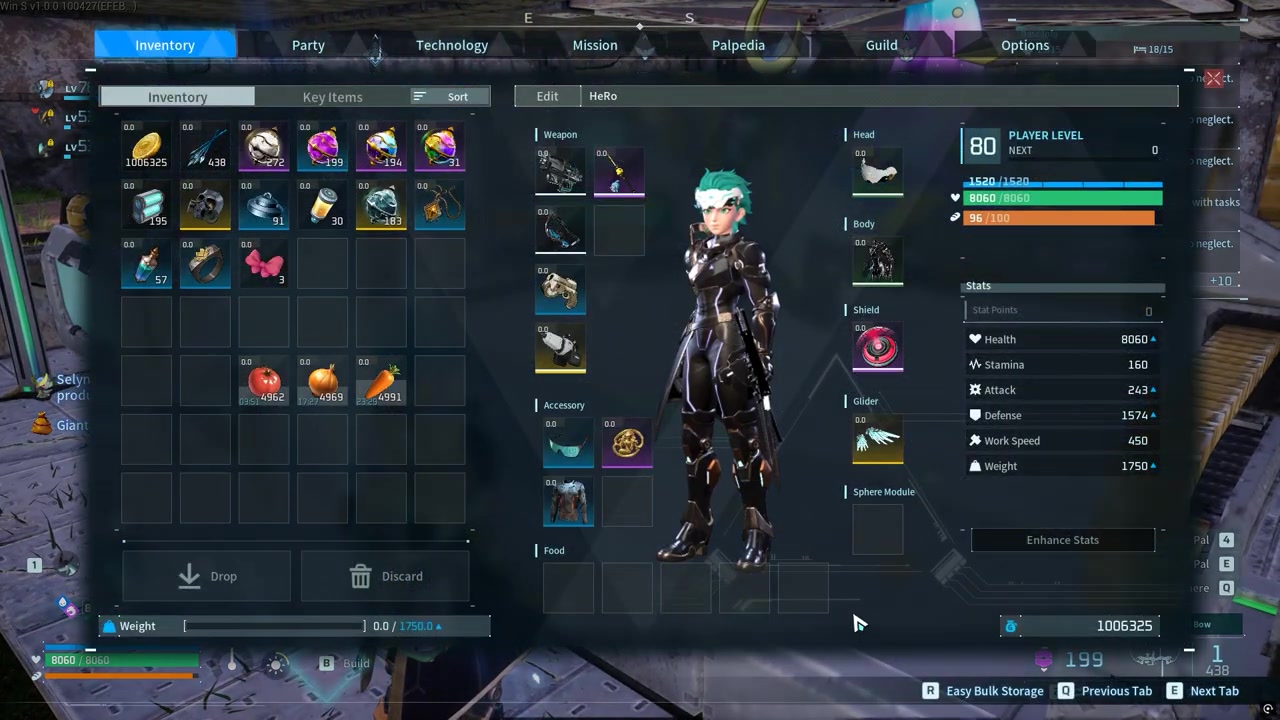
Drag food onto the Feed Bag bar so the game can feed you and your Pals automatically.
Video help
Using Feed Bag slots after you unlock them
After the slots appear, open your inventory and drag food into the Feed Bag bar. Food in those slots is used automatically when you or your Pals are hungry, which makes it ideal for staple food you want the party to keep eating without manual input.
The eating order matters. The game checks the Feed Bag slots from left to right, so put your main everyday food in the leftmost slot and keep more situational food farther to the right.
In Palworld 1.0, Feed Bag slots also gained a direct-use behavior: you can use food straight from a Feed Bag slot by holding the inventory Use button. That makes the bar useful both for auto-feeding and for quick manual consumption from the inventory screen.
Feed Bag mistakes that block extra slots
Crafting another copy of a lower-tier Feed Bag does not add another slot. The slot count comes from your highest active Feed Bag tier, so duplicates of smaller bags will not stack into extra food slots.
There is also a small prerequisite wrinkle: some players craft the highest visible tier and get the full slot count, while others work through the Feed Bag tiers in order. If your fifth slot does not appear after crafting, claim the finished item, check your Key Items, and make sure the earlier Feed Bag tiers available to you have also been unlocked and crafted.
Finally, Feed Bag slots are not weight removal. Food placed there still counts as food in your inventory unless a separate update or in-game effect changes that behavior.
Frequently Asked Questions
Do you need to craft every smaller Feed Bag first?
The cleanest method is to unlock, craft, and claim the Feed Bag tiers in order as they appear in the Technology menu. Some 1.0 data suggests the Giant Feed Bag can grant all 5 slots by itself, but crafting through the progression avoids missing-slot problems.
Why did crafting another Feed Bag not unlock a new slot?
Because duplicate lower-tier Feed Bags do not stack. You need the next higher Feed Bag tier, and you need to claim the crafted item before the new slot appears.
Which food slot gets eaten first?
The game checks Feed Bag food from left to right. Put your main food in the first slot, then place backup or special foods in the later slots.
Can you use food directly from Feed Bag slots in 1.0?
Yes. In Palworld 1.0, you can directly use food from a Feed Bag slot by holding the inventory Use button.
Do Feed Bag food slots remove food weight?
No. Feed Bag slots make food easier to use and automate eating, but the food still has inventory weight unless the game separately changes that with another effect or update.






Leave a Reply