
Smartphones have come a long way over the last ten years. From being a simple communication medium to an all-round media machine — the transition has been quite staggering.
Today’s devices are especially capable when it comes to photo and videography, bridging the gap between phones and DSLR cameras. Most of us use our smartphones to record the occasional videos, as carrying around a DSLR or camcorder just seems like too much work.
If you, too, are fond of smartphone videography, keeping a video editing app handy may be the best course of action. In this section, we’ll take a look at three popular video editing apps and tell you how to trim your precious videos to perfection.
Related → How to create GIFs from a video
How to trim your videos using Google Photos app


Related → How to create a video slideshow from photos
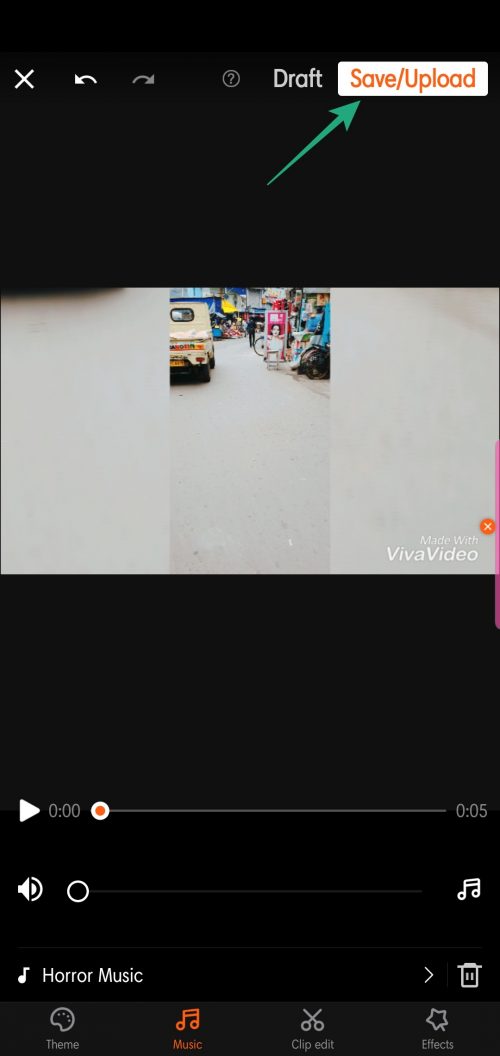
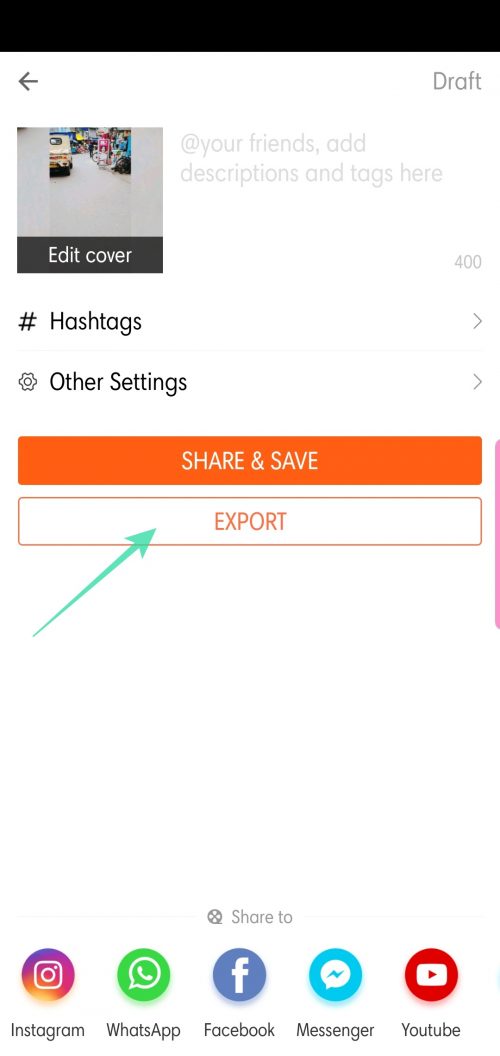
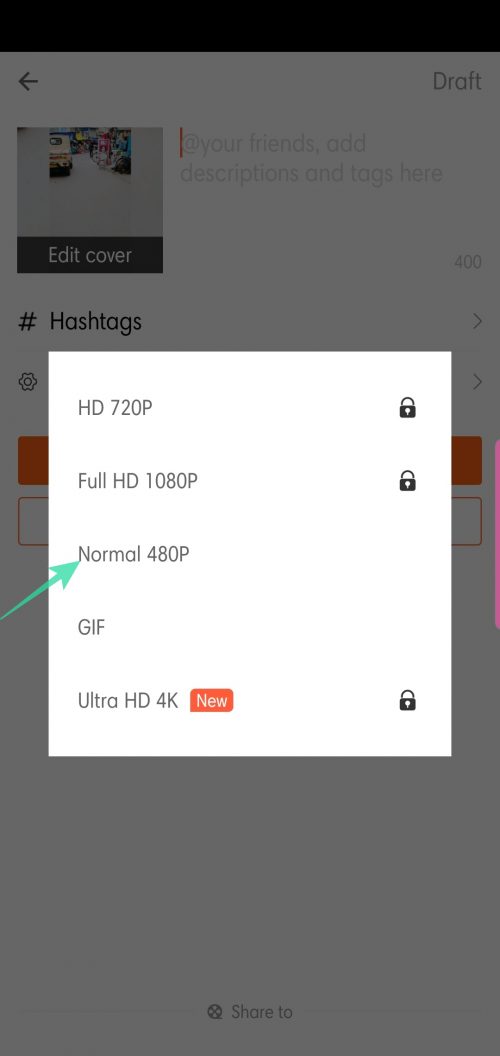
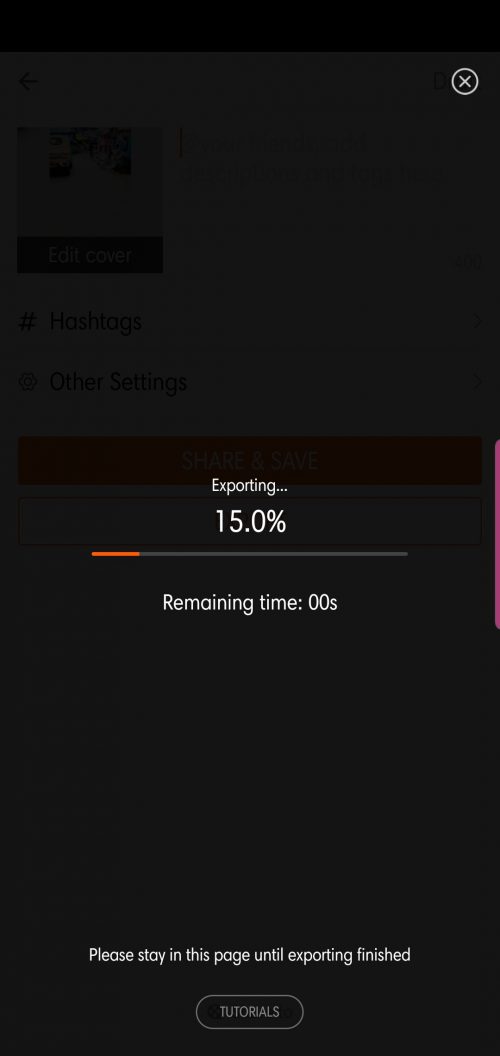
How to trim your videos using VivaVideo app
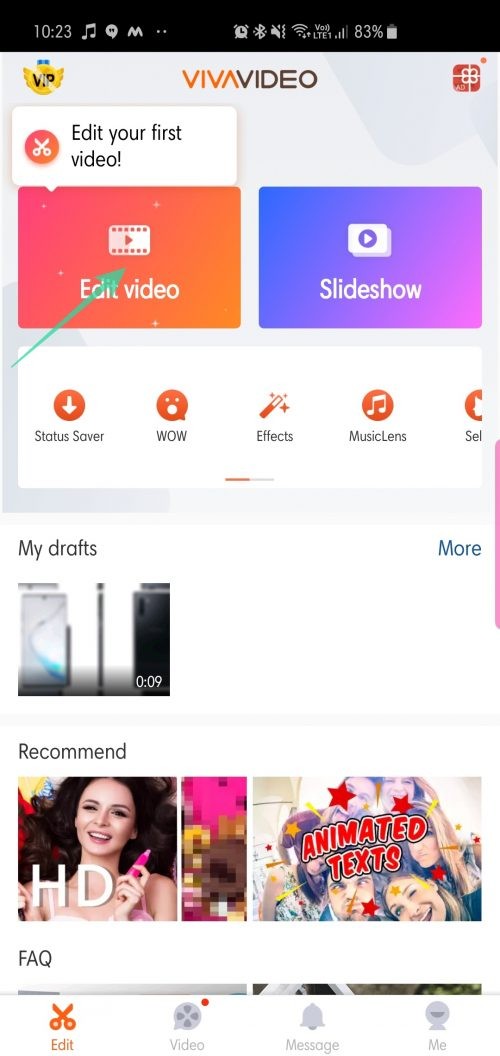
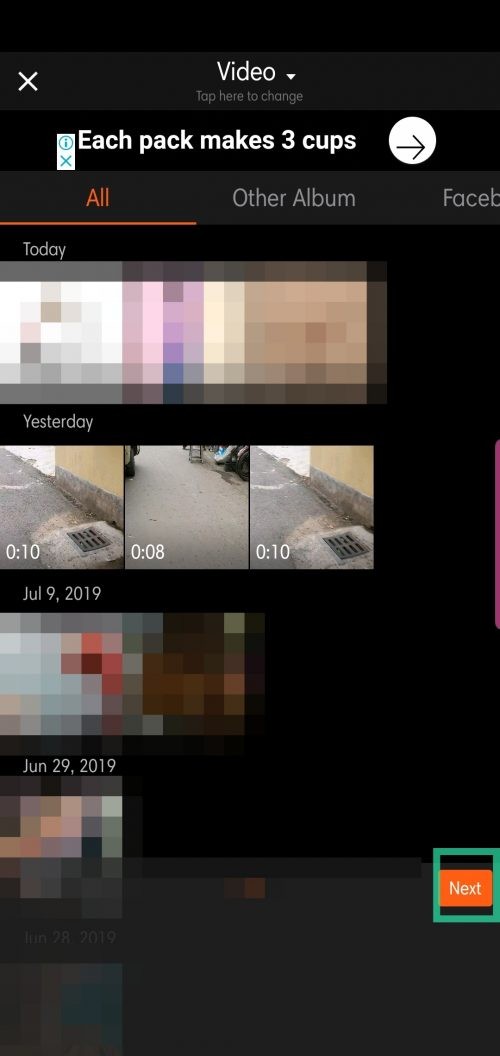
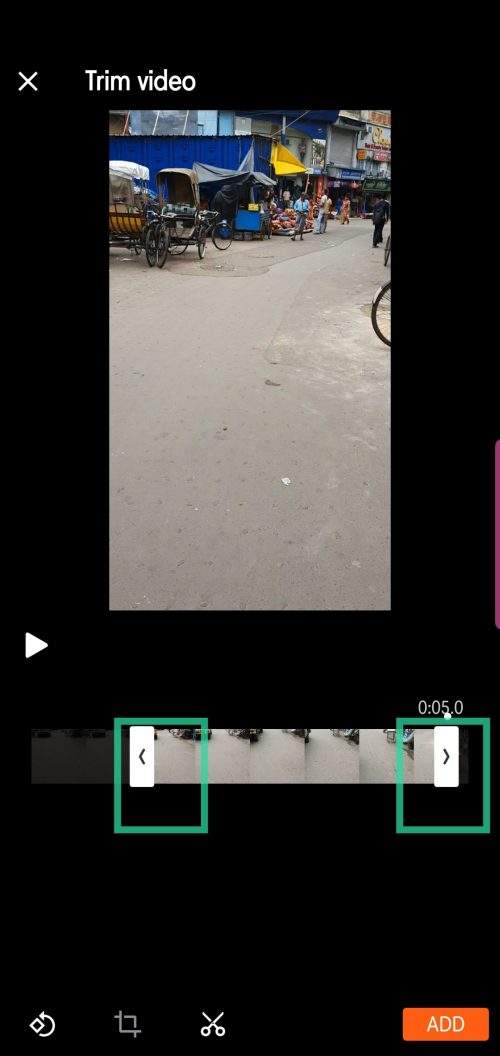
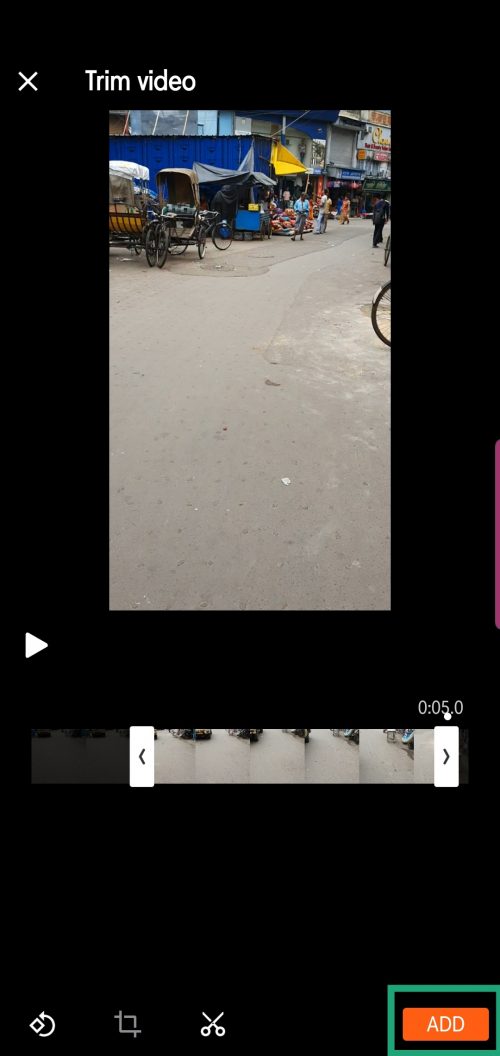
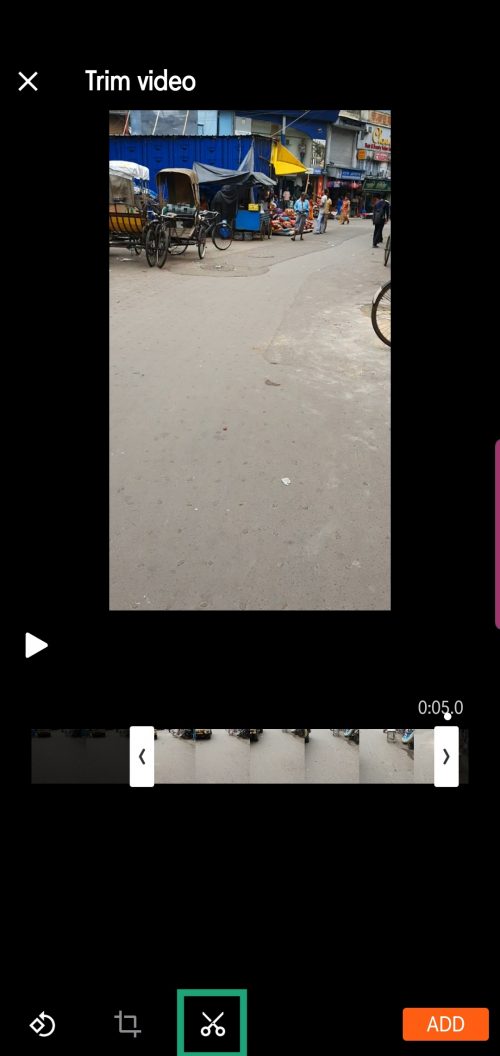
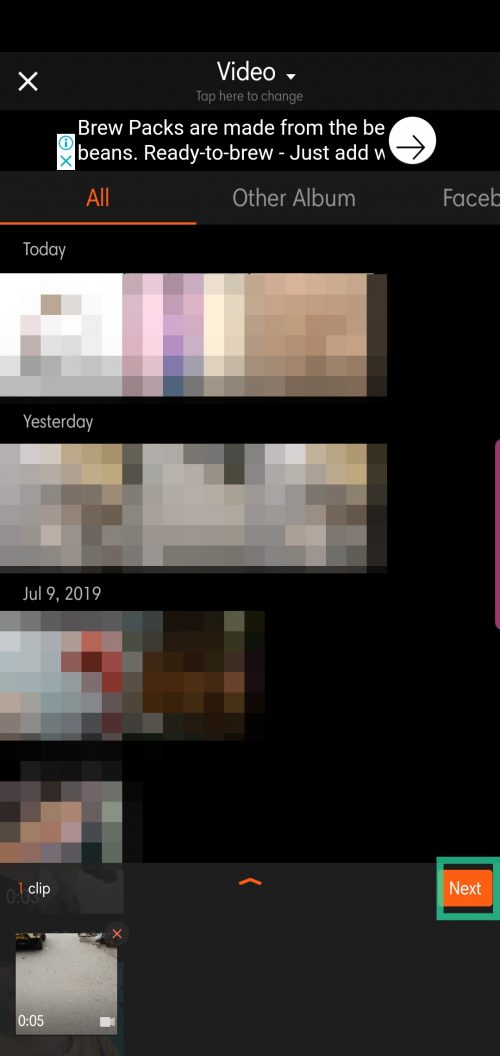
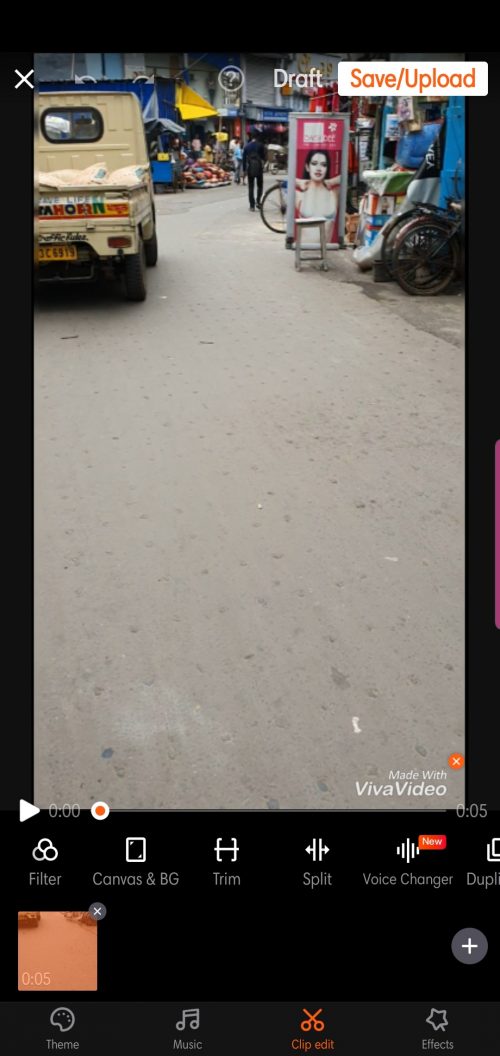
or if you want multiple clips of the video, tap on the scissors icon after each selection.
How to trim your videos using InShot app
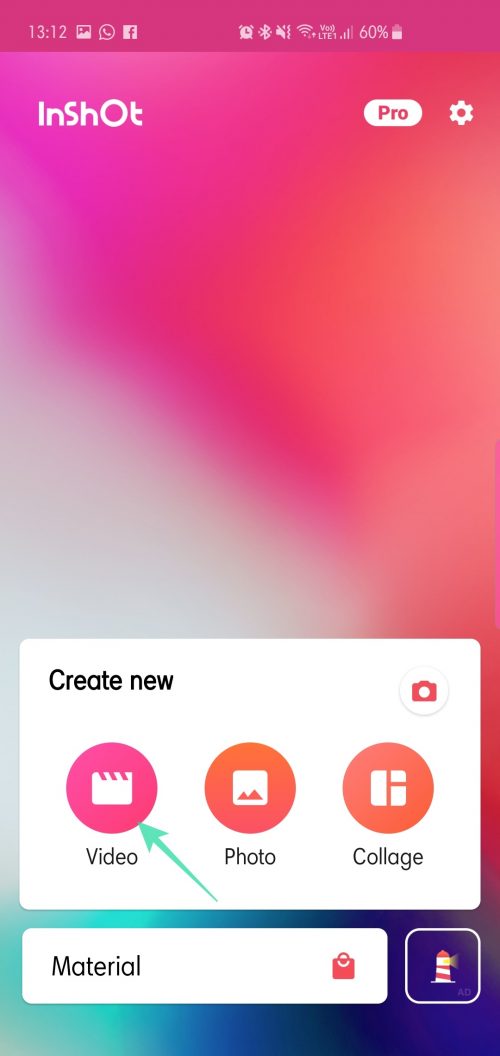
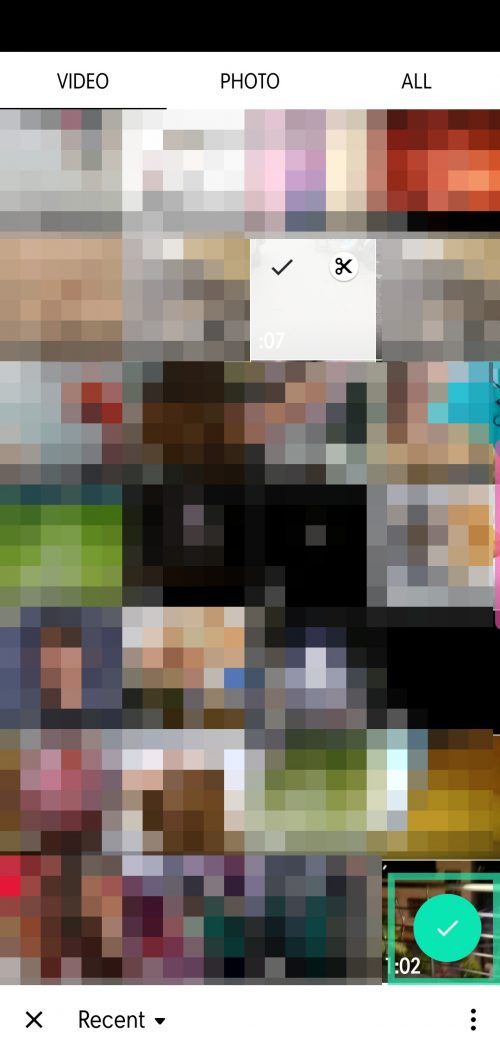
For quick trimming, you could also select the scissor icon displayed on the top-right corner of your selection.
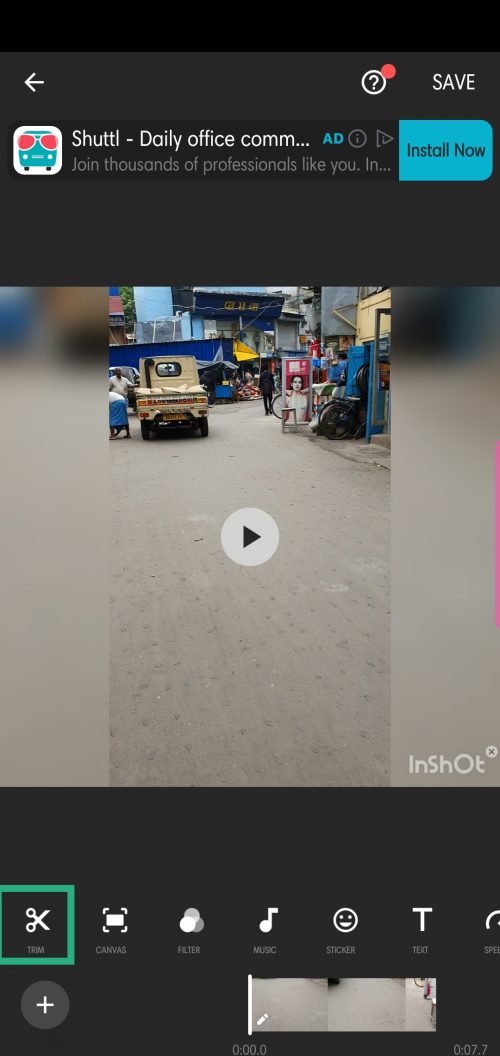

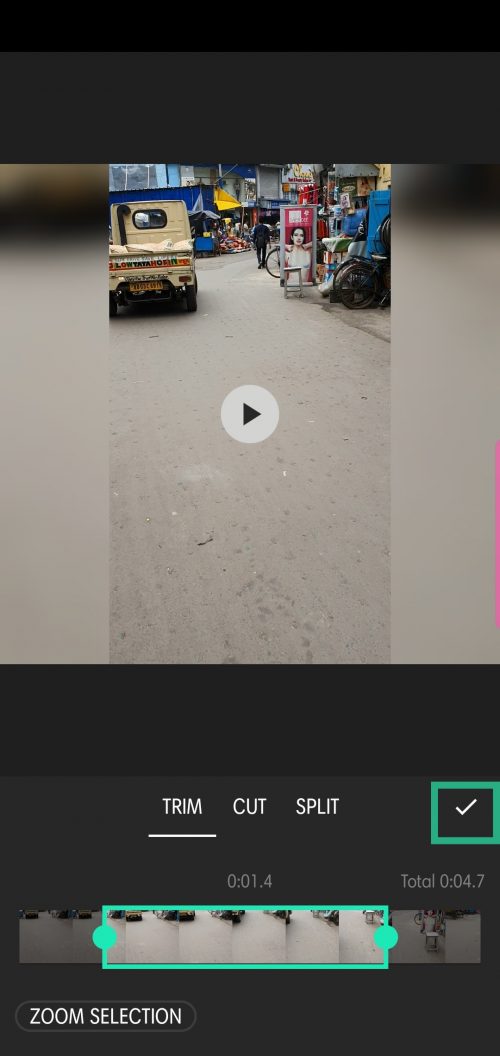
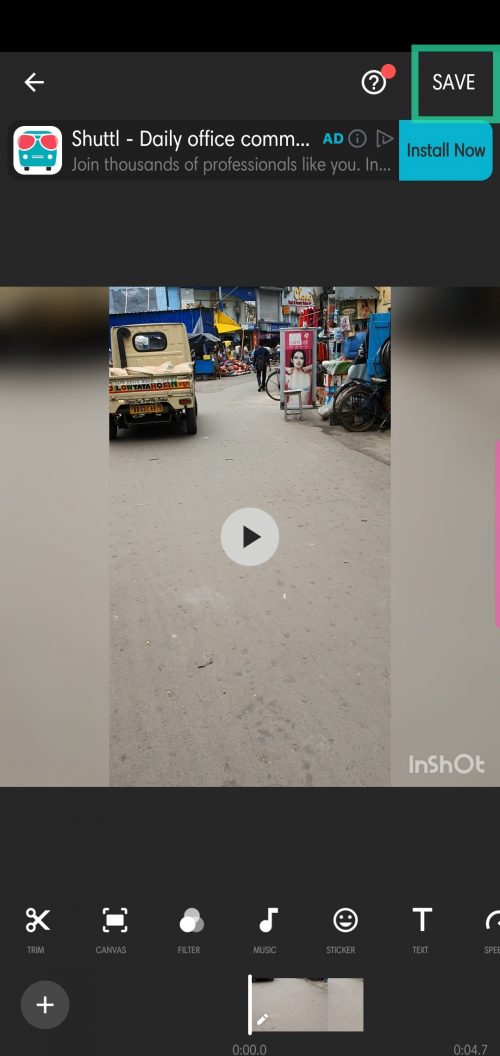
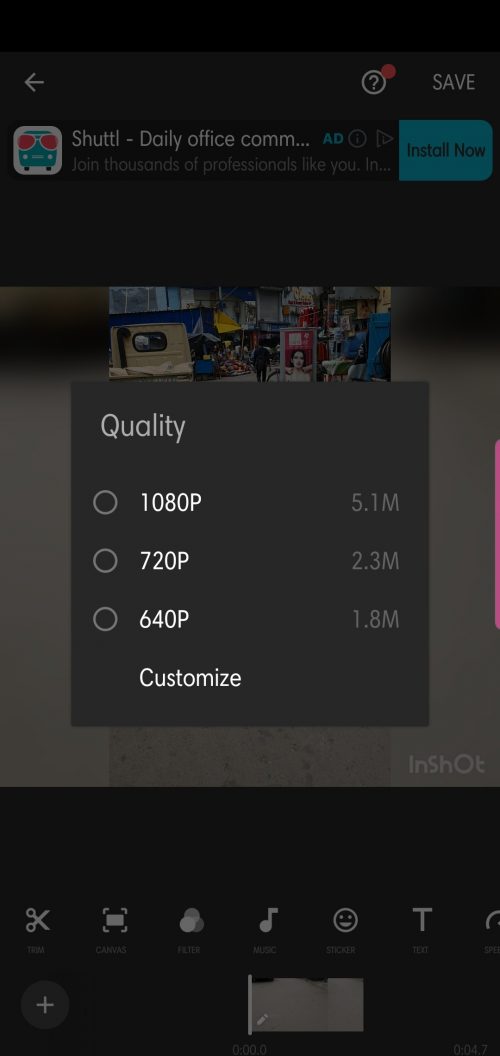
Let us know if you need any help in trimming videos on Android.
RELATED: