
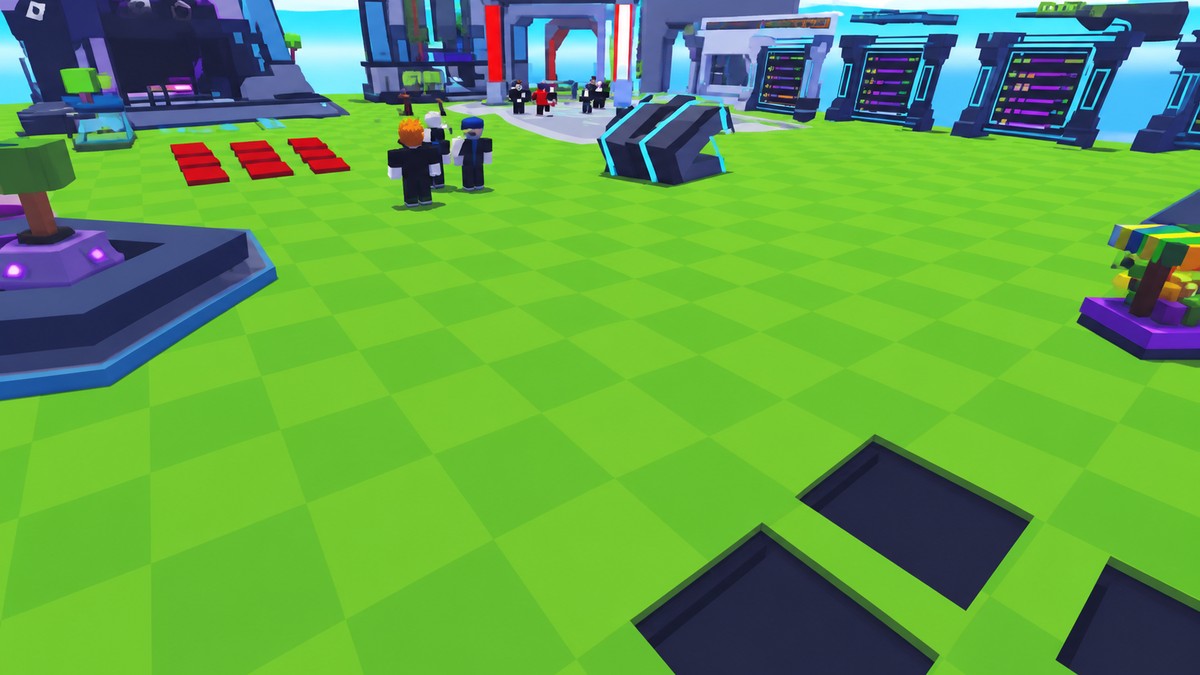
To trade or gift anime in Roll Anime to Fight, use the Trade button on the left side of the screen and spend a Trading Ticket to send or exchange an anime unit with another player.
Gifting in Roll Anime to Fight uses the same Trade system as player-to-player exchanges. Before you pick a unit, make sure you have Trading Tickets, because they are the trade resource used to send anime units.
Trading and gifting anime units explained
| Feature | What to know |
|---|---|
| Trade | Used to move an Anime unit between players. |
| Gift | Works through trading when you want to give an anime unit to someone. |
| Trading Tickets | Consumable tickets tied to completing trades. |
A gift is a one-sided trade: you offer an anime unit to another player through the Trade menu. Use the same system whether you are exchanging units normally or sending one without taking a unit back.
How to trade or give Anime in Roll Anime to Fight
Use this route when the player you want to trade with is already in-game, and you have a Trading Ticket ready.
STEP 1/5
Pick the Anime unit
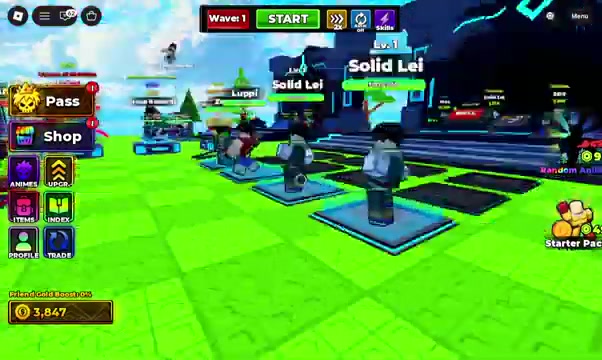
Select the Anime unit you want to send or offer in the trade.
STEP 2/5
Move into the trade action
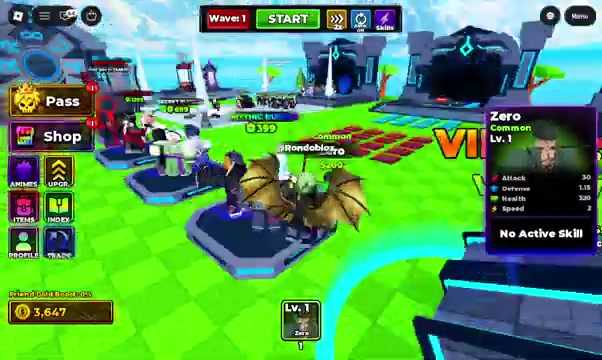
After choosing the unit, open the trade option for that player interaction.
STEP 3/5
Open Trade from the left UI
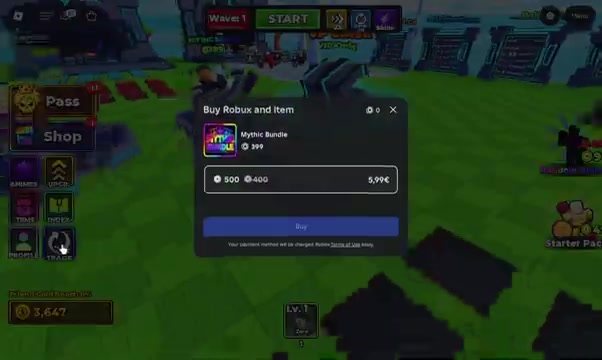
Click Trade on the left side of the screen to bring up the trading option.
STEP 4/5
Check your Trading Tickets
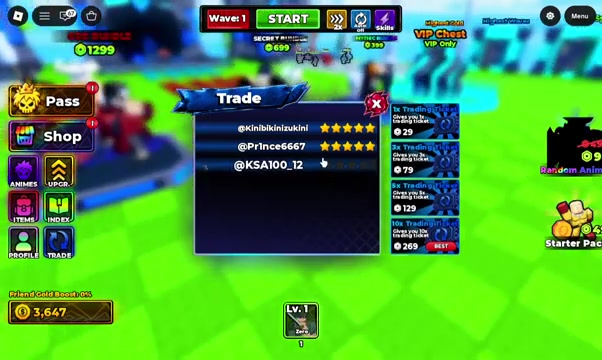
The trade screen shows Trading Tickets, which are the resource used for trading.
STEP 5/5
Finish with the other player
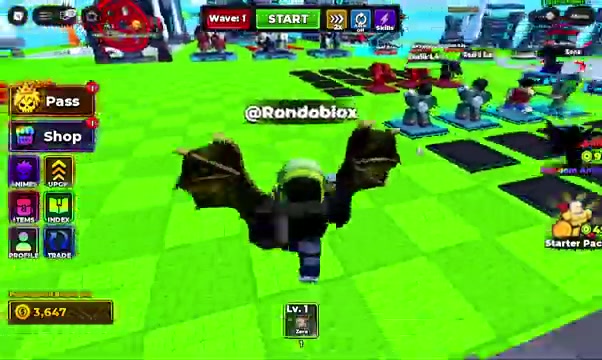
Complete the trade with the other player once the chosen Anime and ticket requirement are in place.
Video help
Trading Tickets and blocked trades
KEY!
Trading Tickets are not a permanent trade unlock. They are a consumable resource, so one ticket lets you use the trading system once, and spending tickets is part of trading or gifting anime units.
One older reward code, TRADING&BATTLEPASS!, gives three Trading Tickets, 350,000 Gold, one Gold Megumi, and one Super Time Potion. That reward is tied to reaching Wave 76, so a newer player will not receive those items until the progression requirement is met.
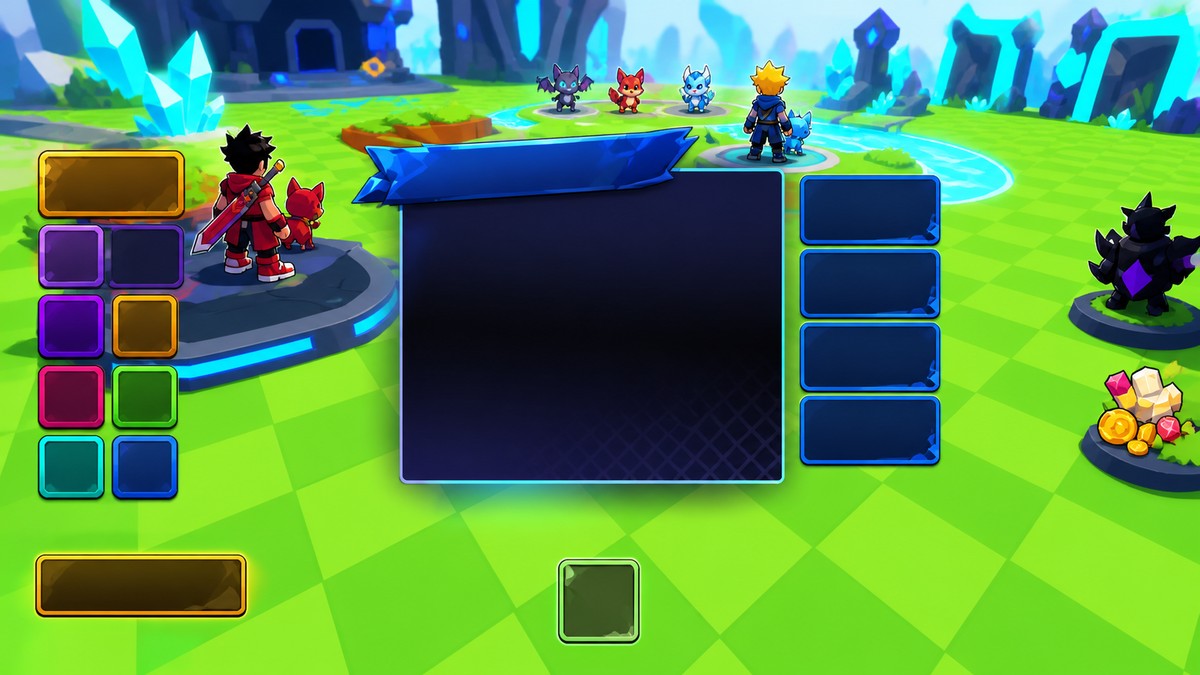
Check your Trading Tickets before choosing a unit so you do not set up a trade that cannot be completed.
Problems when a trade will not go through
The most common blocker is simple: you have no Trading Tickets left. If a ticket came from a code reward, spend it carefully, because it is limited trade capacity, not a menu unlock that stays forever.
Another common snag is the Wave 76 condition attached to certain rewards. If you redeemed a reward expecting Trading Tickets but have not reached that wave requirement, the missing tickets are a progression issue rather than a broken trade menu.
Trade limits that are still unclear
Use Trade for anime transfers and plan around Trading Tickets. Exact trade caps, cooldowns, invite behavior, confirmation screens, player eligibility rules, and any separate gift-only interface outside Trade are still game-side details to watch while you trade.
Related Roll Anime to Fight guides
Frequently Asked Questions
Can you gift anime without trading?
Use Trade for gifting. Sending an anime unit to another player is handled as a trade.
Do you need a Trading Ticket every time?
Yes, plan around Trading Tickets as limited-use trade resources. Keep at least one available before trying to send or exchange an Anime unit.
Where can you get more Trading Tickets?
TRADING&BATTLEPASS! is the notable ticket-related code reward, giving three Trading Tickets after the Wave 76 requirement is met.






Leave a Reply