

QUICK ANSWER
To throw a football in Grand Theft Auto VI, hold L2LT to aim at the receiver, press R2RT to choose power, and press R2RT again to throw.
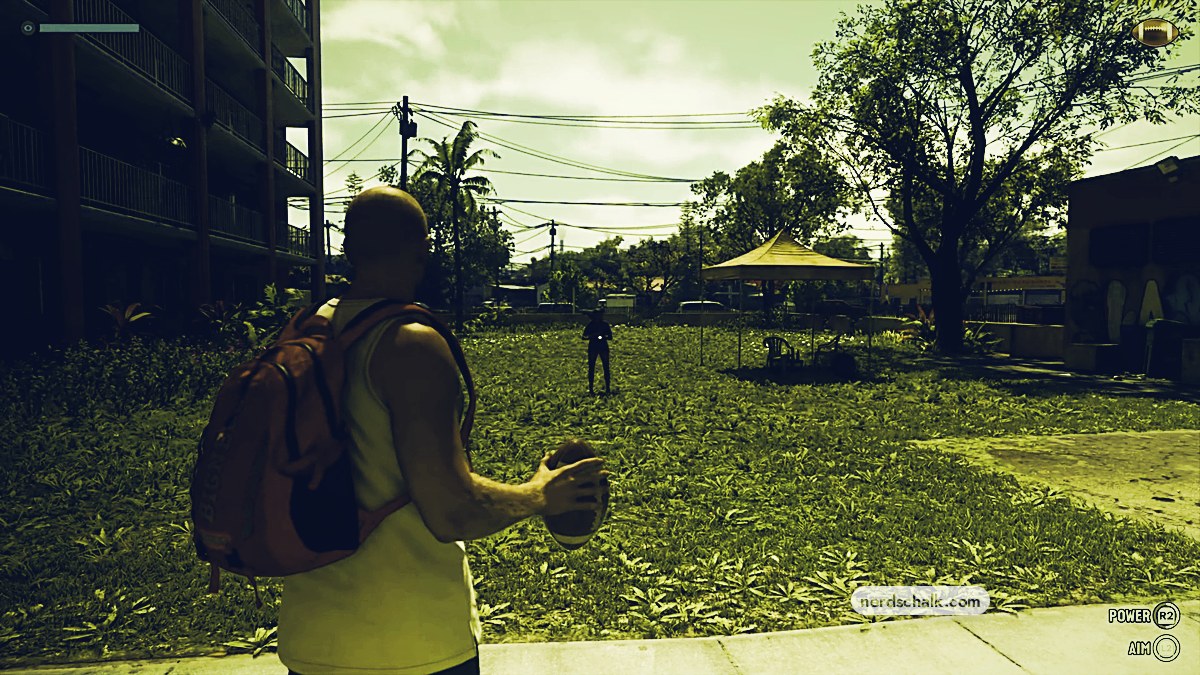
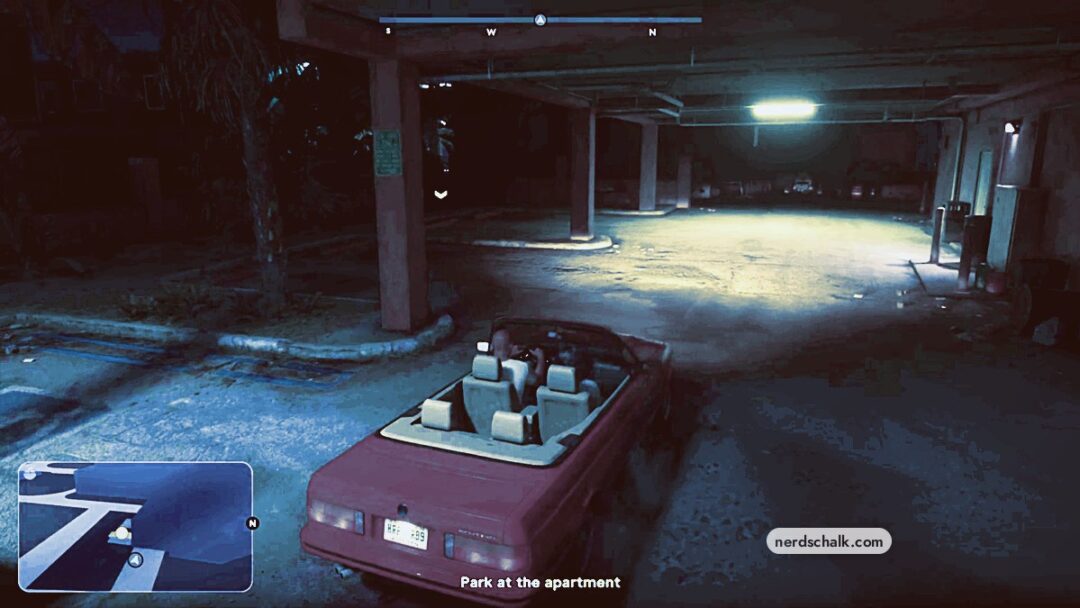
The exchange here takes place in an apartment courtyard. This guide covers receiving the ball, aiming, and setting your throw’s power.
example settingApartment courtyardaimHold L2LTpower and throwPress R2RT twice
How to throw a football in Grand Theft Auto VI
STEP 01 · OF 03
Receive the football
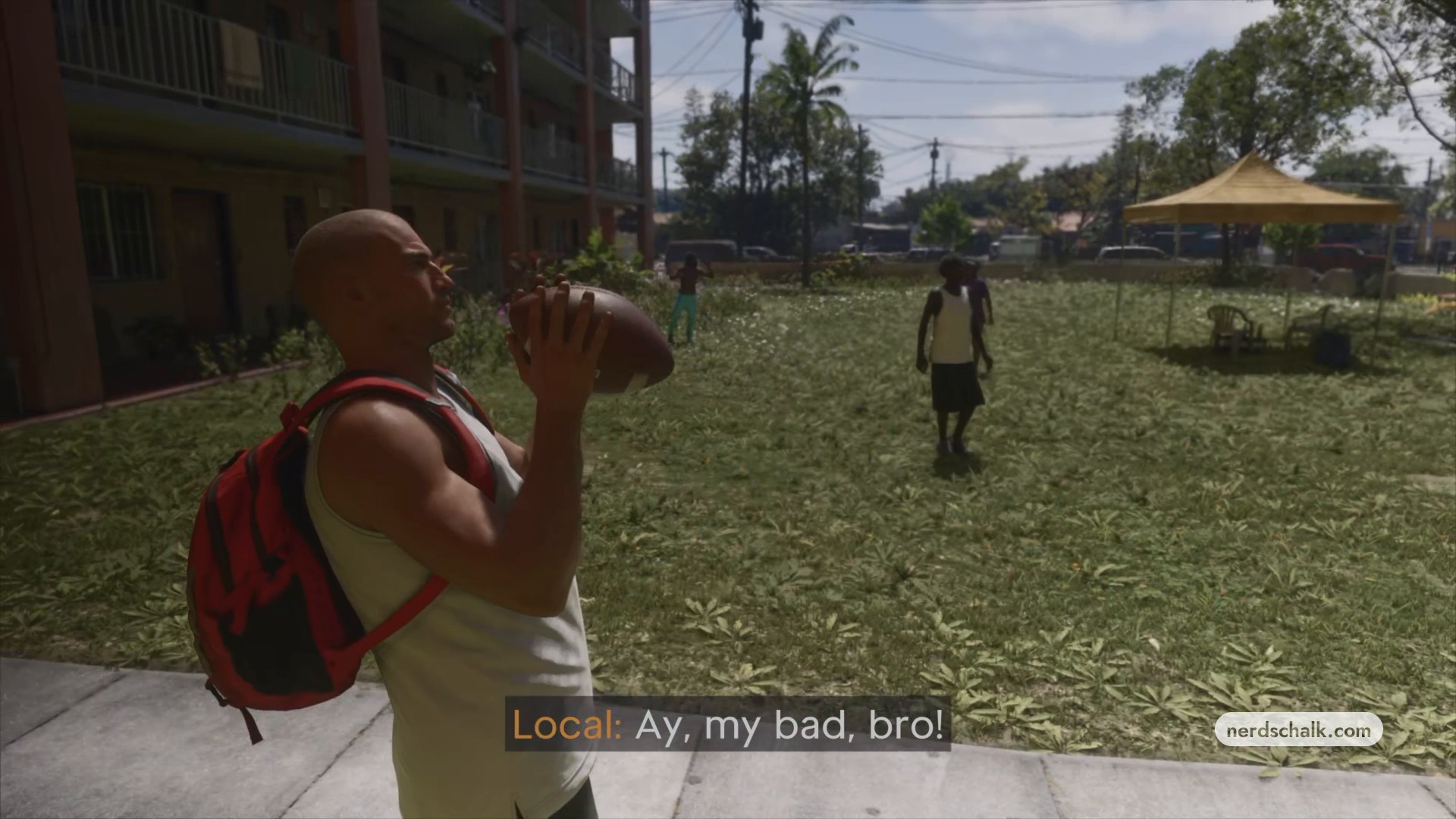
Wait for the football to come toward you in the courtyard and catch it.
STEP 02 · OF 03
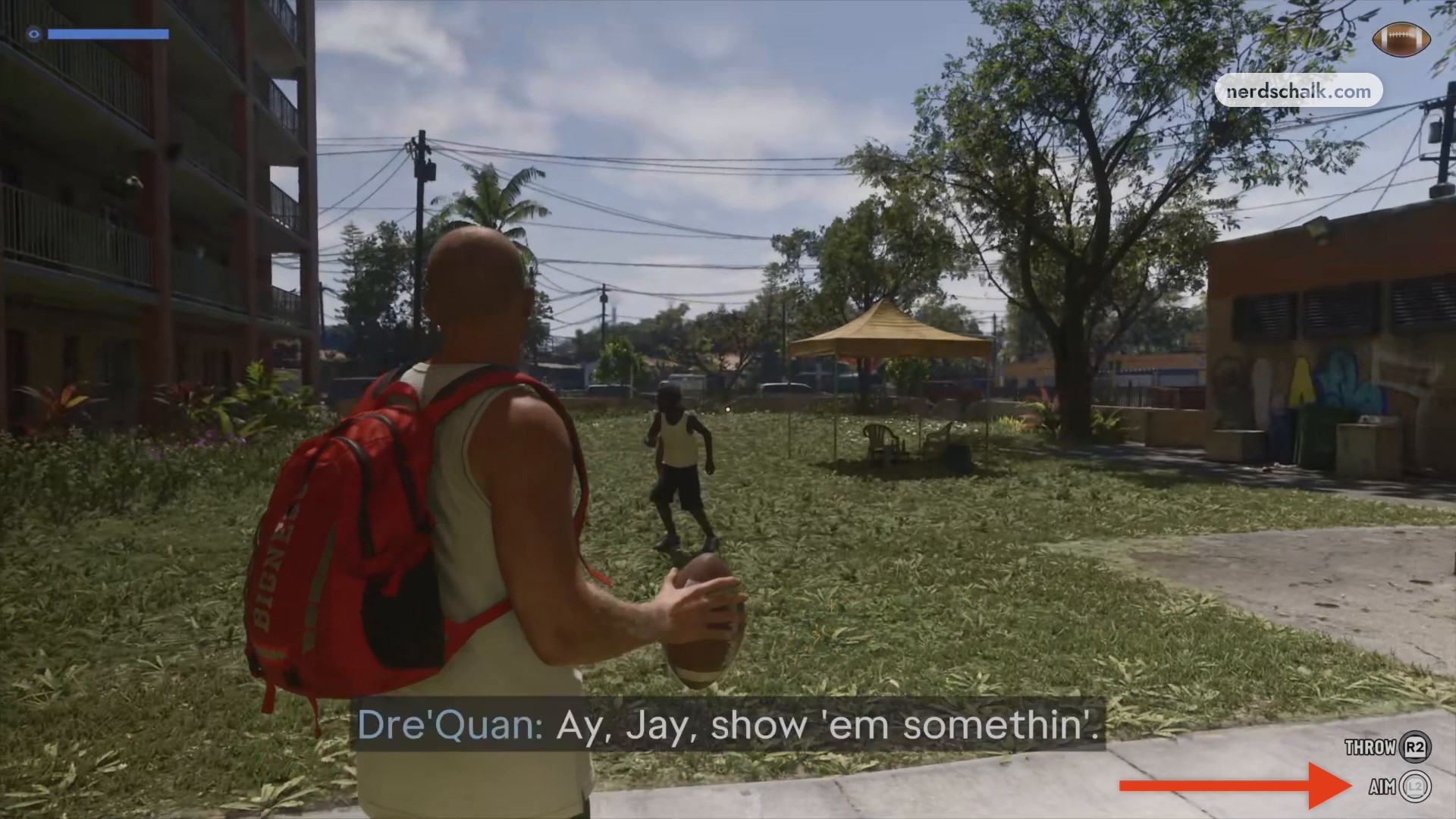
Aim at the receiver
Hold L2LT and direct your aim at the receiver before selecting your throw’s power. In this courtyard exchange, your receiver is Jay.
STEP 03 · OF 03
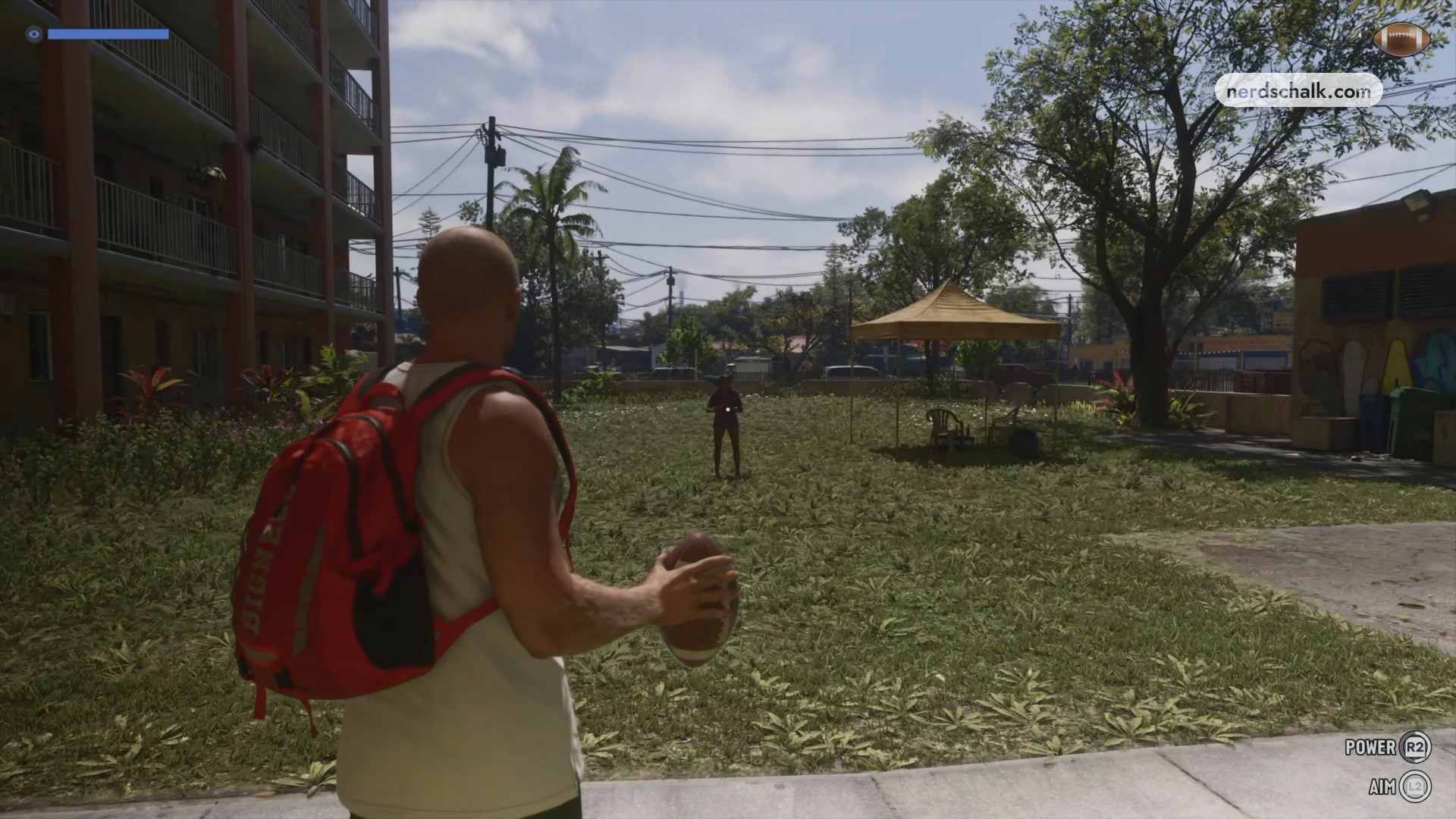
Set the power and throw
Press R2RT to choose your throw’s power using the charging power meter. A second press of R2RT releases the football.
releaseNovember 19, 2026platformsPlayStation 5, Xbox Series X|SeditionsStandard Edition, Ultimate EditionratingsUS: ESRB M (Mature 17+); Europe: PEGI 18
Related Grand Theft Auto VI guides

Leave a Reply