

QUICK ANSWER
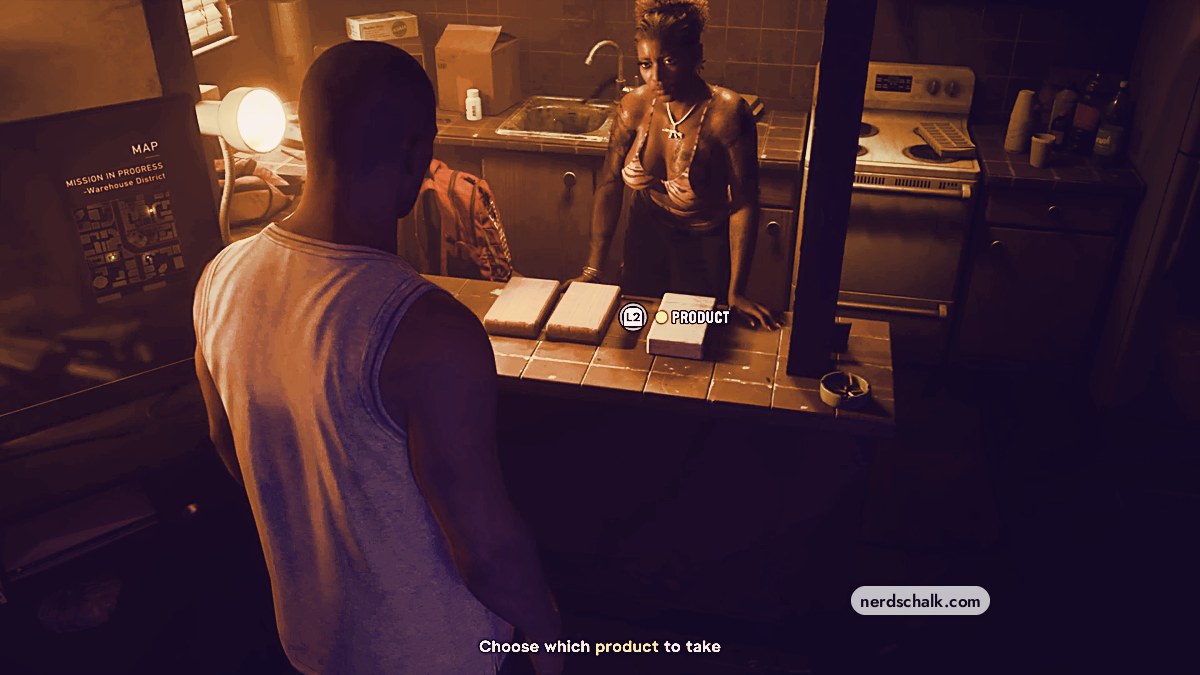
Inspect the packages with L2LT and choose with CircleB; TriangleY selects the brown package labeled CUT.
During Warehouse District, the “Choose which product to take” objective asks you to pick between two products. The choice centers on inspecting the packages and selecting the one you want. This walkthrough ends at that objective, before the mission ends.
missionWarehouse DistrictlocationApartment kitchen counterchoose productCircleB
How to choose which product to take in Grand Theft Auto VI
STEP 01 · OF 01
Choose your preferred product package
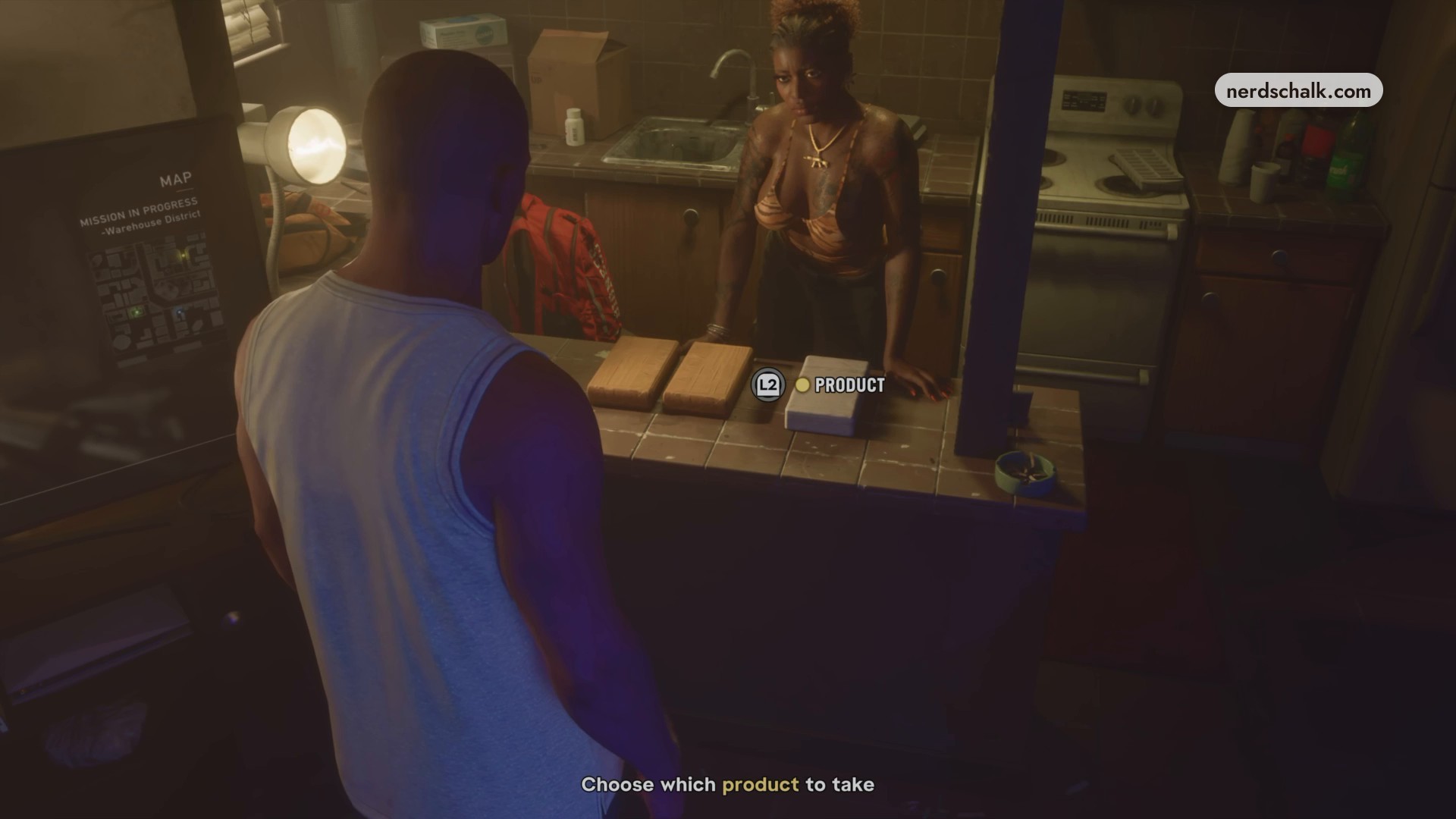
Press L2LT to inspect the options. The white product displays a $$$$ profitability rating, while the brown package carries the CUT label. Use TriangleY to select the CUT option. The CircleB prompt lets you choose or confirm your package. The pictured example selects the brown CUT package following inspection.
releaseNovember 19, 2026platformsPlayStation 5, Xbox Series X|SeditionsStandard Edition, Ultimate EditionratingsUS: ESRB M (Mature 17+); Europe: PEGI 18
Related Grand Theft Auto VI guides


Leave a Reply