
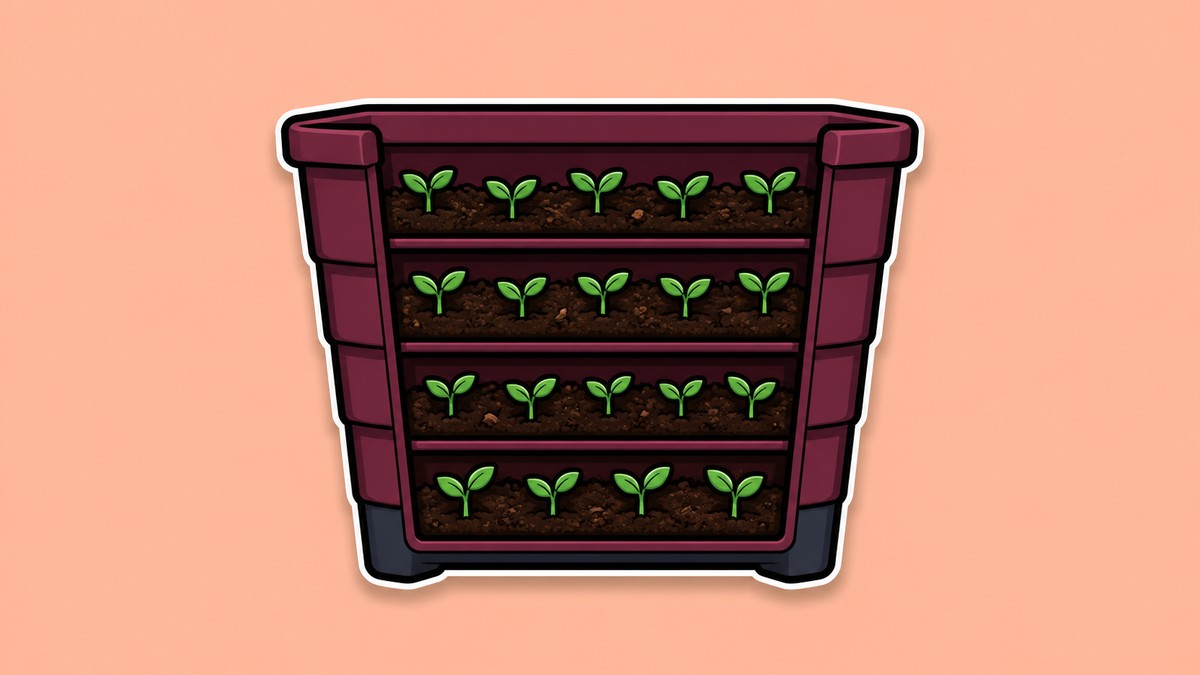
You can stack plantations in Palworld by using a wall-aligned foundation frame and a temporary snap support, with wooden benches working earlier and Japanese-style floor cushions/pillows giving the cleaner late-game setup.
Farm stacking lets you place crop Plantations vertically so one Palbox area can feed more production without spreading across your base. This guide focuses on plantations/crop farms, because they have the most reliable wall-and-support stacking flow; Ranches and Breeding Farms need different large-structure layouts and are covered separately below.
- Which farm stacking method to use
- Build the wall alignment frame first
- Stack plantations with wooden benches
- Stack plantations with Japanese-style floor cushions or pillows
- Make stacked farms work for Pals
- How ranch and breeding farm stacking differs
- Fix failed snaps and idle Pals
- Frequently Asked Questions
Which farm stacking method to use
| Method | Best use |
|---|---|
| Wooden Bench stacking | Use this earlier, after unlocking the Wooden Living Room Furniture Set, when you can tolerate more careful support cleanup. |
| Japanese-style floor cushion/pillow stacking | Use this later, after unlocking the Japanese Style Furniture Set, for neater stacks with less disassembly between layers. |
There are two useful plantation-stacking approaches. The Wooden Bench method is available earlier and works by building a temporary vertical bench tower, while the Japanese-style floor cushion/pillow method is a cleaner late-game snap setup from the furniture menu.
Key The cushion item name varies between Japanese Floor Cushion and Japanese Pillow in player references, so look for the Japanese-style cushion/pillow object under furniture rather than relying on one exact label.
Build the wall alignment frame first
Place a foundation

Build any foundation inside your base as the footprint for the stacked plantations.
Add the back wall

Place a wall along the rear edge of the foundation so the plantation can be pushed tight against a flat anchor.
Add side wall guides

Place at least one side wall, or side walls on both edges, to help line up the plantation evenly across the frame.
Face the plantation inward

When placing a plantation, keep its placement arrow facing into the base, not into the back wall.
Use alignment mode
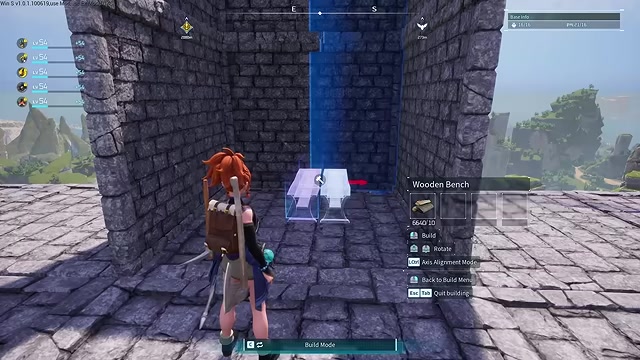
Hold alignment mode while positioning the blueprint so the crop farm sits straight against the wall guide.
Raise structure limits for huge builds
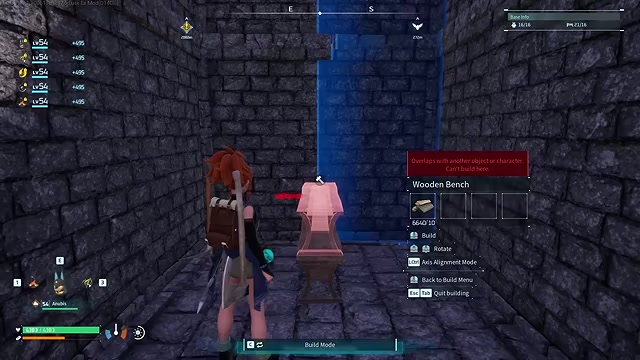
For very large vertical farms, use world or server structure-limit settings so the base does not hit a build cap halfway through.
Stack plantations with wooden benches
Unlock the bench furniture

In the Technology tree, unlock the Wooden Living Room Furniture Set so the Wooden Bench is available.
Snap the first bench in the frame

Place the bench in the middle of the wall frame, then rotate it until it snaps vertically.
Build the bench
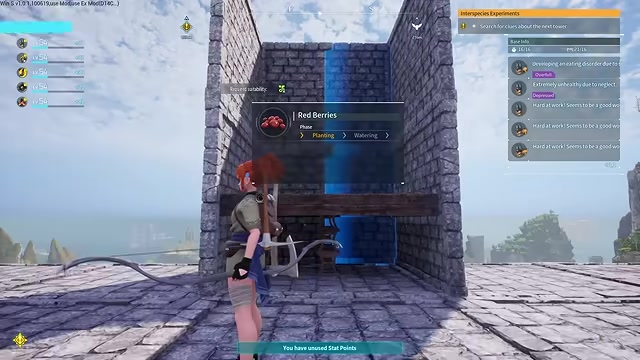
Let the bench finish building before trying to stack another support on top of it.
Add more vertical benches
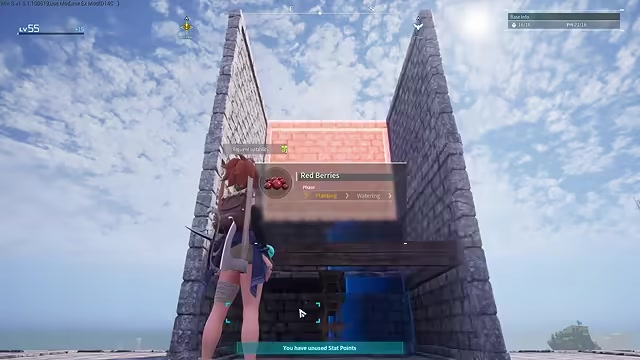
Stack additional benches directly on top of the first one to create a temporary support tower.
Place the first plantation

Select the plantation, align it between the walls, push it toward the back wall, jump if needed, and place it on the bench support.
Build the plantation

Finish the plantation before removing anything underneath it.
Disassemble the lower bench

Enter disassemble mode, step back for a cleaner angle, and remove the bench directly under the finished plantation.
Place the next plantation

Reopen the plantation blueprint, align it against the same wall frame, jump if needed, and place the next layer.
Remove the next support carefully

Crouch if the targeting angle is awkward, then disassemble the correct bench without removing the wrong layer.
Repeat until the stack is usable

Continue the same place-build-remove rhythm; one showcase run reaches four plantations, while many players keep stacks around four to five layers before pathing and output start to suffer.
Stack plantations with Japanese-style floor cushions or pillows
Unlock Japanese-style furniture

In the Technology tree, unlock the Japanese Style Furniture Set so the cushion/pillow support is available.
Place the first plantation

Build the first plantation inside the wall frame and align it tightly against the back wall.
Center the cushion by eye

Place the Japanese-style floor cushion/pillow as close to the middle of the plantation as you can, using the crop rows as visual markers.
Select the next plantation
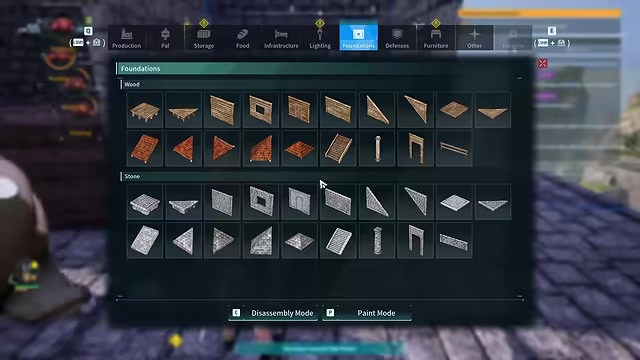
Reopen the plantation blueprint and hold alignment mode while aiming toward the back wall.
Snap the next layer

Look at the wall, not just the cushion, until the plantation snaps neatly above the lower one.
Keep the cushion in place

Unlike the bench method, you do not need the same repeated support-disassembly rhythm after each layer.
Repeat with another cushion
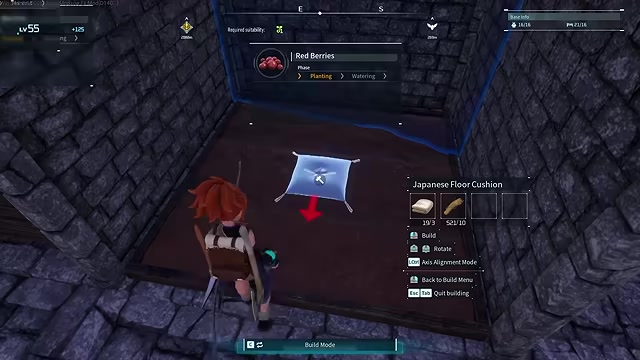
Place another centered cushion/pillow on the new layer, then snap the next plantation above it.
Build the wall frame first and keep the placement arrow facing into your base; it prevents both crooked stacks and the most common Pal pathing problem.
Make stacked farms work for Pals
| Issue | Fix |
|---|---|
| Pals idle near the farm | Add a clear stair or ladder column beside the stack. |
| Pals walk into the wall | Rebuild the plantation with the placement arrow facing away from the wall. |
| Upper layers are ignored | Leave more vertical clearance and reduce the stack height. |
| Workers travel too long | Keep stacks compact; very tall farms can lose output to climbing time. |
| Placed farms do not get worked | Keep the whole stack within the Palbox work area. |
A stack that places correctly still needs to be workable. Pals need clean access, enough room to reach the crop interaction points, and a layout that stays inside the Palbox work area.
If you are building for steady production instead of a showcase layout, stop at the height your workers can service smoothly. A shorter stack with clean routing usually beats a taller one that constantly produces no-path behavior.
How ranch and breeding farm stacking differs
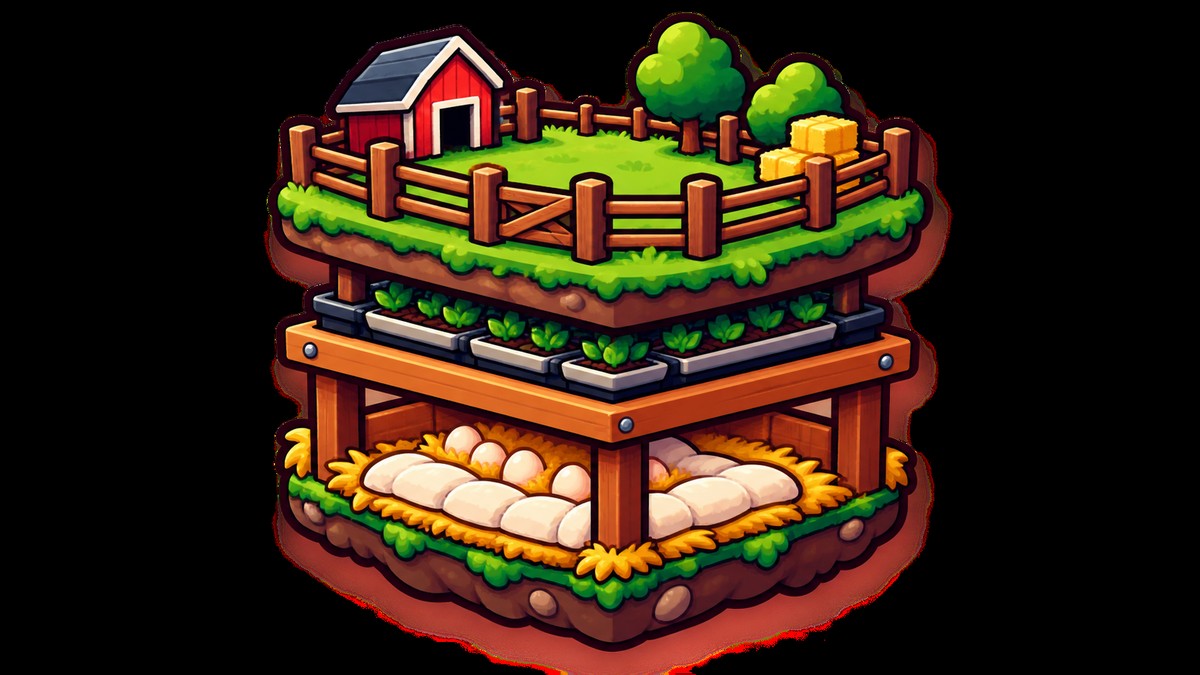
Ranches and Breeding Farms are much larger than crop plantations, so the cleaner approach is a normal multi-floor base: place one large structure per floor, connect the levels with stairs, and give Pals enough room to enter and work.
There are also temporary-container layouts where players place large structures on stacked supports and delete the supports afterward. Treat those as exploit-like building behavior, because collision or placement changes in a future patch could stop them from working.
Fix failed snaps and idle Pals
Rebuild the wall frame

If the plantation will not snap cleanly, rebuild the foundation, back wall, and side guide before trying again.
Recenter the support
Move the bench tower or cushion/pillow closer to the plantation’s middle so the next layer has a usable snap point.
Hold alignment mode

Use alignment mode during plantation placement instead of freehanding the final angle.
Check the placement arrow

Rotate the plantation so the arrow faces into open base space, not into the wall.
Remove the correct bench
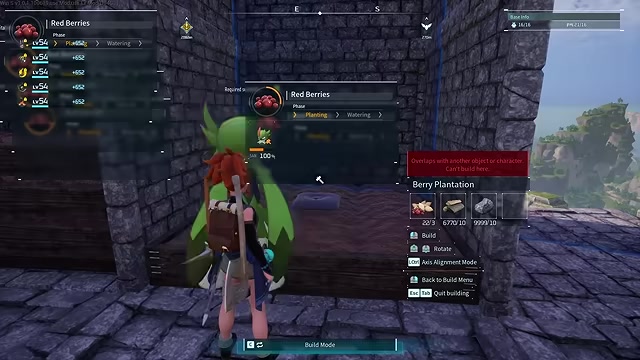
In bench stacks, crouch or step back before disassembling so you do not delete the wrong support.
Add access routes

Put stairs or ladders beside the stack if Pals can place crops but cannot keep working them.
Lower the stack

If Pals still show no-path behavior, remove upper layers until the farm runs consistently.
Related Palworld guides
Frequently Asked Questions
Can you stack more than three plantations in Palworld?
Yes, but the reliable height is not a single fixed number. Some testing stops at three, one showcase layout reaches four, and many players keep practical stacks around four to five before worker travel and snapping problems make the extra height less useful.
Can stacked farms break after an update?
They can, especially layouts that depend on collision quirks, deleted supports, or large-structure stacking. Crop plantation stacks built with furniture snap points are less fragile than Ranch or Breeding Farm container tricks, but any building-rule change can affect them.
Do stacked plantations work for every crop type?
The stacking method is for plantations, so it applies to crop farms such as Berry, Wheat, Tomato, Lettuce, Potato, Carrot, and Onion plantations.
Video help






Leave a Reply