
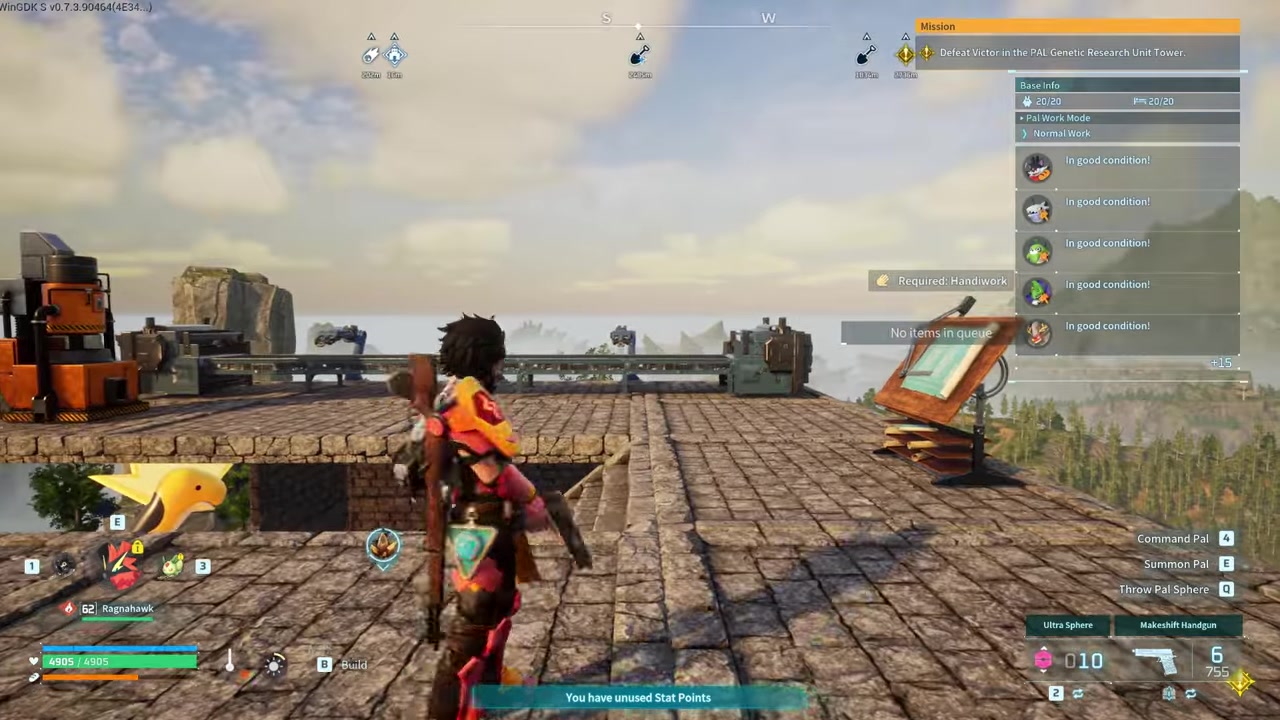
Palworld has no dedicated hotkey to instantly drop inventory items on the ground; instead, you must drag items to the Drop button, or use the R key to quickly bulk-transfer matching items into base storage.
If you are bogged down by encumbrance and looking for a single button to instantly dump your loot on the ground, you will not find one in the current UI. The game handles inventory offloading a bit differently than most survival titles, and community discussions often blur the lines between a few distinct mechanics. Here is exactly how unloading items works, and how to use the Easy Bulk Storage feature to clear your backpack in seconds.
There is no universal quick-drop hotkey for ground drops
Many players assume there is a universal keyboard binding that instantly throws their inventory onto the dirt, but no such dedicated hotkey currently exists. If you want to physically place an item on the ground, you have to open your inventory and manually drag the item stack onto the Drop button located at the bottom left of the screen. The item will then immediately appear at your character’s feet.
How to use Easy Bulk Storage to quickly unload items
STEP 1/5
Stand inside your base
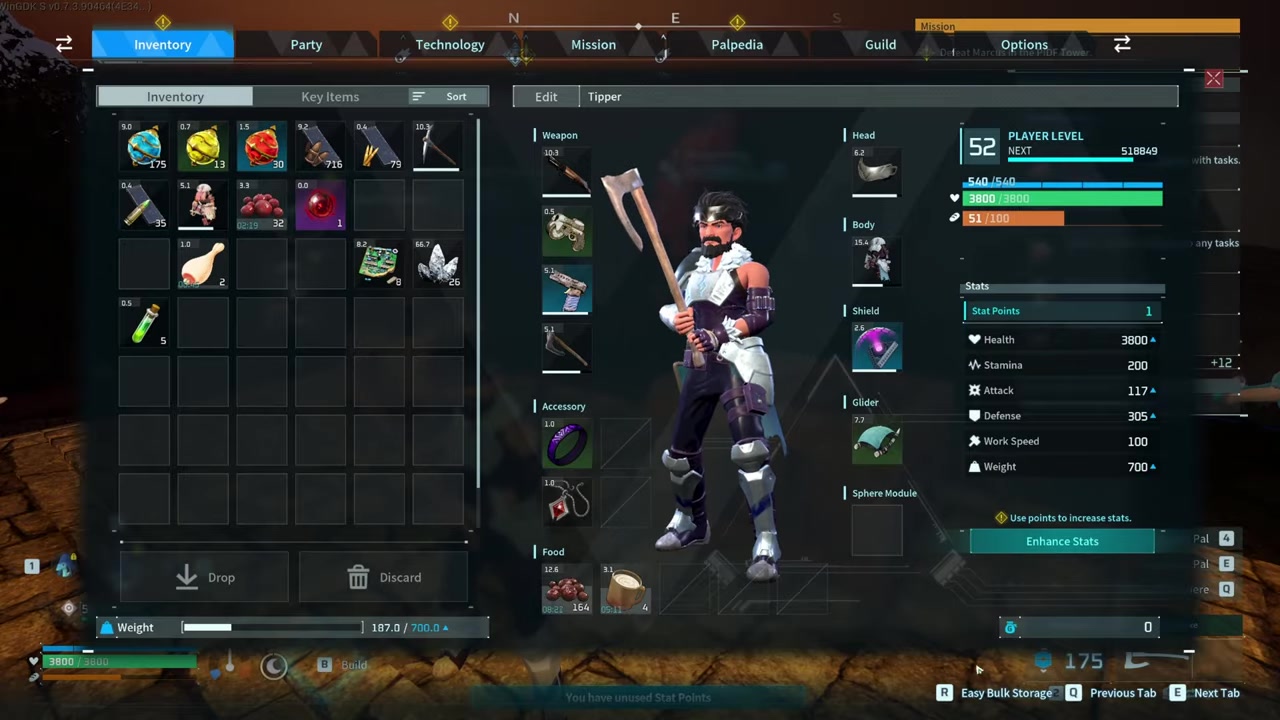
Ensure you are within your base boundaries, as the Easy Bulk Storage prompt only appears in this zone.
STEP 2/5
Verify chest storage
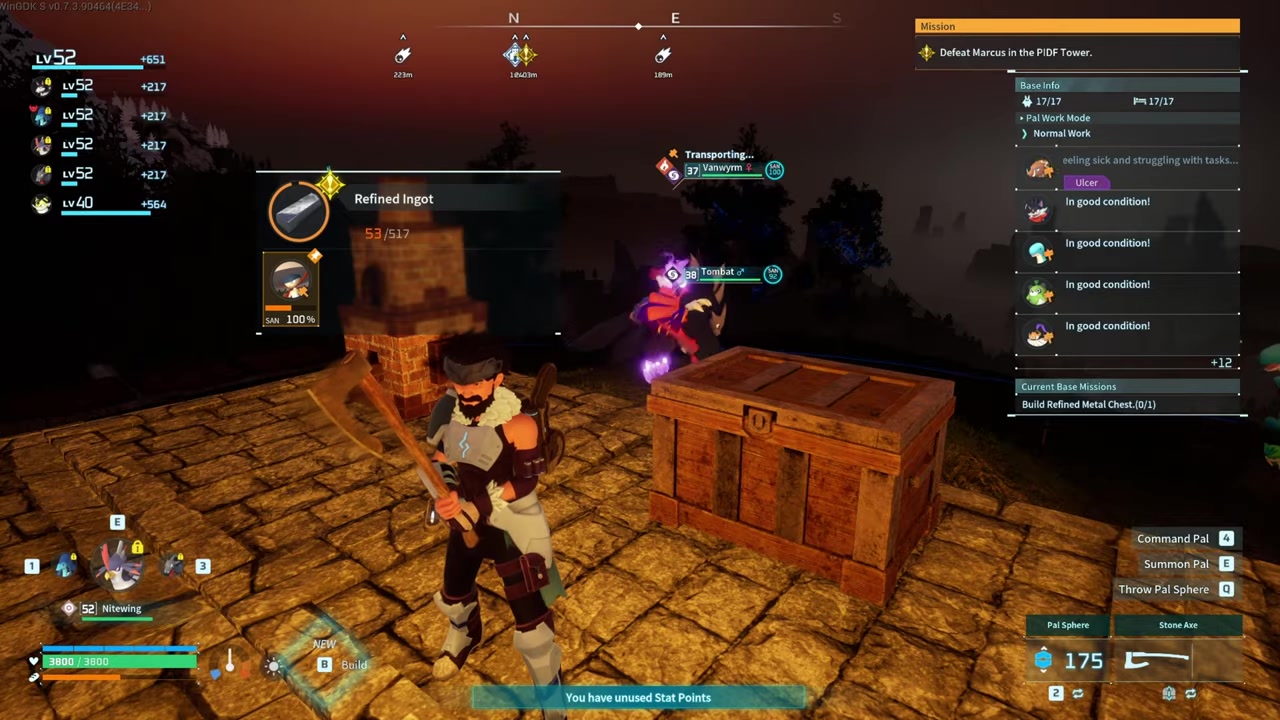
Make sure at least one chest in your base already contains the same item type you want to unload.
STEP 3/5
Press the R key
Trigger the Easy Bulk Storage prompt to automatically select all matching items in your inventory.
STEP 4/5
Set an exclusion list
Keep essential gear like Pal Spheres excluded so they do not get transferred into the chest.
STEP 5/5
Confirm the transfer
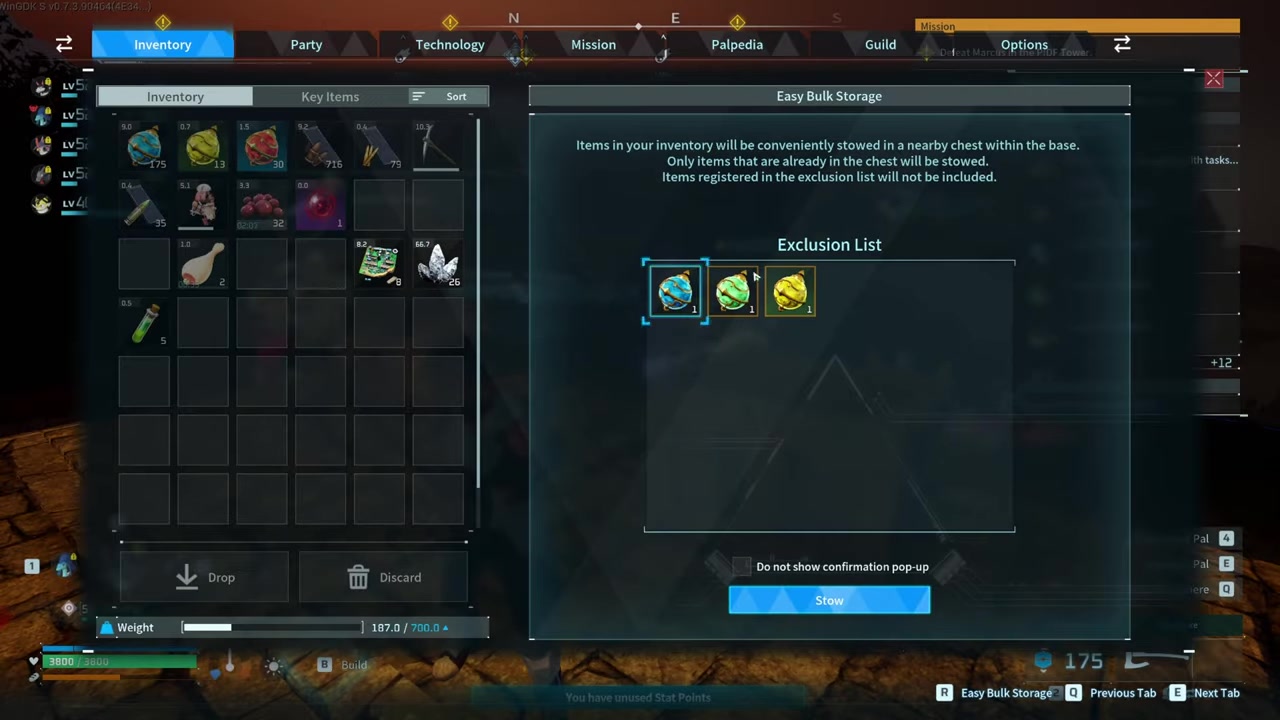
Review the prompted list and accept to instantly send the matching items into storage.
Video help
Dropping items versus discarding items and dropping Pals
| Action | How to Execute | Result |
|---|---|---|
| Ground Drop | Drag the item stack to the Drop button at the bottom left of the inventory screen. | Players the item on the ground at your feet, where base Pals can auto-collect it. |
| Discard | Drag the item stack to the adjacent Discard button. | Permanently destroys the item, preventing base Pals from picking it up. |
| Pal Drop | Open the menu, select the Party Tab, choose a Pal, and press F or Right Stick. | Sends the selected Pal out of your active party. |
A lot of the confusion around a quick-drop hotkey stems from mixing up these three actions. Players often hear that pressing R drops things, but that binding is strictly for the Easy Bulk Storage transfer into chests, not for tossing inventory items on the ground or releasing Pals. Furthermore, Key Items like Daedream’s Necklace are tied to core progression mechanics and cannot be dropped, discarded, or shared in multiplayer.
Keep a dedicated chest just outside your main crafting area filled with one stack of every common material, then press R to instantly offload matching inventory items without opening the chest menu.
Prevent the need for dropping items entirely
You can also lean on automated farming to passively generate materials without clogging your personal backpack. Unlocked the Ranch building at Tier 5 technology for 2 points—it costs 50 Wood, 20 Stone, and 30 Fiber to craft. The Ranch houses up to 4 Pals who automatically graze and drop items on the floor, like Lamball dropping Wool or Vixy dropping Pal Spheres, for easy collection. Just remember that any items dropped on the ground inside your base are prime targets for your worker Pals to scoop up.
Frequently Asked Questions
Why do my Pals keep picking up the items I drop on the ground?
Worker Pals inside your base are programmed to transport materials. If you drop an item on the ground within base boundaries, a Pal will likely pick it up and deposit it into the nearest available storage chest. To permanently get rid of an item without Pals saving it, you must use the Discard button instead of the Drop button.
Is there a keyboard hotkey to throw items on the ground?
No, there is no dedicated hotkey to instantly throw inventory items on the ground. You must drag the item to the Drop button. The R key is often mistaken for a ground-drop hotkey, but it actually triggers the Easy Bulk Storage mechanic, which transfers matching items directly into nearby chests.
Can I drop Key Items like Daedream’s Necklace?
No, most Key Items, including Daedream’s Necklace, cannot be dropped, discarded, or shared with other players in multiplayer. They are permanently bound to your character’s inventory.






Leave a Reply