
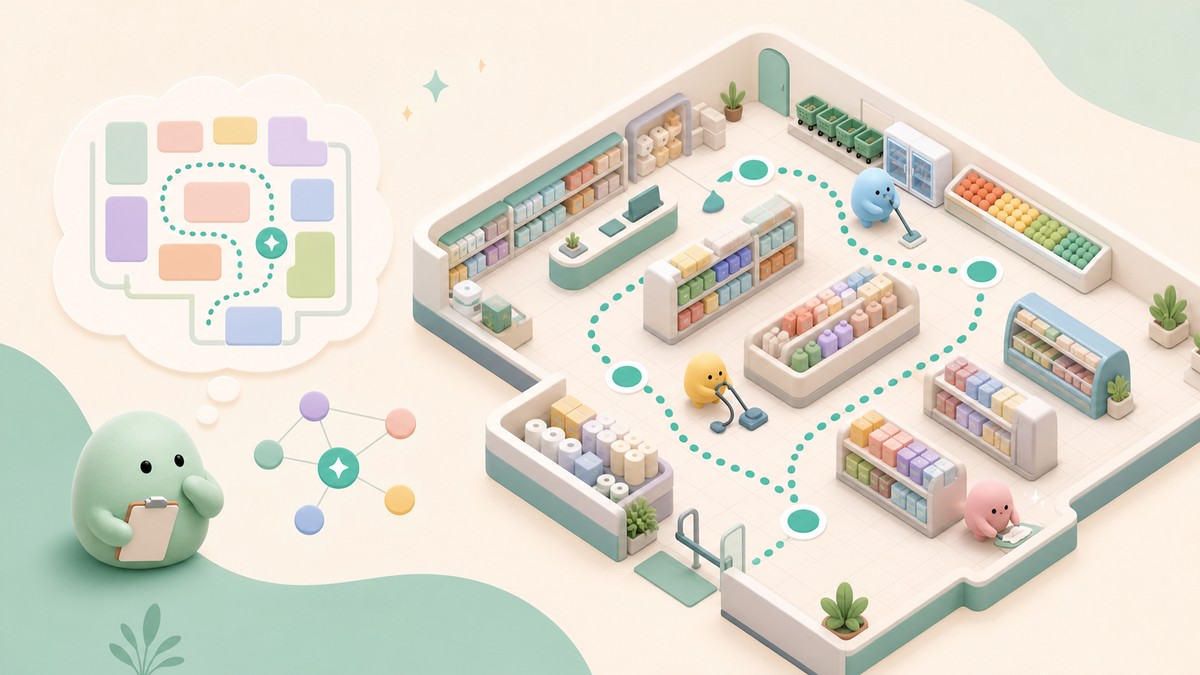
The fastest way to memorize the store layout in Clean the Squishies is to stop roaming randomly: clean a few shelf categories per run, repeat the same route every time, finish whole shelves before moving on, and use the on-screen category label while carrying each squishy.
Early runs feel messy because the shop is packed with squishies, shelves, and lookalike categories competing for your attention. Treat the layout like a route you are training, not a giant list of toys you have to memorize in one sitting.
Once you repeat the same category order for a few runs, shelf locations start turning into landmarks. That is when cleaning becomes faster, because you spend less time searching and more time returning squishies to the right place.
- Learn the store by category routes
- Sample route for faster shelf memory
- Fast route routine for memorizing shelves
- Shelf categories to recognize early
- Clearing shelves makes the shop easier to read
- Mistakes that slow shelf memorization
- New categories should join your route early
- Frequently Asked Questions
Learn the store by category routes
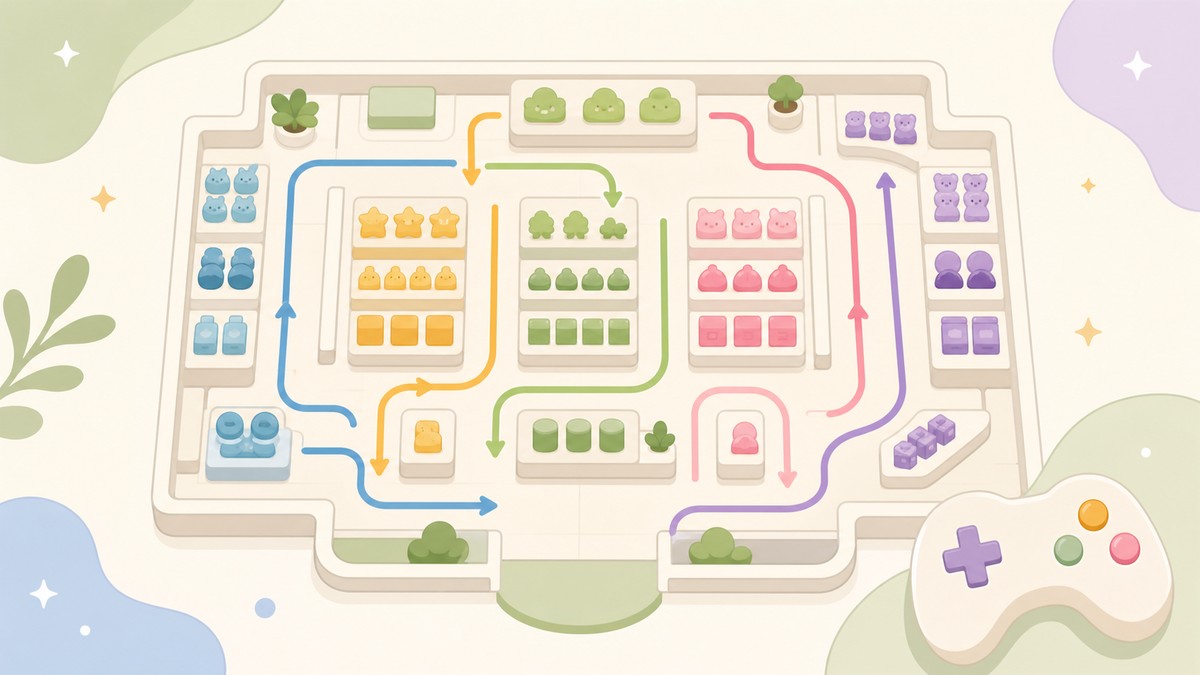
The right memory target is shelf category first, individual squishy second. If you try to remember every toy shape at once, the store feels random; if you learn where Animals, Dumplings, Food, and Mochi sit in your route, each pickup has a clearer destination.
Start by giving yourself a repeatable loop. Walk the same aisles in the same order, check shelves in a consistent pattern, and let each run reinforce the same mental map.
The game helps you build that map while you play. When you are carrying a squishy, the on-screen category label tells you where it belongs, so use that label as a layout lesson instead of only as a one-time sorting hint.
Sample route for faster shelf memory
| Route phase | What |
|---|---|
| Animals | Start with the biggest, easiest-to-spot animal squishies so the first shelf becomes familiar quickly. |
| Dumplings | Move next to dumpling squishies and keep returning to that shelf until the category sticks. |
| Food | Clean food items after dumplings so nearby edible-looking categories do not blur together. |
| Mochi | Finish the loop with Mochi, then repeat the same order on the next run. |
This is a practical route example, not a fixed official route for every patch. Use it to train consistency: pick a short category chain, repeat it, then expand only after those shelves feel automatic.
KEY!The point is not that every player must copy this exact order forever. The point is that repetition beats improvisation: the same route teaches your eyes where to look before you even think about it.
Fast route routine for memorizing shelves
Use this routine when the shop still feels crowded and you want shelf locations to become automatic.
STEP 1/5
Pick a small category set
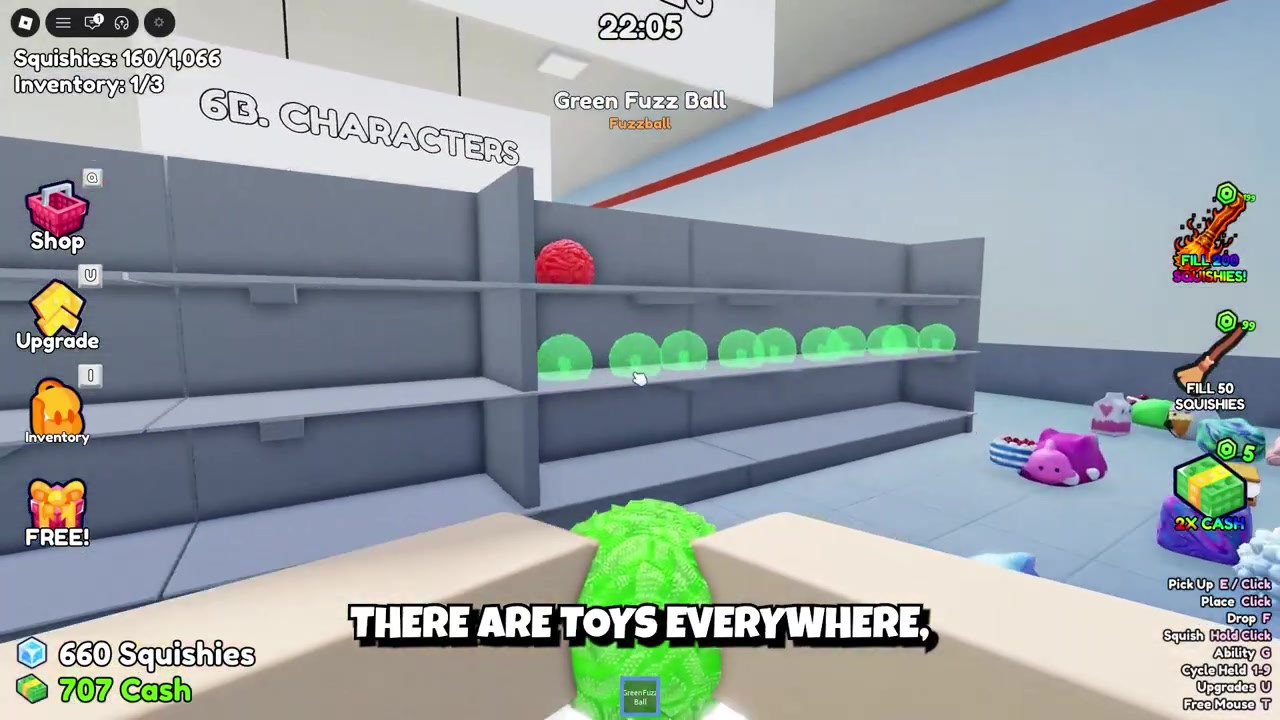
Choose only a few categories for the run, such as Animals, Dumplings, Food, and Mochi.
STEP 2/5
Clean them in the same order
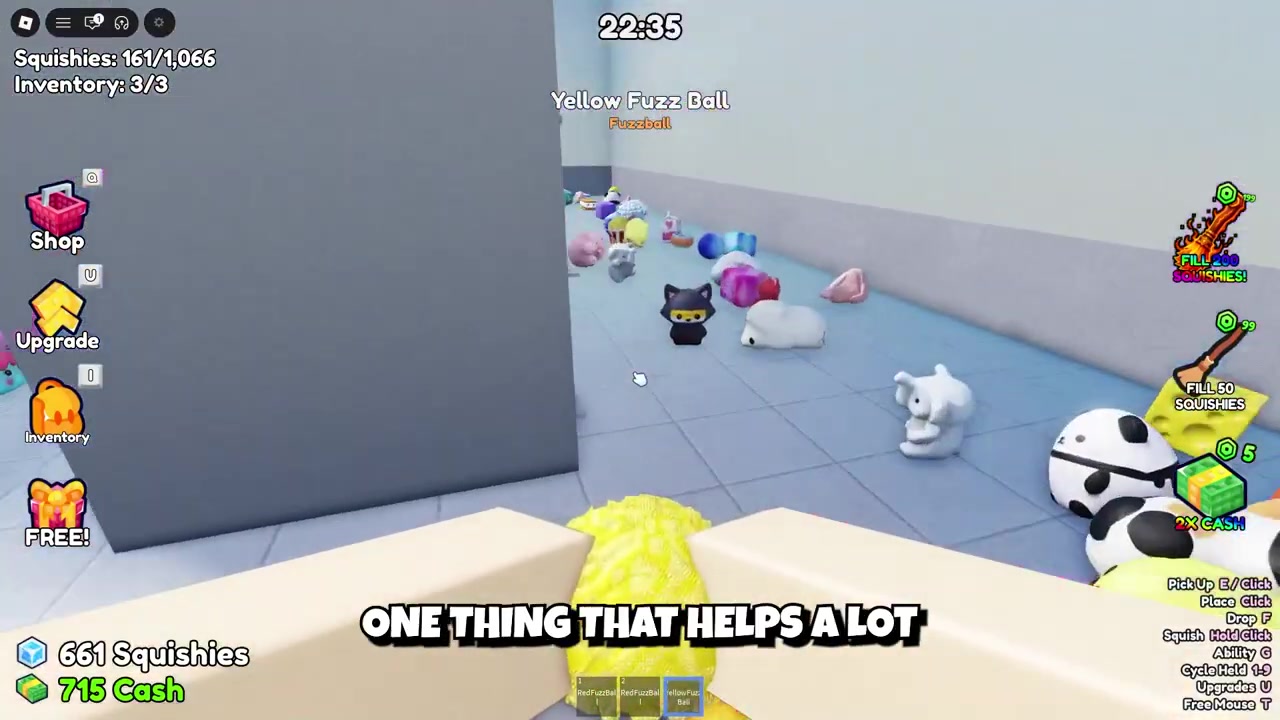
Follow the same sequence every run so your route becomes a repeatable memory path.
STEP 3/5
Finish one shelf before switching
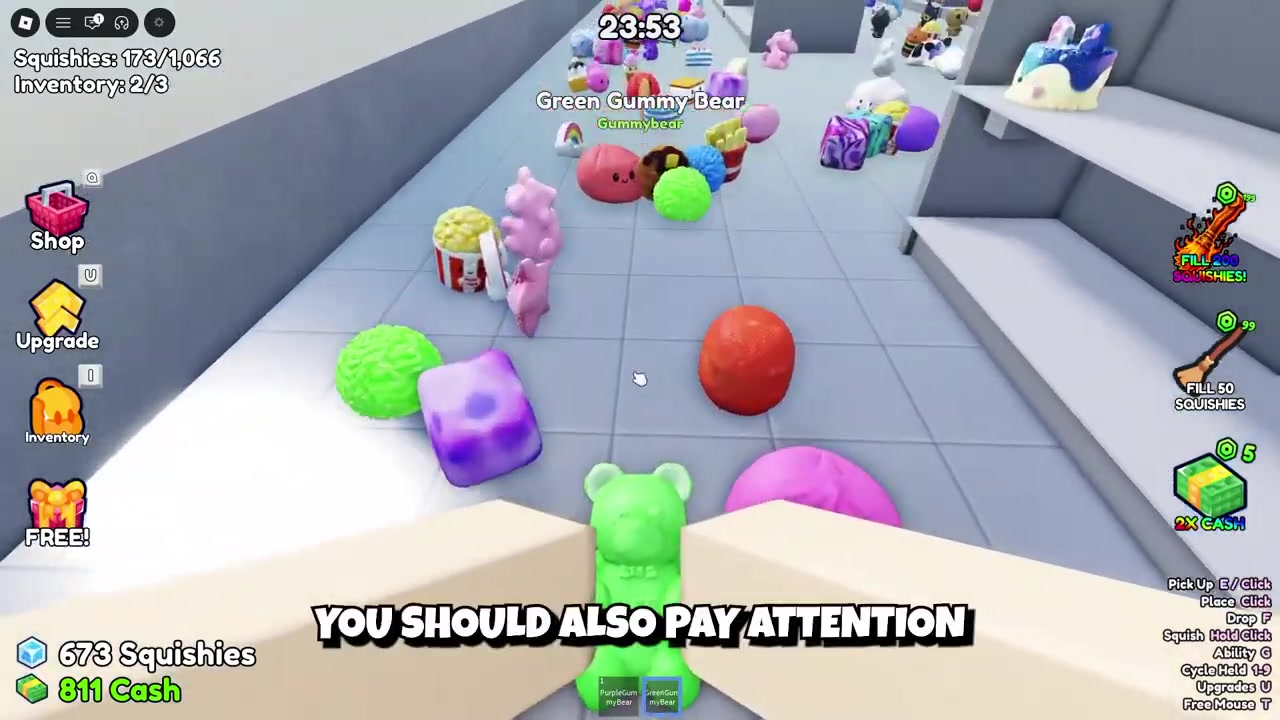
Keep returning squishies to the same shelf until that category is done, then move to the next one.
STEP 4/5
Read item names when unsure
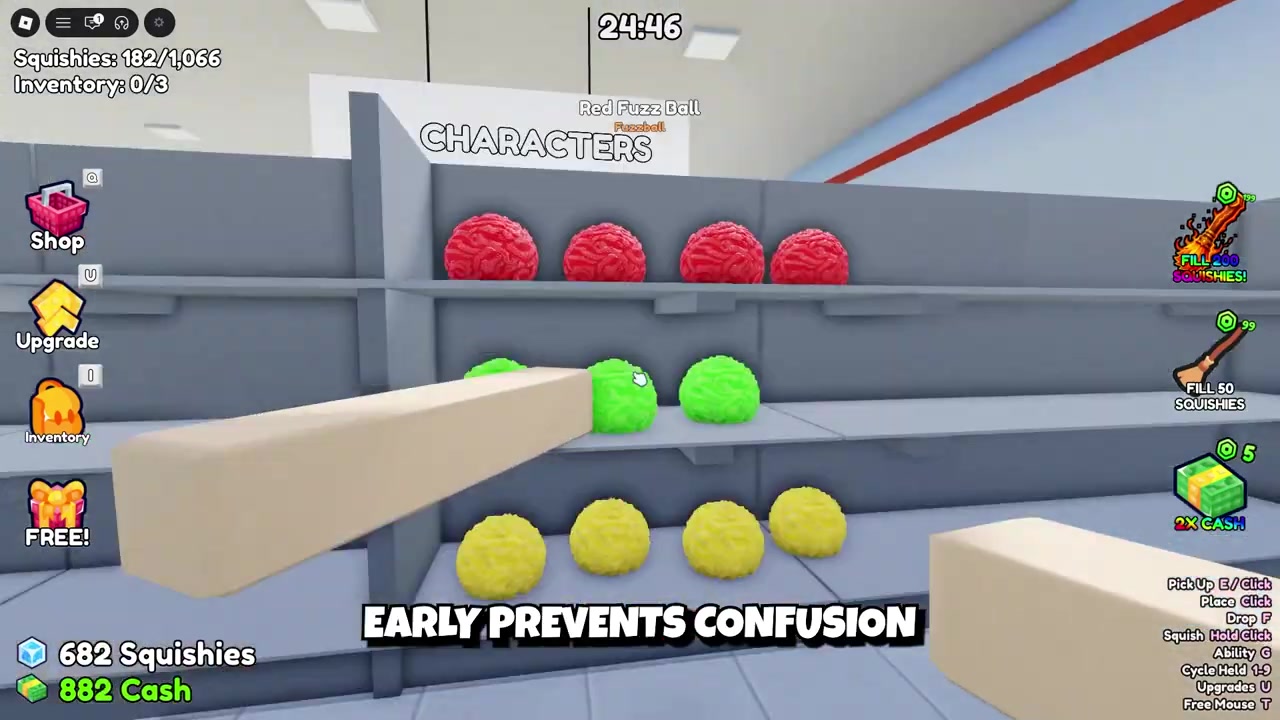
If a squishy’s appearance is unclear, pick it up and use the item name to separate categories like Food, Animals, Characters, Sea Animals, Cake, or Fruit.
STEP 5/5
Add new categories early
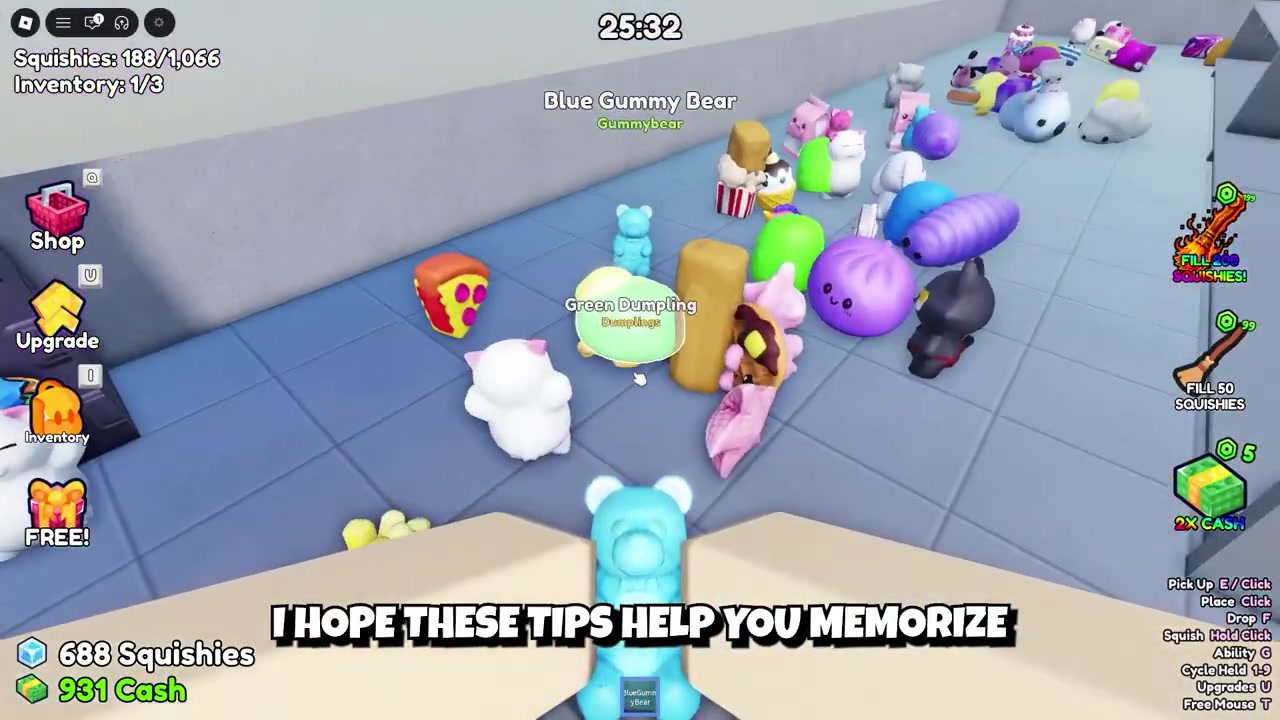
When more toy categories appear, pause long enough to learn their shelf locations before the store fills up again.
Carry one uncertain squishy and match it to the on-screen category label; it turns every mistake into a quick layout lesson.
Video help
Shelf categories to recognize early
| Shelf category | How to recognize it |
|---|---|
| Animals | Animal-shaped squishies and creature designs. |
| Food | Edible-looking squishies that fit general food shelves. |
| Gumdrops | Small candy-like squishies with gumdrop shapes. |
| Characters | Squishies designed like named or mascot-style characters. |
| Cake | Dessert squishies that look like cake pieces or baked sweets. |
| Sea Animals | Ocean creature squishies and aquatic animal shapes. |
| Mochi | Soft, rounded mochi-style squishies. |
| Dumplings | Dumpling-shaped food squishies. |
| Fruit | Fruit-shaped squishies and produce-like items. |
You do not need a full shelf-by-shelf blueprint to get faster. Start by recognizing common category groups, then let the on-screen category label and item names handle the edge cases while your route memory catches up.
Exact shelf positions, aisle numbers, and a complete official shelf list are not needed for this method. Focus on these common visual categories first, then learn newer shelves as they show up in your own run.
Clearing shelves makes the shop easier to read
The first stretch of a run is slow because loose squishies block sightlines and make the store look busier than it really is. As categories get finished, the clutter drops and the remaining shelves stand out more clearly.
That also opens walking paths. Once you can move through the shop without constantly bumping into piles of squishies, you naturally spot missed toys and shelf outlines faster.
Mistakes that slow shelf memorization
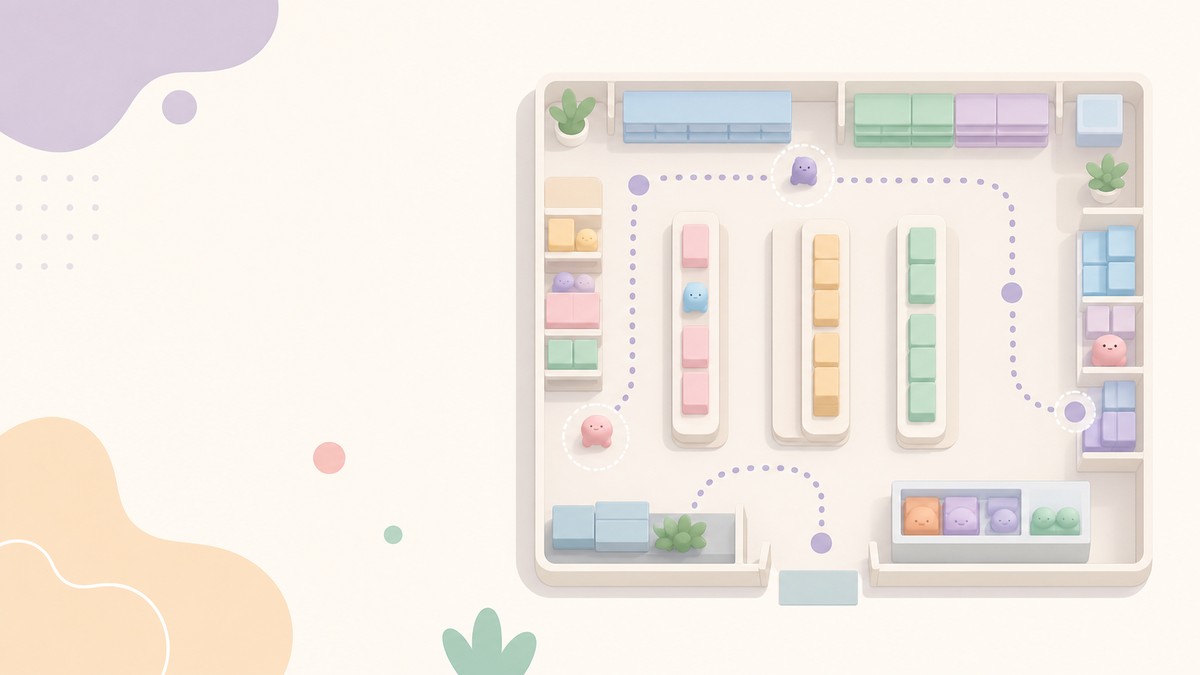
The biggest mistake is changing your route every run. Random category choices may still clean the store, but they do not train the same shelf order long enough for your memory to lock in.
Another slowdown is abandoning half-finished shelves. If you clean three animals, switch to food, then jump to characters, you keep resetting your attention before any one shelf becomes familiar.
Do not judge every squishy by appearance alone, either. Similar shapes can blur together, so the item name and highlighted shelf are better tools when a toy could fit more than one category.
Finally, check aisles consistently. Search one aisle fully, scan shelves from top to bottom, and then move on; uneven checking is how hidden squishies and half-learned shelf locations keep costing time.
New categories should join your route early
When more squishies and categories appear, resist the urge to ignore the new shelves until later. Take a short pause to learn where the new category belongs while the store is still readable.
After that, attach the new category to your existing route. Put it after a shelf you already know well, so it becomes part of the same loop instead of a separate location you have to remember under pressure.
Frequently Asked Questions
Does Clean the Squishies have a fixed shelf layout?
The game uses a shop layout with squishies scattered around floors and shelves, but the useful approach is to learn your shelf route through repeated runs instead of relying on an aisle-number map.
What shelf categories should beginners learn first?
Beginners should start with the categories that are easiest to separate visually, especially Animals, Dumplings, Food, and Mochi, then branch into smaller or more similar-looking groups.
Should I memorize squishies by appearance or item name?
Use appearance for quick sorting, but trust the item name when a squishy could belong to more than one shelf category.
What does the on-screen category label mean?
The on-screen category label is the shelf category for the squishy you are carrying, so it is both a sorting hint and a fast way to learn where that category lives.
Why do early runs feel slower than later runs?
Early runs make you search through a crowded shop before your route memory exists; later runs are faster because the shelves, paths, and category landmarks are already familiar.
Leave a Reply