
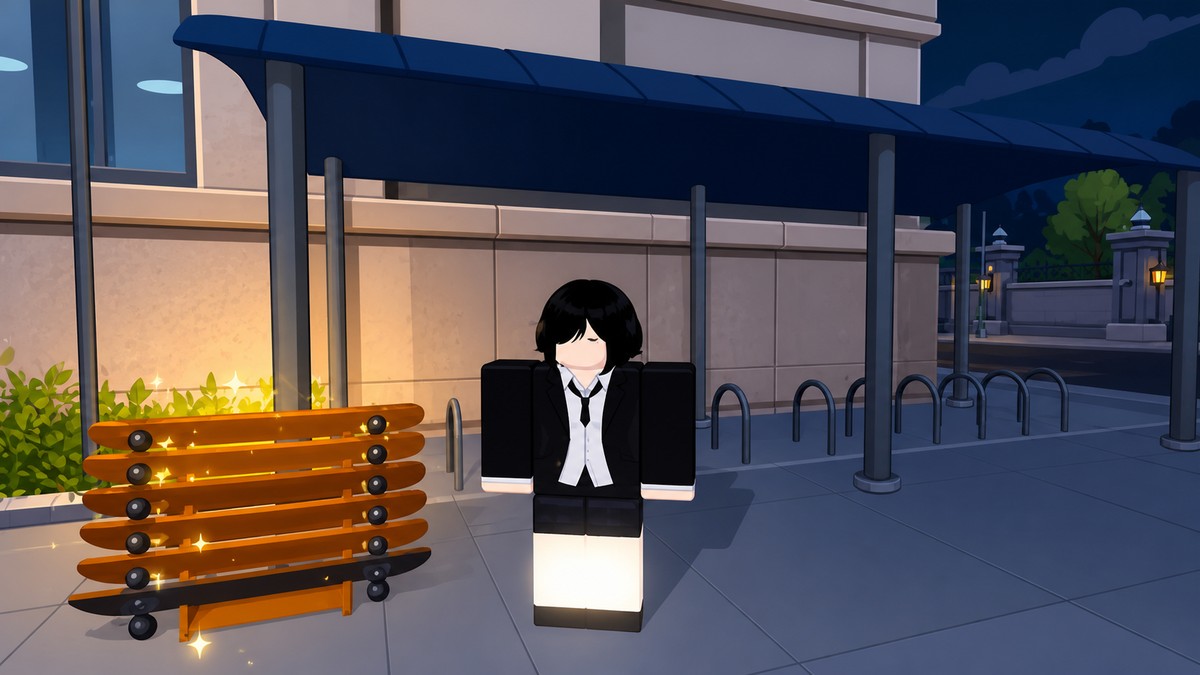
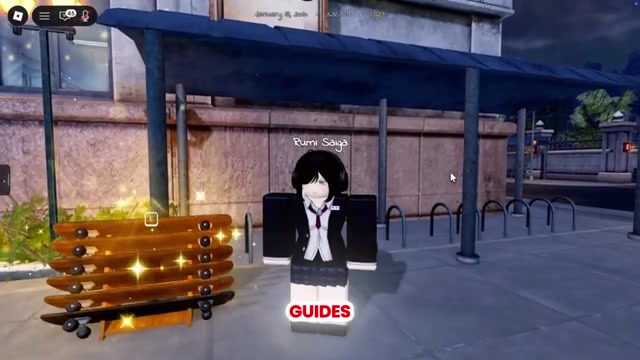
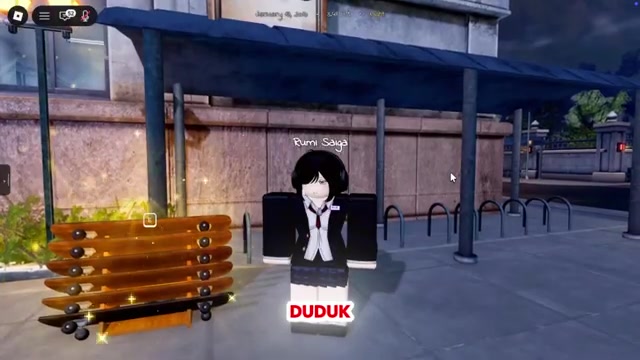
To get the Skateboard in Gakuran, go to the front entrance of the school, head to the right side, find the skateboard display, hold E near a board, and buy it for 800 Robux.
Seeing other players cruise around Gakuran on a board and wondering how they pulled it off? The Skateboard is a simple pickup — you buy it outright from a display near the school rather than earning it through a quest or a Yen grind. Here’s exactly where the display sits and what it costs.
A cosmetic you buy with Robux
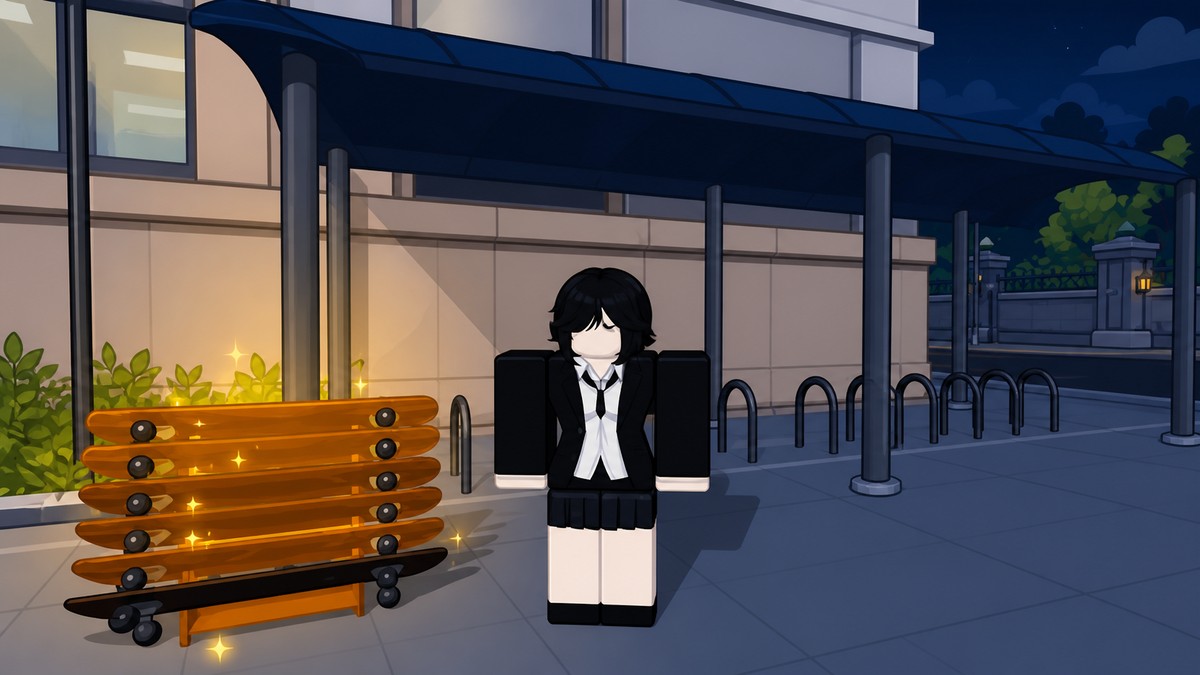
The Skateboard isn’t a drop, a quest reward, or something you unlock by leveling — it’s a straight purchase. You walk up to the display, trigger the buy prompt, and pay for it on the spot with Robux, the same premium currency you’d spend on other cosmetics.
There’s no grind and no prerequisite beyond having enough Robux on your account, which makes this one of the quicker cosmetics to grab once you know where the display is. That’s also why it’s worth loading up on Robux before you head over, so the purchase goes through the moment the prompt appears.
How to find and buy the Skateboard in Gakuran
The whole run takes under a minute — here’s the exact path from the school’s front entrance to the purchase prompt.
Go to the school’s front entrance
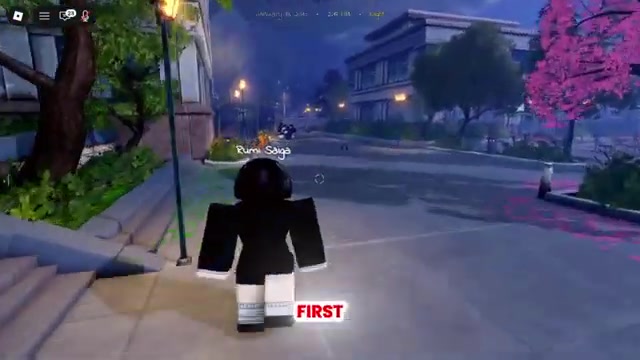
Spawn in and make your way to the front of Gakuran School.
Head to the right side
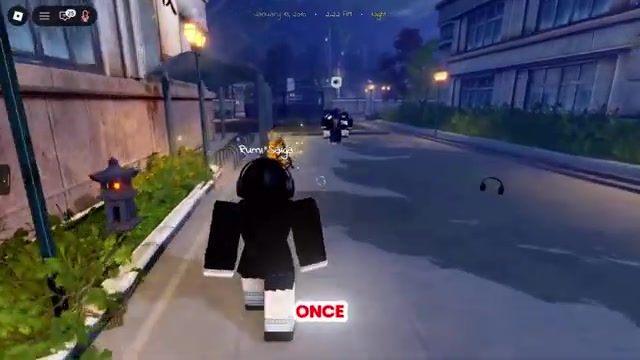
From the entrance, look toward the right side of the school and start walking that way.
Find the skateboard display
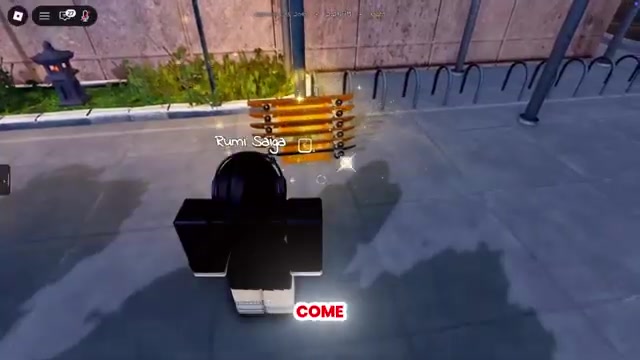
Keep going until you reach the spot where several skateboards are shown on display.
Walk up to a board
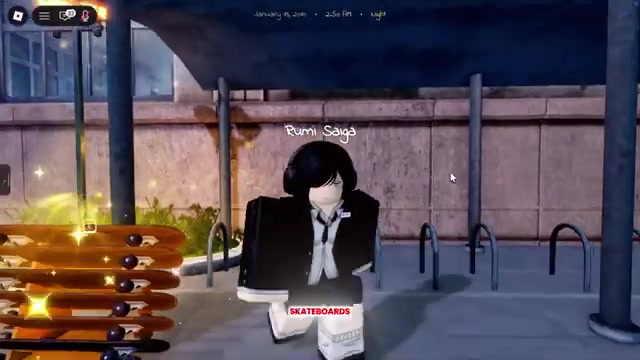
Approach one of the skateboards until the interaction prompt appears on screen.
Hold E to open the purchase
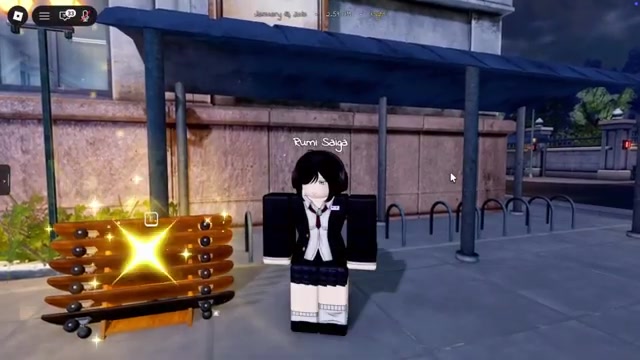
Hold E while standing next to the board to bring up the buy option.
Buy it for 800 Robux
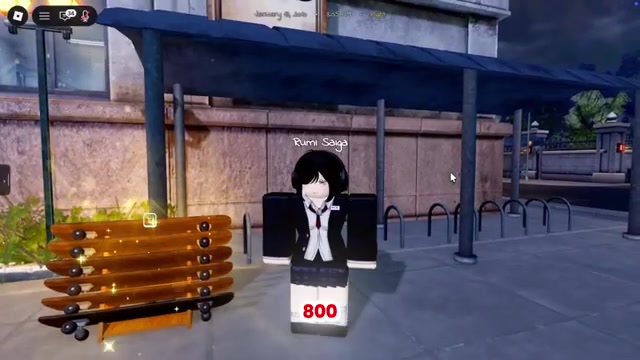
Confirm the purchase — the Skateboard costs 800 Robux, so make sure you have enough first.
Load at least 800 Robux onto your account before you head to the display, so the purchase clears the moment the prompt pops up instead of sending you back to the store mid-run.
Video help
What to confirm before you spend Robux
| Check | What to look for |
|---|---|
| Location | Right side of the school’s front entrance, at the skateboard display |
| On-screen prompt | Hold-E interaction appears when you stand next to a board |
| Price | 800 Robux to complete the purchase |
Because this is a Robux purchase, it’s worth taking a second to check the on-screen details before you commit. The current written update notes don’t list a Skateboard, so treat the in-game display and the price it shows you as the reference — if the prompt and the 800 Robux figure both appear when you walk up to a board, you’re in the right spot.
If the purchase prompt doesn’t show up
Recheck your location
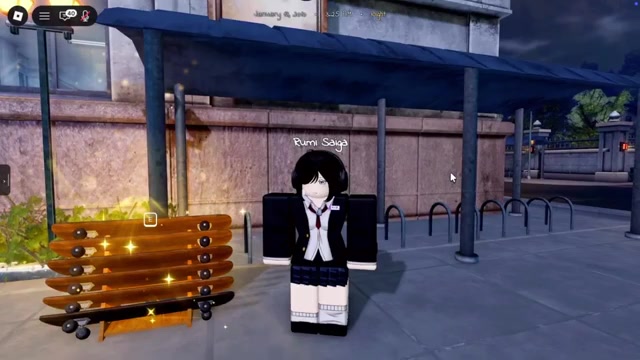
Make sure you’re at the skateboard display on the right side of the school’s front entrance, not a similar-looking prop somewhere else on the map.
Rejoin or update
Leave and rejoin the server, and confirm you’re on the latest version so the display loads in properly.
Scan New Town and Gakumart
As a check, walk the New Town streets and browse Gakumart’s shop and job menus for any board-like item you can actually interact with.
Other New Town Update things to look for
If the board brought you in, you’ll probably want the rest of the New Town Update too. The headline addition is the Ali fighting style, an ultra-rare “???” tier you can now pair thanks to a second fighting-style slot. Gakumart adds a job system run through an in-game Indeed-style app for earning Yen, and the flip-phone picked up upgrades plus four minigames — Tetris, Connect Four, Jumper, and a reaction timer. It’s also worth grabbing the current Gakuran codes for rerolls and Yen while they’re live.
Related Gakuran guides
Frequently Asked Questions
Can you get the Skateboard with Yen instead of Robux?
No. The board is an 800 Robux purchase, and Yen — the currency you earn in-game from jobs and activities — doesn’t buy it. Set the Robux aside ahead of time rather than counting on your Yen balance.
Is the Skateboard listed in the current patch notes?
The current update’s written notes center on new fighting styles, the Gakumart job system, and flip-phone features rather than movement items, and a Skateboard doesn’t turn up in them. That’s why the in-game display is your reference point — walk up to a board and check the prompt yourself.
Is the Skateboard part of the New Town Update?
The New Town Update expanded the map into a full city with spots like Club Akuma, Nishikata Coffee Shop, a gym, and a laundromat, but the Skateboard isn’t documented as one of its additions, so don’t assume the two are tied together. Either way, you still buy the board from the display by the school entrance.






Leave a Reply