
To get the Basketball in Storage Hunters: Open World, farm Junkyard auctions, win a container that has the Basketball inside, then interact with it and choose Add to Vehicle.
The Basketball is an uncommon sports item tied to the Junkyard area. It is not presented as basic floor loot that you can grab anywhere; the route is to keep checking Junkyard auction containers until one appears with the item inside.
Where the Basketball appears
The Basketball appears as a collection-style sports item connected to Junkyard auctions. That means your target is not a shop menu or a random object sitting in the street; your target is a container that comes up during auction rotation.
How to get the Basketball from Junkyard auctions
STEP 1/8
Go to the Junkyard
Head to the Junkyard area, since the Basketball is connected to that auction zone.
STEP 2/8
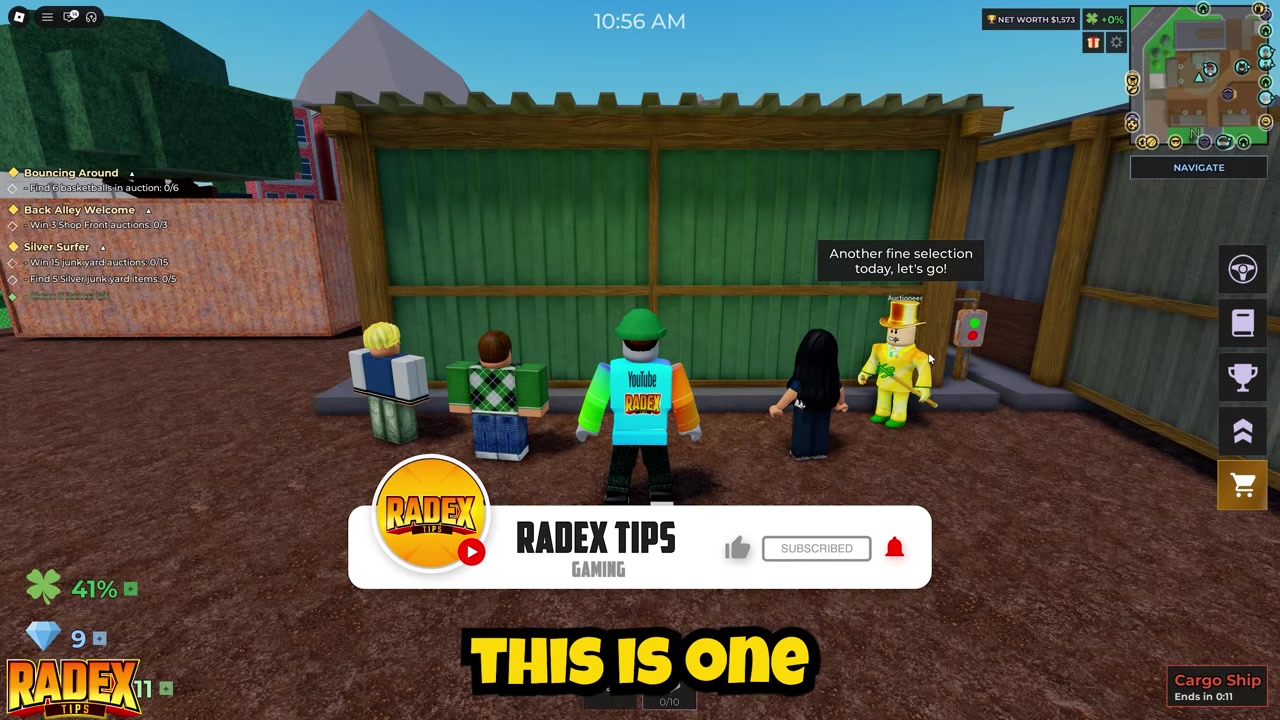
Join Junkyard auctions
Take part in Junkyard auctions and focus on the containers that rotate in there.
STEP 3/8
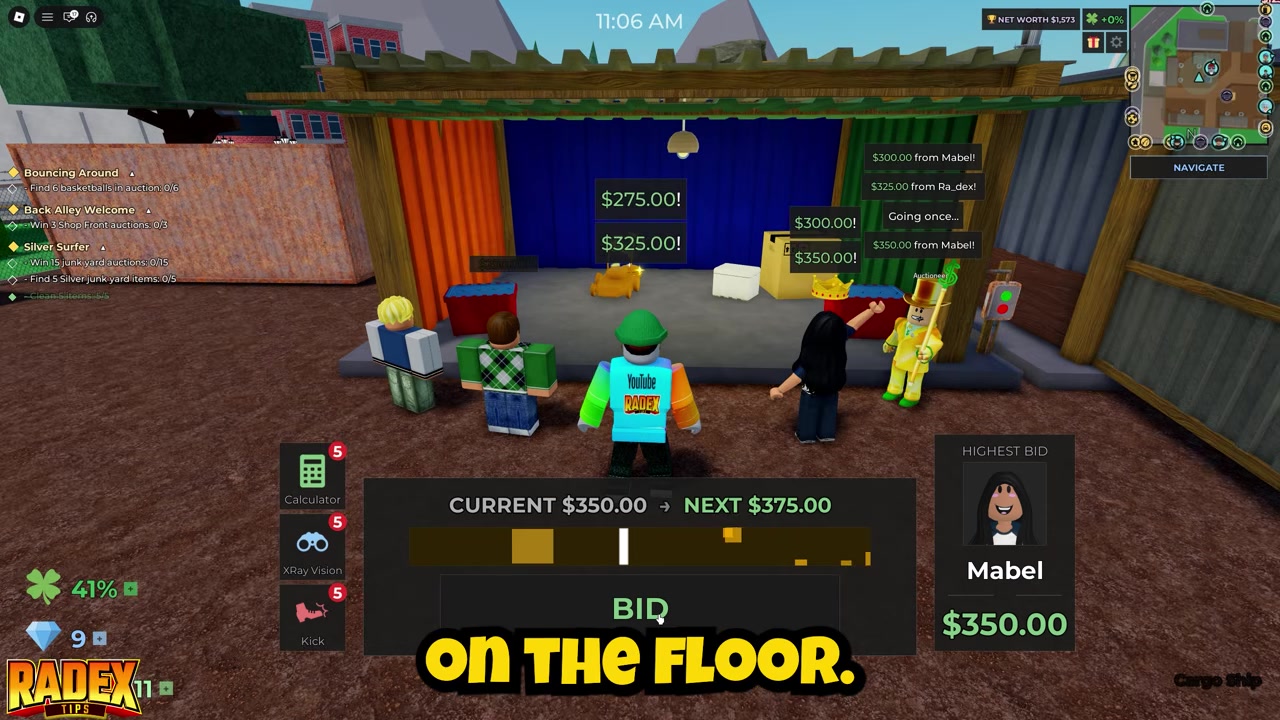
Check each container
Look inside auction containers for a visible Basketball before committing your bid.
STEP 4/8
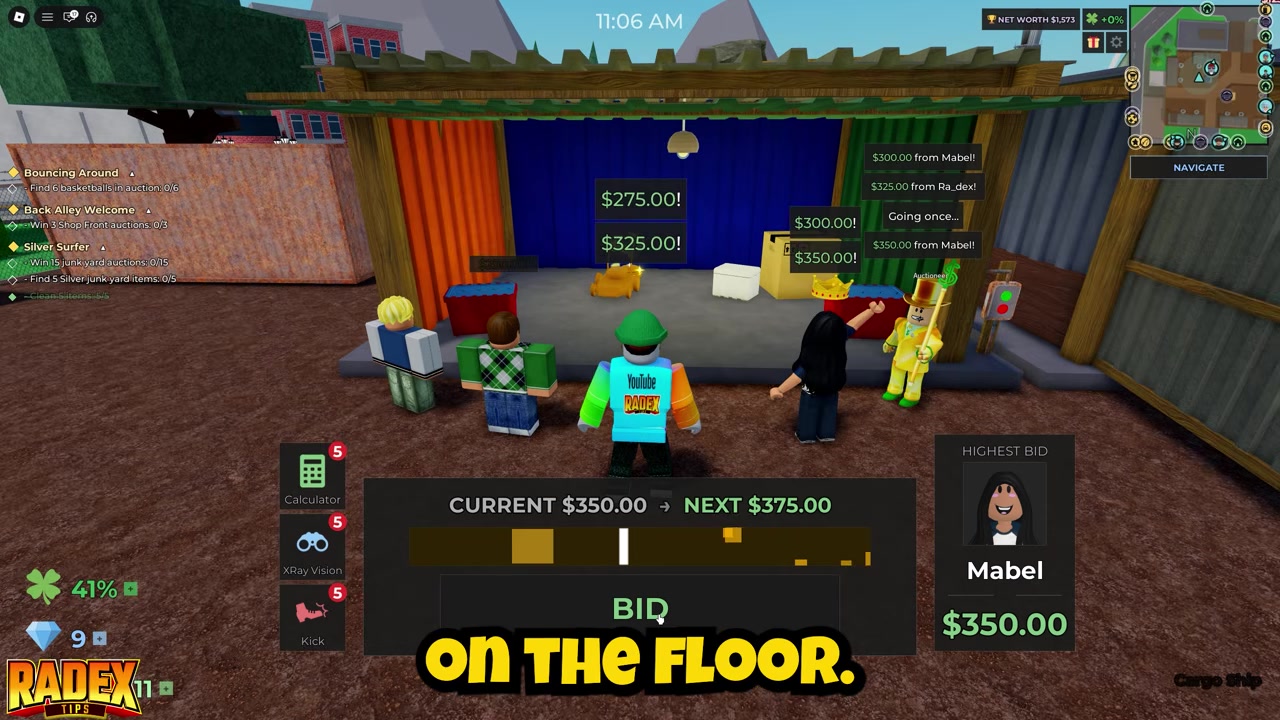
Bid on the right container
When you find a container with the Basketball inside, place your bid on that container.
STEP 5/8
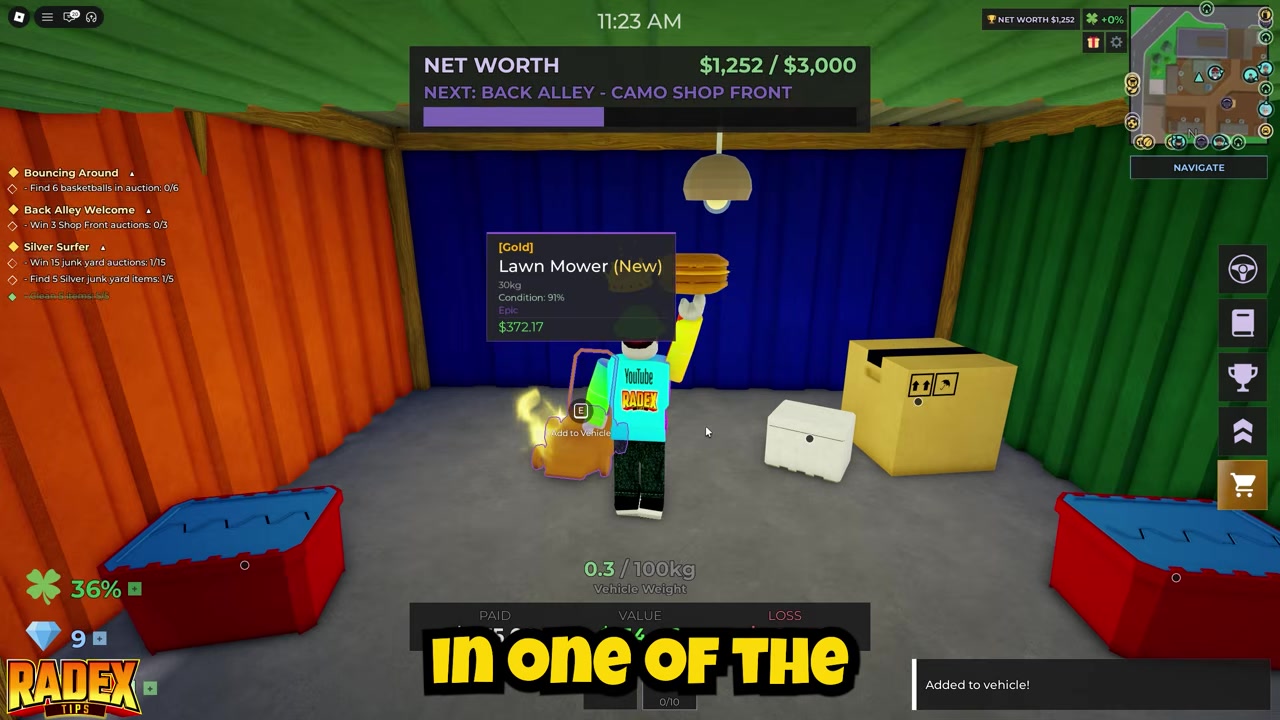
Win the auction
Secure the container first, because you need ownership before you can collect the item.
STEP 6/8
Enter the owned container
Walk into the container after it belongs to you and move up to the Basketball.
STEP 7/8
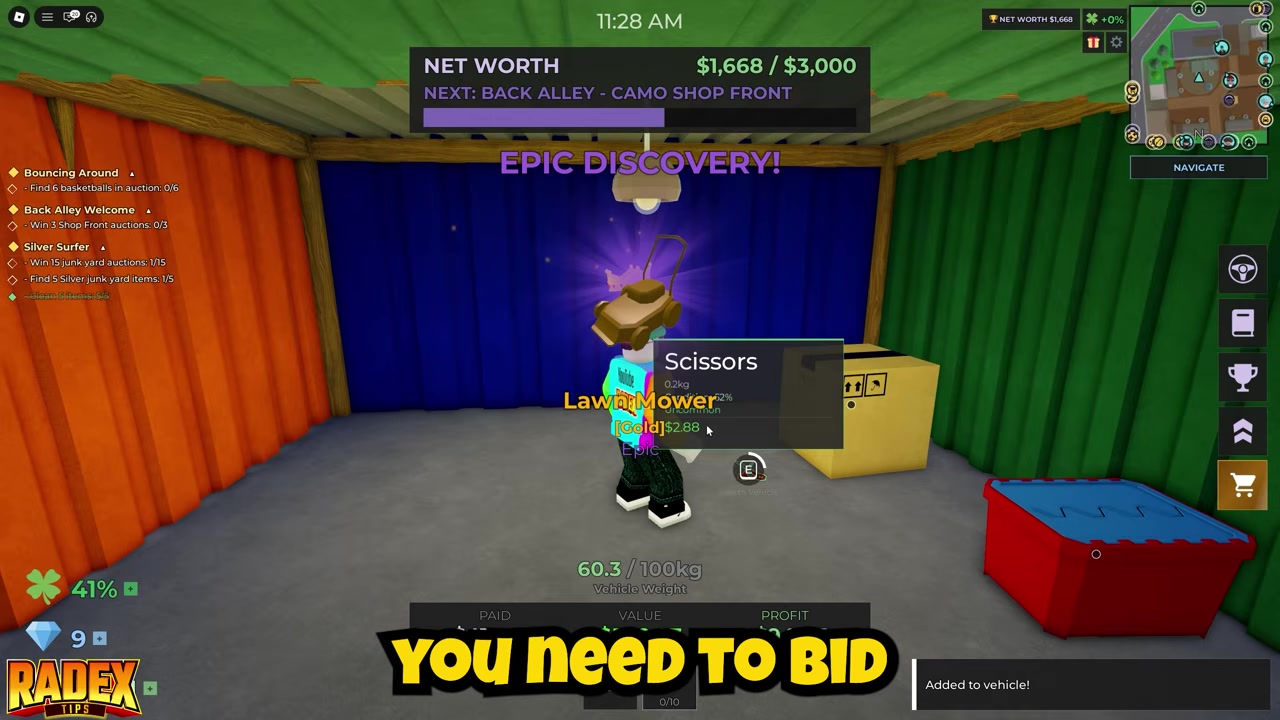
Interact with the Basketball
Use the interaction prompt on the Basketball once you are close enough.
STEP 8/8
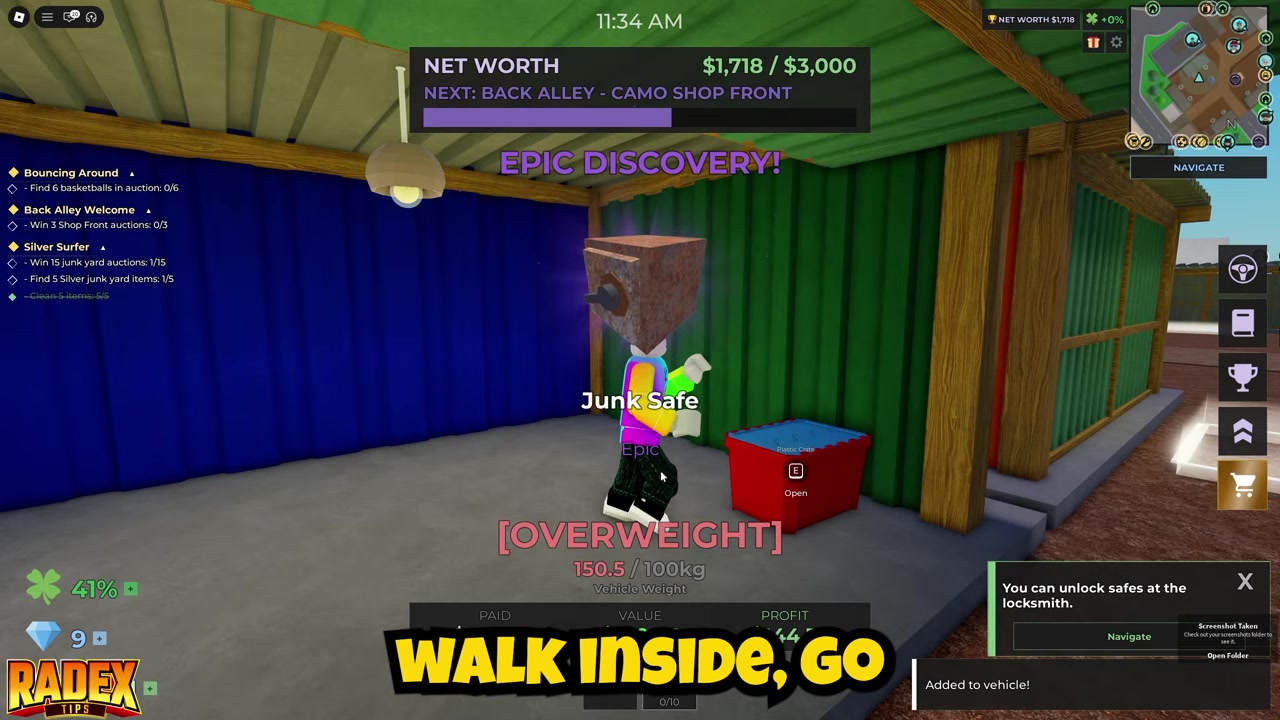
Choose Add to Vehicle
Select Add to Vehicle to move the Basketball into your vehicle storage.
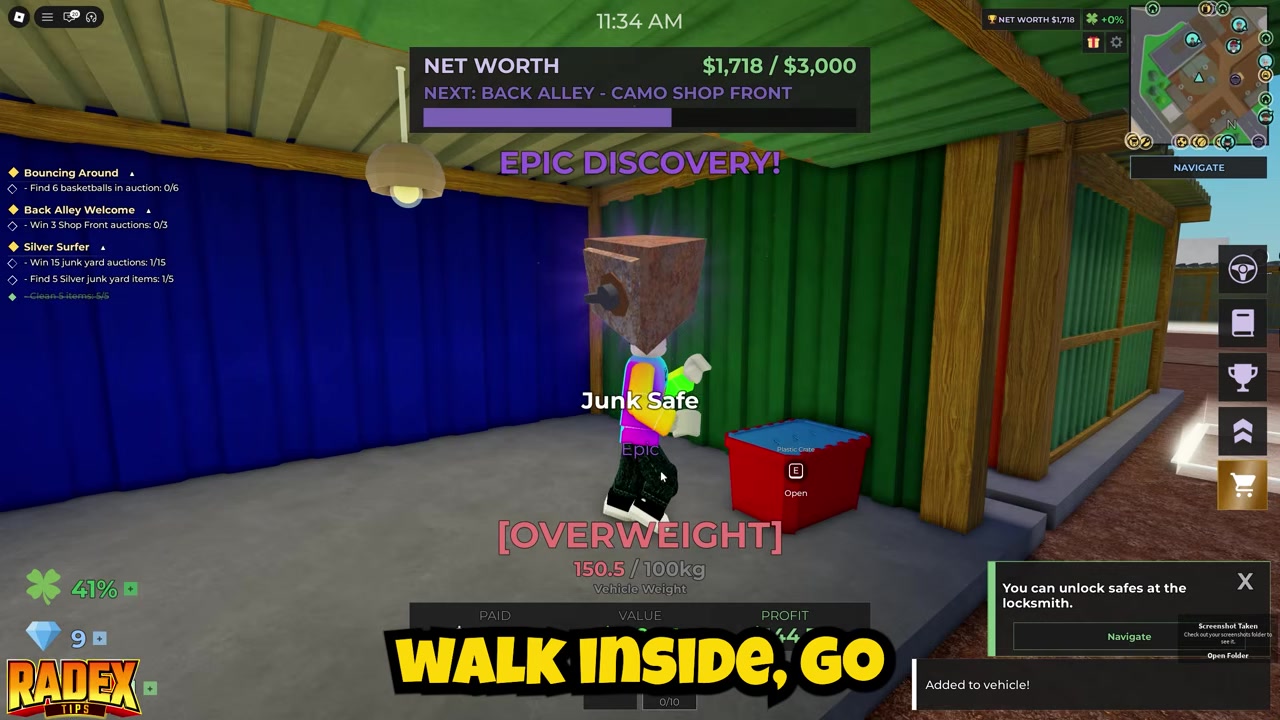
Do not skip Junkyard containers that look like collection-item pulls; the Basketball depends on auction rotation, so more checks means more chances to catch it.
Video help
Why the Basketball can take several auctions
The Basketball depends on what appears in the Junkyard auction rotation. If you do not see it in your first few containers, that does not mean you are in the wrong area.
Basketball route confusion
| Claim | What the sources say | How to treat it |
|---|---|---|
| Basketball comes from Junkyard auction containers | The collection flow is Junkyard auction, container check, bid win, then Add to Vehicle. | Use this as the main route. |
| Basketball is an overworld lost item | Some community notes frame it as a map pickup, but no exact coordinate or street name is verified here. | Treat it as contested unless your game UI points you there. |
| Basketball gives lost-item bonuses or a +15% luck boost | That bonus claim is not supported by the Junkyard auction collection flow. | Do not count on that reward from this item alone. |
Some community notes describe the Basketball as an overworld lost-item pickup. The collection route covered here is the Junkyard auction container method: find it inside a Junkyard container, win that auction, then use Add to Vehicle.
After you collect the Basketball
Choosing Add to Vehicle moves the Basketball into your vehicle storage. From there, you have completed the pickup flow for that container item.
If you are tracking collection progress in your own save, check your in-game collection or storage UI after the item is added. Do not assume extra bonuses, diamonds, or luck changes unless your game screen confirms them.
After grabbing the Basketball, the closest next searches are Basketball Ring, broader lost items, and more efficient Junkyard auction farming. Those goals overlap with the same habit that helps here: checking containers and collection objects carefully instead of rushing through every auction.
If your main goal is filling out unique finds, keep working the Junkyard rotation while separately tracking any lost-item routes you confirm in-game.
Frequently Asked Questions
Is Basketball bought from the shop?
No. The supported route does not put the Basketball in the shop. You get it by finding it inside a Junkyard auction container, winning that container, and choosing Add to Vehicle.
Is Basketball guaranteed in every Junkyard auction?
No. The Basketball is an uncommon item tied to auction rotation, so it will not appear in every Junkyard auction or every container.
What should I do if I cannot find Basketball in any container?
Keep farming Junkyard auctions and check containers closely before bidding. The item may take multiple auction rotations to appear.
Does Basketball have a confirmed spawn rate or exact auction rotation?
No reliable exact spawn rate, auction timer, coordinate, street name, or fixed container pattern is confirmed. Treat it as a repeat-farm item.
Why do some guides say Basketball is a lost item?
Some community notes describe the Basketball as an overworld lost-item pickup, while the collection flow used here places it in Junkyard auction containers. Until exact overworld directions are verified, the Junkyard auction method is the route to follow.



Leave a Reply