


Run your Candy Factory dropper and Candy Cannon to earn Spooky Coins, then pick up random coin drops around the factory.
Spooky Coins start at zero in Sell Lemons, but your Candy Factory gives you a way to begin earning them. Candy production and the Candy Cannon form the farming route.
You can spend the coins on exclusive Halloween items in the shop. This guide covers the early factory purchases, nearby coin drops, and the costs and effects of the factory items.
How to get more Spooky Coins in Sell Lemons
Start the candy line, expand it, then farm with the cannon and collect nearby drops.
1 – Start Candy Factory production
Begin with the free expansion before getting a candy dropper.
STEP 1/7
14%
Take the first expansion
Your first base expansion is free, so you can take it despite starting with zero Spooky Coins.
STEP 2/7
29%
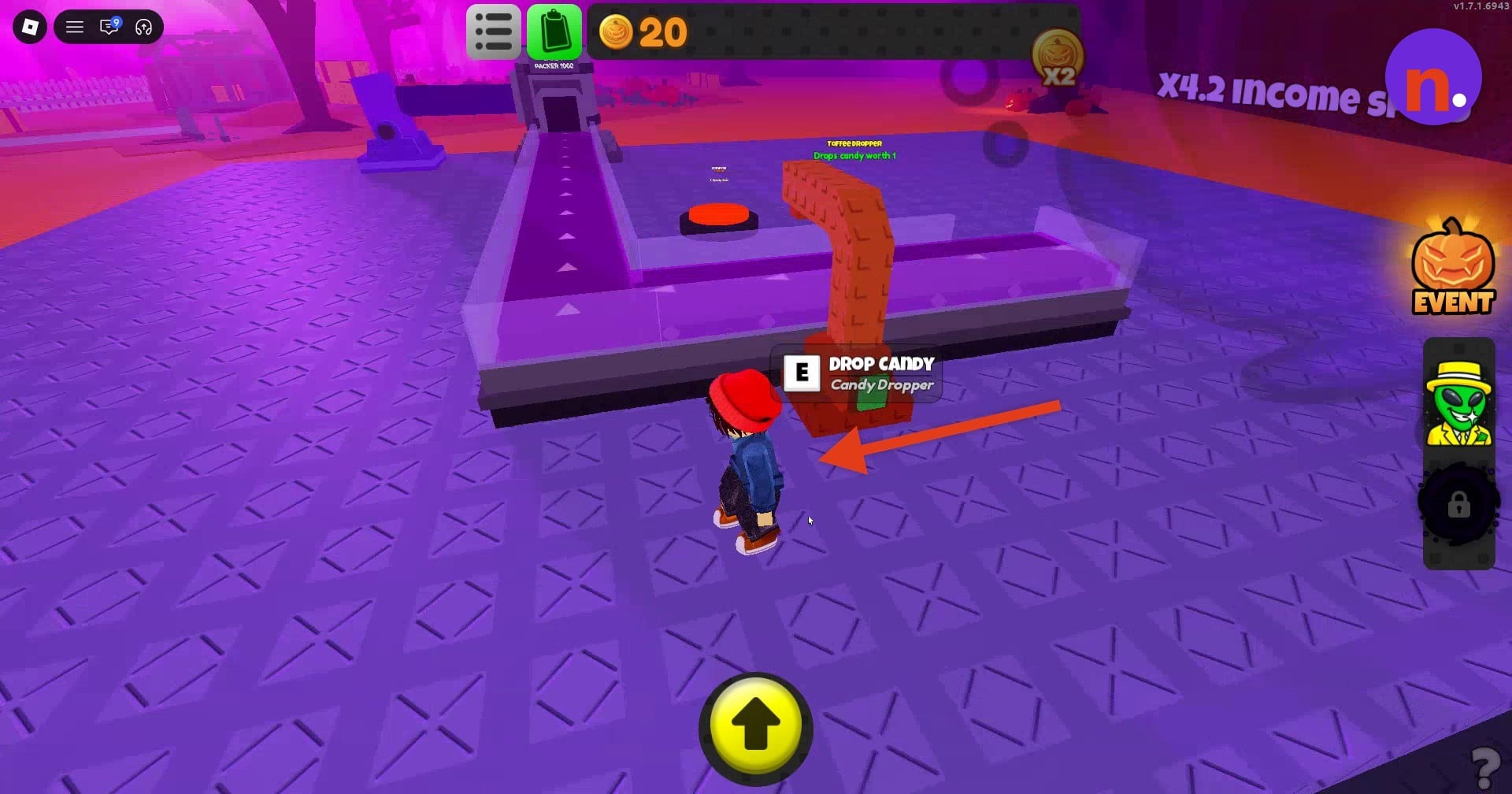
Get the candy dropper
Obtain it after the expansion, then use the E DROP CANDY interaction to start producing candy.
2 – Expand the conveyor and add the Bonbon Dropper
Buy the Conveyor, then the Bonbon Dropper.
STEP 3/7
43%
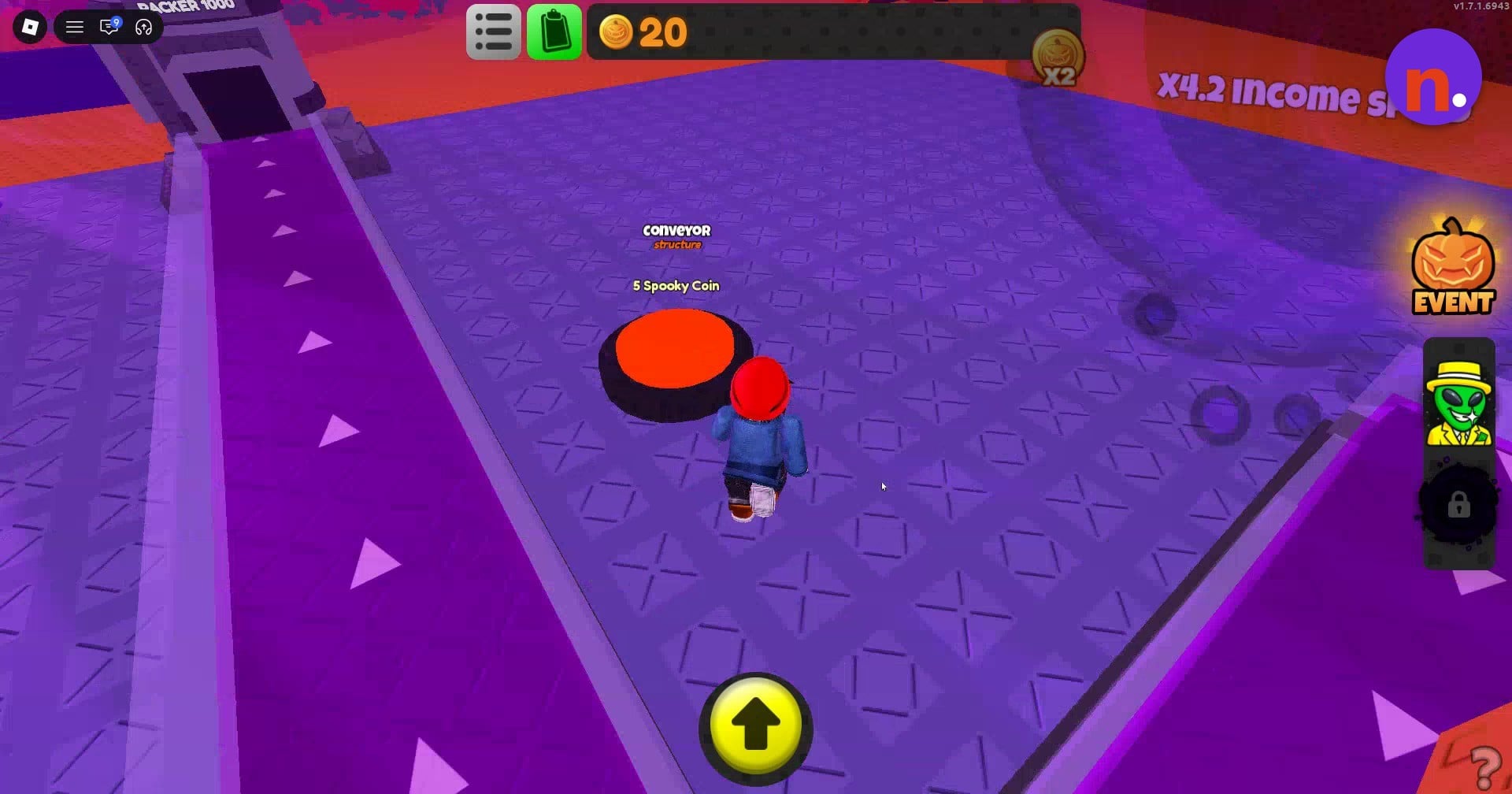
Buy the Conveyor
From the dropper area, approach the red Conveyor button and step onto it to buy the structure for 5 Spooky Coins.
STEP 4/7
57%
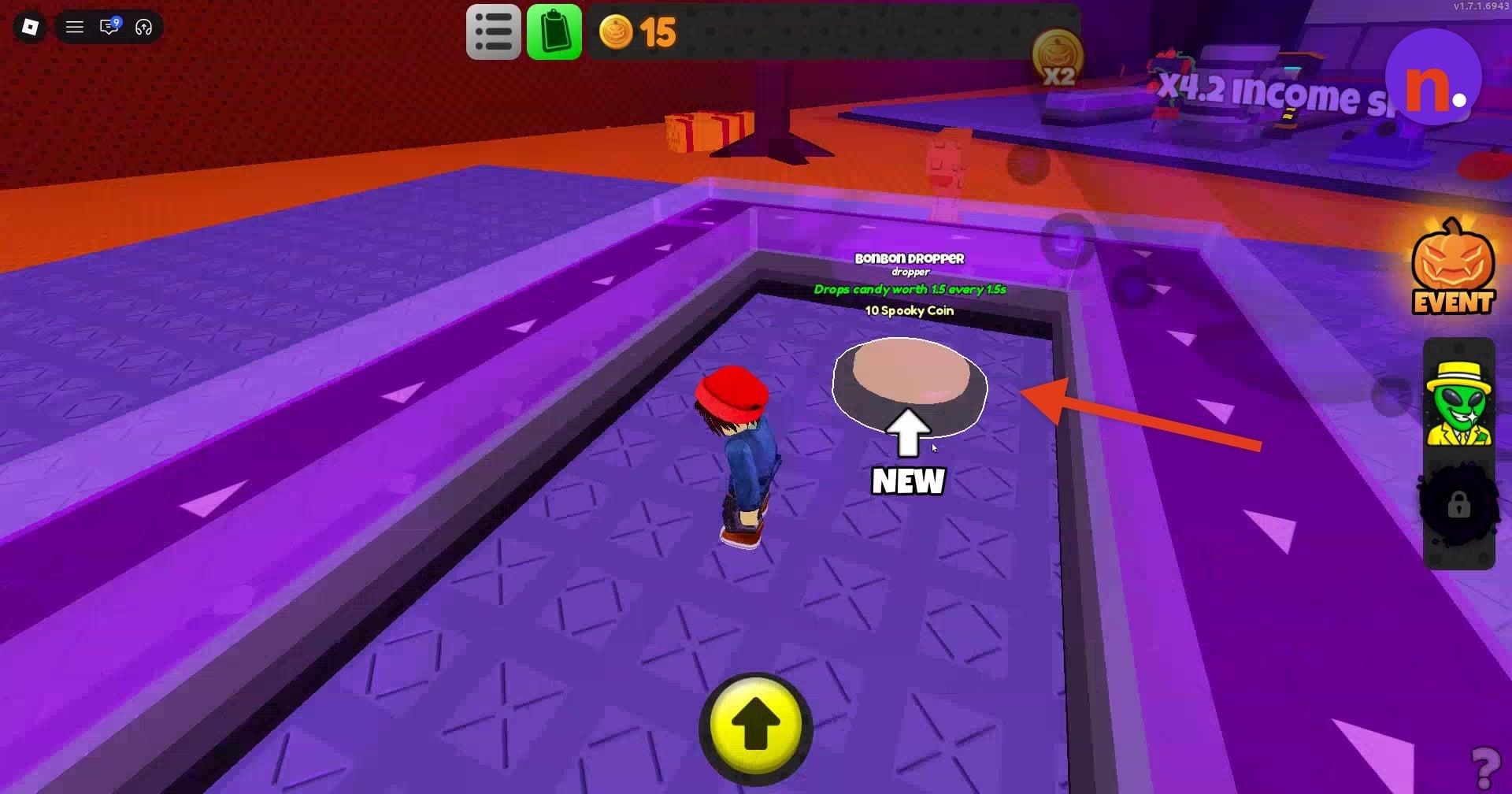
Buy the Bonbon Dropper
Step onto its purchase button to spend 10 Spooky Coins.
STEP 5/7
71%
Return to the dropper
Go back to the candy line and let the candies travel along it.
3 – Farm with the cannon and collect drops
Use the factory’s cannon and look around the Candy Factory.
STEP 6/7
86%
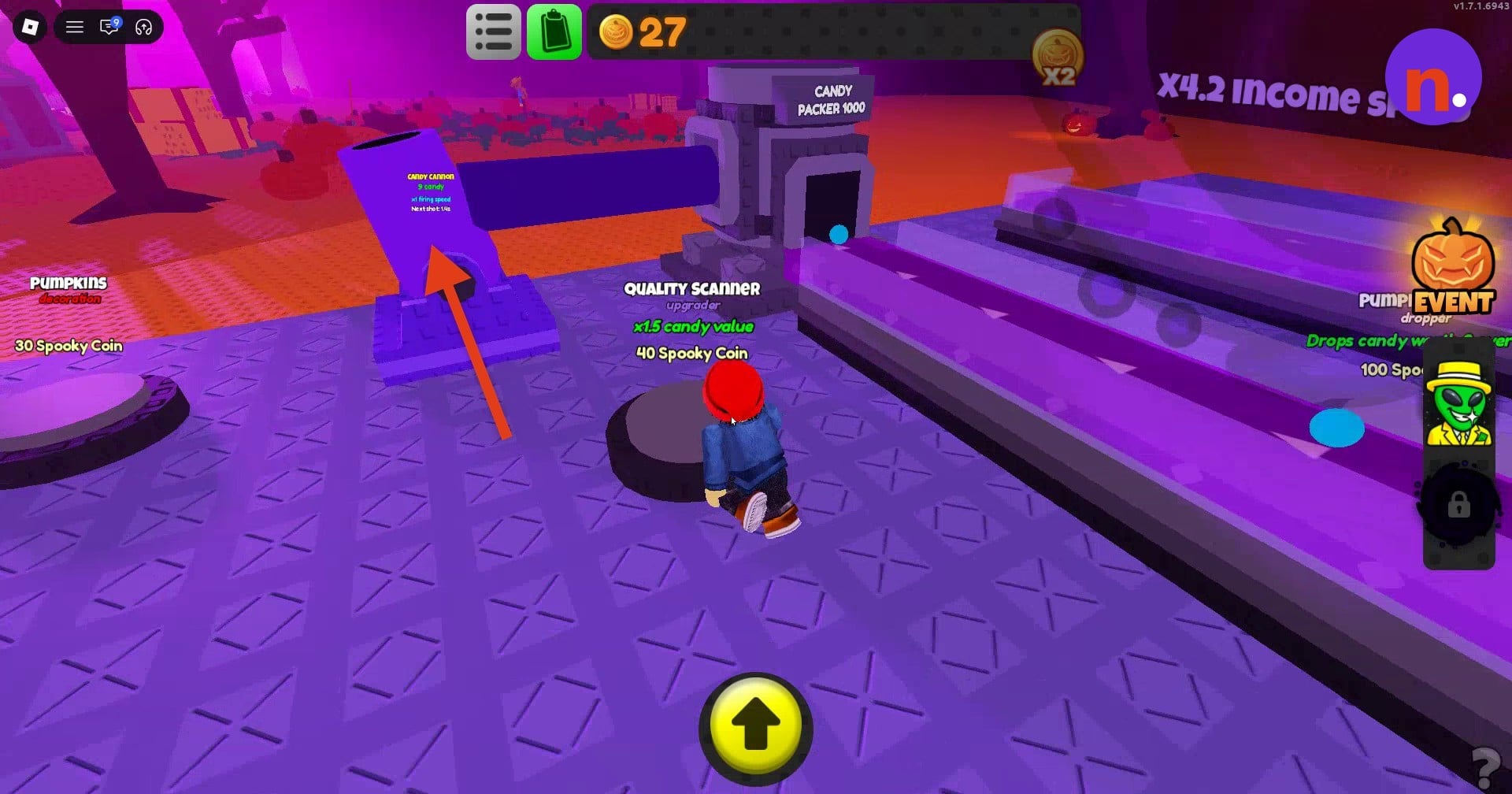
Use the Candy Cannon
Farm Spooky Coins with the cannon beside Candy Packer 1000.
STEP 7/7
100%
Collect coin drops
Pick up random Spooky Coin drops around the Candy Factory area.
Look within your base for random Spooky Coin drops while farming.
Allow approximately 20–30 Spooky Coins for Candy Cannon setup.
Candy Factory item costs and stats in Sell Lemons
| Factory item | Stat or purchase | Value |
|---|---|---|
| Toffee Dropper | Candy value | 1 |
| Bonbon Dropper | Candy value | 1.5 |
| Bonbon Dropper | Drop interval | 1.5 seconds |
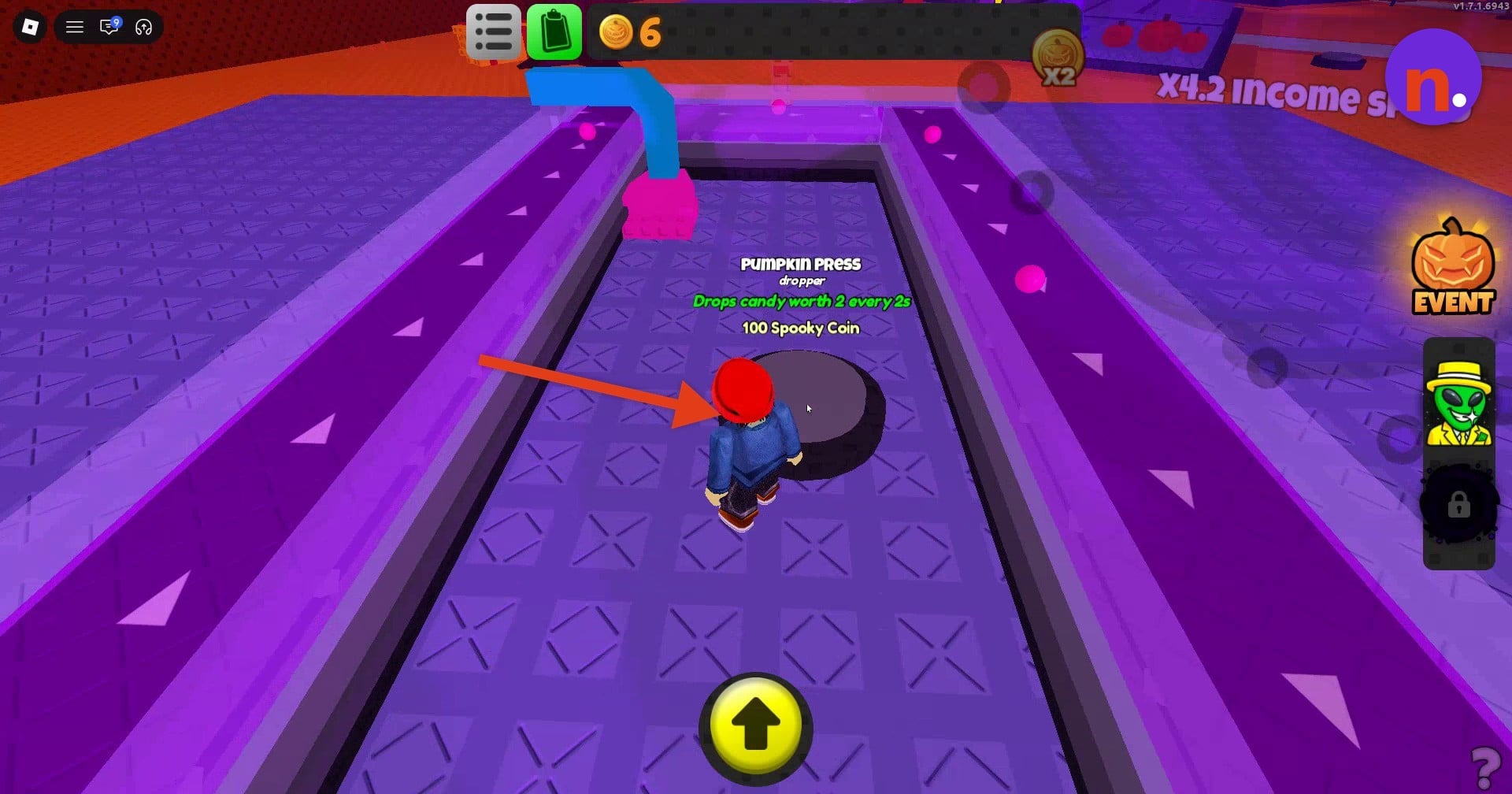
| Pumpkin Press | Cost | 100 Spooky Coins |
| Pumpkin Press | Candy value | 2 |
| Pumpkin Press | Drop interval | 2 seconds |
| Quality Scanner | Type | Upgrader |
| Quality Scanner | Cost | 40 Spooky Coins |
| Quality Scanner | Candy-value multiplier | x1.5 |
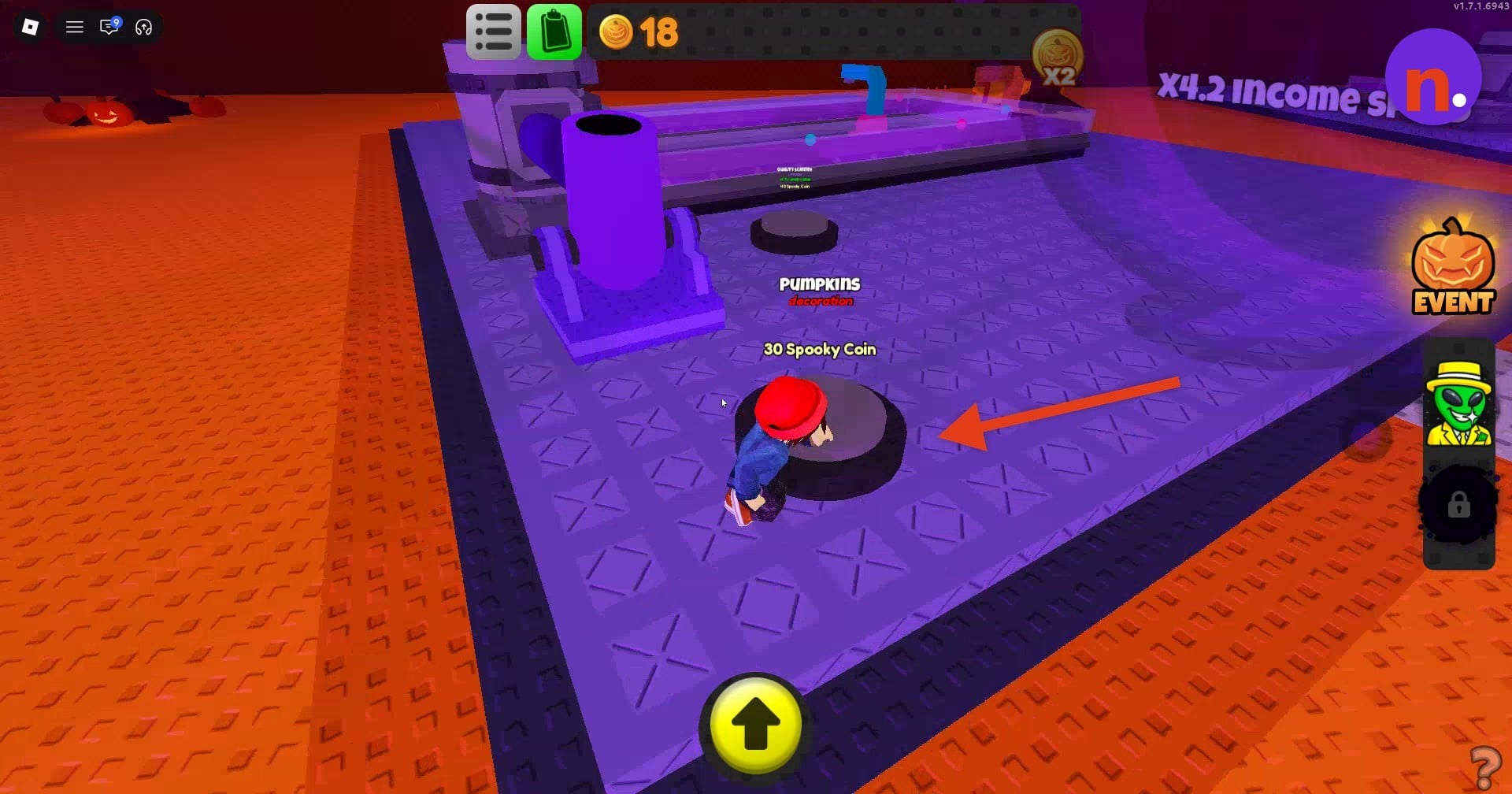
| Pumpkins | Type | Decoration |
| Pumpkins | Cost | 30 Spooky Coins |
| Candy Cannon | Firing speed displayed | x1 |
The droppers display a value for each candy they produce. The factory also has an upgrader, a decoration, and a firing-speed display on the cannon. An income-speed display reads X4.2.
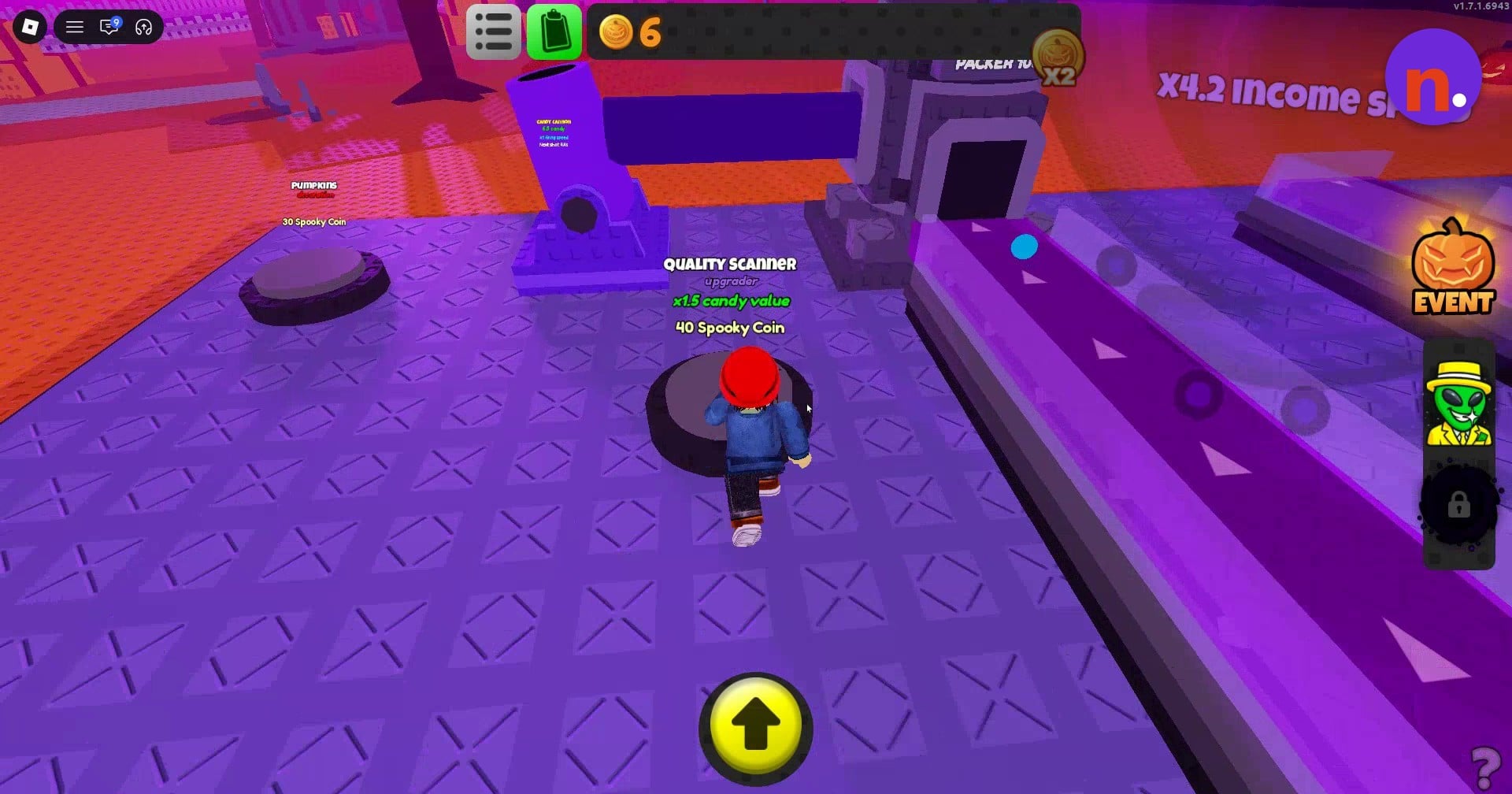
The Quality Scanner purchase button is in the base. The other purchase buttons give you a way to identify the remaining items before spending coins.
The Pumpkins button identifies a decoration among the factory purchases.
Keep the line producing candy and collect the coins it earns. Those Spooky Coins can go toward the shop’s exclusive Halloween items.
Related Sell Lemons guides






Leave a Reply