
To get the Social Code in +1 Speed Keyboard Escape, join the official Discord from the Roblox game page, open the social-code channel, generate and copy your personal code, then paste it into the in-game Code menu and press OK.
The Social Code sounds like a normal promo code, but it works differently. Instead of a public string everyone shares, it’s a personal, one-time code you generate for yourself inside the game’s Discord, then paste into the in-game Code menu for a big Speed boost. Here’s exactly how to grab one and cash it in.
| Item | Detail |
|---|---|
| Source | Official SecretVerse Studio Discord, social-code channel |
| Reward | Reported 15,000 Speed |
| Type | Personal, one-time use |
| Where to redeem | In-game Code button (top-left of the lobby) |
| Public code? | No — unique per player |
The Social Code is the game’s main way to hand out a large chunk of Speed, and it’s worth understanding before you chase it. It isn’t a universal code you copy off a list — it’s generated just for your account through the official SecretVerse Studio Discord, and it only works once. Redeem it through the Code button in the lobby and you pocket a reported 15,000 Speed in a single go. Because each code is tied to you and made fresh on the spot, the thing that matters most is timing: grab it and redeem it before it lapses.
STEP 1/8
Open the game page
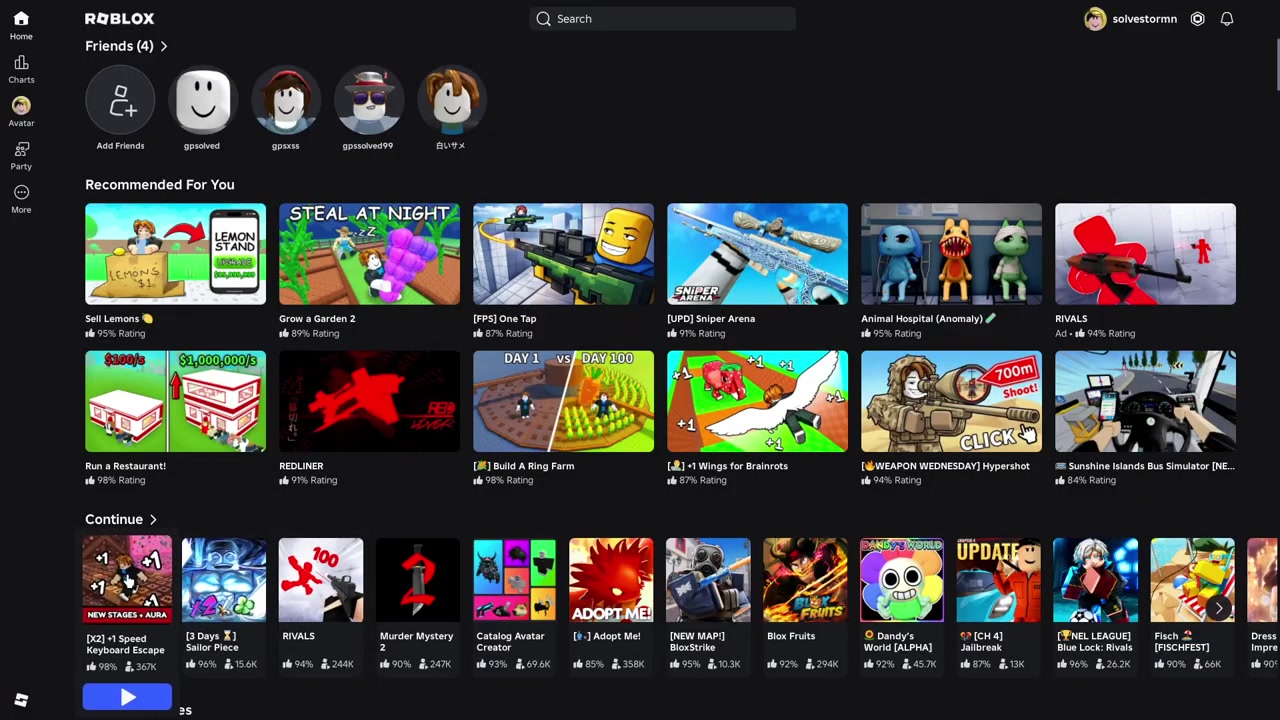
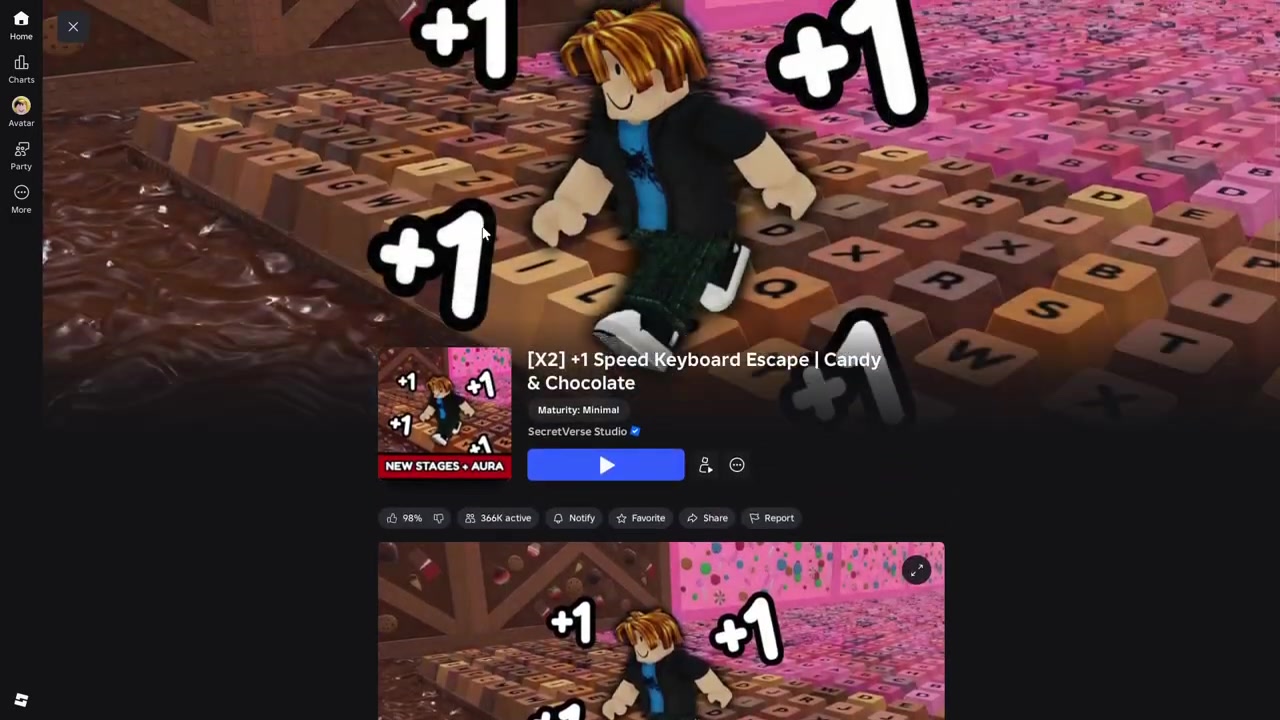
Head to +1 Speed Keyboard Escape & Candy & Chocolate on Roblox and open its experience page.
STEP 2/8
Scroll to Discord and join
On the game page, scroll down to the Discord link under the social links and join the official SecretVerse Studio server.
STEP 3/8
Find the social-code channel
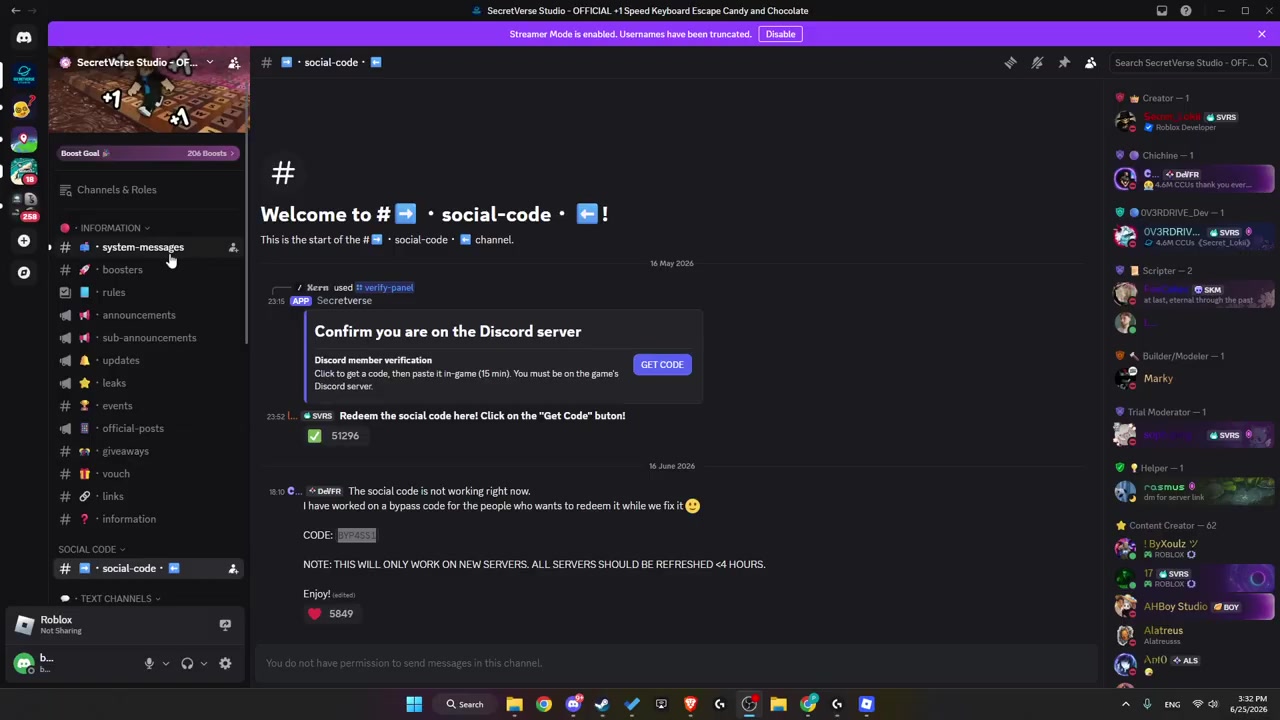
Inside the server, open the social-code channel where the code is generated.
STEP 4/8
Press Get Code
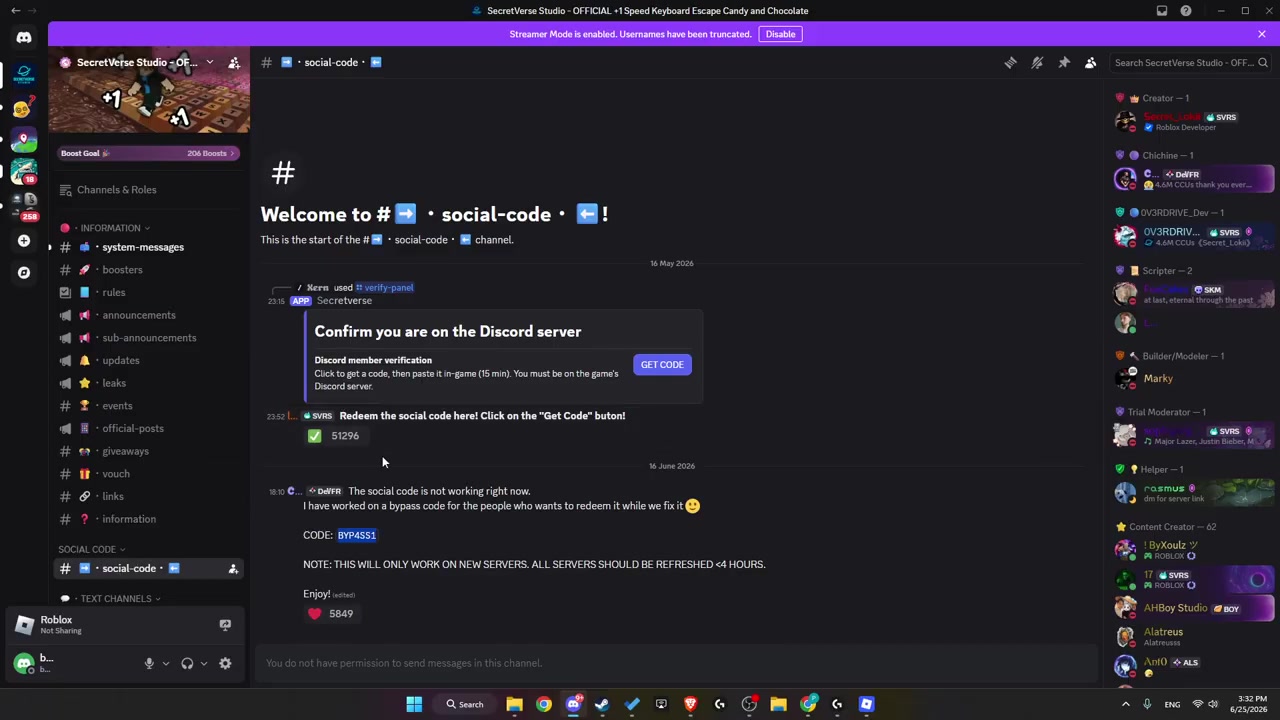
Hit Get Code to generate a personal code for your account — link your Discord to Roblox first if the button asks for it.
STEP 5/8
Copy your code
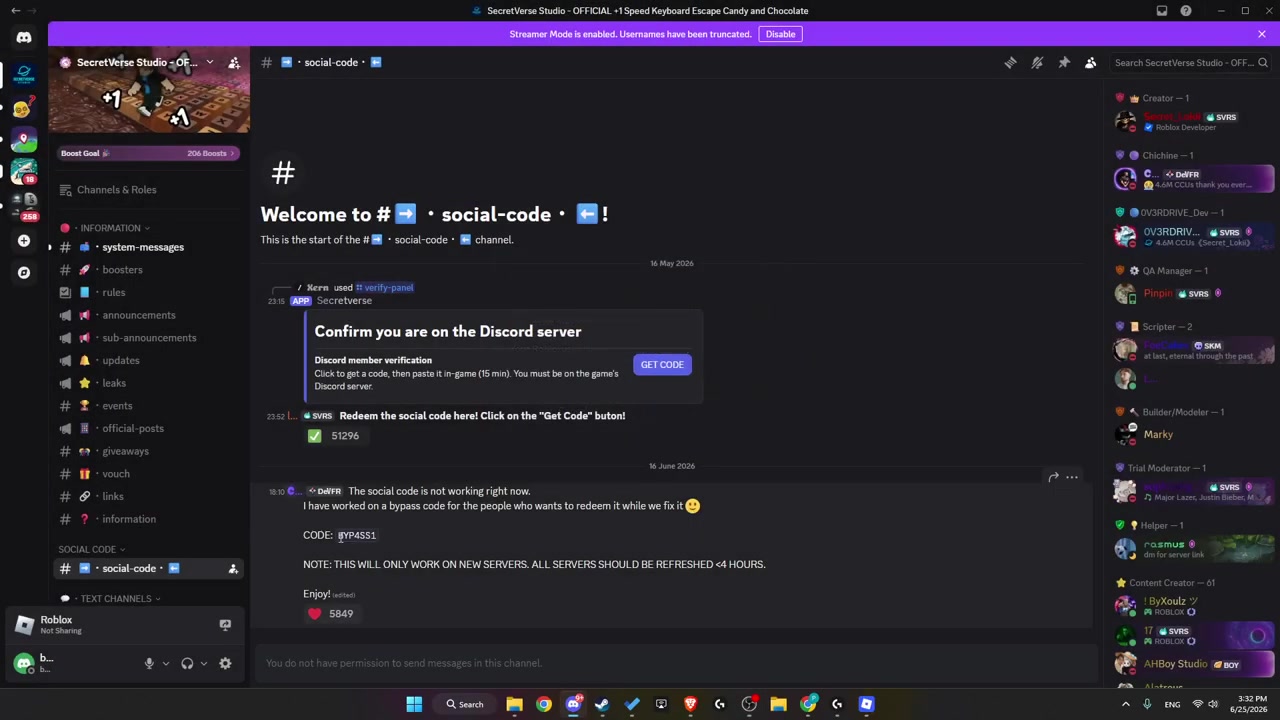
Copy the code text that appears, and do it promptly since the generated code is short-lived.
STEP 6/8
Launch the game
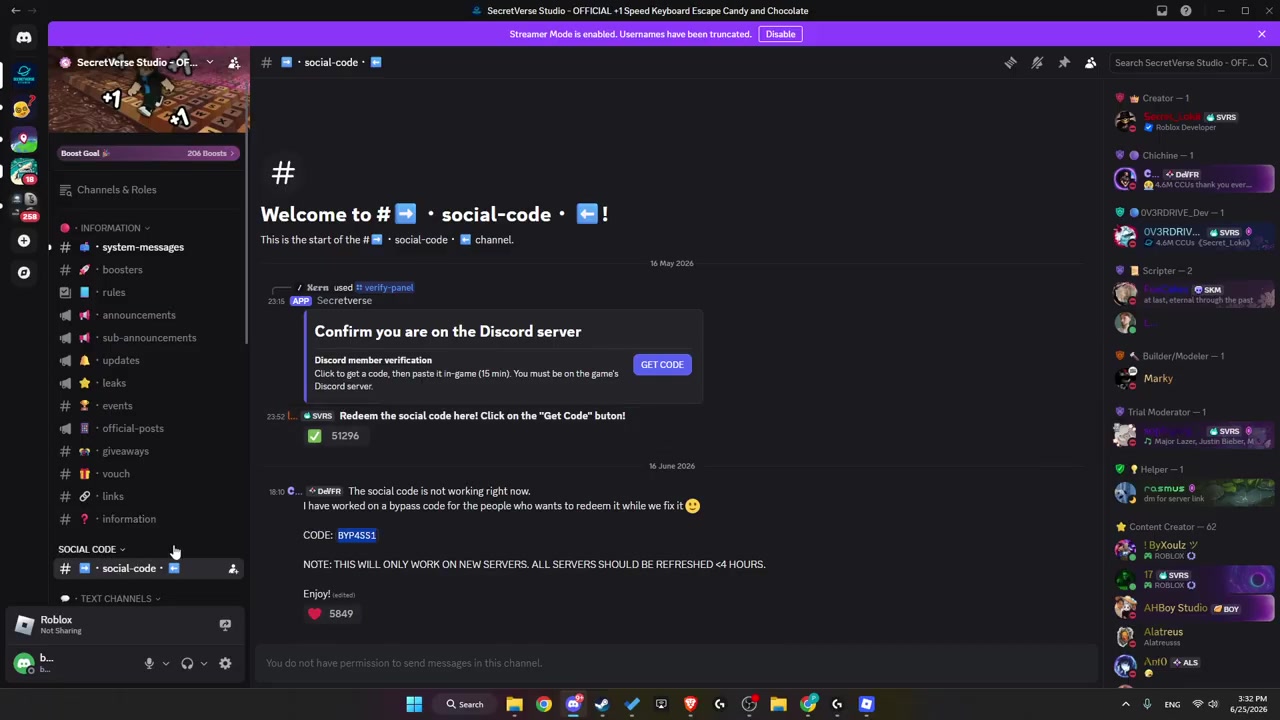
Jump back to Roblox, start +1 Speed Keyboard Escape, and wait a few seconds for the lobby to load.
STEP 7/8
Open the Code menu and paste
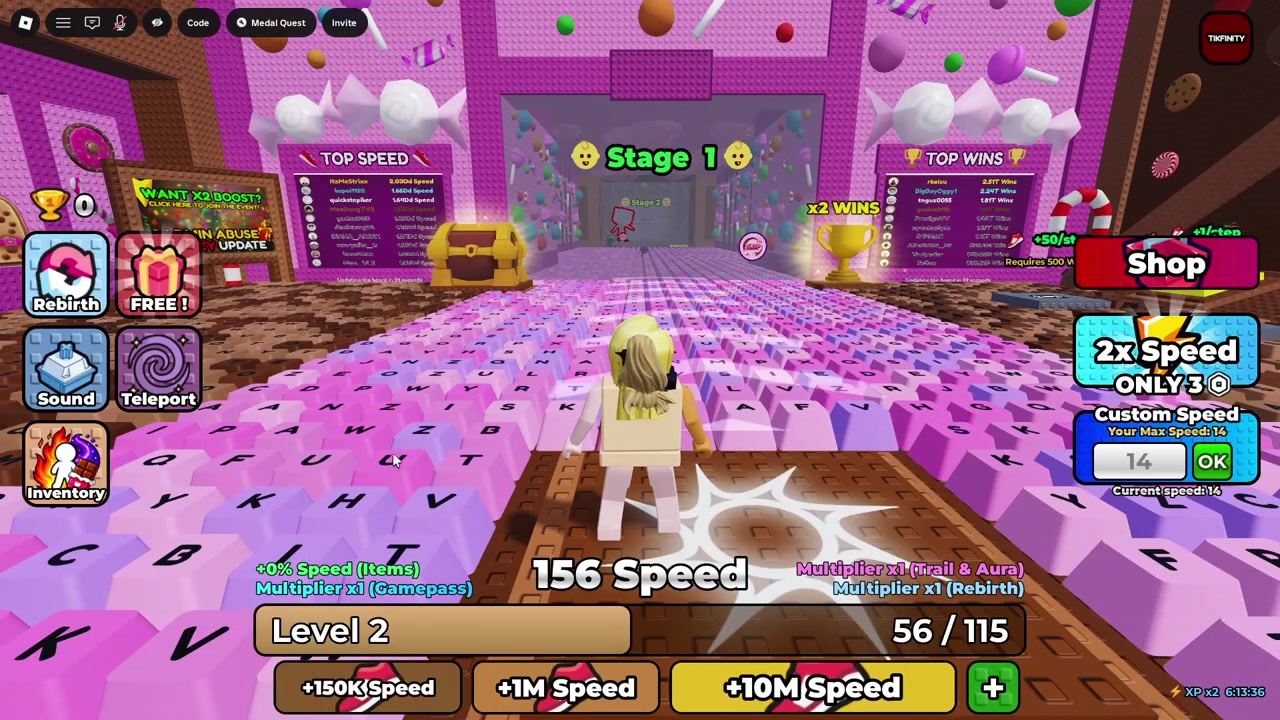
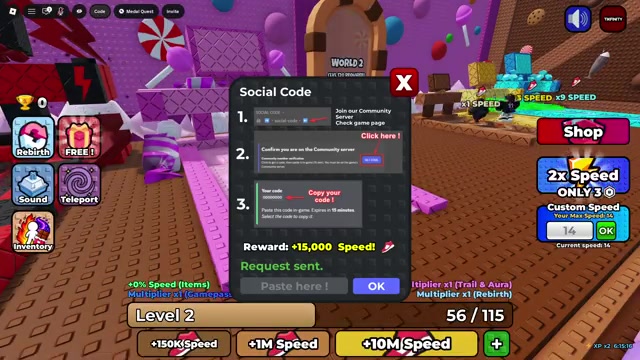
Press Code at the top-left of the screen and paste your code into the Paste here! field — typing it in manually works too.
STEP 8/8
Press OK to redeem
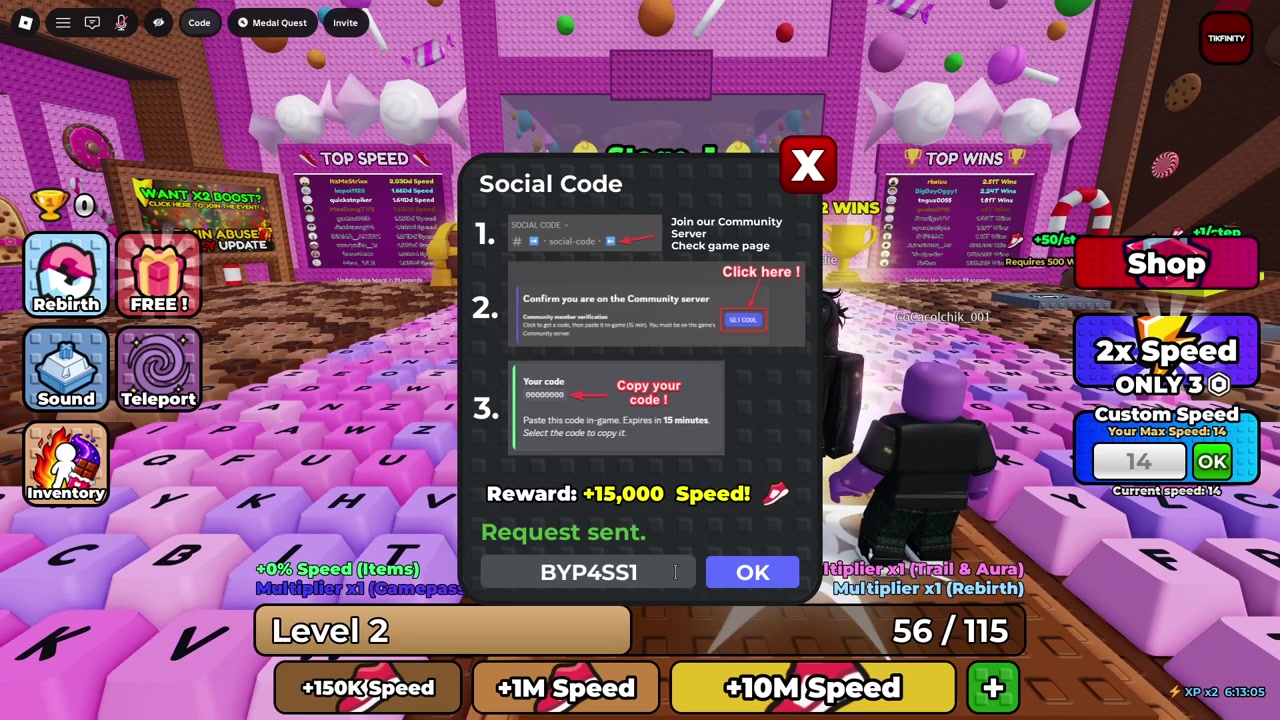
Confirm with OK — some UI versions label this button Redeem — and your Speed reward verifies instantly.
Redeem the code the second you copy it — the generated Social Code is short-lived, and a fresh one is only ever a click away back in the social-code channel.
Expiry, linking, and one-time use
The biggest catch with the Social Code is how quickly it goes stale. Once you press Get Code, you’re on a clock — reports put the window at roughly 10 to 15 minutes before the code stops verifying, so copy it and redeem it in one sitting rather than saving it for later.
Two other things trip players up. First, your Discord account often needs to be linked or verified with your Roblox account before the channel will hand you a working code, so sort that out up front. Second, the code is genuinely personal — it’s minted for your account and burns out after one successful redeem. Don’t expect a code you saw in a video or someone else’s chat to work; it’s tied to their account, not yours.
STEP 1/6
Expired code
The generated code lapses fast, so one copied a while ago may already be dead — regenerate a fresh one and redeem immediately.
STEP 2/6
Wrong server or channel
Confirm you joined the official SecretVerse Studio server and opened the social-code channel, not a look-alike.
STEP 3/6
Skipped account linking
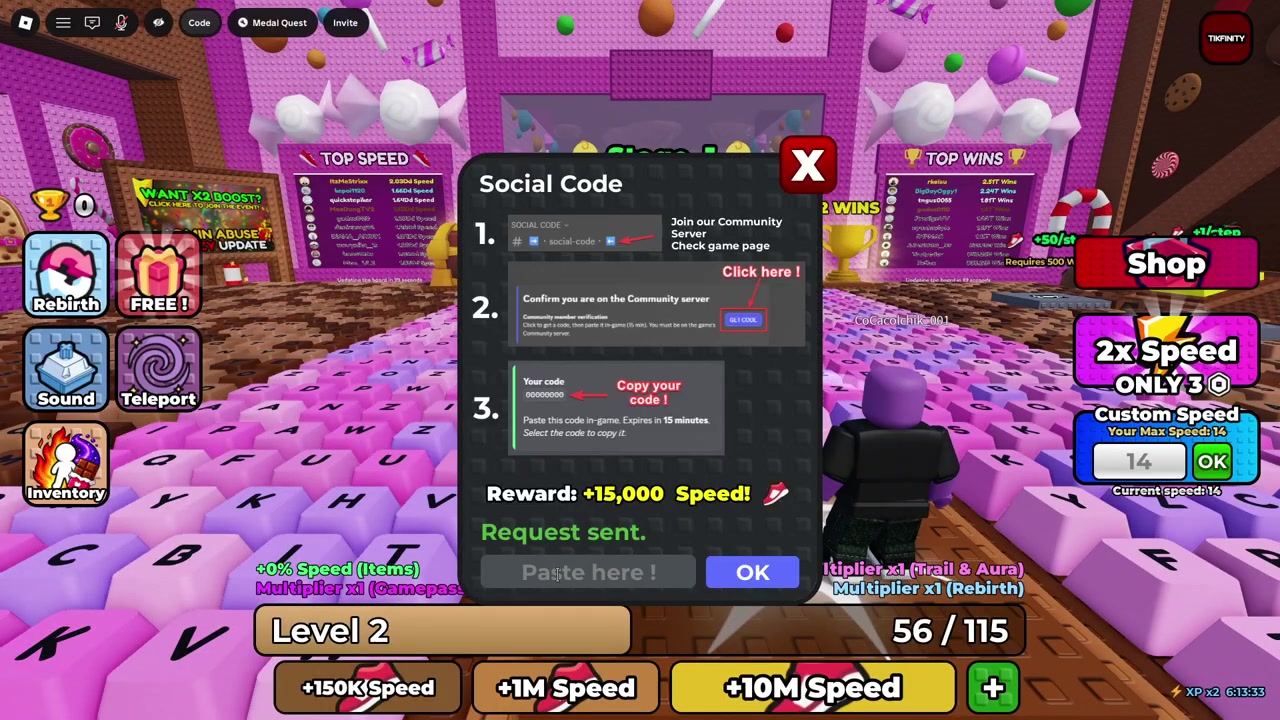
If your Discord isn’t linked or verified with Roblox, Get Code may never issue a usable code.
STEP 4/6
Reward already claimed
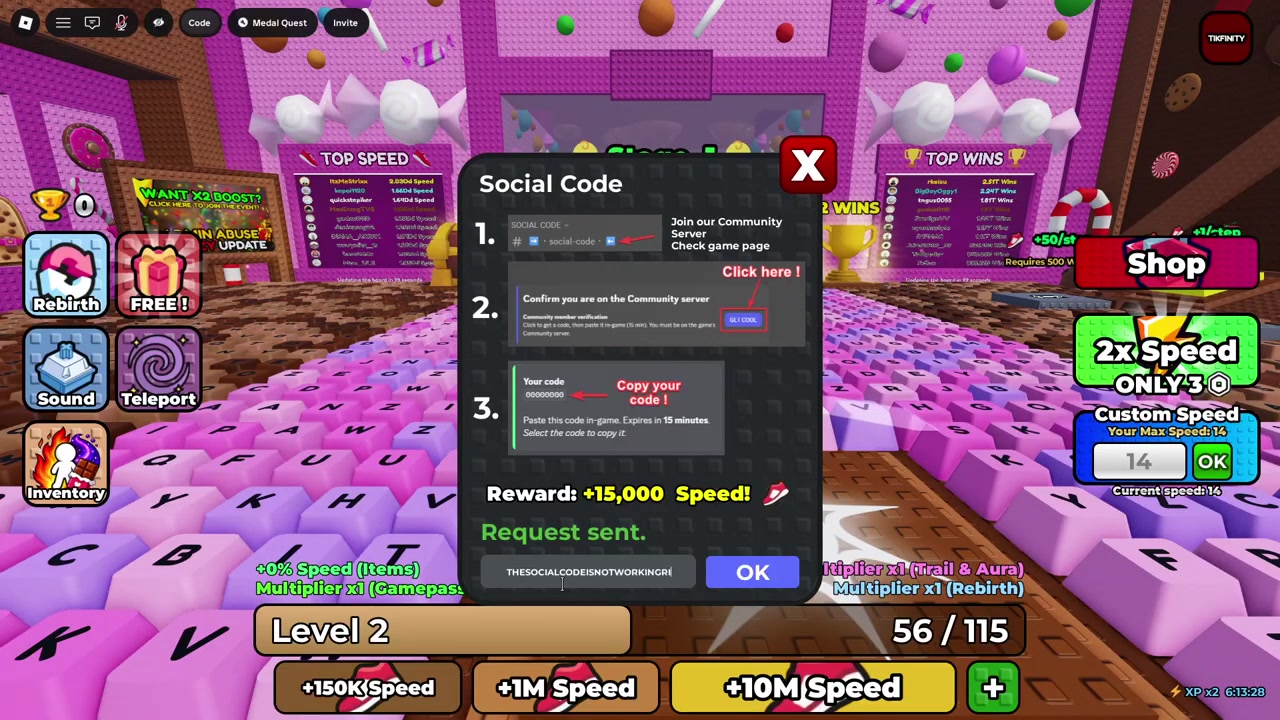
The Social Code is one-time, so once your account has claimed it the same reward won’t pay out again.
STEP 5/6
Typo on manual entry
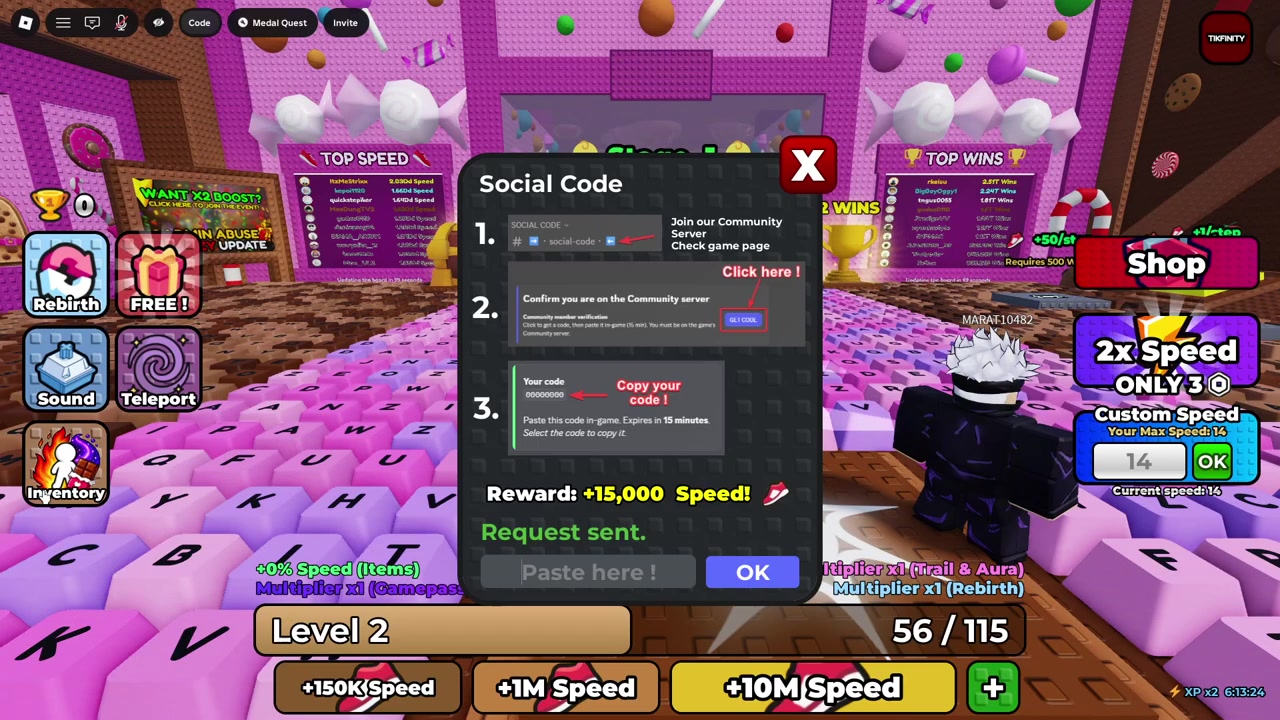
Typing the code by hand invites mistakes — paste it instead and check for missing characters.
STEP 6/6
Using someone else’s code
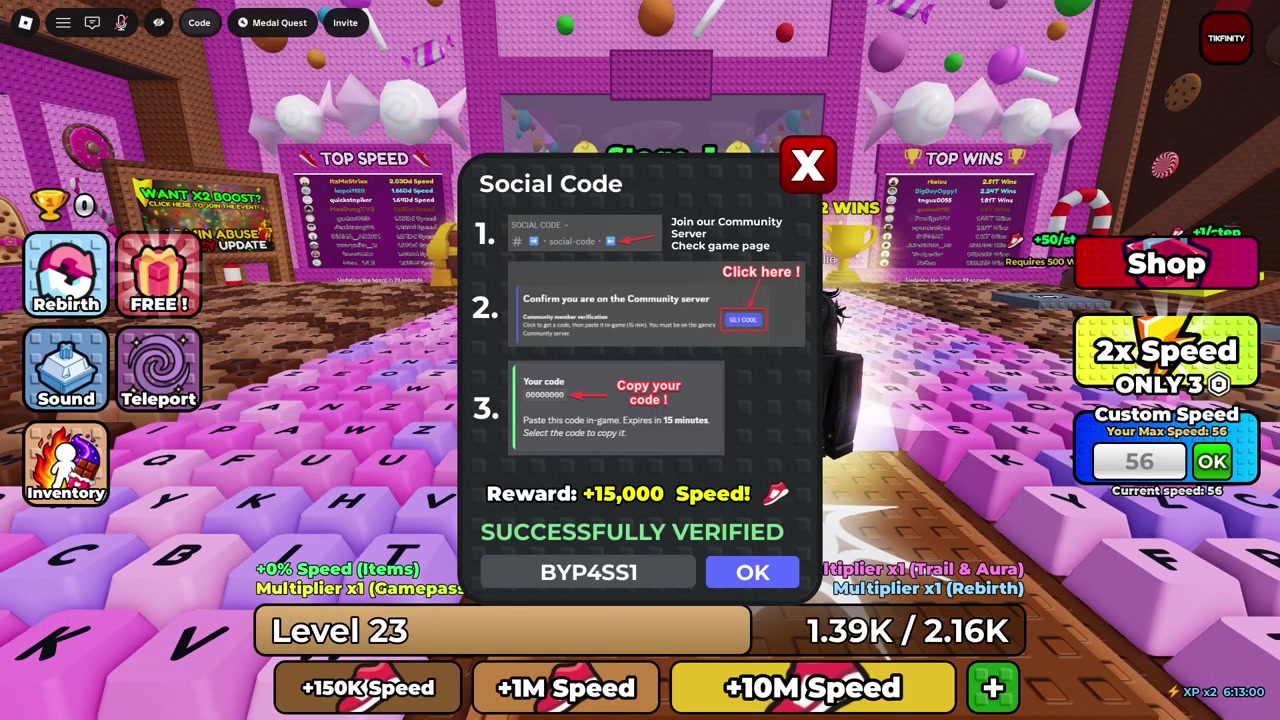
A code from a video, chat, or public list belongs to another account and won’t verify on yours.
Video help
Other Speed rewards worth grabbing
| Option | Use |
|---|---|
| Social Code | Personal Discord code for a reported 15,000 Speed |
| BYP4SS1 | Sometimes listed for extra Speed; may not work once you’ve claimed the Discord reward |
| FREE gift | Like the game and join the SecretVerse Studio group for another reported 15,000 Speed |
| Medal Quest | Medal Aura plus a reported 1x speed multiplier |
Once your Speed is topped up, a couple of other rewards are worth a look. The most talked-about is BYP4SS1: some listings treat it as a public code for extra Speed, while others describe it as a one-time Social Code that quietly stops working once your account has already claimed the Discord reward. Either way, the Discord social-code route is the dependable one, so lean on that and treat BYP4SS1 as a bonus that may or may not land.
Beyond that, there’s a FREE gift you can claim just by liking the game and joining the SecretVerse Studio Roblox group — another reported 15,000 Speed for almost no effort. And for longer-term progression, the Medal Quest hands out the Medal Aura along with a reported 1x speed multiplier.
Frequently Asked Questions
Is the Social Code the same for every player?
No. The Social Code is generated uniquely for your account, so it’s different for everyone. Copying another player’s code from a video, chat, or list won’t verify on your account.
How much Speed does the Social Code give?
It grants a reported 15,000 Speed in a single redemption through the in-game Code menu.
Where is the social-code channel?
It’s inside the official SecretVerse Studio Discord, which you join from the Discord link on the game’s Roblox page. Once you’re in the server, open the social-code channel and press Get Code.
Why is my Social Code not working?
The usual culprits are an expired code, a Discord account that isn’t linked to Roblox, the wrong server or channel, a reward you’ve already claimed, or a typo from entering it by hand. Regenerate a fresh code, link your accounts, and paste rather than type.
Does BYP4SS1 replace the Discord Social Code?
Not reliably. Some listings present BYP4SS1 as a public replacement for extra Speed, while others say it’s a one-time Social Code that stops working after you’ve claimed the Discord reward. The Discord social-code method is the consistent option, so treat it as your main route and BYP4SS1 as a maybe.







Leave a Reply