

On keyboard, increase throttle with Shift, lift off gently with W, steer with A and D, control altitude with W and S, and reduce throttle with Ctrl while relying on small corrections instead of holding the controls.
Flying is a crew job as much as a cockpit job: the aircraft must be prepared before the pilot can concentrate on its speed, altitude, and direction. The control set is compact, but holding an input for too long can quickly turn a manageable climb or bank into a crash.
Bumpy Flight keyboard flight controls
| Key | Action |
|---|---|
| W | Pitch up |
| S | Pitch down |
| A | Turn left |
| D | Turn right |
| Shift | Increase throttle |
| Ctrl | Decrease throttle |
Key Treat these bindings as three separate jobs: pitch moves the nose, turning changes direction, and throttle controls speed. Bumpy Flight is currently in beta, and Ctrl is also described as the mouse-unlock key; the game does not specify how that behavior overlaps with throttle reduction while piloting.
How to fly from pre-flight checks to a safe landing in Bumpy Flight
This route takes the aircraft from ground preparation to a controlled touchdown using the keyboard controls.
STEP 1/11
Finish the pre-flight jobs
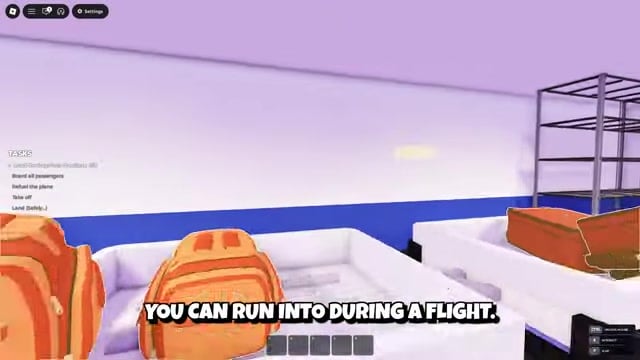
Load the luggage, seat every passenger, and make sure the aircraft has enough fuel before entering the cockpit.
STEP 2/11
Build throttle smoothly
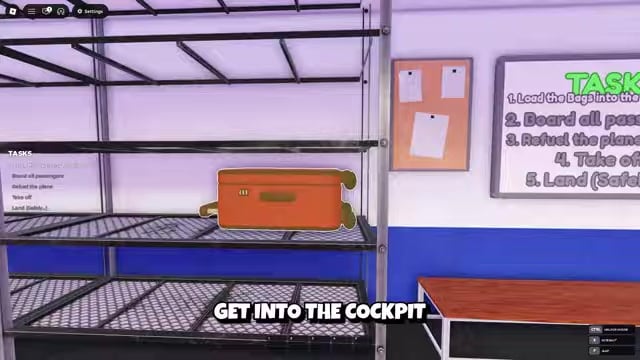
Press Shift gradually so the plane gains speed without a sudden jump in power.
STEP 3/11
Raise the nose gently
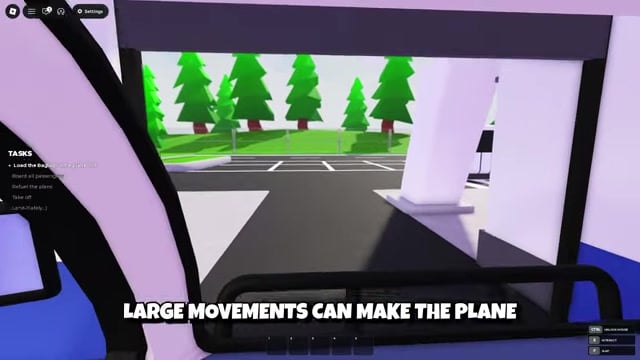
Tap W to lift off, avoiding a long or aggressive input that pitches the aircraft too steeply.
STEP 4/11
Settle into the climb
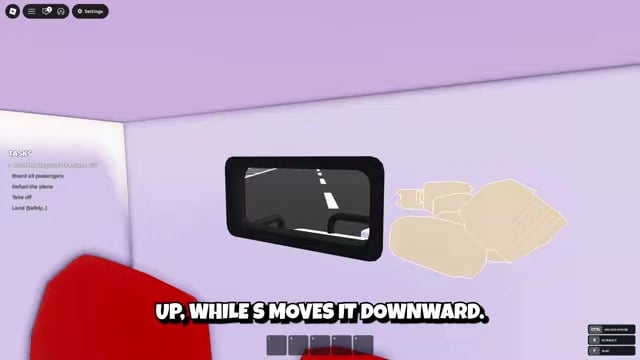
Watch the aircraft’s position and use brief W or S corrections until you reach a comfortable altitude.
STEP 5/11
Establish a steady cruise
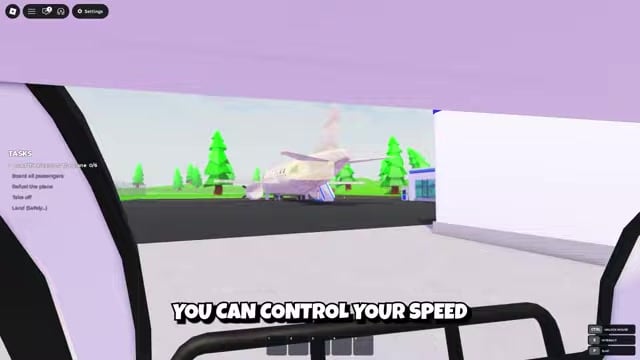
Adjust speed with Shift and Ctrl, then hold it steady so you can focus on altitude and direction.
STEP 6/11
Bank into the turn
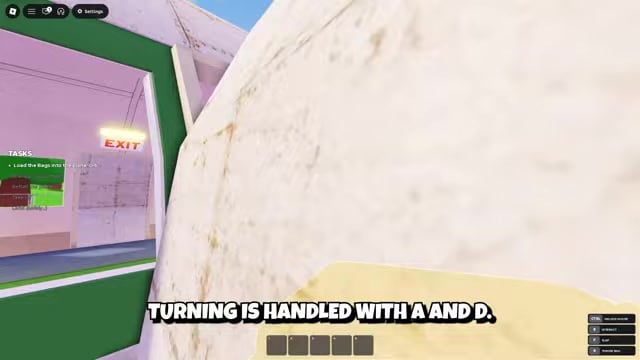
Tap A for left or D for right, releasing the key before the aircraft tilts too far.
STEP 7/11
Level the wings
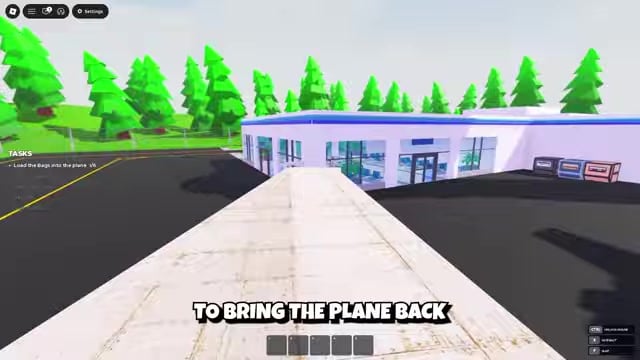
After changing direction, make a small correction and let the plane return toward a level attitude.
STEP 8/11
Begin the approach early
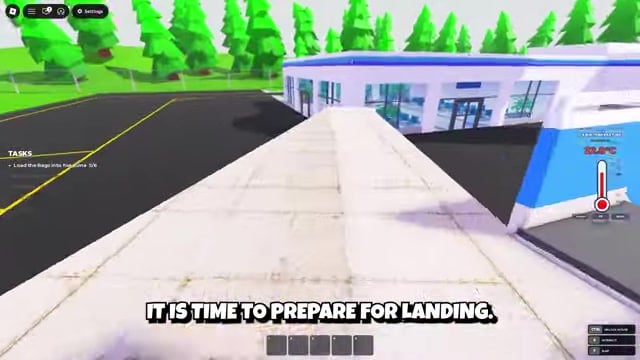
Face the landing direction and use Ctrl to reduce speed gradually before reaching the runway.
STEP 9/11
Descend under control
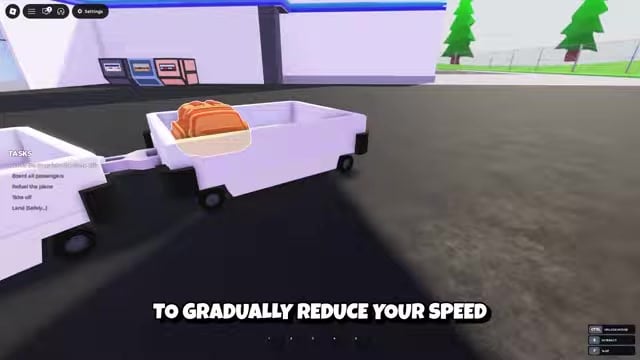
Press S gently while keeping the plane reasonably level and monitoring altitude.
STEP 10/11
Align with the landing path
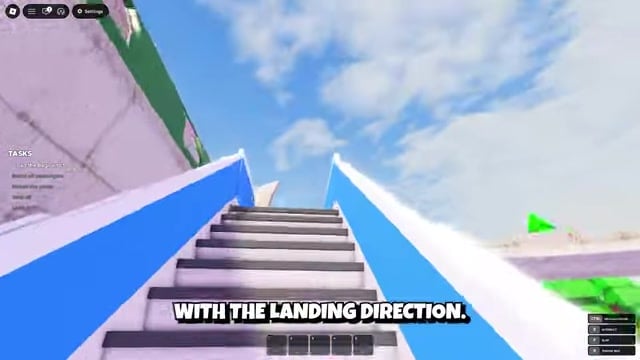
Use restrained A and D inputs to center the aircraft without swinging past the landing direction.
STEP 11/11
Touch down smoothly
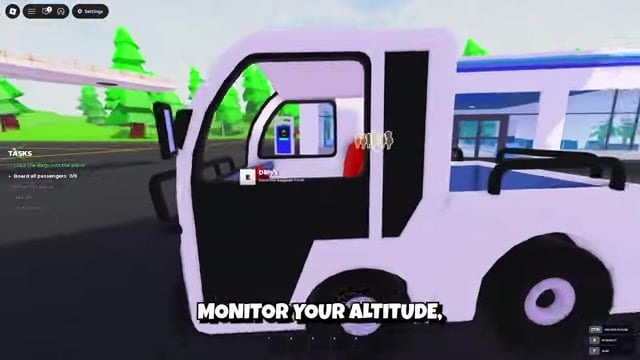
Release each correction, avoid sudden movements close to the ground, and continue with small inputs until the destination registers safely.
Video help
Keep the route stable from climb to touchdown
Around 500 studs is a useful cruising target, although guidance may change while the game remains in beta. During cruise, a shrinking distance indicator suggests that the aircraft is closing on its destination, so follow that progress instead of trying to trace the curves of the islands below.
Set your landing direction early enough to make restrained alignment changes. If Landing Assist appears during the approach, its separate left-right control can help fine-tune the aircraft’s position before touchdown.
Tap a control, release it, and wait for the aircraft to respond; holding a key turns a small correction into a much larger movement.
Recover from stalls, turbulence, and storms
Stall recovery
An overly steep climb can make the aircraft stall and begin falling. Stop making large inputs, use controlled adjustments to stabilize the plane, and work back toward a safe altitude as it responds. Keep checking altitude and direction rather than trying to correct every movement at once.
Turbulence and storm control
When turbulence begins, make the required announcement telling passengers to remain seated. If the ANNOUNCEMENT NEEDED prompt uses the colored-choice flow, repeatedly press E and select the colored option to complete it.
Turbulence shakes the plane, while storms can push it away from its heading. In either case, minimize unnecessary inputs and prioritize altitude, direction, and stability until the disturbance passes.
Handle an engine failure alone or with a crew
A failed engine requires a wrench and a trip onto the aircraft’s wing. Carry the wrench to the damaged engine, complete the repair, and return your attention to keeping the plane stable and at a safe altitude.
With a crew, leave one player in the cockpit while another performs the repair. Assigning that responsibility before departure lets the pilot continue flying while teammates handle engine trouble, power issues, passenger requests, food, and medicine. For other emergencies, match the necessary item or repair to the active problem instead of leaving it unresolved.
A solo pilot must manage the aircraft and its problems without that backup. Prepare important supplies through the Supply Terminal before departure and learn where the terminal, fridge, and power supply are located so an emergency does not turn into a search through the cabin.






Leave a Reply