
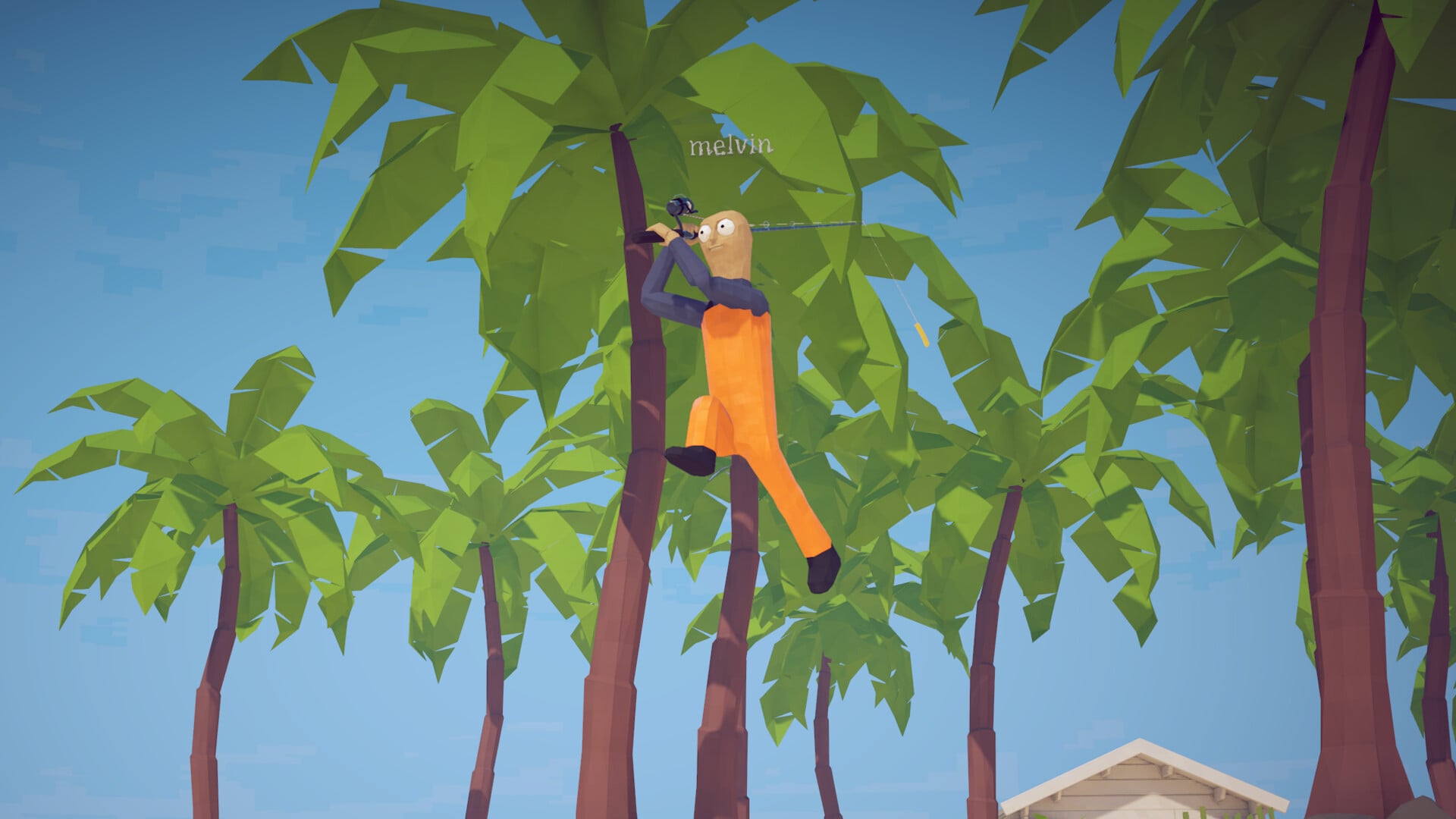
There is no permanent fix yet for How to Fish getting stuck on the main menu. If you cannot create a game or join friends, restart the game and Steam, relaunch every co-op player together, create a fresh lobby, let the host load first, and reboot the PC if needed while waiting for a developer patch.
How to Fish, the physics-based co-op fishing game by Dazed Games on Steam, can leave players stranded at the main menu without a way to start playing. The current build is 1.0.4, and there is no official patch for this specific problem yet. Run the safe checks below in order to clear session, network, and file-related problems without putting your saves at unnecessary risk.
The menu loads, but the player cannot create a game and cannot join a friend’s game. Both paths into the game stop working.
Key The trigger varies between multiplayer services, save data, the current version, the operating system, and temporary session problems. Rule out the easy, reversible causes first before attempting anything drastic.
Safe checks to run first
Restart the game
Close How to Fish completely, relaunch it, and try creating or joining a game again.
Restart Steam
Quit Steam completely, reopen it, and make sure it shows as online rather than in offline mode.
Have every co-op player relaunch
Have all connected players close and reopen the game at the same time before reconnecting.
Create a fresh lobby
Start a brand-new game or save instead of loading the session that froze.
Join only after the host loads
Reboot your PC
If the session remains stuck at the menu, restart the computer and try again.
For co-op, have the host fully load into the world first, then have everyone else join. If it still hangs, all players should close and relaunch the game together.
Co-op and save problems that could be behind it
| Symptom | What to try |
|---|---|
| Cannot create a game | Restart the game and Steam, confirm Steam is online, then start a fresh lobby. |
| Cannot join a friend’s game | Have the host fully load in first, then join; if it still hangs, everyone relaunches together. |
| Items lost after loading a save | Keep gear in your inventory, not on the ground, and avoid repeated forced reloads as a fix. |
| Right mouse unpresses when moving (Linux) | A separate input bug, not the menu lock — menu fixes won’t resolve it. |
When creating and joining games both fail, the main-menu freeze is a co-op or session failure occurring at the final screen before play. Other problems players encounter are separate bugs that require different responses.
One of those is save behavior. Players have lost their entire inventory after loading a save — leaving them with only a fishing rod while their upgraded guns disappear. Avoid repeated forced reloads and save tinkering as a way out of the menu problem, because loading saves carries its own risk. Use the table to match each symptom with the correct response.
What to avoid while a patch is pending
Do not dig into your save files for this issue. The circulated save-file edit changed your spawn to island 5, but the developer patched out that route and it no longer works. It was a shortcut to the final island, not a fix for the main menu.
Manual save edits will not fix the main-menu problem. At best they do nothing, and because loading a save has stripped players’ inventories, changing the files risks trading one problem for a worse one.
Reporting the bug so it gets fixed
Note whether you can create a game
State whether the menu prevents you from starting your own session.
Note whether joining friends fails
State separately whether the problem occurs when joining someone else’s session.
Test a fresh save
Include whether the problem also occurs on a brand-new save with no prior progress.
Give your co-op count
Include how many players were connected when the problem occurred.
List your OS
Add your operating system, since the right-mouse input bug is tied to Linux.
Flag any earlier save issue
State whether item loss or a bad load occurred before the menu problem appeared.
Related How to Fish guides
Frequently Asked Questions
Is there an official fix for the main-menu stuck bug?
No. There is no permanent workaround or patch specifically for the menu freeze yet. The developer actively responds to bug reports on the game’s forum and has agreed to address other problems raised by players, so keep the game updated and install each new version.
Can save-file editing fix this issue?
No. The circulated save edit was a spawn shortcut to island 5, and it has already been patched out. It does nothing for the menu problem, while loading a save can wipe your inventory and leave you with an additional problem.
Is this the same as the save-load item loss bug?
No. They are separate problems. The item-loss bug strips your gear when you load a save, while the menu bug stops you before you enter the game. Only items in your inventory are saved; items left on the ground are not, and the developer has said this will be fixed. If you encounter both, report them as two different issues.






Leave a Reply