
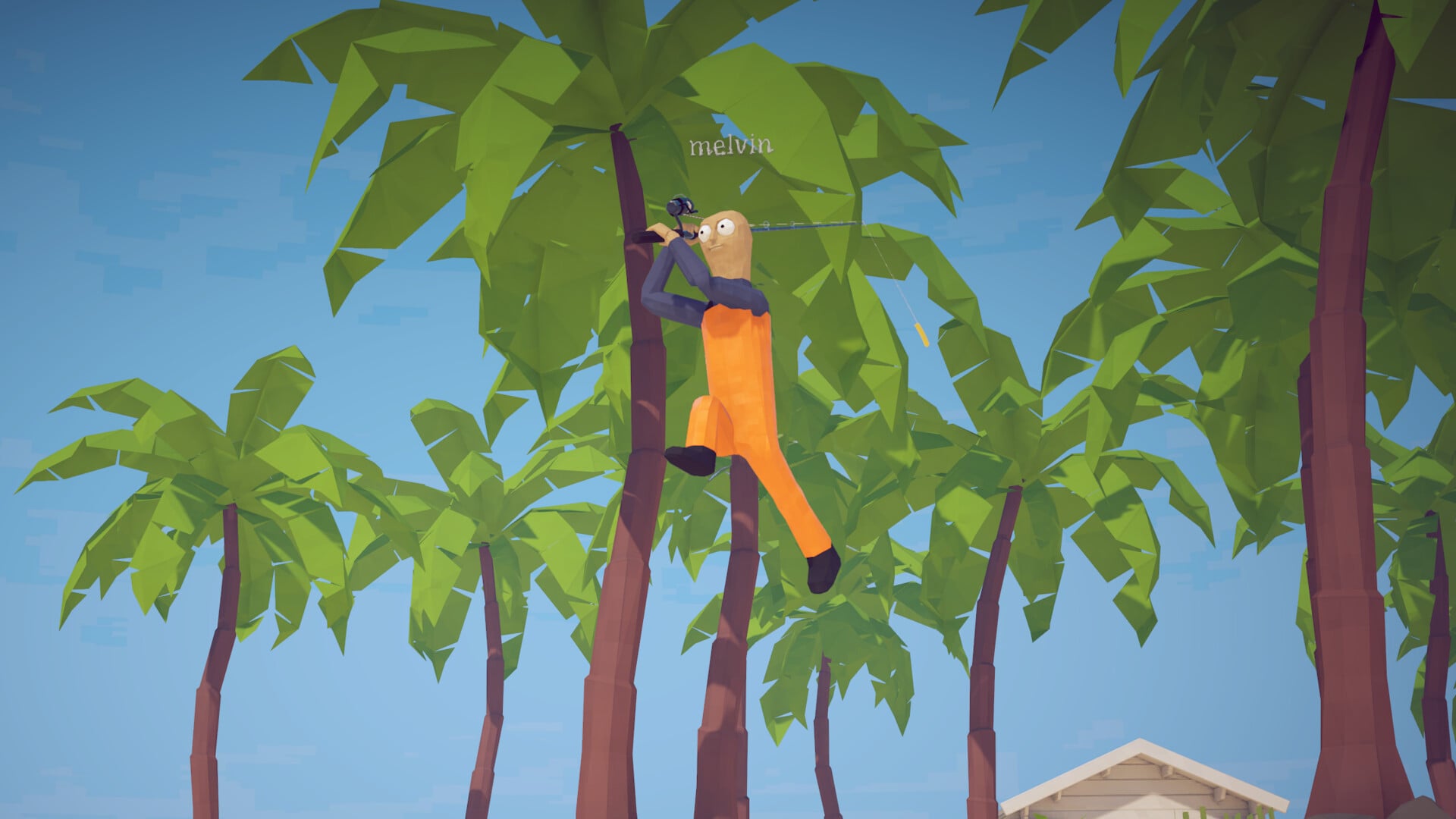
How to Fish includes movement, primary and secondary actions, interact, drop, jump, sprint, crouch, think, bait and weapon-skin changes, previous and next slot, unequip, push to talk, and skip cutscene. Fishing also uses contextual prompts for pulling back the rod, casting, reeling, releasing line, dropping creatures, and caught or endangered-creature notices.
How to Fish is a physics-based fishing game by Dazed Games that released on Steam on August 20, 2026, and it plays as much like a chaotic creature-catching sandbox as a fishing sim. Open the controls screen from the main menu or pause menu to see the current inputs assigned to movement, general actions, item handling, fishing, voice chat, and cutscenes.
Getting the accurate control layout
The controls screen is the full keybind chart for How to Fish. It displays the active keyboard, mouse, and controller inputs together, along with any available rebinding options. Read the assignments directly from this menu to match the current version of the game.
If you already own the game, open the controls or settings screen from the main menu or pause menu. The main actions to check are Movement, Primary Action, Secondary Action, Interact, Drop, Jump, Sprint, Crouch, Think, Change Bait, Change Weapon Skin, Previous Slot, Next Slot, Unequip, Push To Talk, and Skip Cutscene. Some fishing actions appear as contextual prompts while you are holding a rod, carrying a creature, or fighting something on the line.
The game these controls belong to
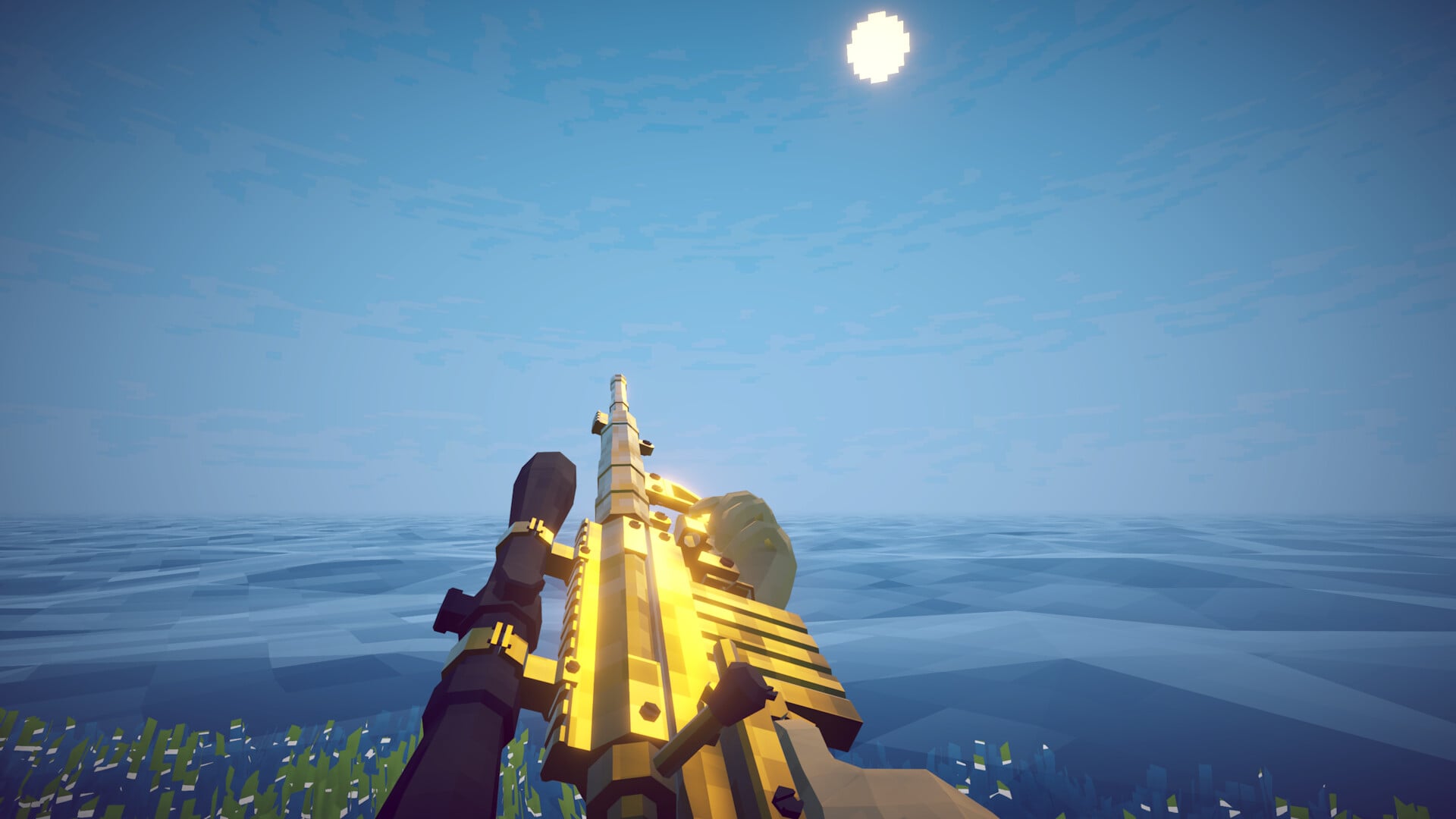
How to Fish supports 1-4 player online co-op, and the loop mixes catching creatures, handling items, buying gear, selling catches, completing NPC quests, and fighting sea creatures. You start with no gear, earn cash by selling items, buy better equipment such as fishing rods, and progress by completing quests around the island.
Key The easy-to-miss control is Think. Thinking reminds you which creatures you have already caught, making it useful when you are trying to track collection progress instead of repeatedly catching the same creatures.
What to capture before a full keybind chart
Movement
Record the bindings for Movement, Jump, Sprint, and Crouch. The tutorial also separates moving from looking: use the movement input to move around, and use the look input to turn the camera and aim your view at items, water, creatures, and NPCs.
Camera and aim
Record the look input for mouse, stick, or controller camera movement. Looking matters because several actions only work while you are aiming at the correct target, such as picking up a clam, talking to an NPC, inspecting a held creature, or casting toward water.
Interact
Record Interact. It is used while looking at items to pick them up, and while looking at NPCs to see what they want. The tutorial starts with a clam pickup because it teaches the basic rule: look directly at the item, then use the interact input.
Firing and weapons
Record Primary Action, Secondary Action, Change Weapon Skin, Previous Slot, Next Slot, and Unequip. Primary Action is used for direct actions such as punching after you unequip what you are holding, while slot controls and Unequip handle switching away from held items or gear.
Fishing
Record Change Bait and the contextual fishing prompts. When you look toward water with a rod, the game prompts you to pull back the rod by holding the assigned input, then cast by releasing it. Once a creature takes the bait, the prompt changes to reel in by holding or spamming the assigned input. Other fishing prompts include Release Line, Drop Creature, Reel In | Drop Creature, Endangered Species, and Creature Caught!.
Boat
Use this section of your chart for any vehicle or water-travel inputs shown by your current controls screen. Do not assume separate boat keys unless they appear there; the confirmed universal movement actions are Movement, Jump, Sprint, and Crouch, with fishing actions appearing through rod prompts near water.
Inventory and menus
Record Previous Slot, Next Slot, and Unequip for item handling, plus any menu inputs shown in your settings. Buying and selling are handled through contextual actions: buy at the store by using the shown purchase input, and sell by carrying an item to the shopkeeper and holding the prompted input to throw it into the shopkeeper’s mouth.
Multiplayer
Record Push To Talk for co-op voice communication. How to Fish supports 1-4 players, so this is the main multiplayer-specific action to note when playing with a group.
Controller support
Connect a controller and record the controller layout beside the mouse-and-keyboard layout. The same action names apply across both input types: movement, primary and secondary actions, interact, drop, jump, sprint, crouch, think, bait and skin changes, slot cycling, unequip, push to talk, and skip cutscene.
Rebinding
Select the listed inputs to see which keys and buttons the controls screen lets you remap. Also note the tutorial actions players often miss: hold the prompted input to eat a creature you are holding, inspect a held item to see details such as a creature’s value, use Think to remember which creatures you have already caught, and use Skip Cutscene when a cutscene prompt is available.
Related How to Fish guides
Frequently Asked Questions
How many players can play How to Fish?
How to Fish supports 1-4 players in co-op.
What do you start with in How to Fish?
You start with no gear or weapons, then earn money to buy better gear, rods, weapons, and other items.
How do you progress to new islands?
You progress by completing quests from NPCs around the island and continuing through the game’s objectives.
What can you do with fish and creatures?
You can catch creatures, drop them, eat held creatures to relieve hunger, inspect them to check details such as value, sell them, or fight them after reeling them in.
What does Think do?
Think reminds you which creatures you have already caught, which helps when you are trying to track collection progress.






Leave a Reply