
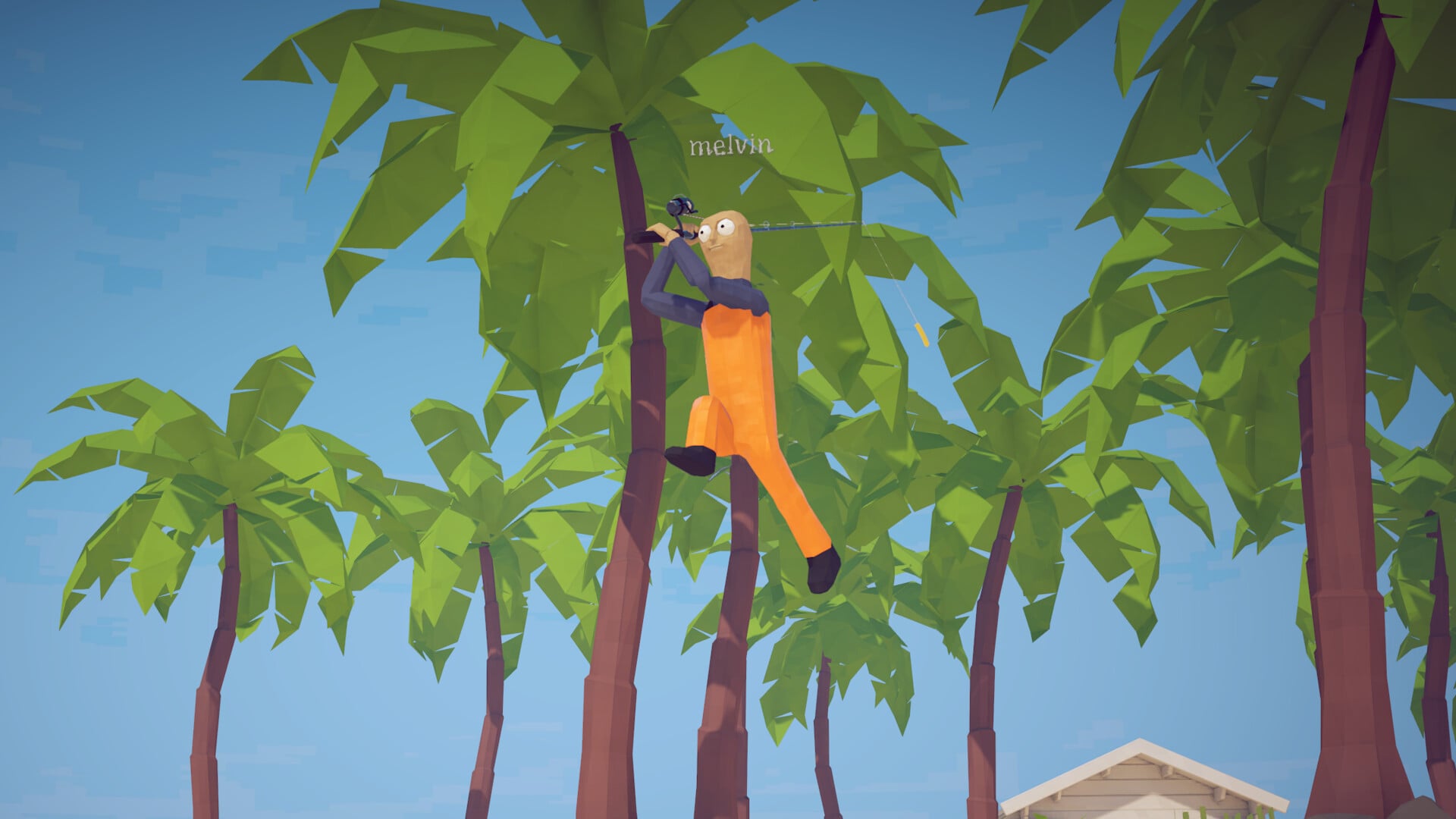
How to Fish has full native controller support, including DualShock and DualSense pads. Plug in a gamepad and play, or use keyboard and mouse if you prefer.
Key How to Fish ships full native controller support, with a dedicated Controller input scheme and gamepad bindings for every action. DualShock and DualSense pads work out of the box. Steam Input is still there if you want to build a custom layout, but you don’t need it to play with a controller.
Where controller support stands today
How to Fish fully supports controllers natively. The game ships a dedicated Controller input scheme alongside its Keyboard and Mouse & Keyboard options, and Dazed Games declares full controller support, including DualShock and DualSense pads. Plug in a gamepad and the game recognizes it right away.
Every core action is mapped for a pad — Movement, Primary Action, Secondary Action, Interact, Jump, Sprint, Crouch, Drop, Change Weapon Skin and more — so the shooting-heavy combat, casting, and fast fish-catching all work on a controller. Keyboard and mouse remain a great option too, especially if you like mouse aiming for precise shots, so use whichever setup feels best.
What the game actually is
How to Fish is a physics-based fishing game from Dazed Games, released on August 20, 2026. It combines fishing with shooter combat: you catch creatures, blast them with weapons ranging from a shotgun to a maxed-out assault rifle, and build style multipliers with every kill.
It supports 1–4 player online co-op, with progression spanning five islands and ending on a volcano before the free-roam post-game begins. Along the way, you upgrade your boat’s engine, fight bosses such as the pufferfish and lava whale, and hunt rare “drip” variants of every fish. Because the combat is fast and aim-heavy, your input method matters — and with full controller support built in, you can pick whichever pad or keyboard-and-mouse setup feels best.
Setting up your controller before you play
Read the Steam store input labels
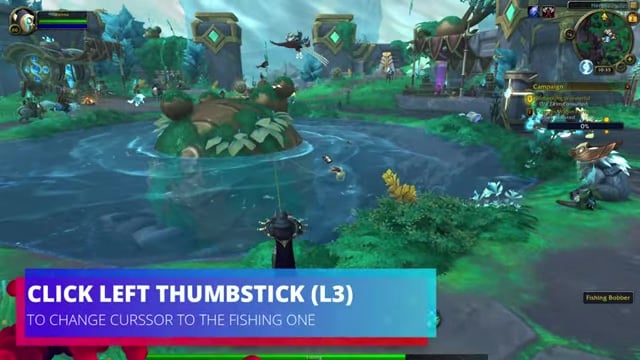
Open the game’s Steam store page and you’ll see Full Controller Support listed, along with DualShock and DualSense controller support. These developer-declared labels confirm a gamepad works before you even launch.
Select the controller scheme in settings
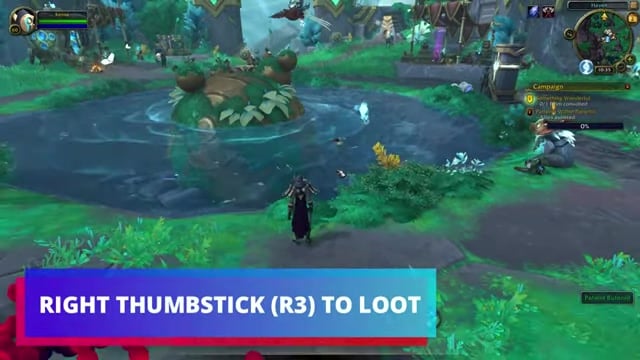
Launch the game and open the controls or input settings. You’ll find a dedicated Controller input scheme next to Keyboard and Mouse & Keyboard, with every action already bound for a gamepad.
Customize your layout with Steam Input (optional)
If you want a custom button layout, enable Steam Input, pick a controller template, and remap to taste. This step is entirely optional — the native controller support already covers standard play.
Keyboard and mouse remain an option
Prefer mouse aiming? Keyboard and mouse are fully supported too, and some players like the extra precision for trick shots and boss fights. Use whichever feels best — both are first-class ways to play.
Related How to Fish guides
Frequently Asked Questions
Does How to Fish have controller support?
Yes. How to Fish has full native controller support, including DualShock and DualSense controllers.
How many players can play How to Fish together?
How to Fish supports 1-4 players in co-op.
What kind of game is How to Fish?
How to Fish is a physics-based fishing game where you fish fish, kill fish, sell fish, buy gear and weapons, complete quests, fight bosses, and progress to new islands.
Who developed How to Fish?
How to Fish was developed by Dazed Games and released on Aug 20, 2026.
What bosses and creatures appear in How to Fish?
Bosses and creatures include the spider crab, piranha boss, pufferfish boss, seagull boss, whale, lava whale, Flying Fish, Superdwarf Fish, and Voxel Fish.






Leave a Reply