

In Palworld 1.0, Favorites are best used as a three-rank lock-and-label system: mark your main combat Pals, base workers, and breeding stock separately so they stay protected and are easier to sort in the Palbox.
Favorites are not just a sentimental marker in Palworld 1.0. They work best as a practical Palbox management tool once your storage starts filling with raid picks, base workers, passive-skill projects, and duplicate breeding candidates.
The exact default PC keybind for toggling Favorites can vary by settings, so use the control prompt shown in your own Palbox instead of relying on a fixed key.
What Favorites do in Palworld
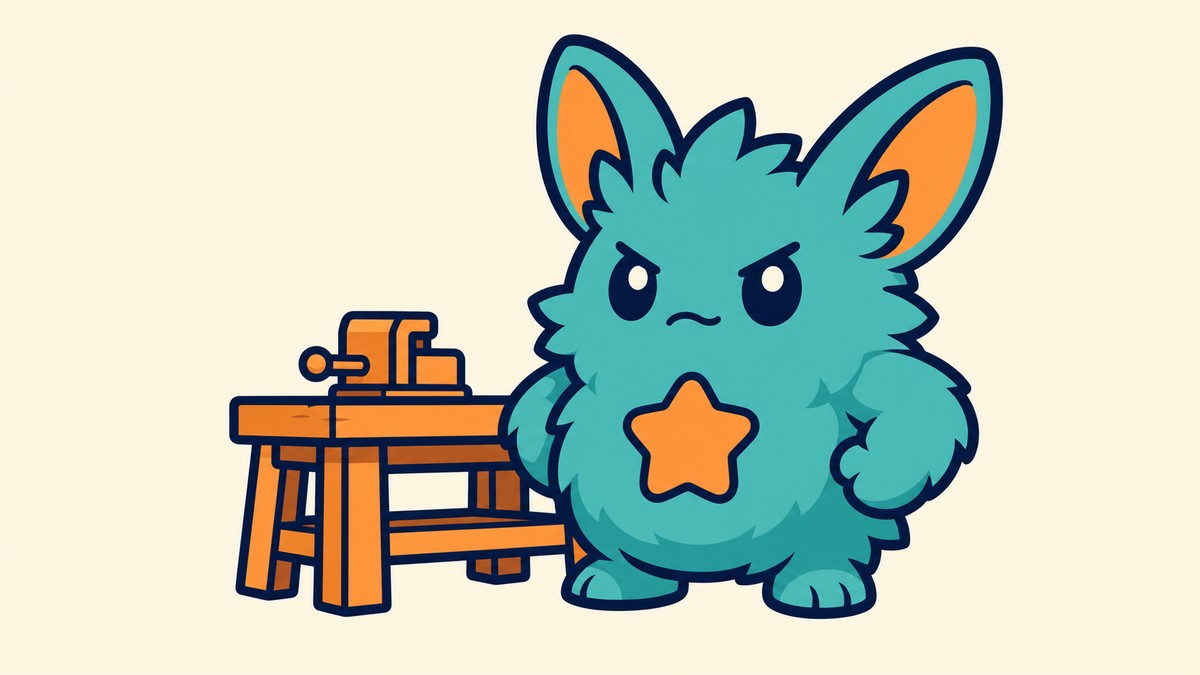
A Favorite adds a visible yellow lock marker with a rank, such as I, II, or III, to a Pal. That marker lets you protect important Pals from removal-type actions and makes them easier to pull out of a crowded Palbox later.
The system is strongest when you treat it as both a lock and a label. Instead of scrolling through dozens of similar Pals, you can sort or filter around Favorite rank and quickly find the group you meant to keep.
Favorite ranks for combat, work, and breeding
| Favorite rank | Use |
|---|---|
| Favorite I | Main party, combat, exploration, and raid Pals. |
| Favorite II | Trusted base workers for mining, logging, farming, and automation. |
| Favorite III | Breeding stock, rare passive-skill holders, and high-IV candidates. |
KEY!Use the three ranks as separate lists. You can swap the meanings if your setup is different, but keep one meaning per rank or the sorting loses value fast.
This keeps your everyday roster readable: rank I is what you fight with, rank II is what keeps bases running, and rank III is what you are saving for long-term builds.
How to favorite a Pal in the Palbox
Open the Palbox

Go to your Palbox and bring up the stored Pals list.
Select the Pal

Highlight, hover, or select the Pal you want to protect or label.
Toggle the Favorite rank
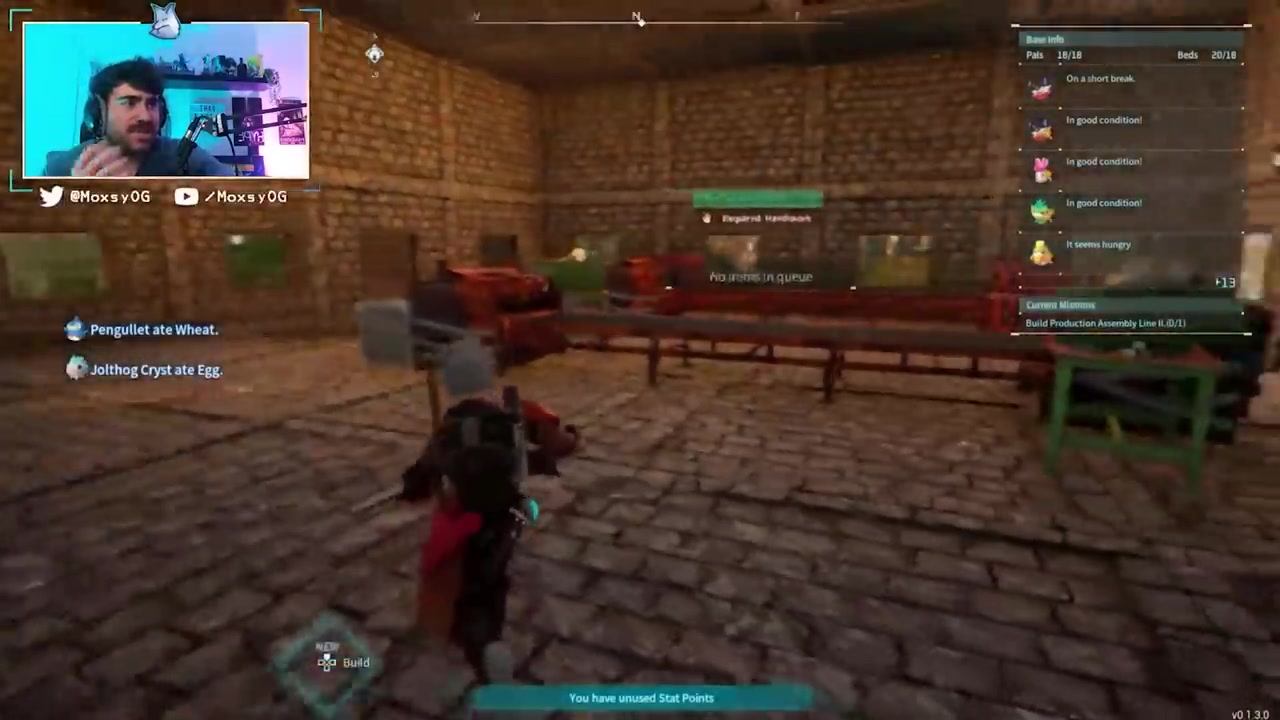
Use the on-screen Favorite prompt to turn on a rank or cycle between I, II, and III.
Sort by Favorite rank
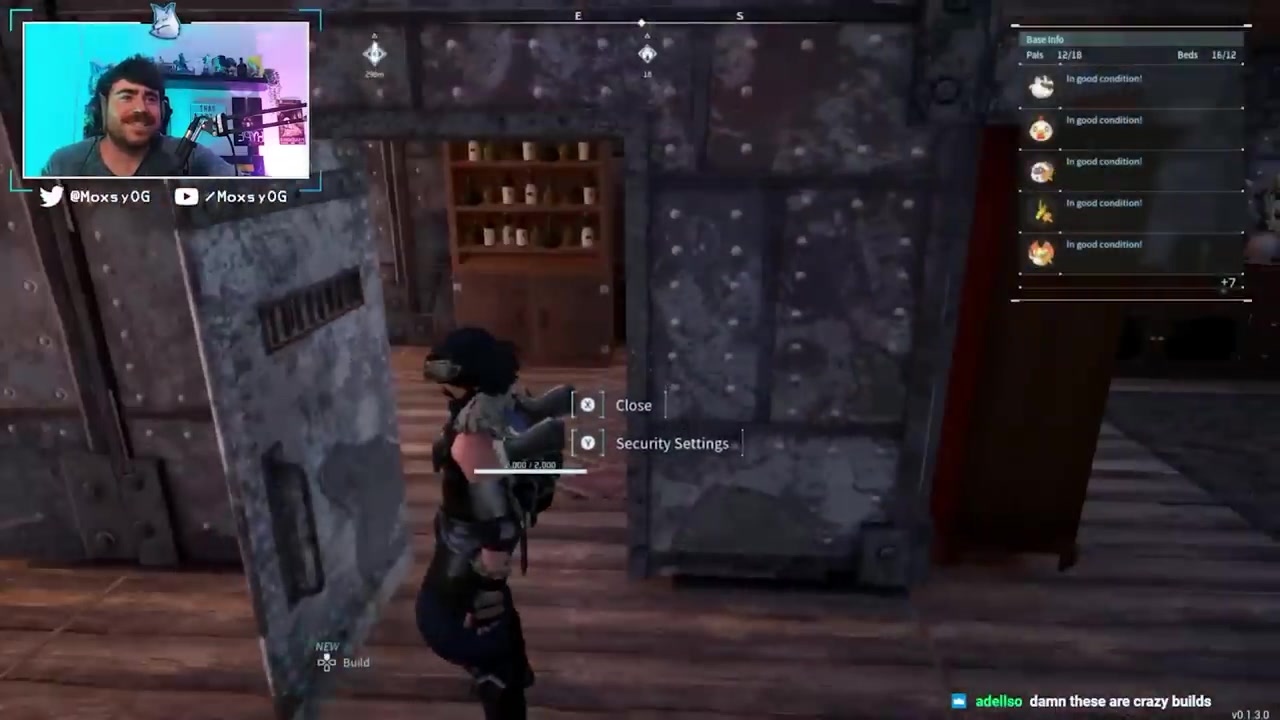
Use the Palbox sorting or filtering options to bring matching Favorite ranks together.
Adjust ranks later

Change or remove the Favorite marker when a Pal moves from combat use to breeding, base work, or storage.
Organization setups for different goals
If you play around combat and raids, keep Favorite I strict. Put only your main party, boss-ready Pals, and exploration staples there, so the rank works like a quick roster shortlist instead of another messy storage tab.
For base automation, use Favorite II on Pals you actually rely on for jobs. That makes it easier to rebuild or rebalance bases when you move workers between mining, logging, farming, production, and other assignments.
For breeding projects, Favorite III should hold the Pals you are not using right now but cannot afford to lose: passive-skill carriers, high-IV candidates, and parents you may need again. You can also use the three ranks as priority tiers inside breeding, with one rank for your best passive matches, one for partial matches, and one for useful backup candidates.
Pick your rank meanings before you start tagging: combat on I, base workers on II, and breeding stock on III keeps the Palbox useful even when it gets crowded.
Gold lock problems and messy ranks
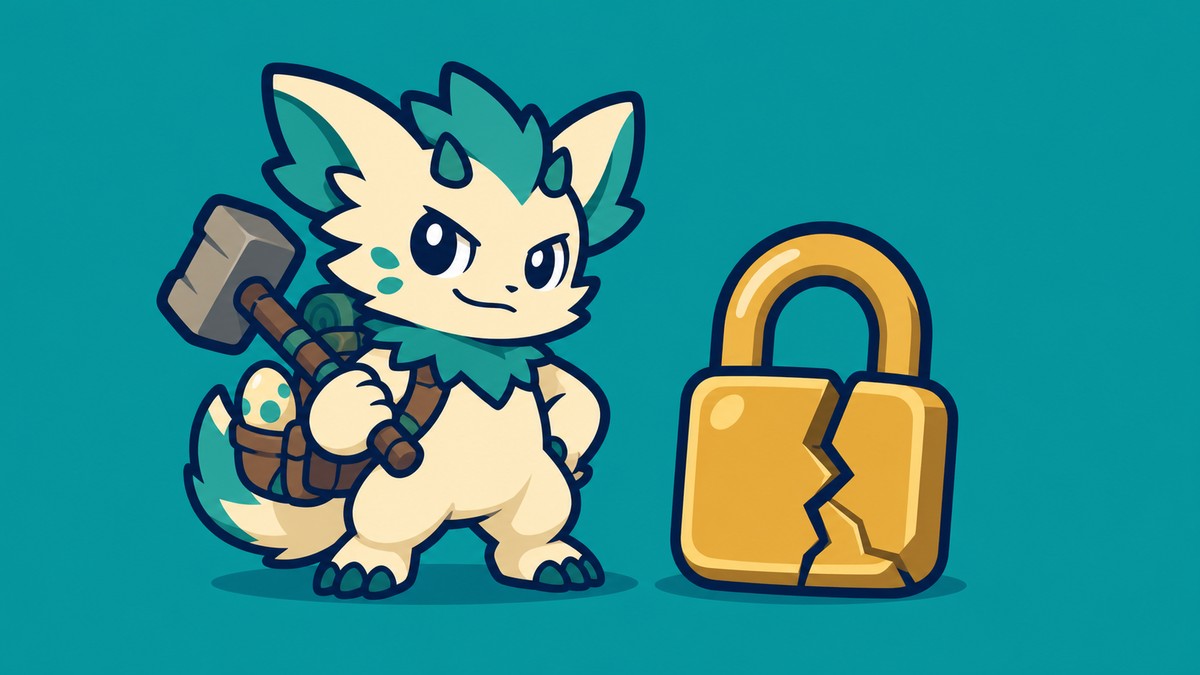
If a Pal has a gold or yellow lock, it is favorited. When the game blocks a release, deletion, sacrifice, drop, or similar removal action, check the Favorite marker first and remove it only if you are sure that Pal is no longer protected.
The other common mistake is mixing too many roles inside one rank. If Favorite I contains your raid team, spare workers, random passives, and half-finished breeding parents, sorting by Favorite rank stops answering a useful question.
Systems to check after Favorites
Once your Favorites are clean, the next systems to tidy up are Global Palbox management, passive-skill breeding, Mutation, Awakening, and long-term roster planning. Favorites give those systems a cleaner foundation because your valuable Pals are already marked before you start moving, breeding, upgrading, or trimming storage.
Frequently Asked Questions
Does favoriting a Pal protect it from accidental removal?
Yes. A favorited Pal is protected from certain removal-type actions, which is why Favorites are useful for your main fighters, reliable workers, and breeding stock.
What should Favorite I, II, and III mean?
A clean setup is I for combat, II for base work, and III for breeding. The labels can be personal, but each rank should have one clear job.
Can I change Favorite ranks later?
Yes. Favorite ranks can be changed from the Palbox, so a Pal can move from your party list to your breeding list when its role changes.
Why can’t I release or remove a Pal with a gold lock?
The gold lock means the Pal is favorited. Remove the Favorite marker first, then repeat the action only if you meant to remove that Pal.
Should breeding Pals be favorited?
Yes, especially Pals with valuable passive skills, strong IVs, or rare combinations you may need again. Breeding projects create a lot of near-duplicates, and Favorites help protect the ones that matter.
Video help






Leave a Reply