

To extract in VV: Ultimatum, finish your mission objective, go to a designated Extraction Point, use the World Portal there, and wait out the extraction instead of leaving early.
Extraction is the proper way to cash out of a mission or run in VV: Ultimatum. It is not the same as teleporting somewhere else, backing out through a menu, or force-closing Roblox; the run needs to be ended through an Extraction Point with the World Portal so your progress is handled correctly.
When extraction is the right way to leave

Use extraction after the mission objective is finished and you are ready to bank the EXP from that run. The important part is the order: finish the objective first, then leave through the designated extraction system.
If you leave too early, the game can cut into your earned EXP. The EXP bar includes a visual line that shows the portion at risk when extracting before the mission is complete, so treat that bar as your warning before you commit to leaving.
How to extract safely in VV: Ultimatum
Follow this order whenever you want to leave a mission without throwing away avoidable progress.
STEP 1/5
Complete the mission objective
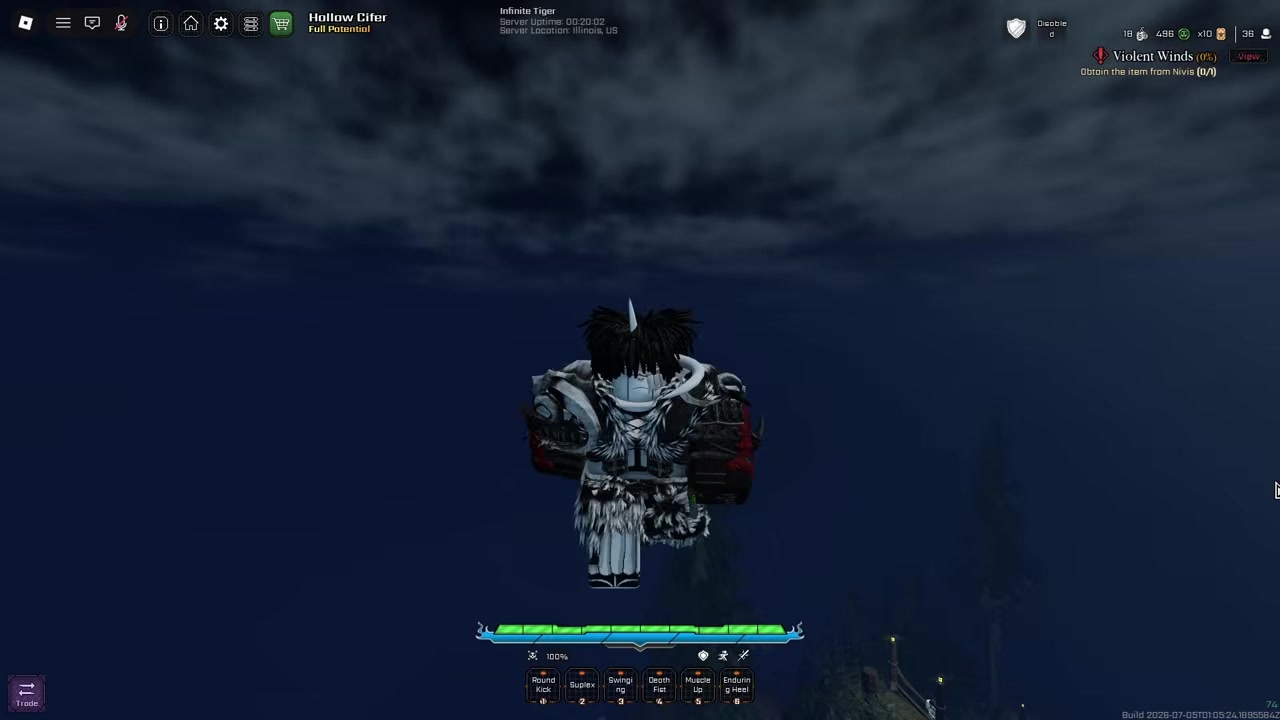
Finish the run’s required task before trying to leave.
STEP 2/5
Check that the run is ready to end
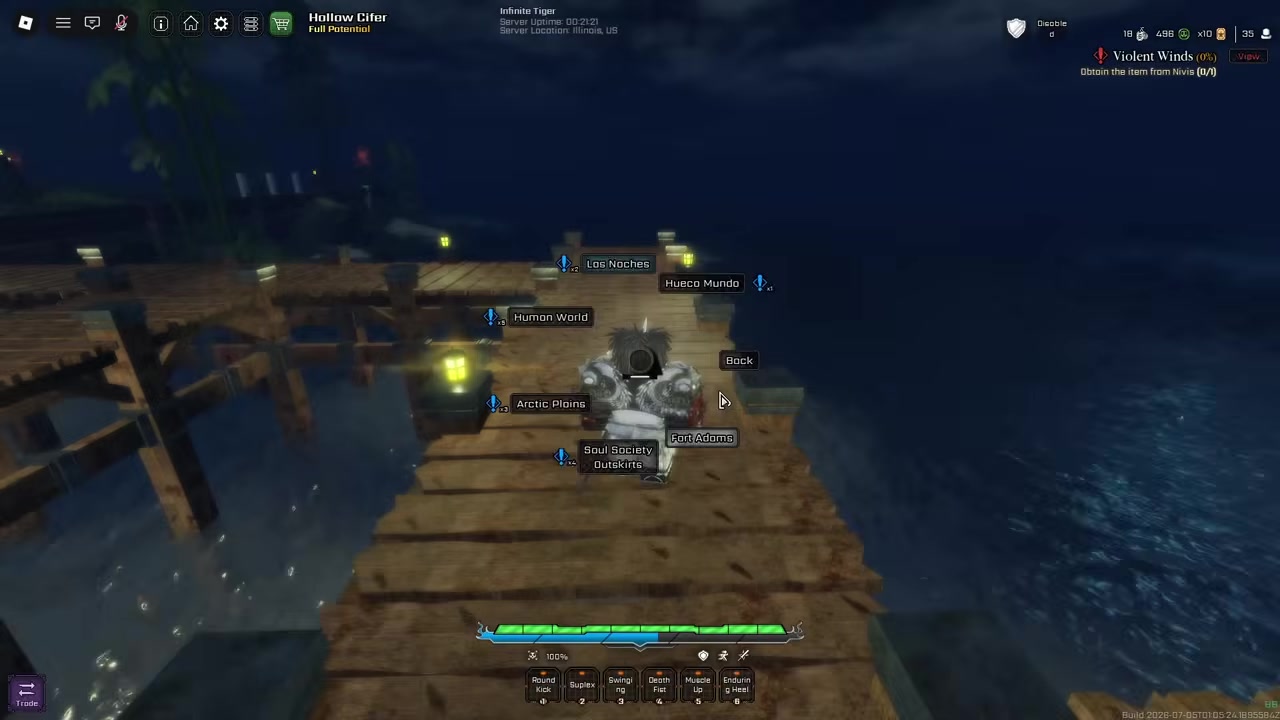
Look at your mission state and EXP bar so you are not extracting while progress is still at risk.
STEP 3/5
Find an Extraction Point
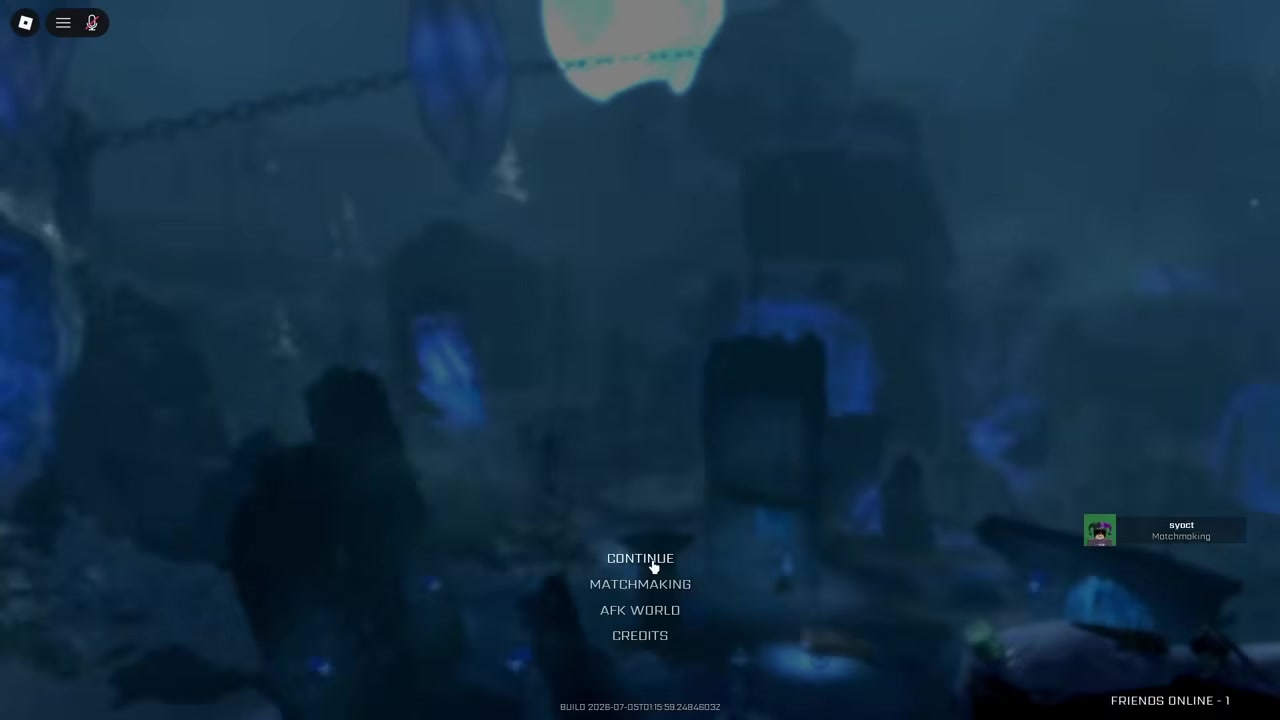
Go to a designated extraction location in the mission area.
STEP 4/5
Use the World Portal
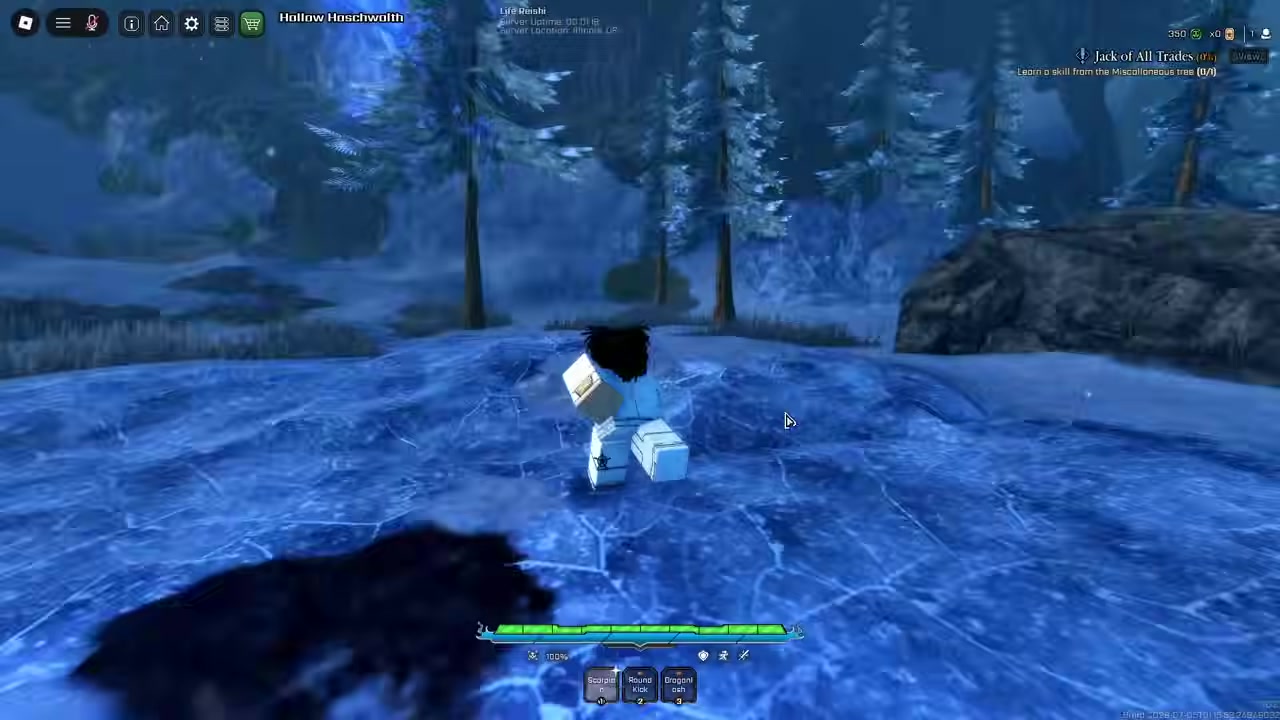
Start extraction through the World Portal at the Extraction Point.
STEP 5/5
Wait for extraction to finish
Stay in the extraction process until it resolves; leaving early can cost progress.
Video help
What early extraction does to EXP
Early extraction can trigger an EXP loss warning. The game’s EXP bar has a horizontal marker that indicates the amount of EXP that can be removed if you extract before the mission is properly completed.
KEY!The exact penalty amount is not fixed in the available in-game wording, so do not plan around a specific percentage. The safer habit is simple: if the objective is not done and the bar still shows EXP at risk, keep playing until the mission is ready to cash out.
Check your EXP bar before using the World Portal; if the warning line still matters, finish the objective before extracting.
Staying alive during the extraction window
| Situation | What |
|---|---|
| Extraction Point is far away | Choose your route before farming too deep. |
| High-traffic PvP path | Detour if possible instead of forcing the obvious lane. |
| Enemies close in during extraction | Use mobility or crowd control to create space. |
| Timer pressure starts | Save burst, heals, shields, or buffs for this moment. |
| Grouped run | Call out enemy positions and cover the player extracting. |
Once extraction begins, do not treat the run as over until the process finishes. Depending on the area and run conditions, you may still have to deal with enemies, hostile players, or pressure around the exit point.
Plan your route before you start farming heavily. If the shortest path runs through a busy PvP lane, take the cleaner route instead, and save your strongest movement, crowd control, burst damage, heals, or shields for the final window rather than spending everything on the way there.
Common extraction mistakes
| Mistake | Fix |
|---|---|
| Trying to leave before objectives are complete | Finish the mission first. |
| Ignoring the EXP bar | Check the risk line before extracting. |
| Assuming every area has an instant exit | Find the actual Extraction Point. |
| Starting extraction while unprepared | Heal, reset cooldowns, and clear pressure first. |
| Confusing other teleports with extraction | Use the World Portal at an Extraction Point. |
Most bad extracts come from rushing the last part of a run. If you treat extraction as part of the mission instead of the thing that happens after it, you are less likely to lose EXP or get caught at the exit.
Zones and missions that change extraction safety
Some zones, special areas, boss arenas, or dangerous missions can make extraction less immediate or less safe. That does not change the core method, but it does mean you should check whether an objective must be cleared before the exit becomes available.
If dangerous missions are causing interceptions or making the route too risky, adjust your mission choices before committing to a long farm. The goal is to reach the Extraction Point with enough resources left to survive the final window.
Frequently Asked Questions
Can you extract before finishing a mission?
You can try to leave through extraction before a mission is finished, but doing so can cost EXP. Finish the mission objective first whenever you want to keep your run’s progress.
Do you lose EXP if you extract early?
Yes, extracting early can remove EXP. Watch the EXP bar’s horizontal line, since it shows the portion that may be lost when you leave before the mission is complete.
Do you need the World Portal to extract?
Yes. Proper extraction uses the World Portal at a designated Extraction Point. Other teleports or movement options should not be treated as mission extraction.
Why is extraction not working in some areas?
The area may require an objective first, or you may not be standing at a real Extraction Point. Some special zones, boss arenas, and dangerous missions can also make the exit less straightforward.
Is force-closing Roblox the same as extracting?
No. Force-closing Roblox is not extraction. To cash out properly, finish the objective, use the World Portal at an Extraction Point, and wait until the extraction completes.




Leave a Reply