
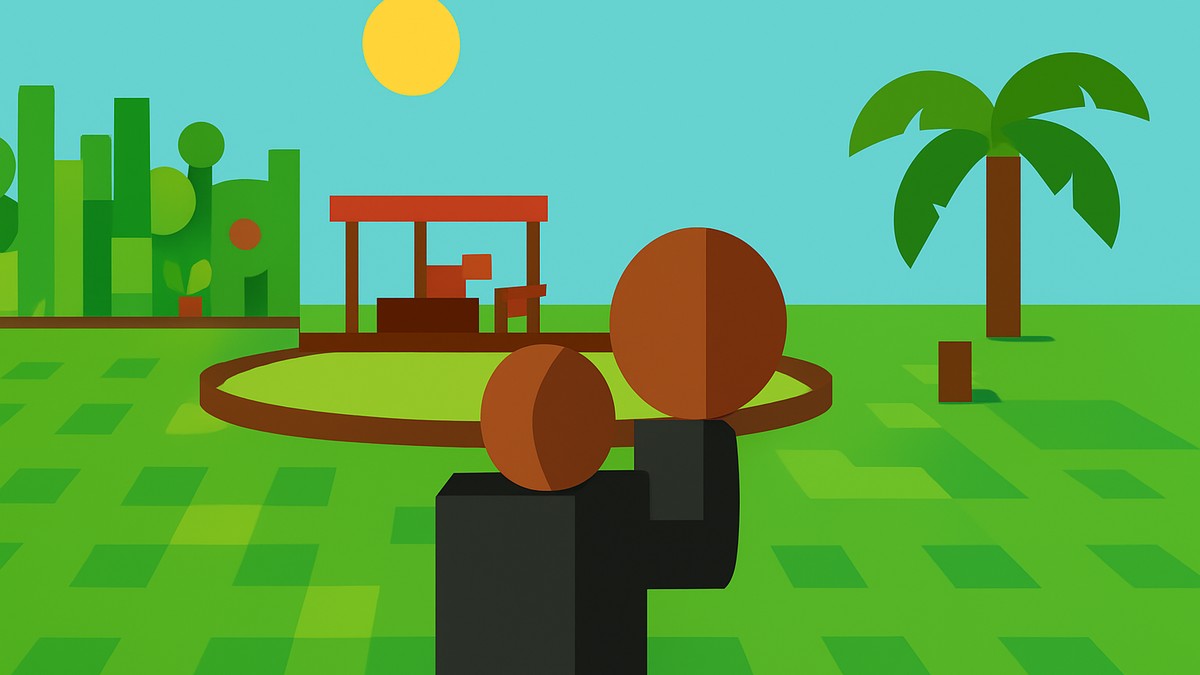
To drop fruits in Grow a Garden 2, equip or hold the fruit first, then press Backspace on PC or tap the on-screen Drop button on mobile.
The drop action is meant for placing an item into the world, so the fruit appears on the ground instead of staying in your hand or inventory. The same control can also be used for pets and gears when those items are being held.
Fast PC and mobile controls
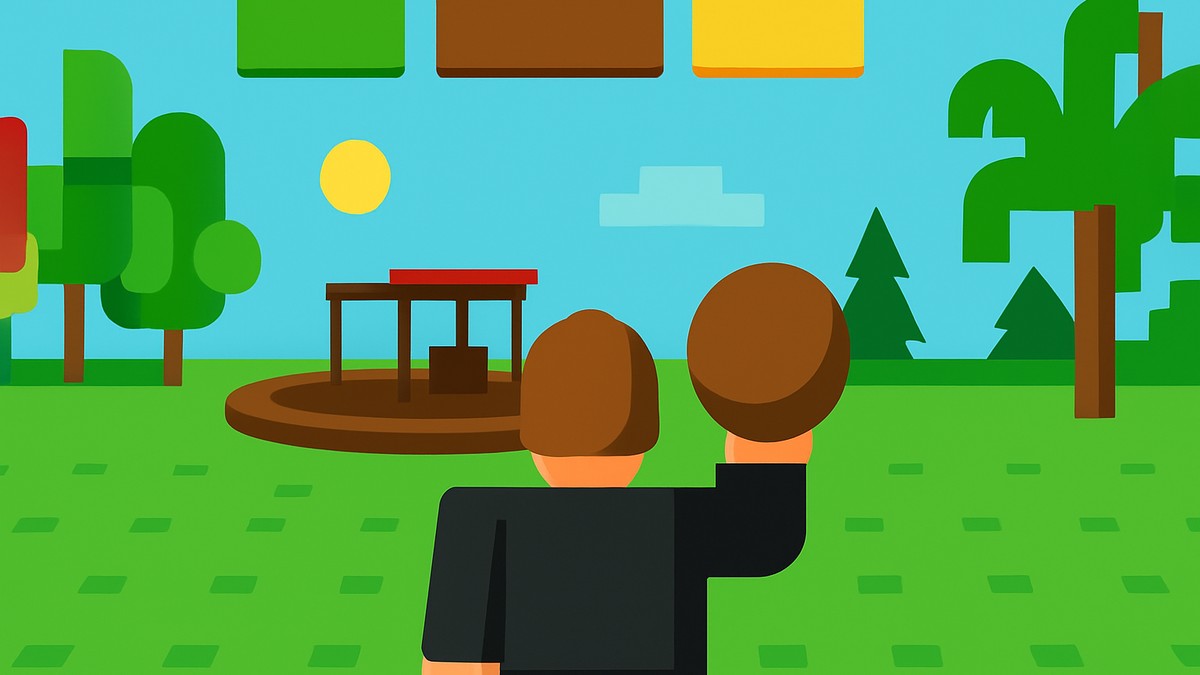
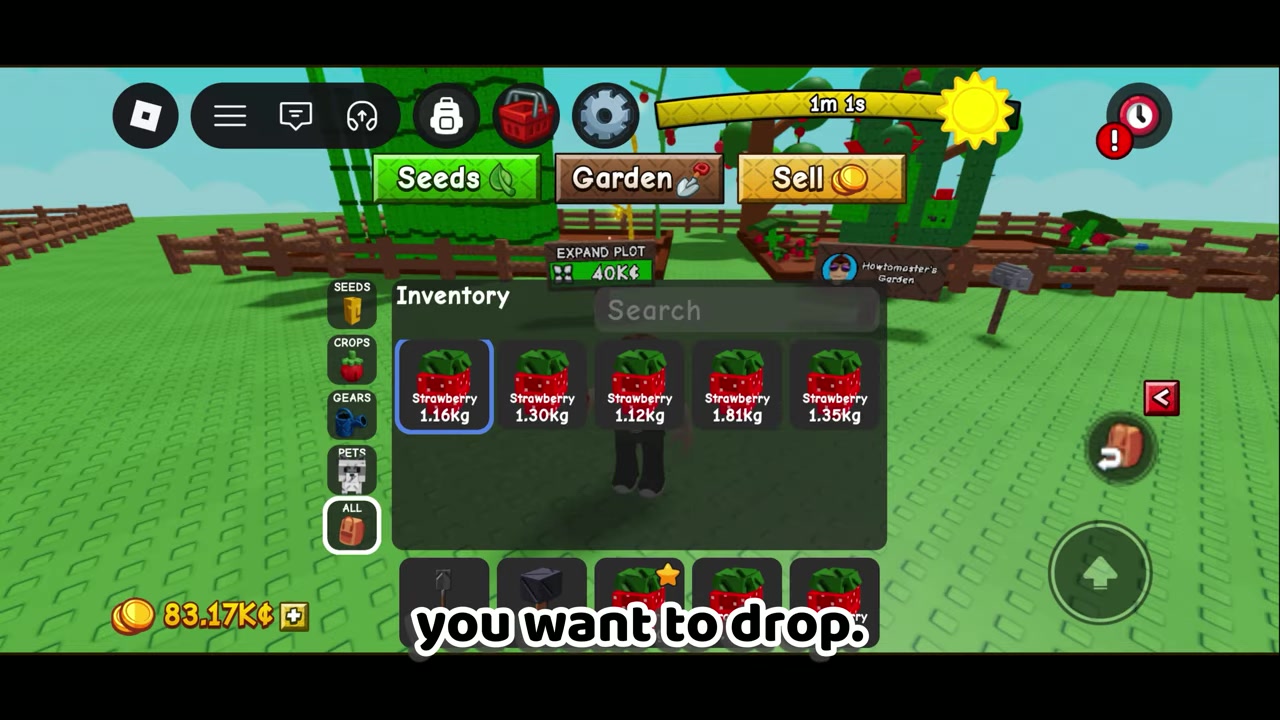
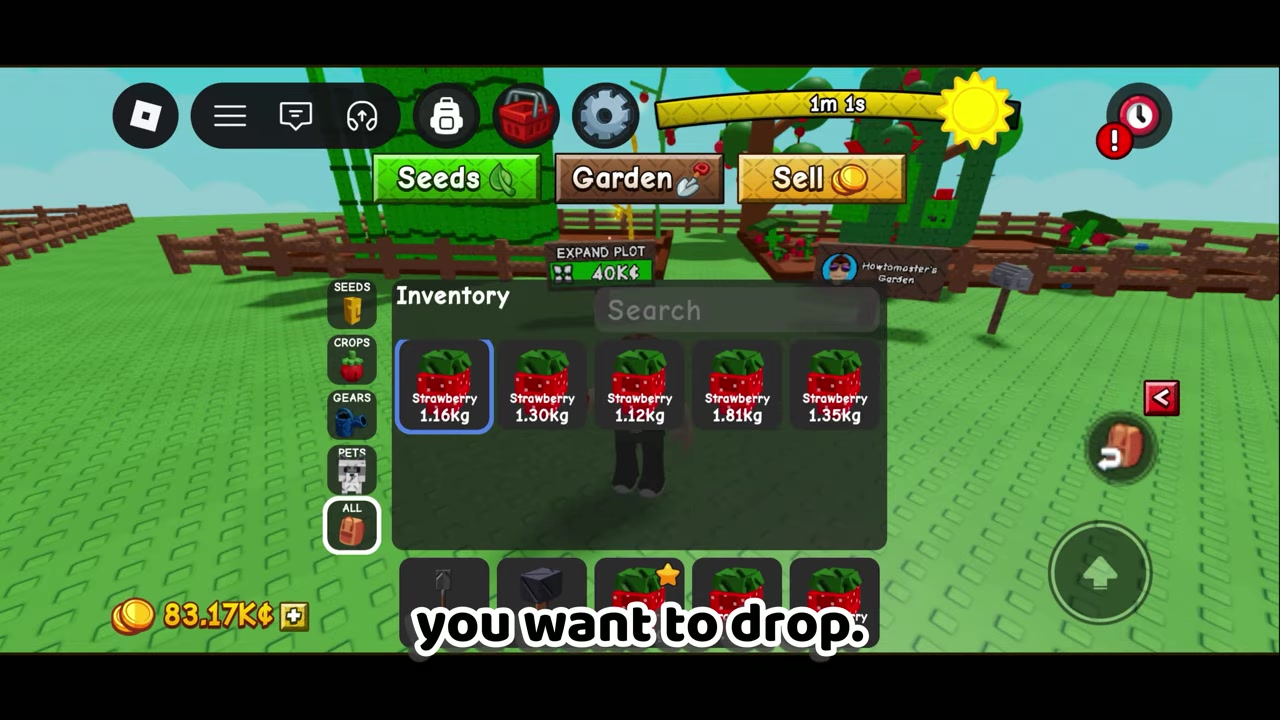
On PC, hold the fruit you want to drop and press Backspace. On mobile, hold the fruit and wait for the Drop button to appear on your screen, then tap it.
How to drop fruits on PC and mobile in Grow A Garden 2
STEP 1/6
Hold the fruit
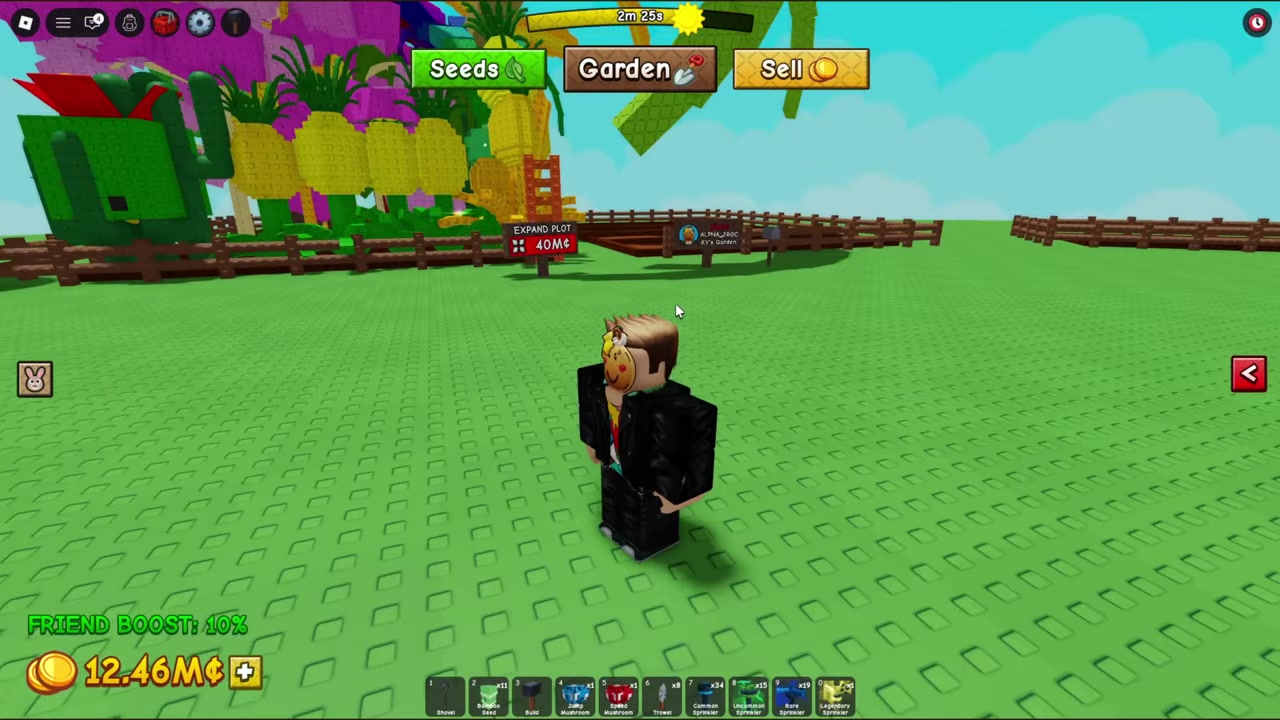
Equip or hold the fruit you want to place on the ground.
STEP 2/6
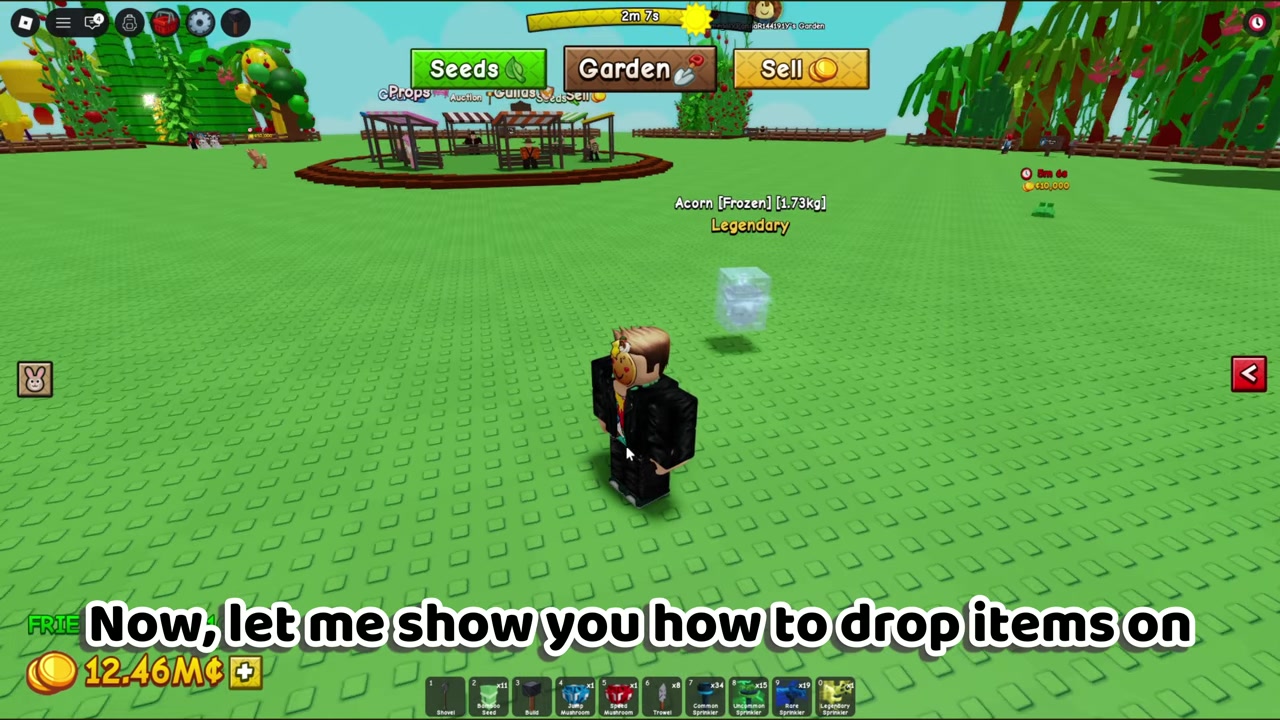
Press Backspace on PC
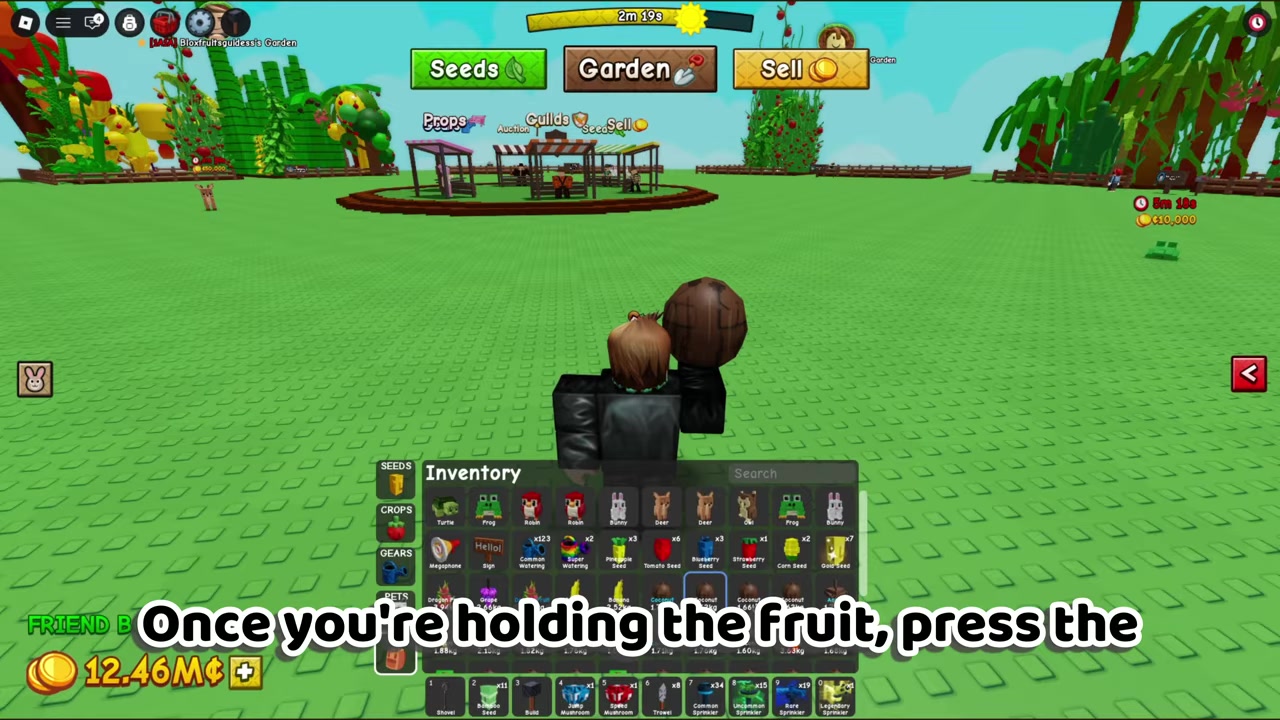
While the fruit is in your hand, press Backspace on your keyboard.
STEP 3/6
Check the ground
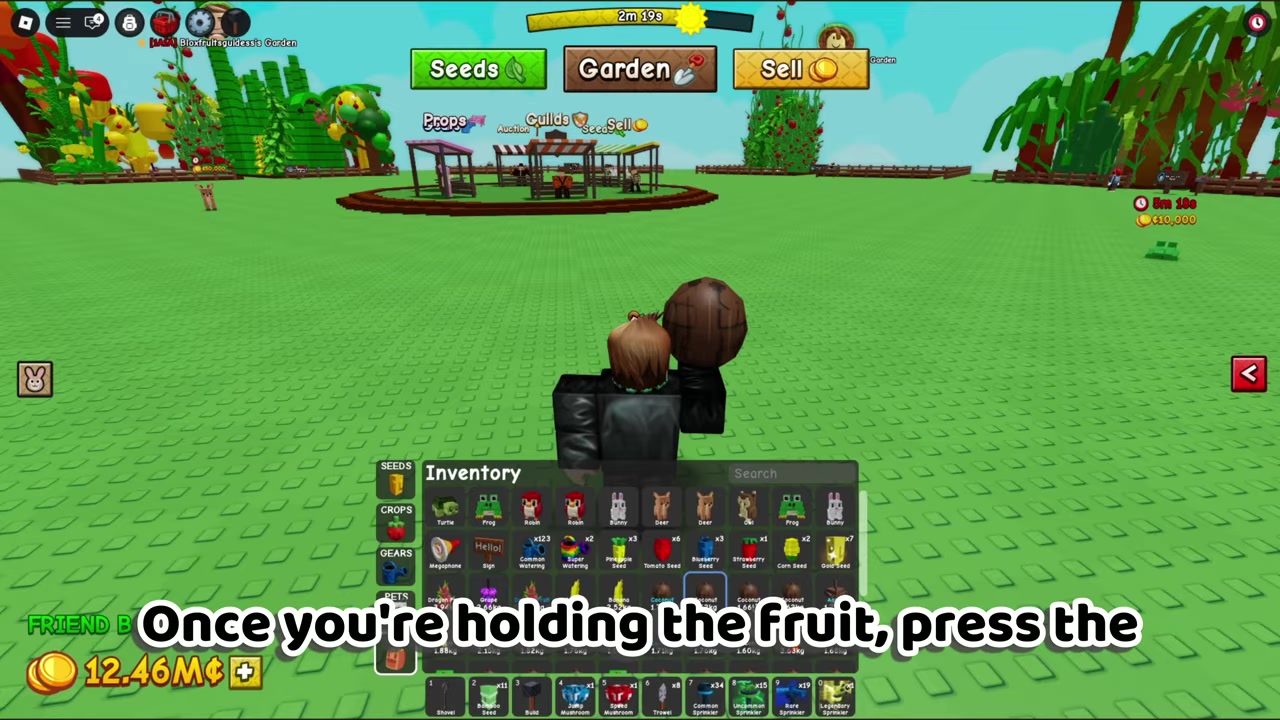
The fruit should instantly drop near your character instead of staying held.
STEP 4/6
Hold an item on mobile
On mobile, hold the fruit, pet, or gear you want to drop.
STEP 5/6
Wait for Drop
Keep the item held until the on-screen Drop button appears.
STEP 6/6
Tap Drop
Tap Drop to place the held item on the ground.
Video help
On mobile, the flow is built around the on-screen button rather than a keyboard key. Hold the fruit, pet, or gear first, then look for the Drop button that appears while the item is selected.
If Drop is not working, reselect the fruit so it is visibly held before pressing Backspace or tapping Drop.
What dropping fruit actually does
Dropping a fruit places it on the ground near your character. It is not the same as selling produce, so you should not expect to earn Sheckles just because you dropped an item.
To earn Sheckles, you sell produce through the game’s selling flow. Dropping is better treated as a positioning action: players may use it to show an item, move it near another player, or set up a trade-like interaction, but it is not the same system as mailbox-style item sending.
Because Grow A Garden 2 also has item transfer and stealing-related mechanics, do not assume every dropped item is protected. Use dropping only when you are comfortable with the risk of placing that item in the shared world.
Fixes when Drop does not appear
| Problem | Likely cause | What to try |
|---|---|---|
| Backspace does nothing | The fruit may not be actively held | Equip or reselect the fruit, then press Backspace again |
| Drop is not showing on mobile | The item is not selected long enough | Hold the fruit, pet, or gear until the button appears |
| Drop looks disabled | The item may be favorited | Unfavorite the fruit, then check the Drop control again |
| PC input feels different | Controls may vary between keyboard and inventory UI | Try the inventory Drop button if Backspace fails |
If the drop control does not work, first check the simplest thing: the fruit must be the active held item. Opening an inventory or having a fruit somewhere in your backpack is not always the same as holding it in your hand.
There is also a small PC-control wrinkle. The clearest input shown for PC is Backspace, while some players describe using a clickable Drop button in the inventory. If Backspace does nothing for you, try selecting the item through the inventory and looking for a Drop control there.
Before dropping valuable fruits
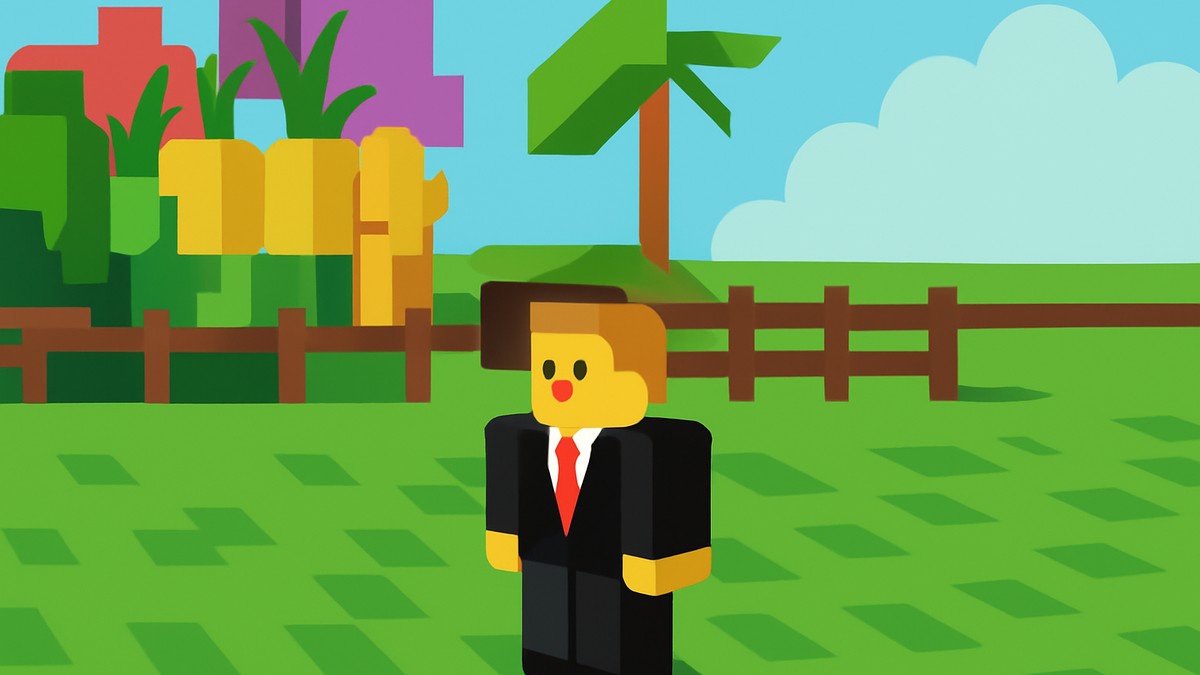
It is not yet confirmed from the available in-game guidance whether dropped fruits can be stolen by other players or whether they despawn after a certain time. Until those rules are clearer, treat dropping as a temporary action and pick valuable items back up quickly.
Frequently Asked Questions
Can you drop pets and gears too?
Yes. The same drop action works for fruits, pets, and gears when the item is being held.
What is the PC key to drop fruits?
The PC key shown for dropping a held fruit is Backspace. If that does not work, select the fruit in your inventory and look for a clickable Drop control.
Why is the Drop button not showing on mobile?
The Drop button appears after you hold the fruit, pet, or gear. If it is missing, reselect the item and make sure it is actually the active held item.
Does dropping fruit sell it for Sheckles?
No. Dropping only places the fruit on the ground. Selling produce for Sheckles is a separate action through the selling flow.
Can other players take dropped fruits?
That is not confirmed clearly yet. Since the game includes stealing-related mechanics, avoid dropping valuable fruits around other players unless you are prepared for possible risk.
More questions⤵
Can dropped fruits despawn?
There is no confirmed despawn timing for dropped fruits. For valuable items, drop them only briefly and pick them back up as soon as you are done.






Leave a Reply