
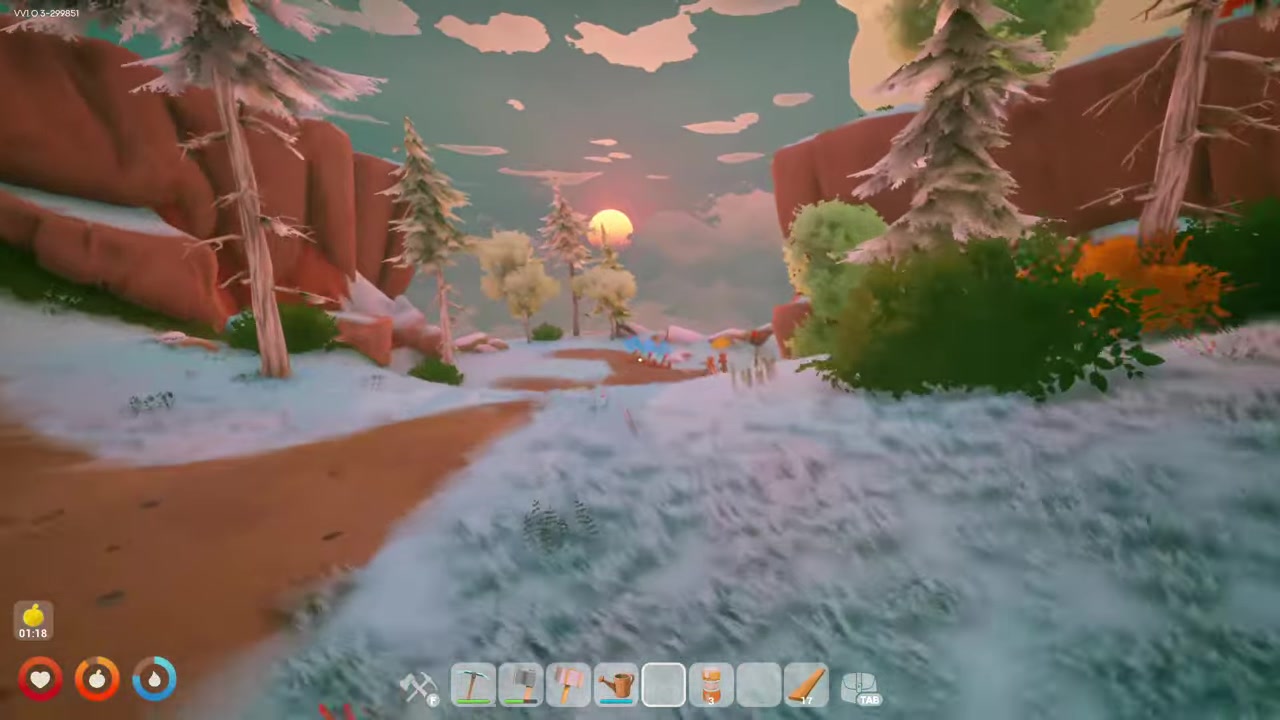
To customize your character in Solarpunk, open the game, pick the Character option from the main menu, cycle through the outfit, skin type, body type, hair, and hair-color choices until you like the look, then press Save.
Character customization in Solarpunk is quick and lives entirely in one menu. From the main menu you jump straight into the Character screen, flip through a handful of appearance options, and lock in your choice. The whole thing takes under a minute, and nothing about your look is permanent.
How to customize your Solarpunk character
STEP 1/5
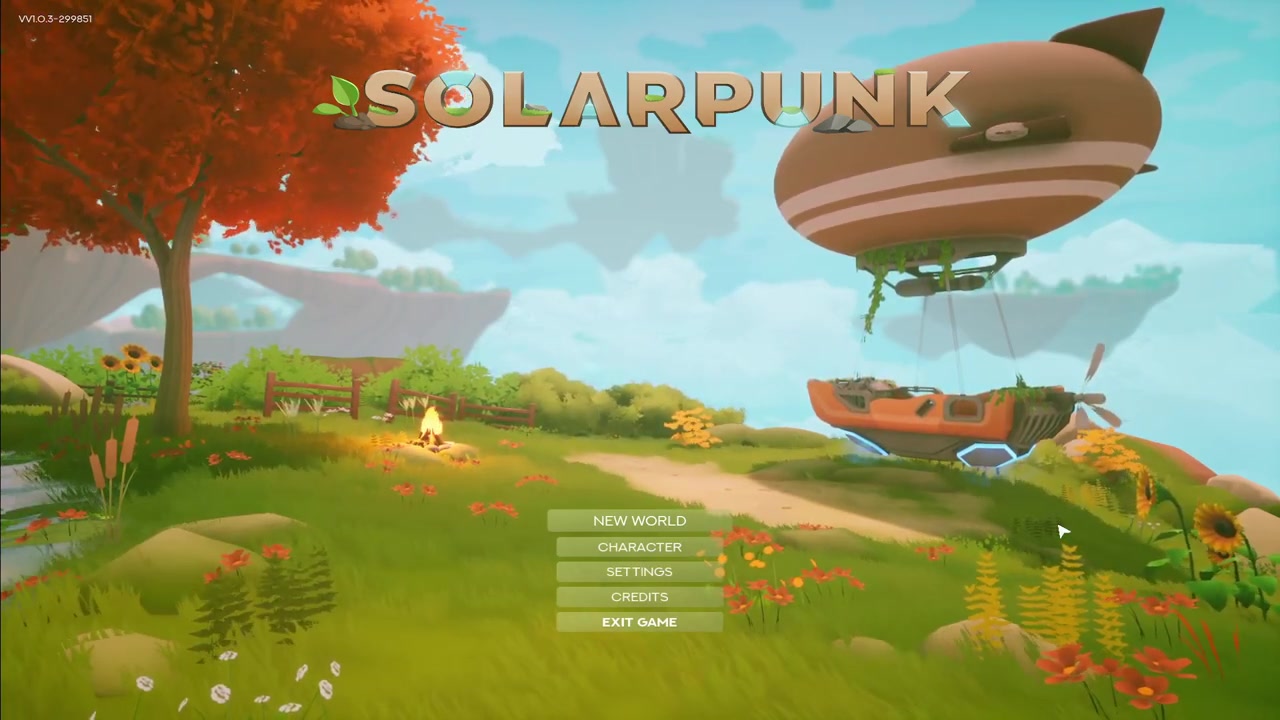
Open Solarpunk
Launch the game on your device so you land on the main menu, where you can also continue from your last save.
STEP 2/5
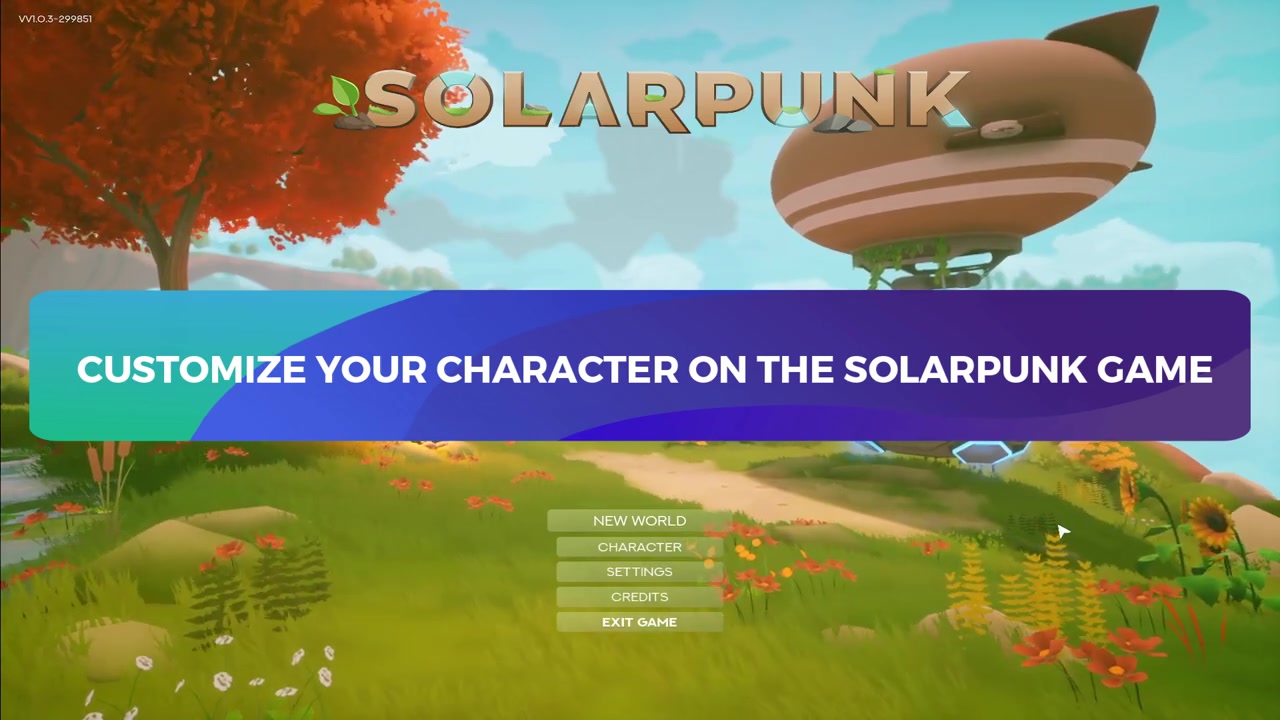
Open the Character menu
From the main menu, click the Character option to bring up your current character.
STEP 3/5
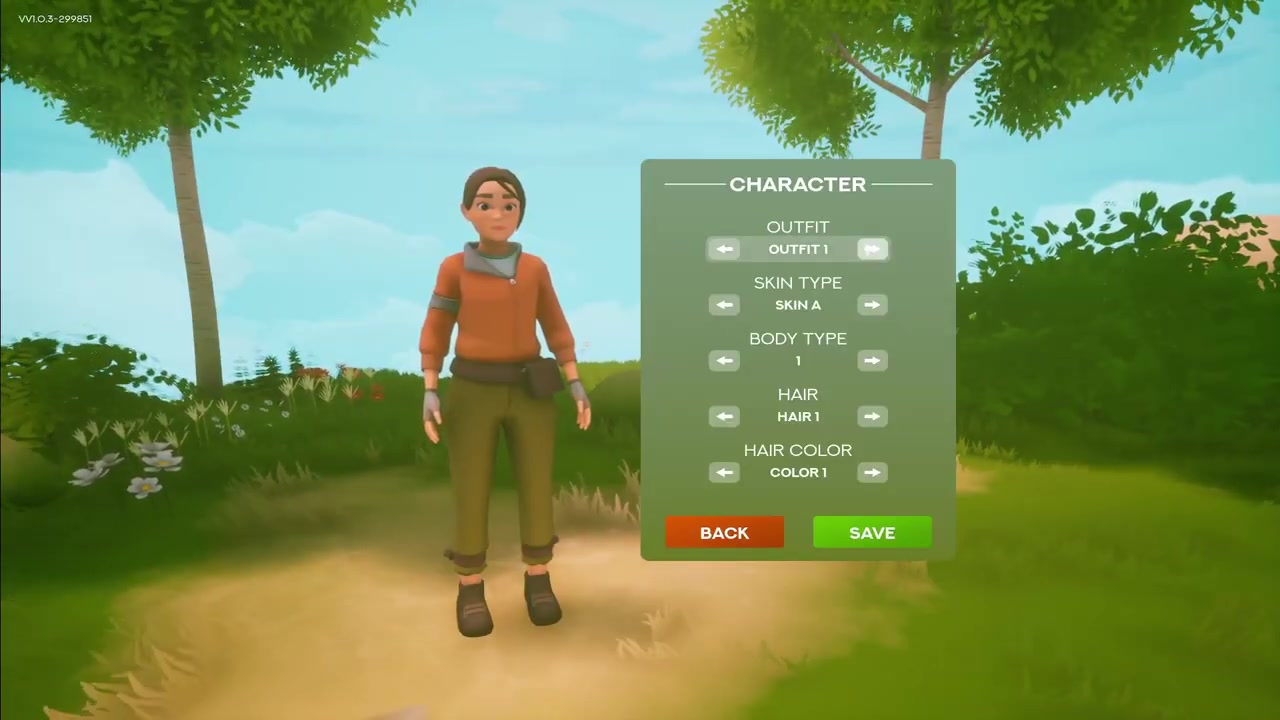
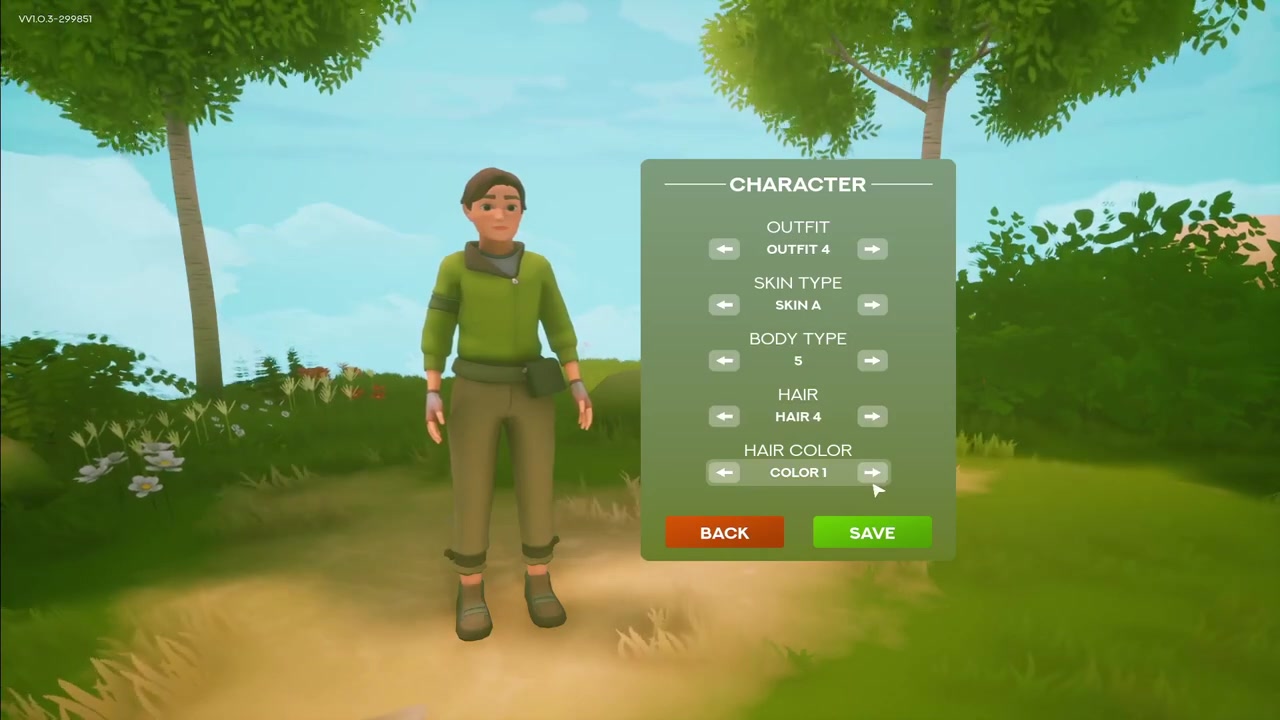
Cycle outfit, skin, and body
With your character on screen, cycle through the different outfits, skin type, and body type until each looks right.
STEP 4/5
Set hair and hair color
Change your hair style and your hair color the same way — these are the last appearance options to flip through.
STEP 5/5
Save your look
Once you have the look you want, click the Save button to apply the customization to your character.
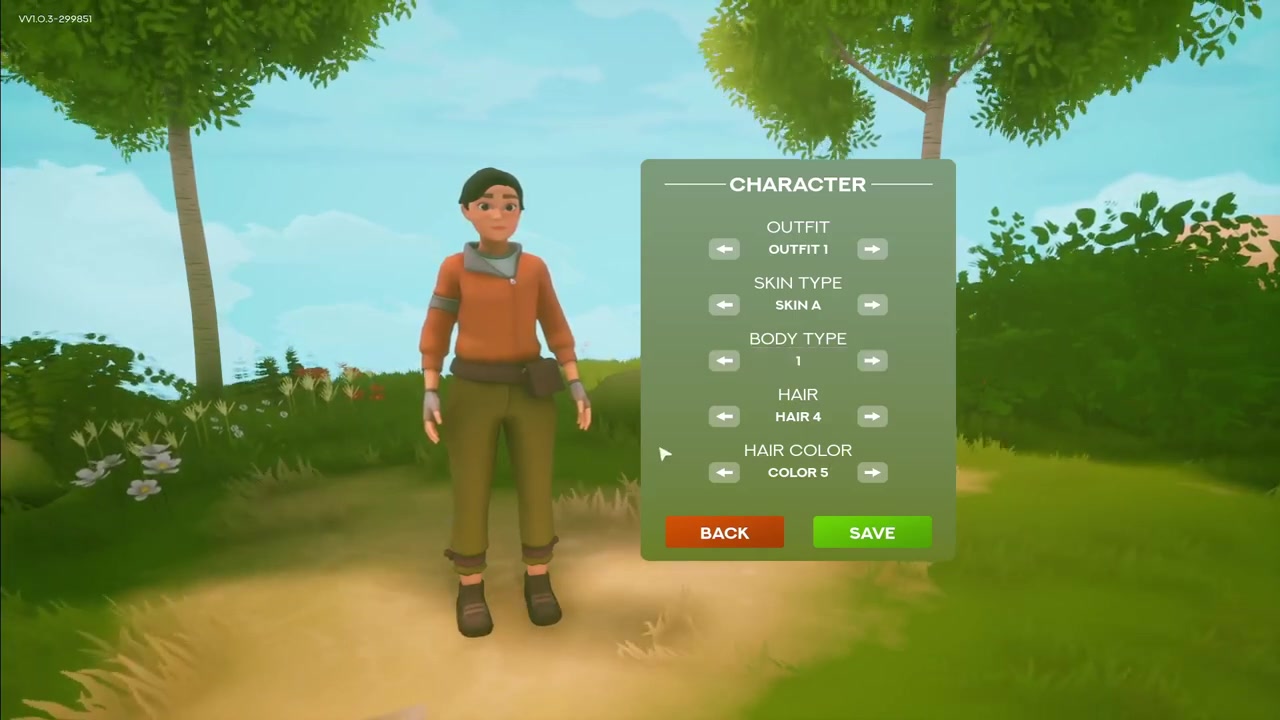
Nothing here is locked in — head back into the Character menu any time to switch your outfit, body, or hair again without losing progress.
Video help
What you can change on your Solarpunk character

The appearance options are deliberately small and finite. You can swap your outfit, change your skin type and body type, and adjust both your hair and your hair color. That is the complete set — the in-game tutorial states plainly that there is no other type of customization to make, so there are no accessories, color sliders, or hidden cosmetic tabs to dig for.
Because the whole menu is that contained, you do not need any currency, unlocks, or trips to a vendor to change how you look. Cycle through the choices, settle on a combination you like, and save. When you want a different style later, the same five options are waiting in the same place.
Frequently Asked Questions
Can you change your character again after saving?
Yes. Your saved look is not permanent — head back into the Character menu at any point, cycle through the options again, and save your new choice to swap your appearance whenever you want.
Is there any customization beyond outfit, skin, body, hair, and hair color?
No. Those five options are the full extent of character customization in Solarpunk. The in-game tutorial confirms there is no other type of customization available, so there is nothing else to adjust beyond what is in the Character menu.



Leave a Reply