
No, GTA Online does not let you change the gender of an existing character; the real workaround is to create a second character with the gender you want while keeping shared bank money and any eligible copied rank.
This is a character-slot workaround, not an edit to the same avatar. Before you touch your GTA Online characters, make sure you understand what carries over and what stays tied to the original slot.
Gender is locked after creation
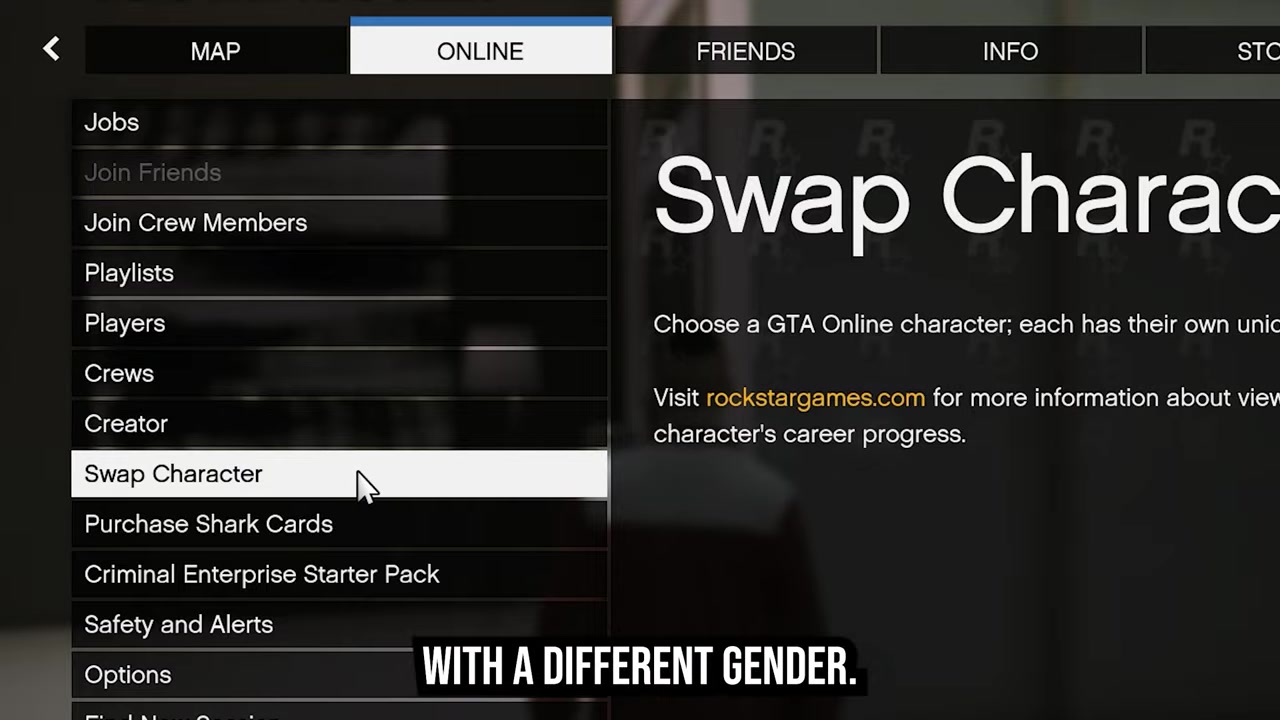
In GTA Online, your character’s Sex choice is made during character creation and then locked for that existing character. Once that character is in the game, there is no normal menu option that flips a male character to female or a female character to male.
The Change Appearance option can still be useful for cosmetic edits such as heritage, facial structure, and other appearance details, but it does not reopen the gender selection. If you want a different gender, you need a different character slot.
What carries over to a second character
| Item | What happens |
|---|---|
| Bank money | Shared between both characters. |
| Copied rank | May be offered for the second character; the copied rank can go up to rank 120. |
| Main character progress | Stays on the original character if you keep that character slot. |
| Properties | Character-specific; expect to rebuild ownership on the new character. |
| Vehicles | Character-specific; they do not simply become the new character’s garage. |
| Outfits and unlocks | Character-specific; the new character needs their own setup. |
| Deleting the original character | Removes character-specific progress from that slot, so only delete it if you accept that loss. |
The big advantage of using a second character is that you are not wiping your original character just to get a different look. Your account can share some important resources, while most of the lived-in progress remains tied to the character that earned or bought it.
Do not delete your main character just because you are trying to change gender. Keeping the original slot is what lets you preserve the progress that does not transfer.
Use the second character slot first, then check what the new character has before making any irreversible decision about your original slot.
How to make a second GTA Online character with a different gender
This method creates a new GTA Online character with the gender you want while leaving your existing character intact.
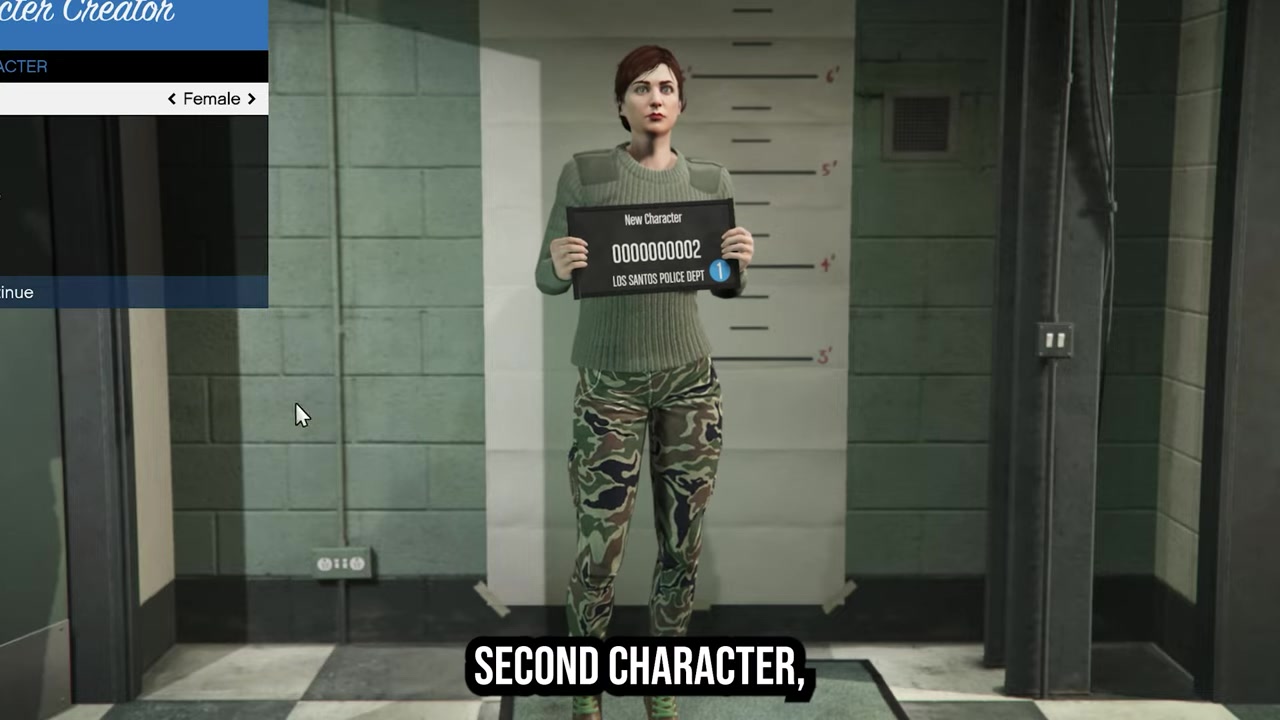
- Open the Online menu — Open the Online menu from GTA Online.
- Choose the character menu — Select Swap Characters on GTA Online Legacy or Manage Characters on GTA Online Enhanced.
- Create another character — Use an empty character slot to start a new GTA Online character.
- Pick the gender — Choose the gender you want during the new character creation flow.
- Copy rank if offered — If the game offers rank copying, accept it only if you want the second character to start with eligible copied rank.
- Customize the new character — Set the character’s appearance, Heritage, appeal, facial features, and stats.
- Prioritize harder stats — If stat allocation is available, put extra attention into slower-building stats such as Strength and Flying.
Set up the new character after creation
KEY!Once the new character loads in, check your bank balance before buying anything. Banked GTA$ is shared, so spending from the bank on one character reduces the same shared balance for the other character too.
Treat the new character like a fresh build with a financial head start. Focus first on the stats, weapons, vehicles, properties, and activities that matter for the way you play, because the character-specific parts of your old setup will not automatically become a full duplicate.
A second character may receive some helpful starting benefits depending on your account and existing progress, but do not plan around every old asset appearing on the new slot. Check the character’s actual inventory, map access, and owned items before making large purchases.
Mistakes that will not change gender
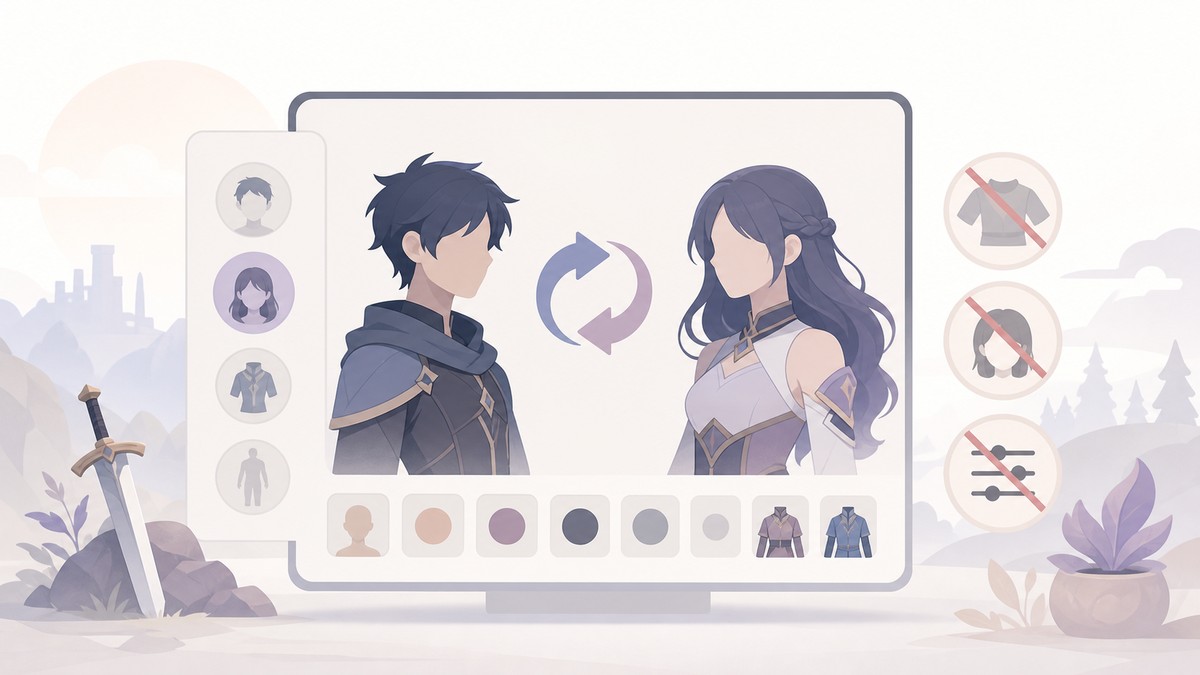
Do not pay for Change Appearance expecting it to switch gender. That option edits the same character’s look; it does not return you to the original Sex choice.
Old gender-change glitches are not a reliable plan for a live-service account. Even if you find an old method being passed around, the stable route is still creating a second character and choosing the gender during creation.
Do not assume support will manually flip the gender on your existing character. Also, be careful on the character screen: deleting the wrong slot is the fastest way to turn a cosmetic goal into a permanent progress loss.
Frequently Asked Questions
Can you change gender on your existing GTA Online character?
No. An existing GTA Online character cannot be switched to another gender through the normal character editing tools.
Does Change Appearance let you switch from male to female or female to male?
No. Change Appearance is for cosmetic edits on the same character, not for changing the character’s gender.
Do you lose your money when making a second character?
No, not the GTA$ kept in your bank. That bank balance is shared across both characters on the account.
Can you copy your rank to the second character?
Yes, when the game offers it. The copied rank can go up to rank 120.
What happens if you delete your old character?
You lose the progress and items tied to that character slot, including things like that character’s owned assets and earned progression.
More questions⤵
What character menu should you use?
Use Manage Characters to create or switch to another GTA Online character slot.
Video help






Leave a Reply