
In Solarpunk, you build an automated unlimited wood factory using the Forester Bot (also called Forester) combined with a sustainable tree farm and renewable energy. Here’s the complete guide:
Solarpunk Wood Factory details
How to Build an Automated Unlimited Wood Factory
Step 1: Build a Sustainable Tree Farm First
Before automating, create a renewable wood source:
Create an “industrialized tree farm” by clustering trees to mimic a forest. Place trees in staggered rows so you can harvest large amounts without running around.
When you chop trees, you get saplings — plant them ASAP to maintain renewable supply. Trees don’t need water to grow.
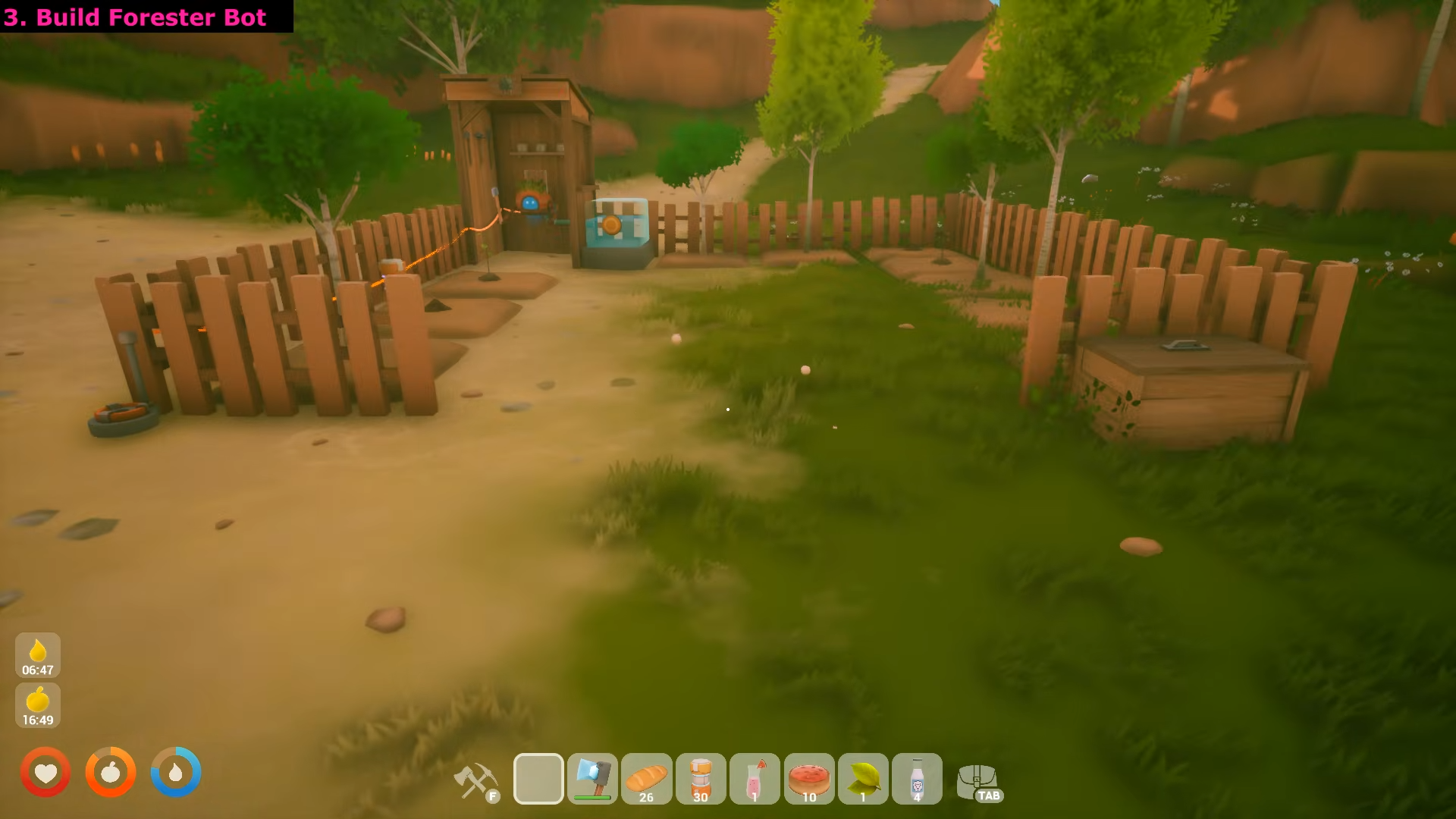
Step 2: Unlock & Craft the Forester Bot
The Forester Bot is unlocked at the Research Table in late-tier research. You need to progress through the research tree to access it.
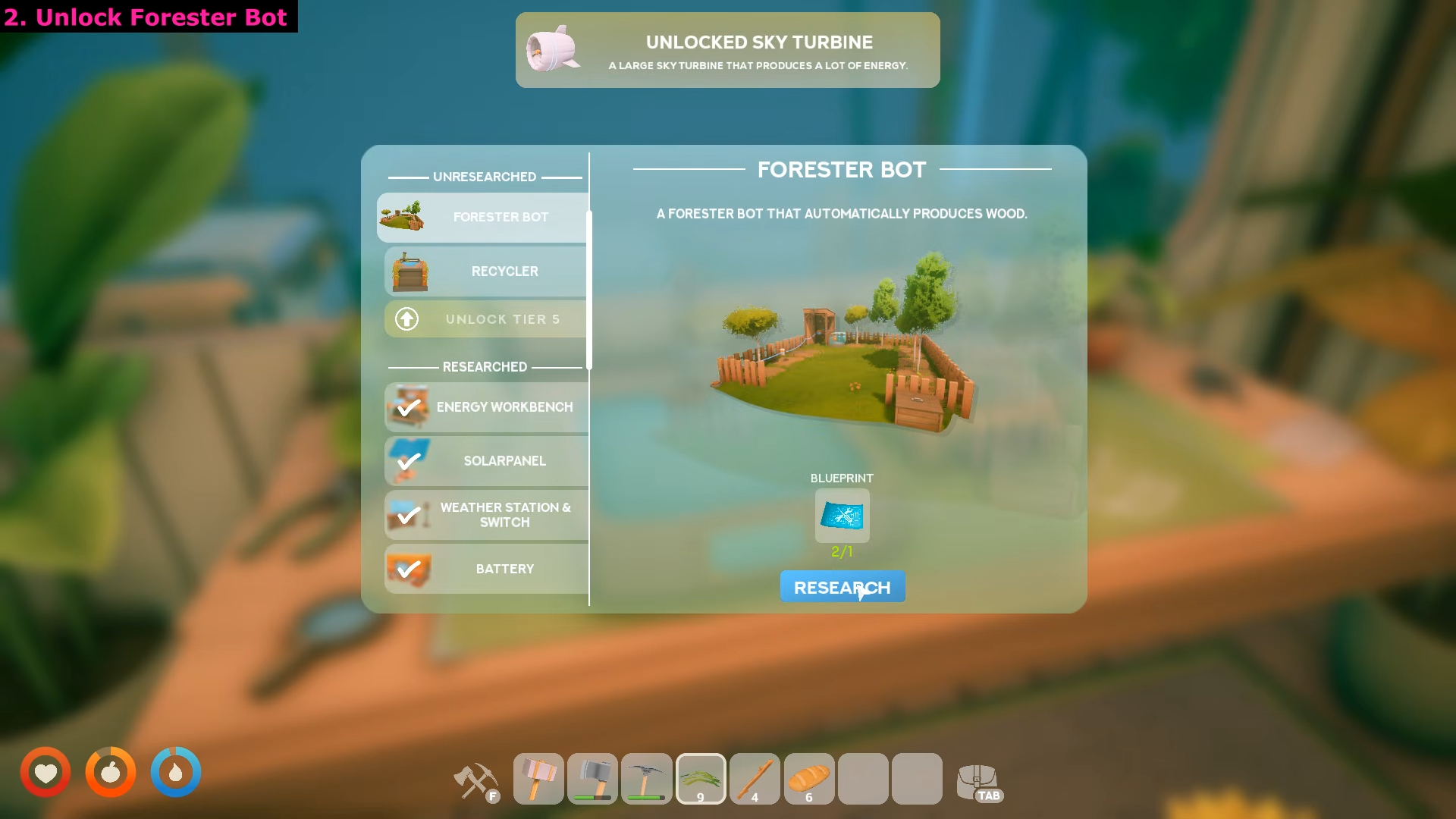
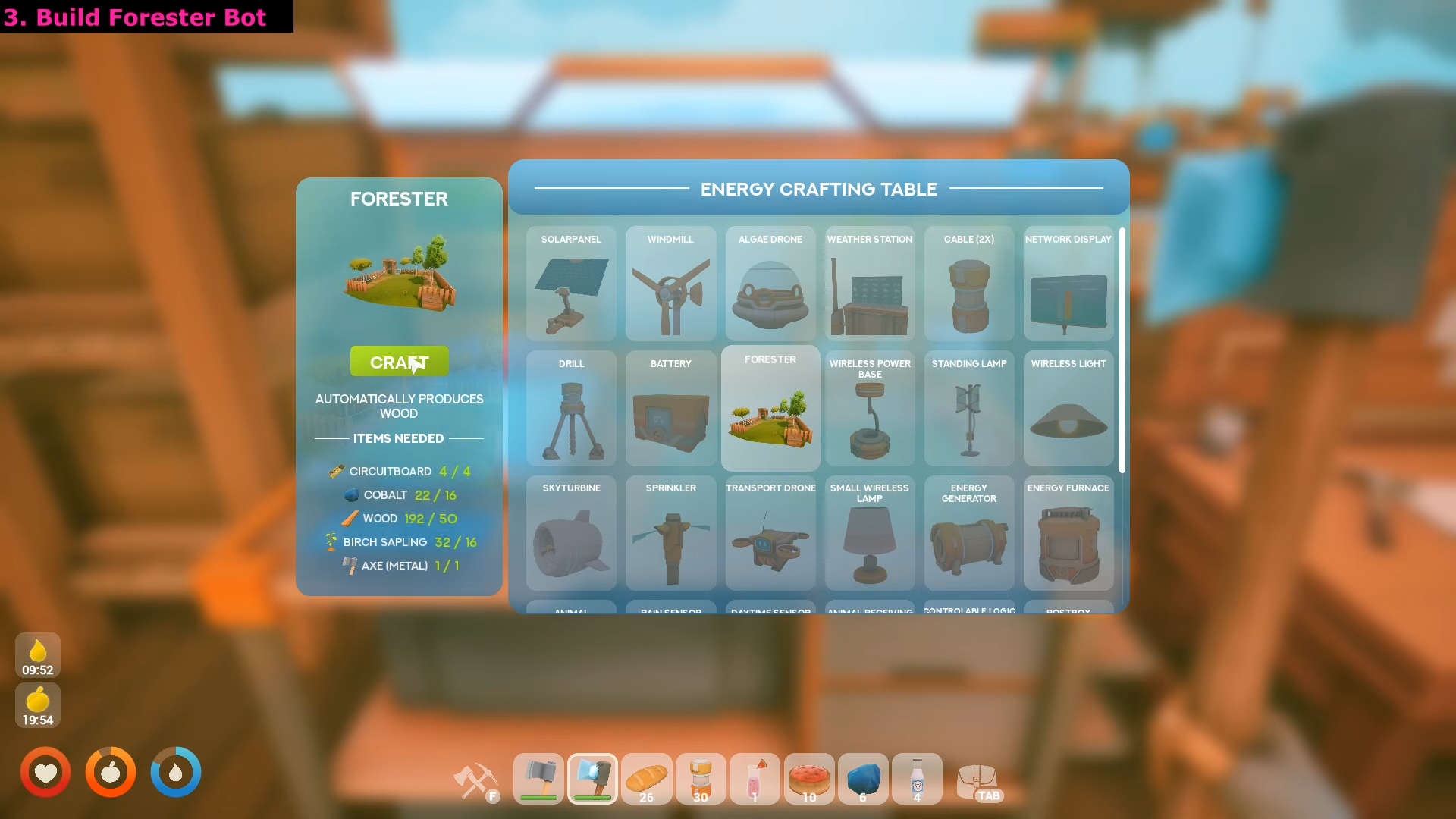
Once researched, craft the Forester at your Energy Workbench. The Forester is an “Orbot that automatically produces wood” by gathering from trees within its radius.
Step 3: Set Up Renewable Power
Start with 1 Solar Panel or Windmill + 1 Battery + Forester:
-
Solar Panel: 70-100 energy (doesn’t work at night/rain)
-
Windmill: 160 energy (works 24/7)
-
Battery: Buffers energy for bursts
Use cables/connectors to power the Forester. Confirm generation → connection → battery → consumer is powered.
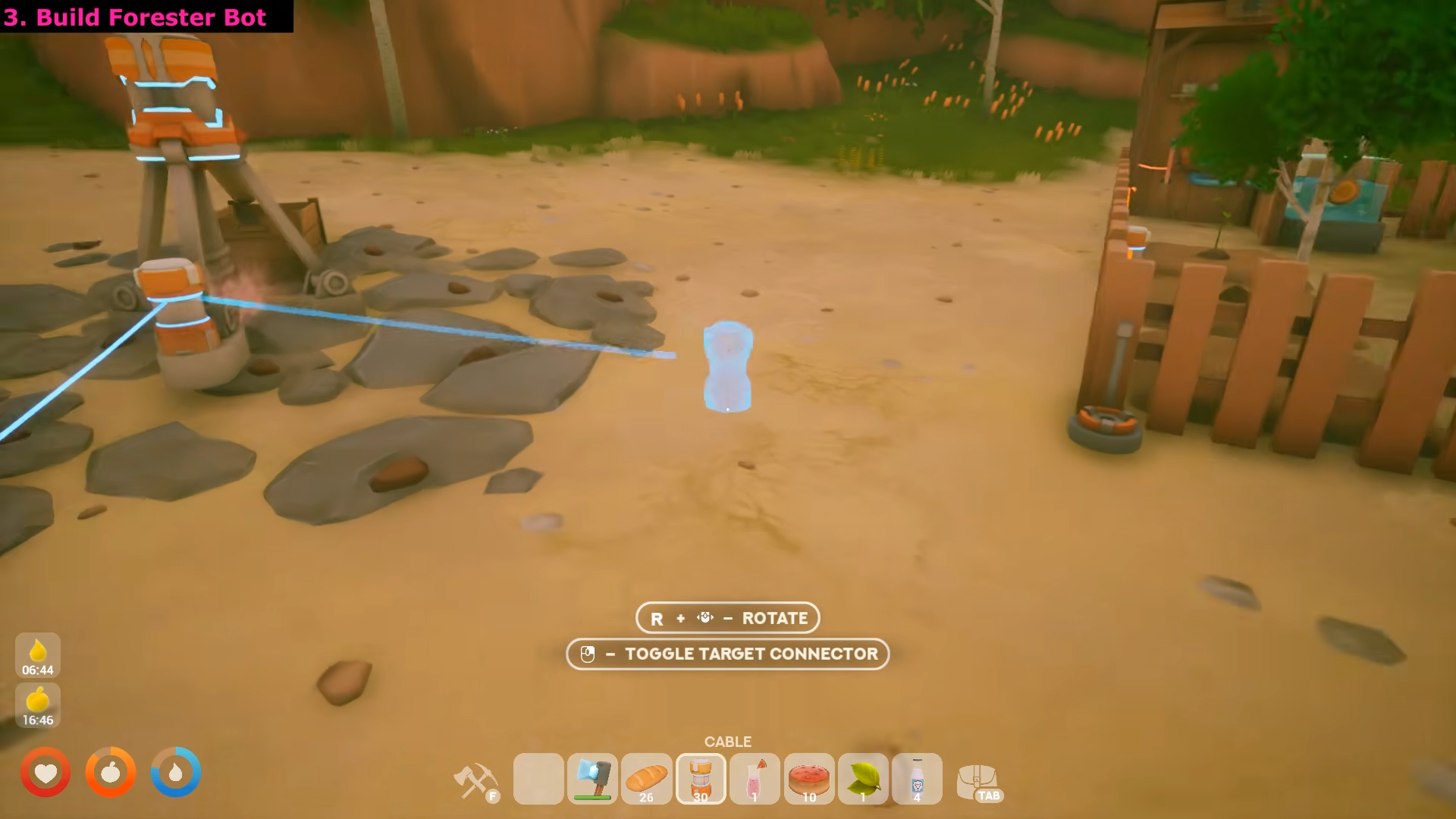
Don’t automate yet if your power network is unreliable — build the manual route first, then automate.
Step 4: Place the Forester on Your Tree Farm
Place the Forester in the center of your tree cluster so all trees are within its harvest radius. The Forester will automatically:
-
Harvest wood from trees in range
-
Help trees regrow after depletion
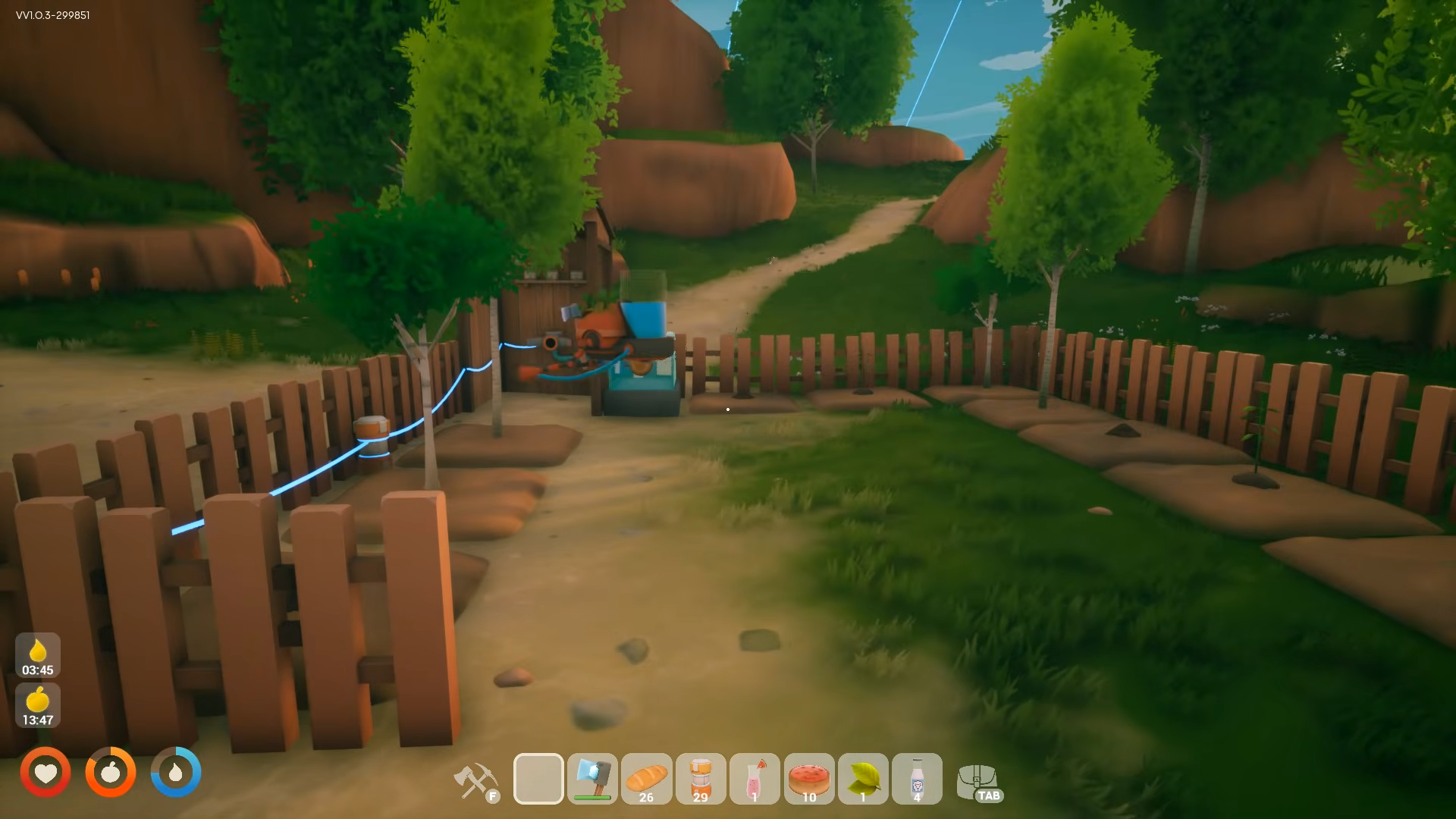
Place trees close together so the Forester covers maximum trees per cycle.
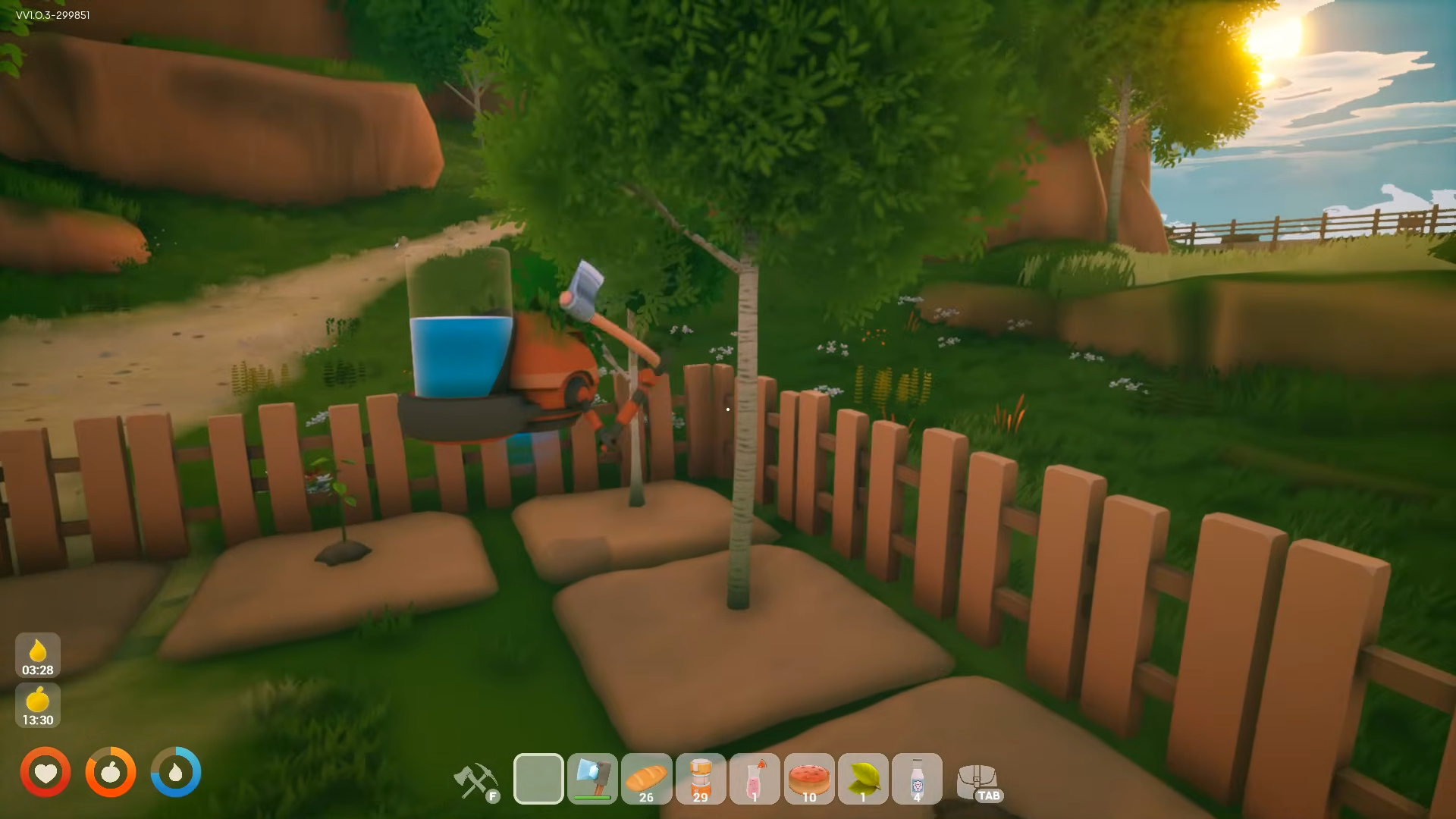
Step 5: Add Transport Drone for Wood Collection
Unlock Transport Drones at Tier 3 via the Blueprint Trader. Craft one and name it at your base.
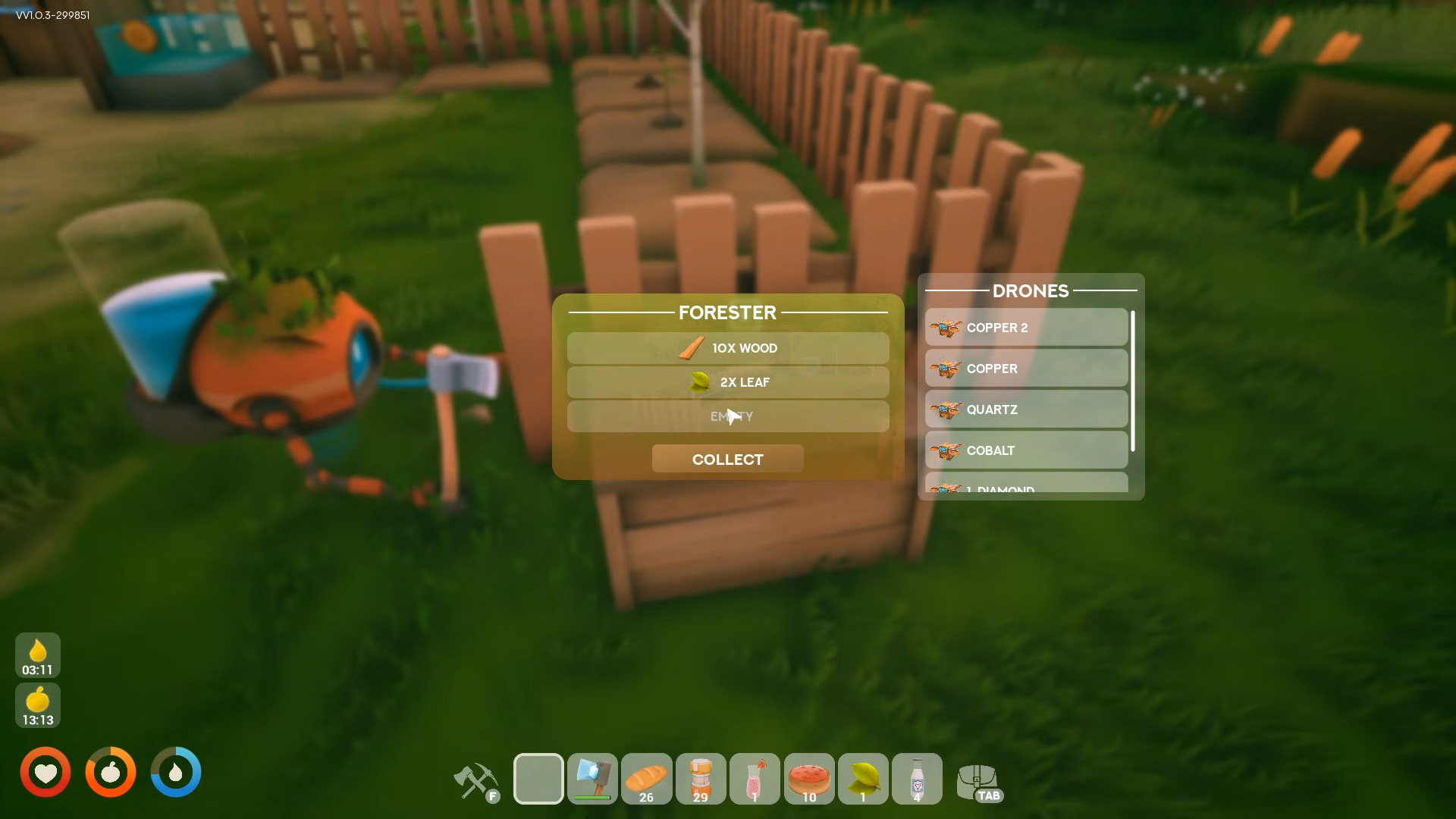
Travel to the Forester, interact with it, and assign the drone. The drone will fly back and forth transporting all wood to your base automatically.
Critical Mistakes to Avoid
-
Skipping power setup first: A Forester with no battery buffer creates more debugging than progress.
-
Not replanting trees: You’ll deforest your island — always replant saplings immediately.
-
Waiting for animations: Move to the next tree after 5 strikes instead of waiting for fall.
-
Multiple power networks: Keep a single electricity network around your farm instead of separate networks.
-
Automating too early: Skip automation if the chore is still tiny — build manual first.
You’ve just built a fully automated unlimited wood factory that powers itself with solar/wind energy, harvests trees 24/7 via the Forester Bot, and transports wood to base automatically with Transport Drones — no more grinding for sticks or deforesting your island.



Leave a Reply