
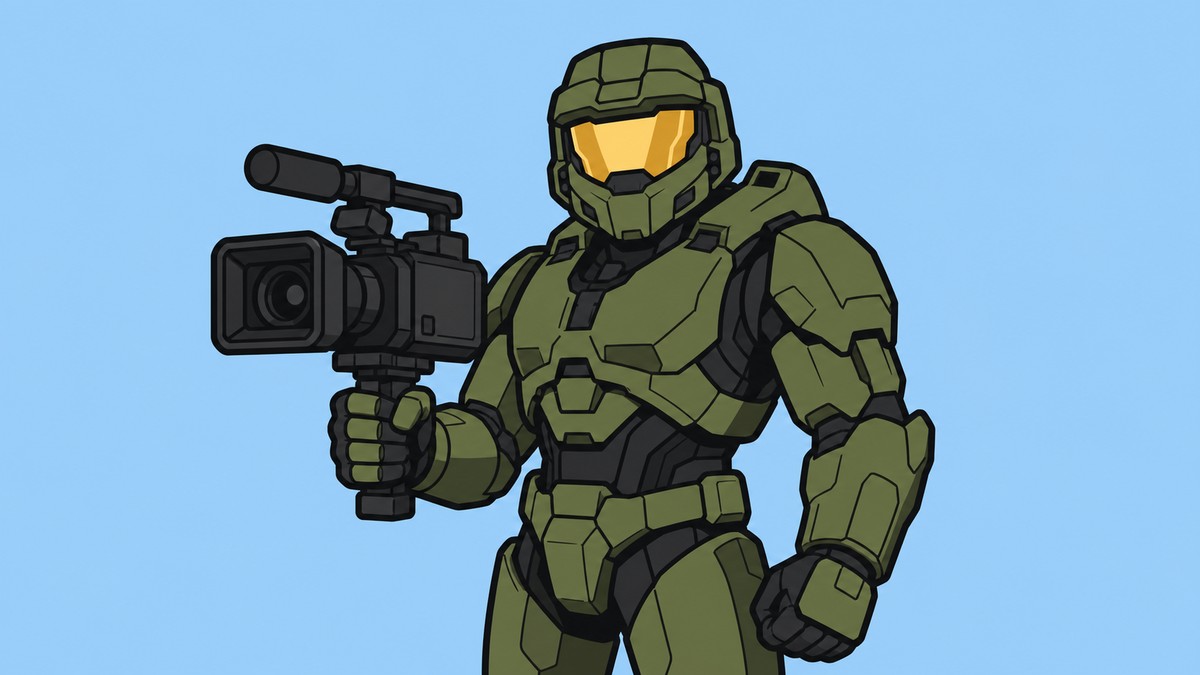
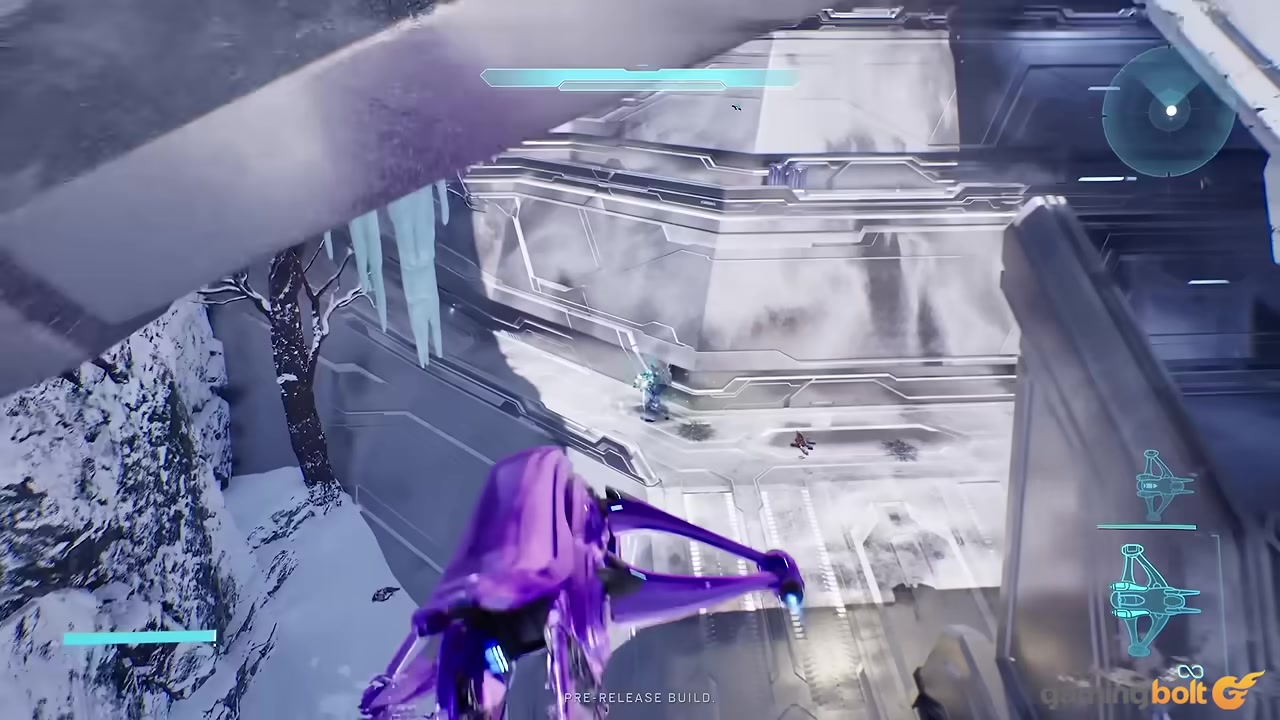
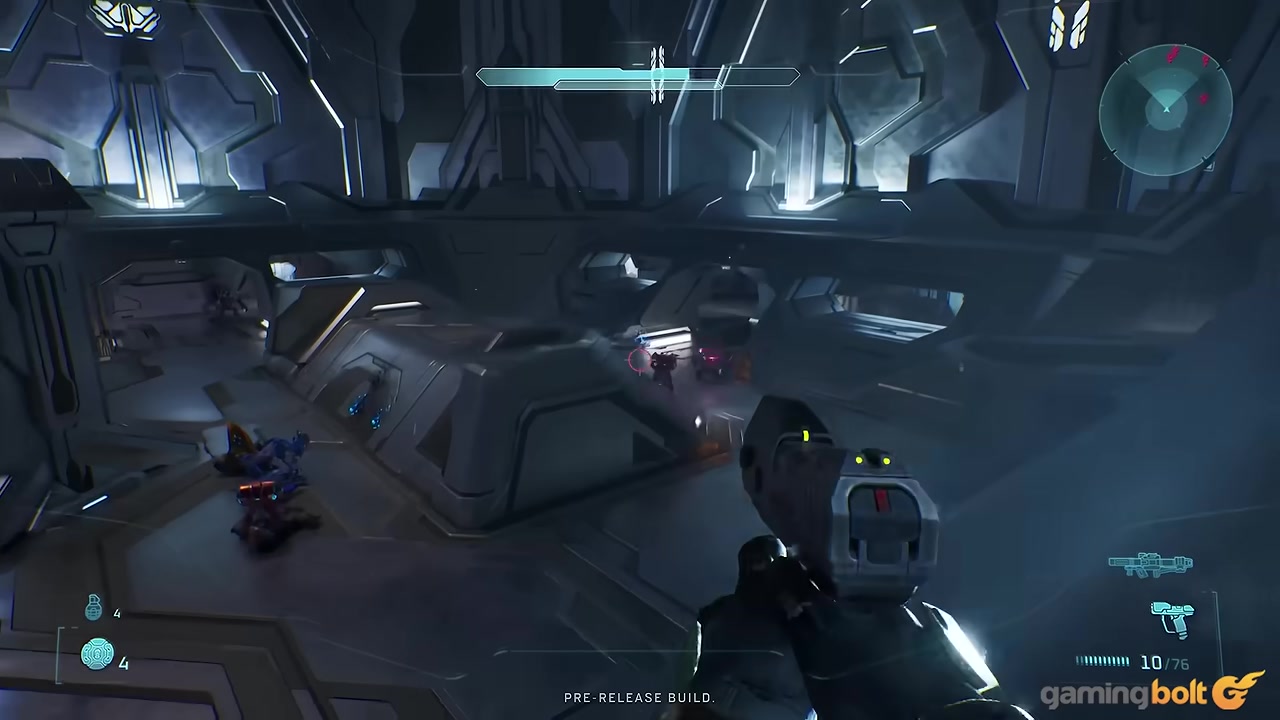
Machinima Mode in Halo: Campaign Evolved is a built-in campaign tool that lets you pop out a freecam, lower your weapon, and control your Spartan from that freecam without unlocking a Skull.
Machinima Mode is made for campaign capture: clean shots, skits, cinematic angles, and creator footage inside the mission you are already playing. The exact control details may shift with launch updates, so check the current in-game bindings and prompts for your platform.
What Machinima Mode does in campaign
| Feature | What it does |
|---|---|
| Freecam | Pops the camera out from the player view for detached campaign framing. |
| Lowered weapon | Drops the weapon out of the usual ready position for cleaner first-person shots. |
| Spartan control in freecam | Lets you keep controlling your Spartan while the camera is detached. |
| Optional HUD and Skull setup | Pairs with Acrophobia, Blind, and HUD settings for cleaner capture. |
Machinima Mode is an in-campaign capture toolset, not a separate playlist. It layers creator controls onto regular campaign play so you can frame a scene, hide the usual first-person presentation, and still keep your Spartan usable while the camera is detached.
That makes it especially useful for players making Halo skits, cinematic mission footage, thumbnails, comparison shots, or clean B-roll. Instead of relying only on normal gameplay framing, you can lower the weapon, separate the camera from the player view, and stage movement from a better angle.
How to turn on Machinima Mode
Lower your weapon
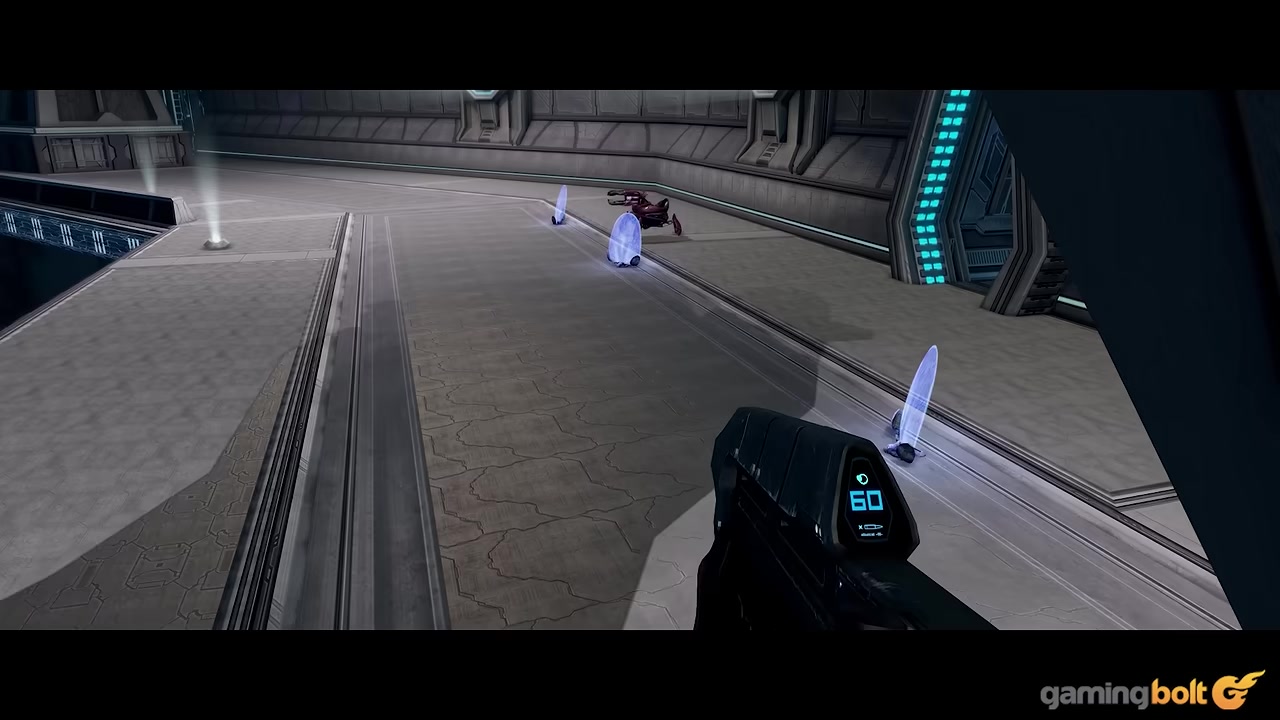
Use the current in-game bindings or on-screen prompt for your platform. Public documentation does not confirm a PlayStation-specific Square plus Down shortcut or an Xbox-specific X plus Down shortcut.
Enter freecam
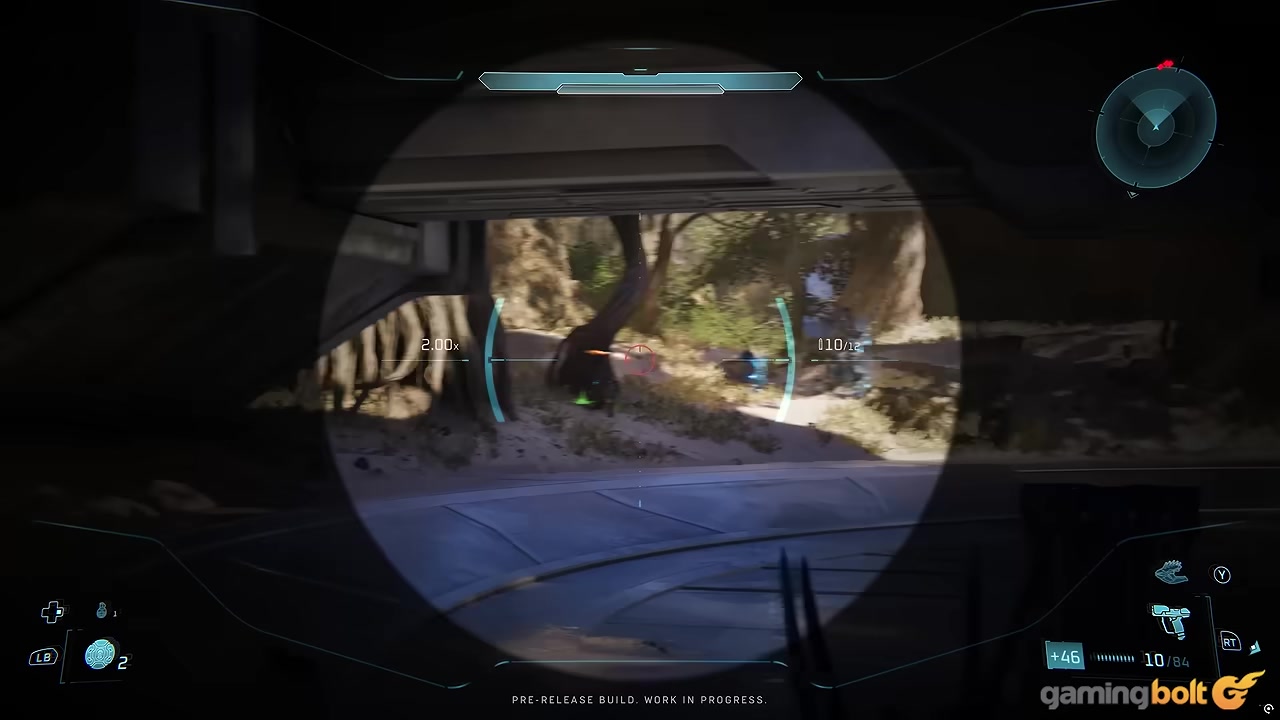
Use the current in-game Machinima Mode binding or prompt. Public documentation does not confirm Square/X plus Up on the D-pad as the controller freecam shortcut.
Exit on controller
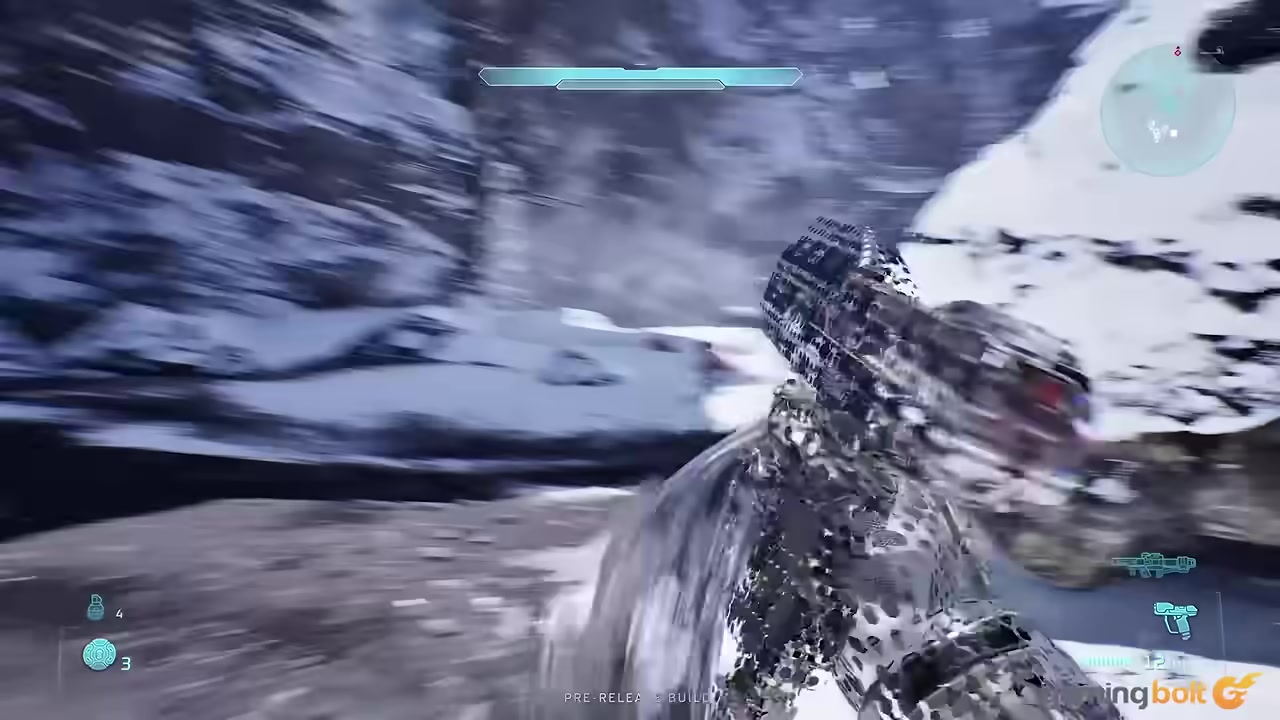
Use the current in-game controller binding or prompt to leave freecam. Public documentation does not confirm Square/X plus Up on the D-pad as the exit shortcut.
Exit on PC
Use the current in-game keyboard and mouse bindings or prompt. Public documentation does not confirm E plus Up Arrow as the PC shortcut.
Fix a failed combo
Open controller button bindings and check whether another action is using the same input as the current Machinima Mode command. Move any conflicting bind to another button or D-pad direction, then try again.
Check bindings before recording if the Machinima input fails, because another action can conflict with the current activation command.
Skulls are optional for Machinima Mode
KEY!You do not need to find a Skull to use Machinima Mode. It is available through input combos, so the creator tools are not gated behind campaign collectibles or progression.
Acrophobia, Blind, and HUD settings are still useful capture helpers. Treat them as optional cleanup tools: use them when you want freer positioning, fewer on-screen elements, or a more cinematic frame.
Creator uses and capture limits
| Use | Best setup |
|---|---|
| Clean screenshots | Lower the weapon, adjust HUD visibility, then frame with freecam. |
| Moving cinematic shots | Use freecam while controlling your Spartan to stage motion in the scene. |
| No-HUD footage | Combine Machinima Mode with HUD settings and the Blind Skull. |
| Wide campaign flythroughs | Add the Acrophobia Skull when you need freer movement options. |
Use Machinima Mode when the shot matters more than the normal first-person view. It fits campaign capture workflows where you want to line up a moving scene, record a character action from outside the helmet view, or grab footage without the weapon blocking the frame.
What it is not is a full replay-editing suite. Current details describe live campaign camera and presentation controls, so do not plan around timeline editing, saved replays, or full Theater-style review features unless those tools appear separately in-game.
Common Machinima Mode mix-ups
Machinima Mode is not Skull-locked, not a paid feature, and not described as its own standalone campaign playlist. It is a built-in set of capture controls available to all players through button combos.
The main practical snag is the control layout. If the lower-weapon or freecam command will not fire, check the current controller bindings for conflicts and move any overlapping action somewhere else before trying again.
Frequently Asked Questions
Does Machinima Mode need to be unlocked?
No. Machinima Mode is available to all players through input combos.
Is Machinima Mode tied to a Skull?
No. Skulls can help with capture, but finding one is not required to access the mode.
What are the PlayStation and Xbox inputs?
Use the current in-game controller bindings or prompts for your platform. Public documentation does not confirm the specific PlayStation or Xbox button combinations for lowering the weapon, entering freecam, or exiting freecam.
Why is the input combo not working?
The usual cause is a binding conflict. Open your current controller bindings, move any overlapping action to another button or D-pad direction, and try the command again.
Is Machinima Mode the same as Theater mode?
No. Machinima Mode is described as a live campaign camera and capture toolset, while Theater mode usually implies replay viewing and editing tools.
More questions⤵
Can you control your Spartan while using freecam?
Yes. The mode lets you control your Spartan while the camera is popped out in freecam.
Video help






Leave a Reply