
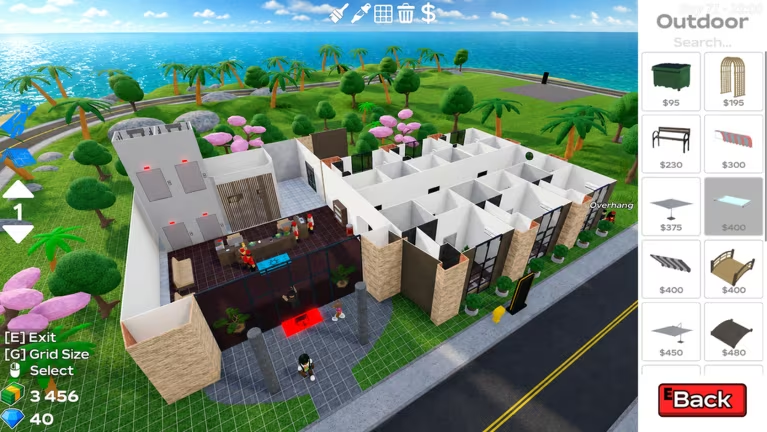
Building up a hotel empire in Hotel Tycoon 2 takes cash, and you don’t have to earn every bit of it by checking in guests. The developer hands out codes every so often that drop free money straight into your balance, giving you a head start on new rooms, upgrades, or whatever you’re saving up for.
Working Hotel Tycoon 2 Codes
Both of these codes are redeemable right now and add cash to your account the moment you submit them.
100K
1,000 cash
2KMEMBERS
2,000 cash
How to redeem codes in Hotel Tycoon 2
Redeeming codes happens through the Shop menu, not a dedicated codes button on the main screen. Here’s exactly where to go.
Tip: If your cash balance doesn’t move after submitting, double-check your spelling or try again since the code may have already been used on your account.
How to get more Hotel Tycoon 2 codes
New codes typically show up when the developer wants to celebrate a milestone or push out an update, so keep an eye on the game’s own channels rather than digging through random posts. Joining the official Hotel Tycoon 2 Discord server is the most reliable way to catch new codes as soon as they’re announced. You can also follow the game itself through its Roblox experience page and the Hotel Tycoon 2 community group, both of which the developer uses to share updates.
Are Hotel Tycoon 2 codes free?
Yes. Every code listed here is free to redeem and simply adds cash to your in-game balance at no cost.
Why didn’t my code work?
A code that doesn’t add cash to your balance was either typed incorrectly or has already been redeemed on your account. Retype it carefully, checking capitalization, and submit it again.
Checking back for fresh codes takes only a minute through the Shop menu, so it’s worth peeking whenever you log into your hotel.





Leave a Reply