

Havoc is a Roblox experience where codes hand you free Cash you can put toward whatever the game lets you buy or upgrade. Instead of grinding for every dollar, you can just punch in a code and watch your balance jump.
Working Havoc Codes
These two codes are redeeming Cash right now, so grab them before anything changes.
RELEASE2026
$30,000 Cash
BABABABALOALA
$88,000 Cash
How to redeem codes in Havoc
You don’t need to dig through menus for this one. Havoc puts code redemption right on the main screen, so the whole process takes a few seconds once you’re in the lobby.
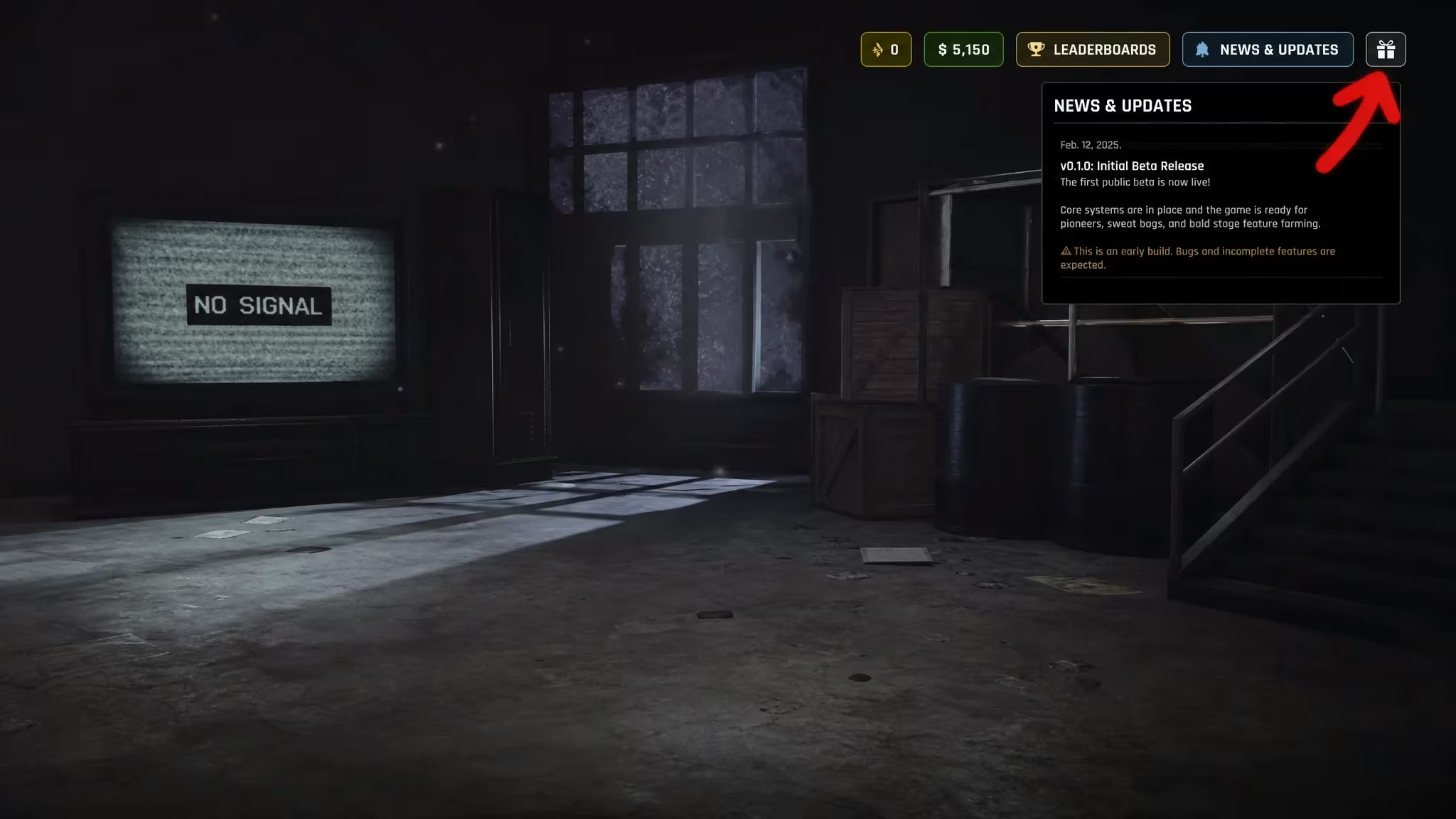
You’ll know it worked when your Cash balance updates right away and the text box clears itself. If nothing changes, double-check your spelling or try re-typing the code instead of copying it, since stray spaces are a common culprit.
Expired Havoc codes
This one stopped working, so don’t waste time trying it.
STOCKMARKET
Previously worth $500,000 Cash
How to get more Havoc codes
The developer drops new Havoc codes through the game’s official Discord server, so joining is your best bet for catching one as soon as it’s posted. You can also keep an eye on the official Roblox community tied to the experience, since announcements sometimes surface there too. There’s no fixed schedule for new codes, so checking back every so often is the practical approach.
If you haven’t launched the experience yet, you can find it directly on the Havoc Roblox page. Joining the Havoc Discord is worth doing even if you only check in occasionally, since that’s where the developer tends to share updates first.
Why didn’t my code work?
The most common reasons are typos, extra spaces from copying and pasting, or the code has already expired. Retype it carefully into the redemption window and try again before assuming it’s broken.
We checked for new codes today and updated the working list above, so you’re seeing the current state of things as of now. Keep this page bookmarked if you plan on redeeming codes again later, since we’ll add fresh ones as they surface and remove any that stop paying out.






Leave a Reply