

The easiest known way to get the MYTHIC LASO achievement in Halo: Campaign Evolved is to clear each LASO mission with maxed custom difficulty modifiers, then reload The Pillar of Autumn on LASO with modifiers off and grab the first skull to force achievement progress to register.
This is a cheese method for players chasing MYTHIC quickly, not a clean LASO routing guide. The trick is that you use custom modifiers to finish a mission, then briefly return to a no-modifier LASO checkpoint so the game updates progress.
If you want the real LASO experience, leave the custom modifiers off and play the official mode as intended. If you only want the achievement progress, the loop below is the fastest known route.
What the LASO modifier method does
The method makes each LASO mission dramatically easier by boosting your survivability, damage, melee damage, shield recharge, and ammo behavior. With those settings active, you can run through missions while taking very little damage and firing without normal ammo pressure.
The catch is that the game warns that some achievements cannot be earned while difficulty modifiers are active. The workaround is the post-mission registration step: disable the modifier preset, load The Pillar of Autumn on LASO, pick up the Speed Limit skull in the first room, wait for the checkpoint, and quit.
How to use the modifier checkpoint method in Halo: Campaign Evolved
This loop lets you finish LASO missions with custom modifiers, then save progress through a clean LASO checkpoint.
STEP 1/8
Open Difficulty Modifiers
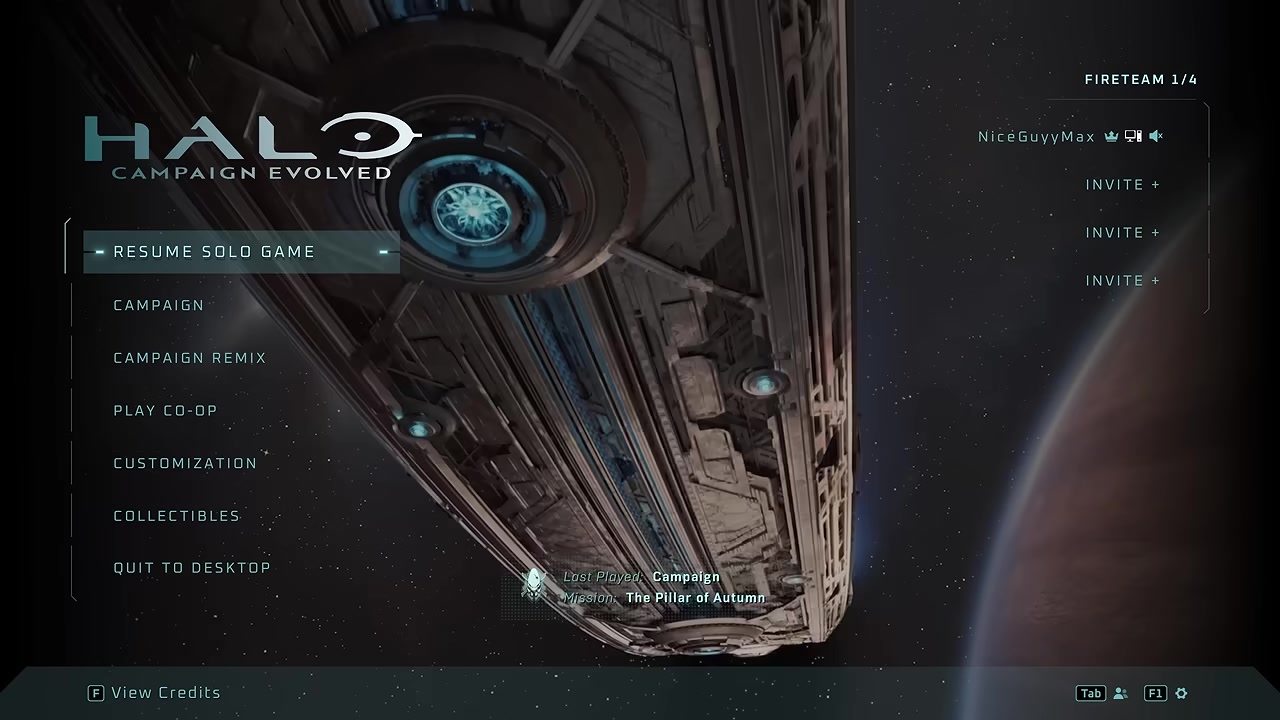
From Campaign, choose New Game, then open Difficulty Modifiers.
STEP 2/8
Configure a preset
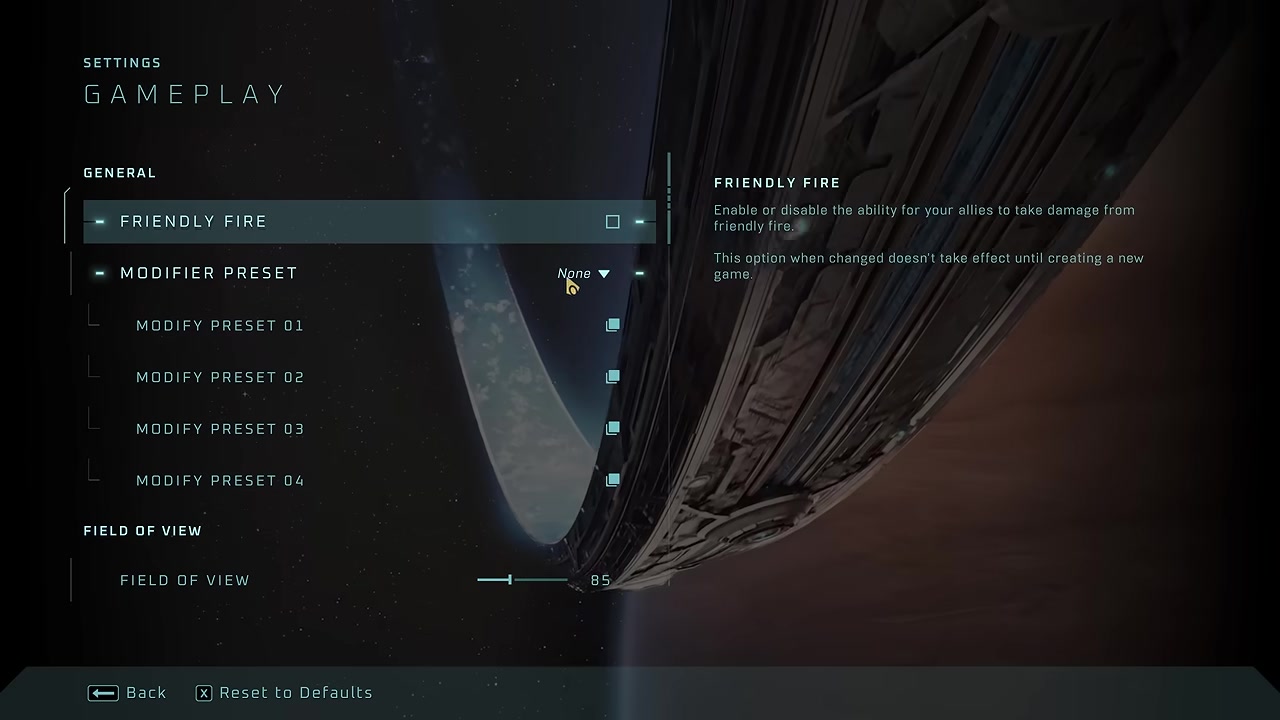
Modify a preset and set Damage Resistance to 2000%, Shield Recharge Rate to 200%, Damage Modifier to 300%, Melee Damage Modifier to 300%, and Ammo to Bottomless Clip.
STEP 3/8
Select the same preset
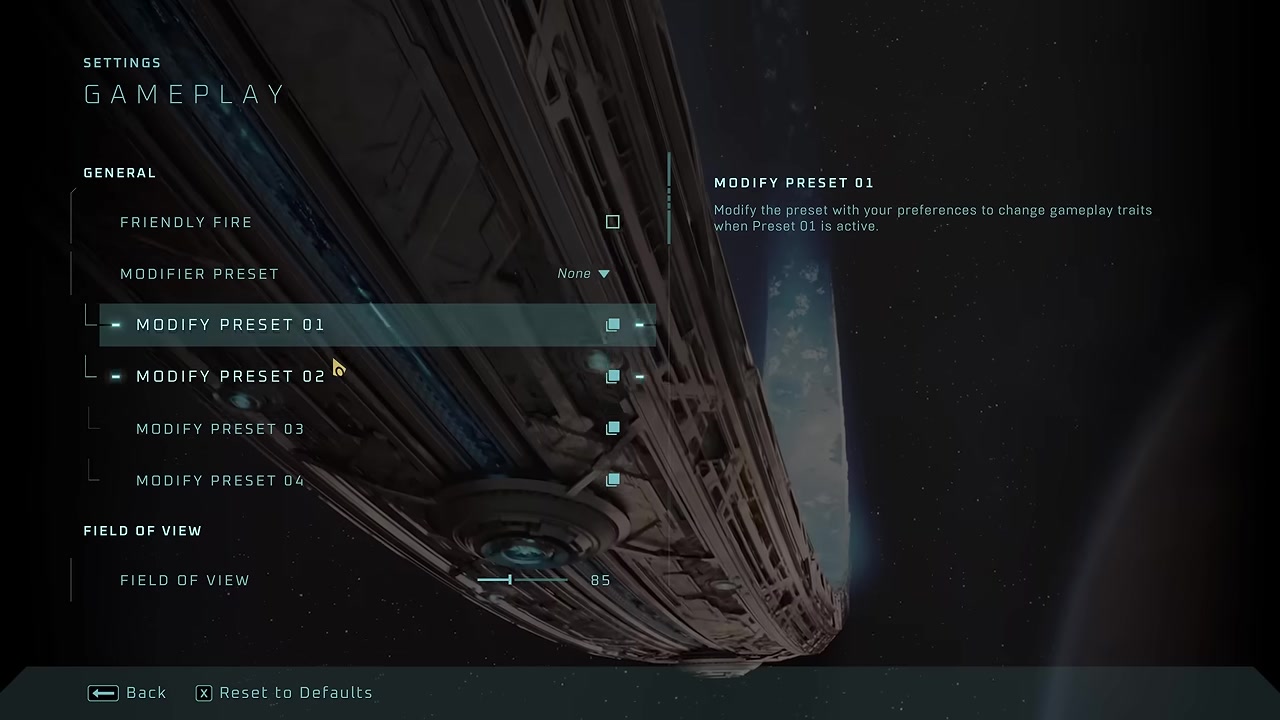
Set Modifier Preset to the preset slot you edited, such as Preset 01.
STEP 4/8
Start Play LASO
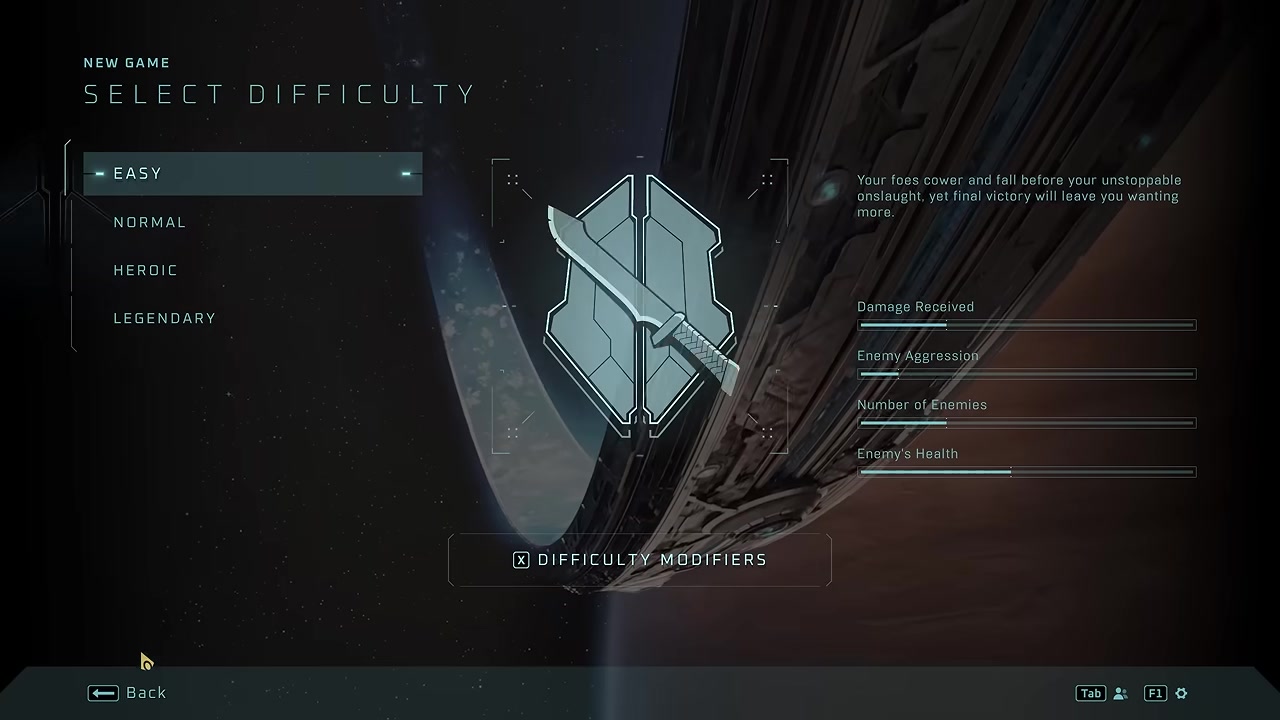
Choose Play LASO, pick any unfinished mission, and complete it with the active preset enabled.
STEP 5/8
Turn the preset off
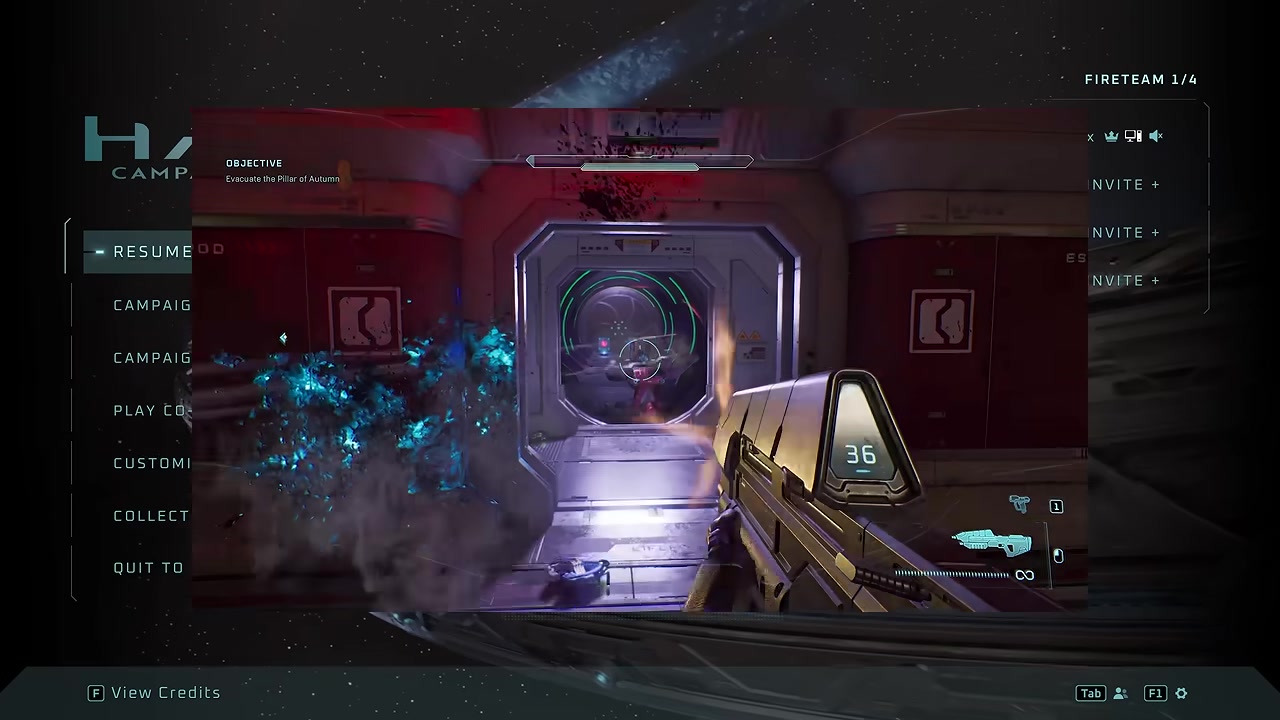
After the mission is finished, return to Difficulty Modifiers and set the active preset to None.
STEP 6/8
Load The Pillar of Autumn
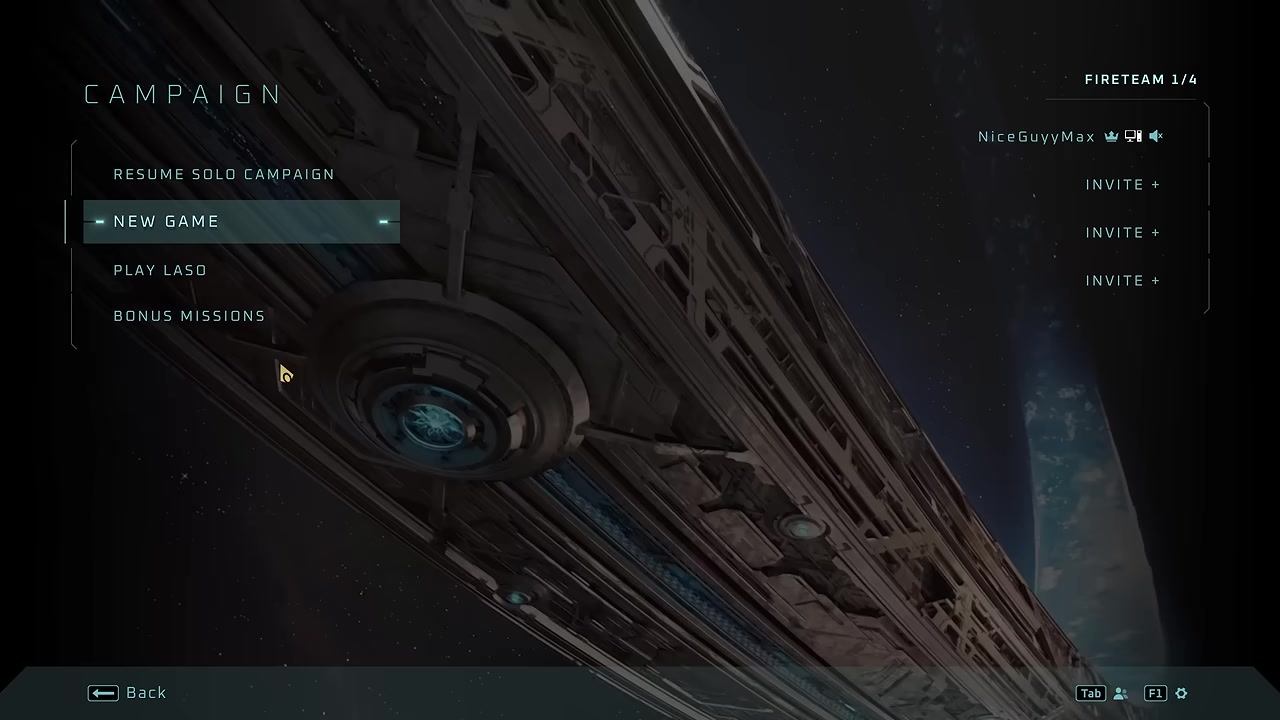
Start The Pillar of Autumn on LASO with no custom modifier preset active.
STEP 7/8
Grab the first-room skull
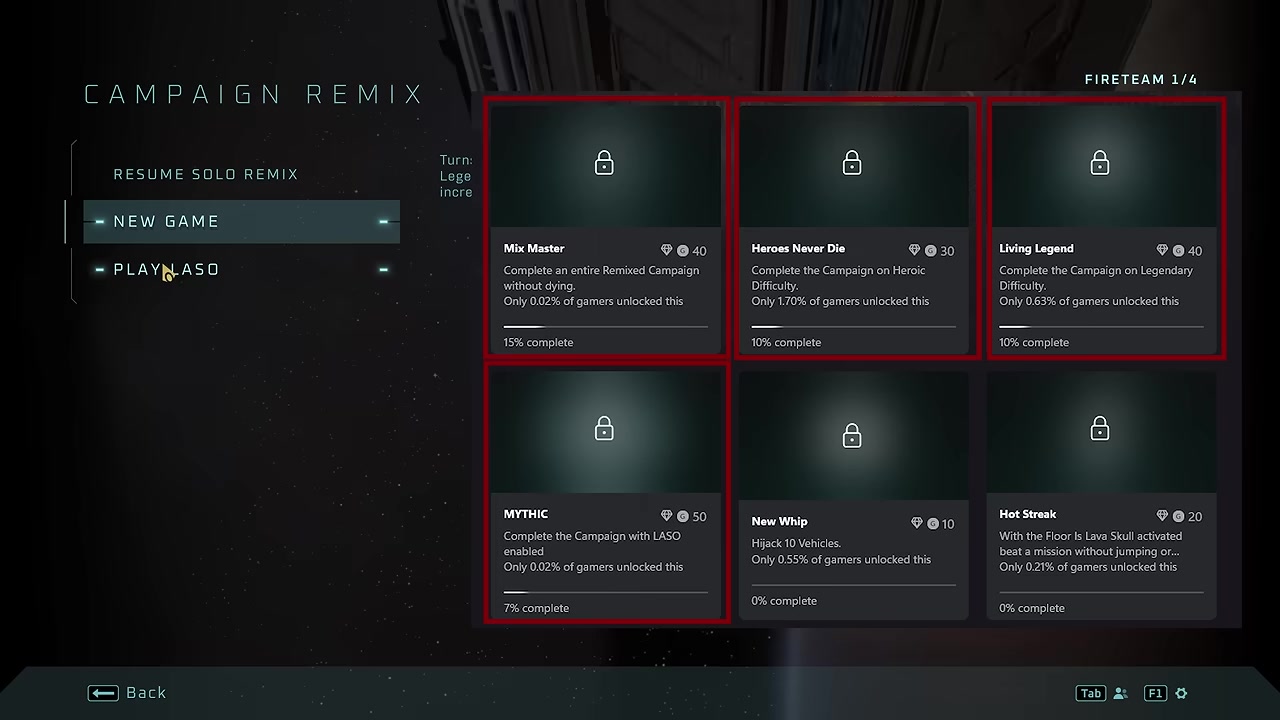
Pick up the Speed Limit skull in the first room to trigger the checkpoint.
STEP 8/8
Quit after the checkpoint
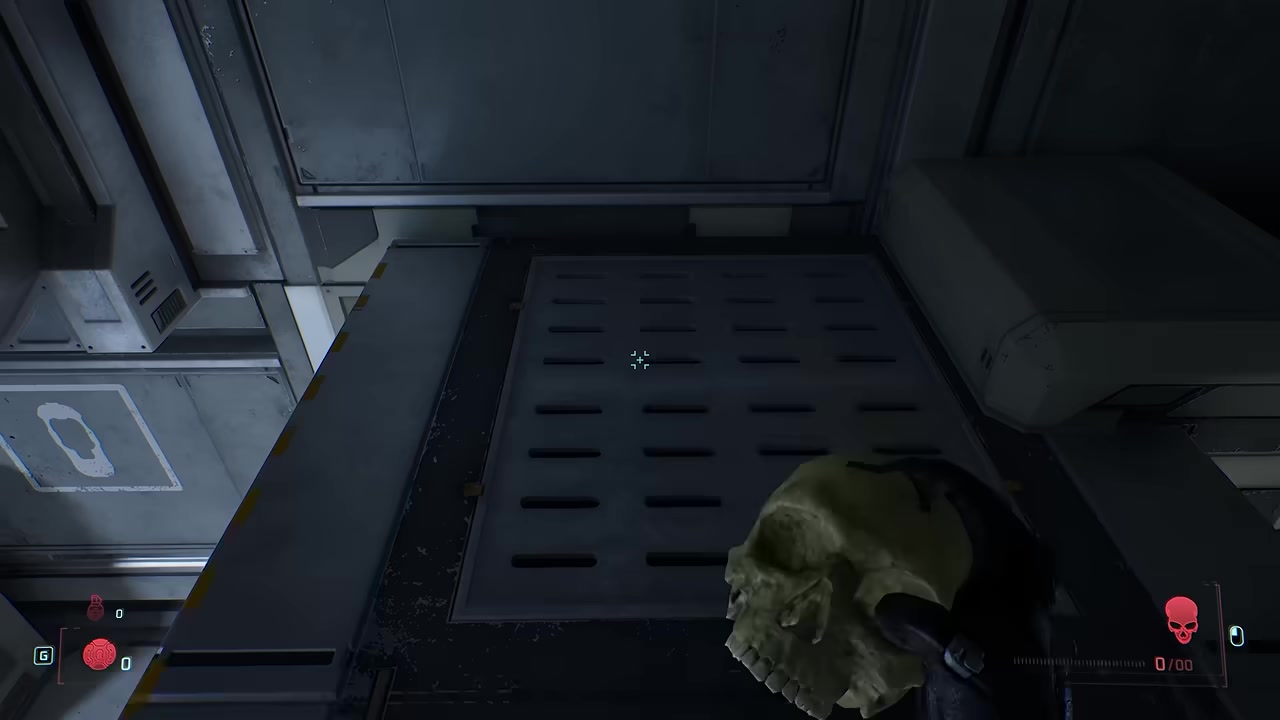
Once the checkpoint/save appears, back out so the LASO, Legendary, Heroic, and related campaign progress updates.
Video help
Repeat the LASO loop for every mission
| Phase | Action |
|---|---|
| Enable preset | Turn on the custom modifier preset you edited. |
| Clear mission | Finish the next unfinished Play LASO mission. |
| Disable preset | Set Modifier Preset back to None. |
| Register progress | Load The Pillar of Autumn on LASO and pick up Speed Limit. |
| Quit safely | Leave after the checkpoint/save appears. |
Use the same cycle for each unfinished mission: play the mission with the boosted preset, then disable the preset and use the Speed Limit skull checkpoint on The Pillar of Autumn to make the progress stick.
Early progress ticks appear to rise by about 7% at a time because the campaign has 13 missions. Treat the checkpoint update as the important part, not the exact percentage shown after each run.
Always switch the modifier preset to None before loading The Pillar of Autumn, or the checkpoint may not register LASO achievement progress the way this method needs.
Achievements this may help progress
| Achievement | Use |
|---|---|
| MYTHIC | Primary LASO completion target. |
| Living Legend | Legendary campaign progress can tick up through the same loop. |
| Heroes Never Die | Heroic campaign progress can tick up through the same loop. |
| Mix Master | Campaign Remix progress is shown as compatible with the method. |
| Campaign Remix no-death progress | The same checkpoint trick can be used while chasing no-death Remix progress. |
The main target is MYTHIC, the LASO campaign completion achievement. The same checkpoint behavior also shows progress movement for several related campaign achievements and progress types, so this can double as an efficient cleanup route while it works.
Before starting the LASO exploit
This is an exploit and may be patched in a future update, so do it sooner rather than building a long-term plan around it.
Also, Play LASO normally has to be unlocked first. The official LASO option requires collecting the 17 required skulls before it becomes selectable from the campaign menu.
Frequently Asked Questions
Does this still count as LASO for the MYTHIC achievement?
Yes, the method is built around making the game update MYTHIC progress after a clean LASO checkpoint, even though the mission clear itself is done with custom difficulty modifiers active.
Do I need to collect all 17 LASO skulls first?
Yes. Play LASO is locked until the 17 required skulls have been collected, so this method starts after LASO is available in the campaign menu.
Why do I have to load The Pillar of Autumn after each mission?
Because the first-room Speed Limit skull gives you a fast checkpoint/save on a LASO mission with modifiers off, which is the part that makes the completed mission progress update.
Can this method be patched?
Yes. Since the loop works around the modifier achievement restriction, it may stop working after a future update.
Can I use this for Campaign Remix or no-death progress too?
Yes, the same loop can also move Campaign Remix and Remix no-death progress while you are using the checkpoint registration method.






Leave a Reply